

Autofillr
Finish online forms in seconds instead of retyping the same details: Autofillr fills web form fields automatically, right on the page you are browsing.
Listing not yet reviewed by our editors · How we check
Overview
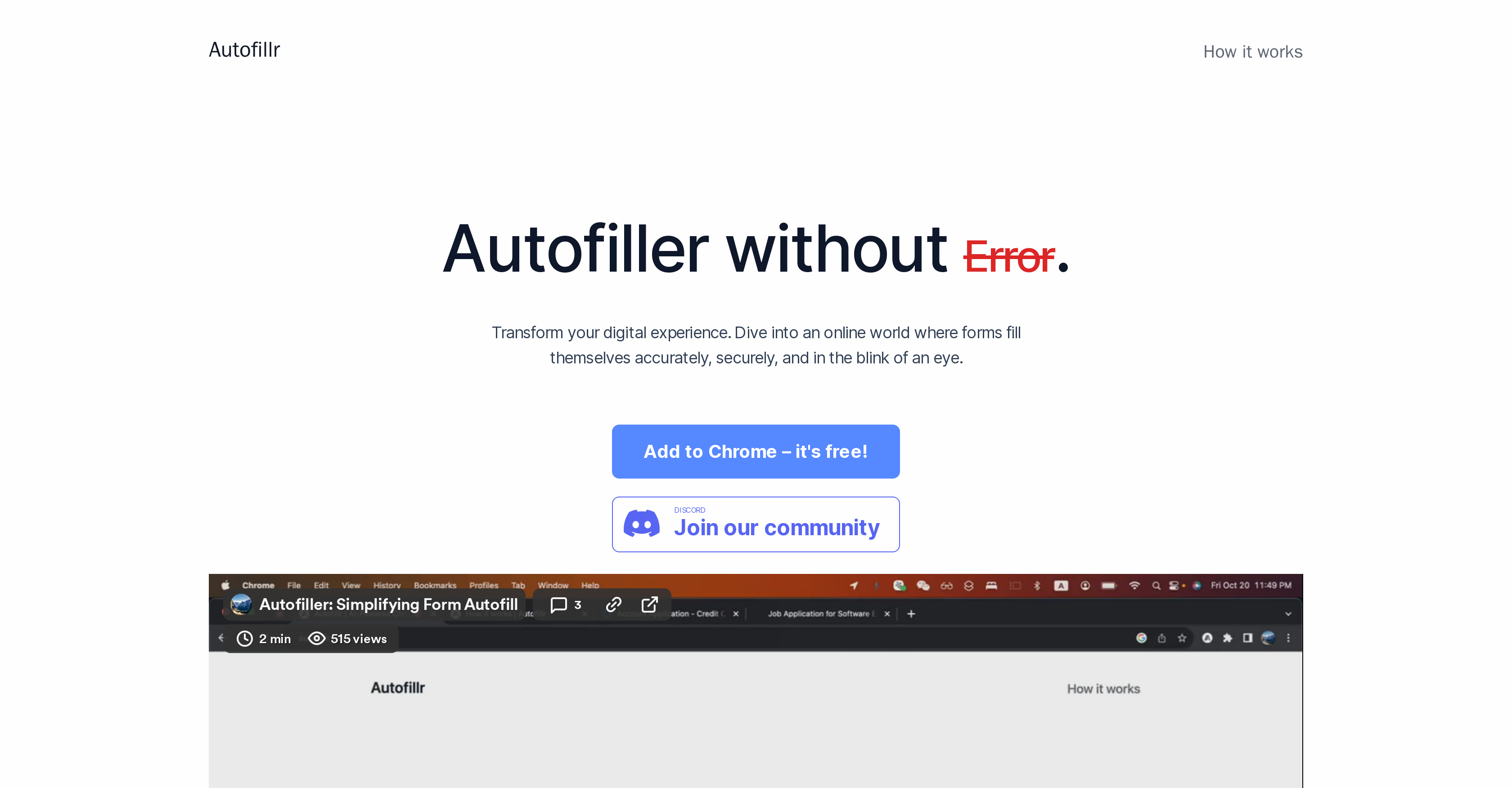
- Finish online forms in seconds instead of retyping the same details: Autofillr fills web form fields automatically, right on the page you are browsing.
- Complete the fields basic autofill skips: Autofillr recognizes and fills a wider range of form fields beyond names and addresses.
- Submit clean, error-free entries the first time: the AI form filler learns each form's structure so the right data lands in the right field.
- Move through unfamiliar sites and complex form layouts without manual fixes: Autofillr generates filling rules in real time for each new form it meets.
- Keep your personal information under your control: all autofill data is stored locally on your device, is never sent to Autofillr servers, and cannot be accessed by Autofillr staff.
- Send more job applications in less time: Autofillr fills the varied fields on online application forms, cutting repetitive manual data entry.
- Get smoother form filling over time: Autofillr is continuously upgraded to streamline how it completes forms across the web.
Pros & Cons
From the listing; not yet checked by our editors.
Pros
- Chrome extension
- Accurate autofill
- Minimizes entry errors
- Real time adaptation
- Advanced form recognition
- Constant upgrades
- Data stored locally
- No server data transfer
- Privacy focused
- Wide range field autofill
- Versatile online tool
- Improved browsing efficiency
- Free to add service
- Positive user testimonials
- FAQs provided
- Transparent data handling
Cons
- Only for Chrome
- No mobile version
- Only processes locally stored information
- Requires constant updates
- No API for developers
- Doesn't work with all forms
- Real-time adaptation can be slow
- Enhanced field recognition limited
- No multiple language support
- No offline use capability
Alternatives to Autofillr
Tools that share the most tags with Autofillr.
- Instafill
Eliminate manual data entry errors completely with AI algorithms that accurately identify and populate form fields
Freemium · from $19.99/month
$19.99/month
Not yet checked
- Filly AI
Eliminate repetitive data entry by letting AI autofill PDF and Word forms from reusable client profiles, so every form is completed in seconds.
Freemium · from $19/month
$19/month
Not yet checked
- Fill A Form AI
Finish online forms in seconds without leaving the page: the Sidekick Chrome extension detects form fields and auto-fills them with one click.
Free trial · from $19/month
$19/month
Not yet checked
- Ai Form Filler
Finish online forms in seconds without leaving the page: AI autofill populates names, addresses, and contact fields directly in your Chrome browser.
Free
Not listed
Not yet checked
- Unifill AI
Stop retyping the same details on every online form: Unifill AI learns from your first manual entry, then autofills matching forms with one click right inside your browser.
Not listed
Not listed
Not yet checked
- Fill Genius
Stop retyping the same details on every website: enter your information once, and the AI auto form filler populates any new form in a single click.
Paid · from $14/month
$14/month
Not yet checked
Reviews
Rate this tool
Loading reviews...
Frequently asked questions
What is Autofillr?
Autofillr is an AI-powered Chrome extension that enhances online efficiency by automatically and accurately filling out web forms. It understands and learns from different form structures and generates real-time filling rules for precise and error-free data entry.
How does Autofillr work?
Autofillr works by employing advanced AI technology which enables it to understand and learn the structure of various web forms. It generates on-the-fly filling rules, thus allowing it to accurately fill in a vast array of form fields.
What makes Autofillr different from other autofill tools?
Autofillr offers a more comprehensive form completion solution than traditional autofill tools, targeting a wider range of fields across diverse web forms. While others predominantly focus on basic fields, Autofillr aims for seamless, one-click filling of complex, wide-ranging fields.
What type of information can Autofillr autofill?
Autofillr can fill basic fields such as names and addresses, but it transcends these by striving to recognize and fill a wider range of fields across diverse web forms for a broad variety of tasks.
How does Autofillr ensure precise fill-out of forms?
To ensure precision in form filling, Autofillr uses intelligent AI technology to understand different form structures and generate real-time filling rules. The goal is to avoid manual entry errors by accurately filling forms.
Is Autofillr a secure tool?
Yes, Autofillr is secure. Personal data is stored locally on individual devices and not sent to Autofillr servers, thus offering a high level of privacy and security to users.
Where is my Autofillr data stored?
Every user's data is stored locally on their device. Autofillr does not send any personal information to its servers, a practice that further strengthens user privacy and data security.
Can anyone at Autofillr access my stored data?
No, Autofillr staff cannot access any user data. The system's design prioritizes privacy, with all user data stored locally on the user's own device.