
AI Stem Splitter
Overview
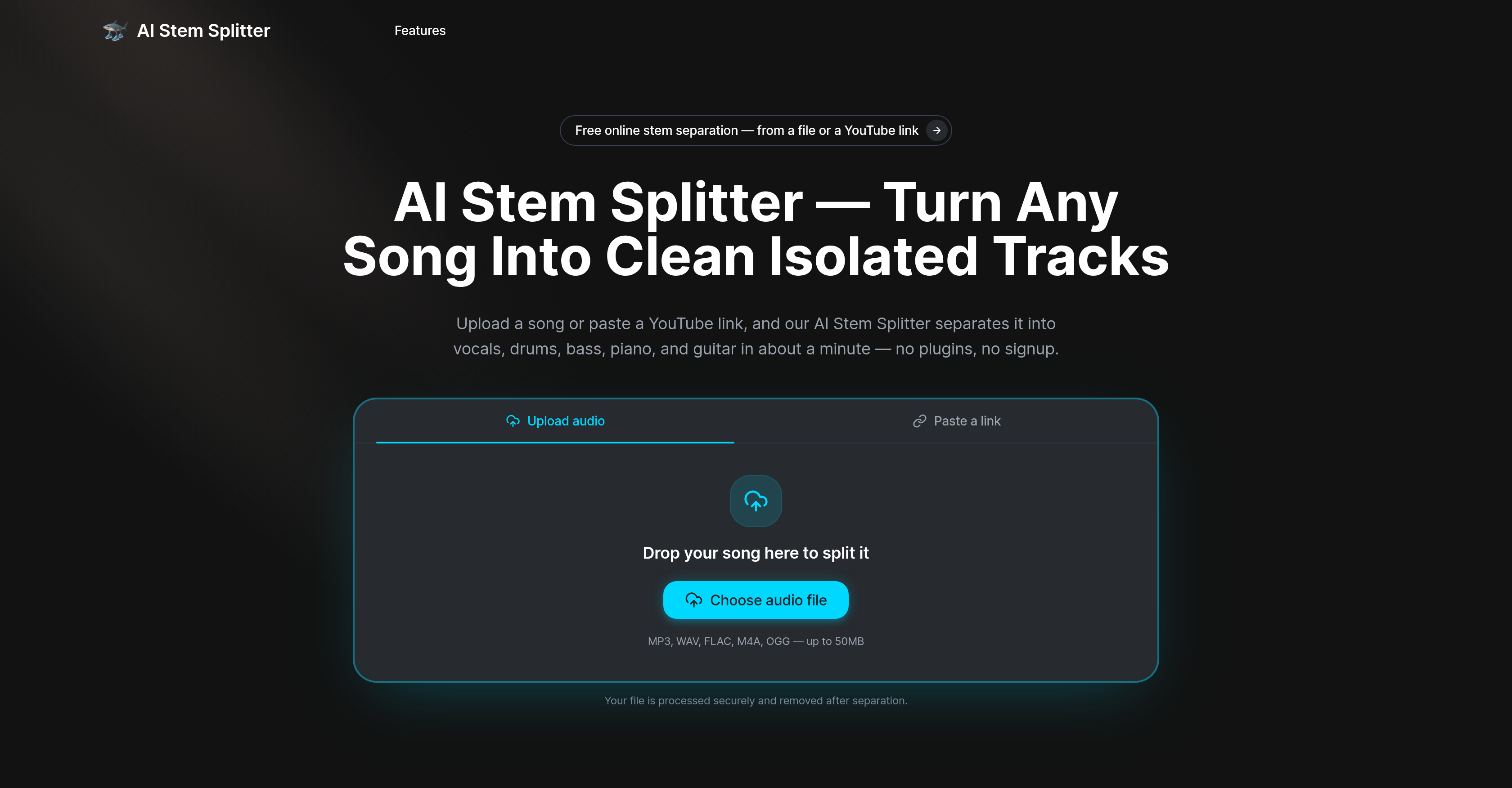
- Extract clean vocals, drums, bass, and piano from any mixed track in about a minute, using deep-learning audio separation that analyzes spectrograms for each instrument.
- Build remixes and mashups faster by pulling isolated stems from reference tracks or YouTube links, eliminating hours of manual EQ work.
- Save time in video editing by isolating dialogue from background music or extracting specific audio elements, without needing expensive plugins or audio engineering skills.
- Teach music theory and arrangement more effectively by breaking a finished song into its component parts, letting students hear each instrument's role clearly.
- Generate acapellas and instrumentals for live DJ sets on the fly, with secure processing and automatic file deletion after each session.
- Preview each separated stem directly in the browser before downloading, so you only save the tracks you actually need.
- Start splitting songs immediately with no installation or sign-up required, supporting MP3, WAV, FLAC, M4A, and OGG uploads up to 50MB.
Pros & Cons
Pros
- Separates song into tracks
- Analyzes spectrograms
- High-bitrate lossless audio
- Browser-based tool
- No installation required
- Supports MP3, WAV, FLAC, M4A, OGG
- YouTube link audio splitter
- Preview tracks on-page
- Stems downloadable post-separation
- Secure file processing
- Automatic file deletion
- User-friendly interface
- Fast processing time
- Trained on diversified libraries
- Advanced instrument recognition
- Multiple file type support
- Real-time track isolation
- Supports files up to 50MB
- Privacy-centric
- No sign-up required
- Ideal for diverse users
- Download stems individually
- Removes vocals
- Processes up to six stems
- Split directly from YouTube
- Quality scales with input
- Private file processing
- Audio separation from video
- No plugins, DAW required
- Listens to separated tracks before downloading
- Free to try
- Handles workflow in browser
- Supports lossless WAV/FLAC
- Repeatable, consistent output
- Fast multi-instrument split
- Minimal audio-engineering skill required
- Suitable for music educators, producers
- Ideal for podcasters, video editors
- Perfect for remixers and beatmakers
- Helps DJs prep acapellas
- Fosters cover artists' practice
- Allows single instrument isolation
- Reduced background music for podcasts
- Tracks separated in one pass
- Needs minimal setup
- Quick track processing (~1 min)
Cons
- Limited to 50MB files
- No API
- Limited to six stems
- Accuracy dependent on source quality
- Limited file type support
- Auto-deletion of files
- Doesn't support all musical instruments
- Requires high-bitrate or lossless audio
Reviews
Rate this tool
Loading reviews...
❓ Frequently Asked Questions
AI Stem Splitter is an online tool that utilizes deep-learning models to separate a mixed-down song into clean, individual tracks. This includes vocals, drums, bass, piano, guitars and more.
AI Stem Splitter operates by analyzing spectrograms. It estimates a mask for each instrument and recreates the isolated audio. High-bitrate or lossless audio yields optimal results. The process is done within a browser, typically taking about a minute.
AI Stem Splitter supports a variety of file formats including MP3, WAV, FLAC, M4A, and OGG.
Yes, AI Stem Splitter can separate a song from a YouTube link. Users can paste a YouTube link and the tool will automate the audio splitting process.
The separation process with AI Stem Splitter typically takes about a minute.
AI Stem Splitter can separate a wide array of instrumentation. This includes, but not limited to vocals, drums, bass, piano, and guitar.
AI Stem Splitter has a file size limit of 50MB for the audio files it processes.
AI Stem Splitter utilizes secure processing methods. Files are processed securely and they are automatically deleted after the separation process finishes.
No, there is no installation required to use AI Stem Splitter. The tool works directly from the browser, providing a user-friendly experience.
High-bitrate or lossless audio provides the cleanest output when using AI Stem Splitter. The cleaner the source file, the better the quality of the separated tracks.
For DJs, AI Stem Splitter is beneficial as it allows them to generate acapellas and instrumentals for live sets, mashups, and seamless transitions in roughly a minute per track.
Yes, podcasters can use AI Stem Splitter to reduce background music under dialogue, recover a buried voice, or repurpose audio. It helps avoid the need to re-record.
AI Stem Splitter is designed for a wide range of users from producers, DJs, and music educators to podcasters and video editors.
Yes, AI Stem Splitter uses spectrogram analysis to estimate a mask for each instrument and recreate the isolated audio.
AI Stem Splitter utilizes deep-learning models to process audio. It calculates and estimates instrument-specific masks, and then applies these masks to the original audio to isolate the specific stems.
For music educators, AI Stem Splitter presents an opportunity to break a song into its component parts. This can aid in teaching structure, harmony, and the specific role of each instrument.
Yes, AI Stem Splitter provides an option for users to preview separated tracks on the page post separation.
AI Stem Splitter is useful for video editing as it allows for the separation of music from dialogue, or isolation and extraction of specific audio elements for repurposing in the video or synchronized to visual elements.
AI Stem Splitter employs deep-learning models and spectrogram analysis to separate audio into tracks. Each instrument is given an estimate mask and the separated, isolated audio is recreated.
AI Stem Splitter is better than traditional manual splitting because it drastically reduces the time and skill required. It automates complex EQ work that previously required a skilled engineer and expensive plugins, and does it within a browser in about a minute.
AI Stem Splitter is an online tool implementing deep learning models to perform track separation in mixed songs. It disaggregates vocals, drums, bass, piano, guitar, and other sounds into separate, clean tracks, turning a final mixed-down song back into its constituents parts.
AI Stem Splitter can split any finished or mixed-down song into separate isolated tracks. It is not restricted by genre or complexity of the piece.
AI Stem Splitter delivers the best results with high-bitrate or lossless audio formats. The quality scales with the input, meaning cleaner source files will yield cleaner results.
Typically, it takes about a minute for AI Stem Splitter to process a song and separate it into stems or individual tracks.
AI Stem Splitter supports a variety of audio formats, including MP3, WAV, FLAC, M4A, and OGG files, ensuring compatibility with most audio file types.
In terms of data privacy, AI Stem Splitter processes files securely while ensuring privacy during the user session. All files are auto-deleted after the separation process concludes, meaning no user files linger on the server.
Yes, users have the option to paste a YouTube link within AI Stem Splitter, and the tool will directly separate the audio from the link into stems.
AI Stem Splitter ensures file security through its secure processing methods and automatic deletion protocol. Files are handled securely, kept private during the user session, and auto-deleted after processing, ensuring no data persists on the server post-processing.
No, AI Stem Splitter does not require any specific user skills. It is designed to be user-friendly and does not necessitate any audio engineering skills or knowledge of advanced software. Even the setup process is handled within the browser, requiring no local installations or sign-ups.
Yes, users are able to preview each separated track within AI Stem Splitter before they proceed to download. This ensures users only need to download the tracks they need, thus saving time and data.
AI Stem Splitter has been trained to separate a variety of instruments including but not limited to vocals, drums, bass, piano, and guitar. If a sound falls outside these categories, it gets classified as 'Other'.
Yes, AI Stem Splitter can distinguish between vocals and other instruments. The deep learning model effectively recognizes the unique spectral and temporal fingerprint of human voice versus various instruments.
The maximum file size that can be uploaded to AI Stem Splitter is 50MB. If a file exceeds this, it will need to be resized or compressed.
AI Stem Splitter is beneficial for a wide range of users including music producers, DJs, educators, singers, samplers, beatmakers, podcasters, video editors, and general content creators.
Yes, AI Stem Splitter is certainly suited for music educators. It allows breaking down a song into separate parts for teaching purposes, enabling students to hear and study exactly how each part contributes to the overall composition.
Music producers can derive substantial benefits from using AI Stem Splitter. For instance, they can pull clean vocals, drums, and bass from any reference track, subsequently using these to remix, rearrange or rebuild a project. Essentially, this multi-stem separation provides them with full control over each element of the track.
AI Stem Splitter can absolutely assist in building a remix. By providing separated stems, it can allow a clean and precise extraction of specific elements like vocals, drums or bass from a track. Such isolated components can then be utilized to create remixes efficiently.
The process includes four main steps: 1) Uploading a song or pasting a YouTube link, 2) Letting the AI separate the audio into different tracks such as vocals, drums, bass, etc., 3) Previewing each isolated track on the page to verify the separation, 4) Downloading the desired stems.
To start using AI Stem Splitter right away, all you need to do is visit their website and either upload a song or paste a YouTube link in the given area. Then you can simply let the system do its job and start splitting the song into separate stems.
Pricing
Pricing model
Pricing
Paid options from
N/A