
AIEngine Plugin
Overview
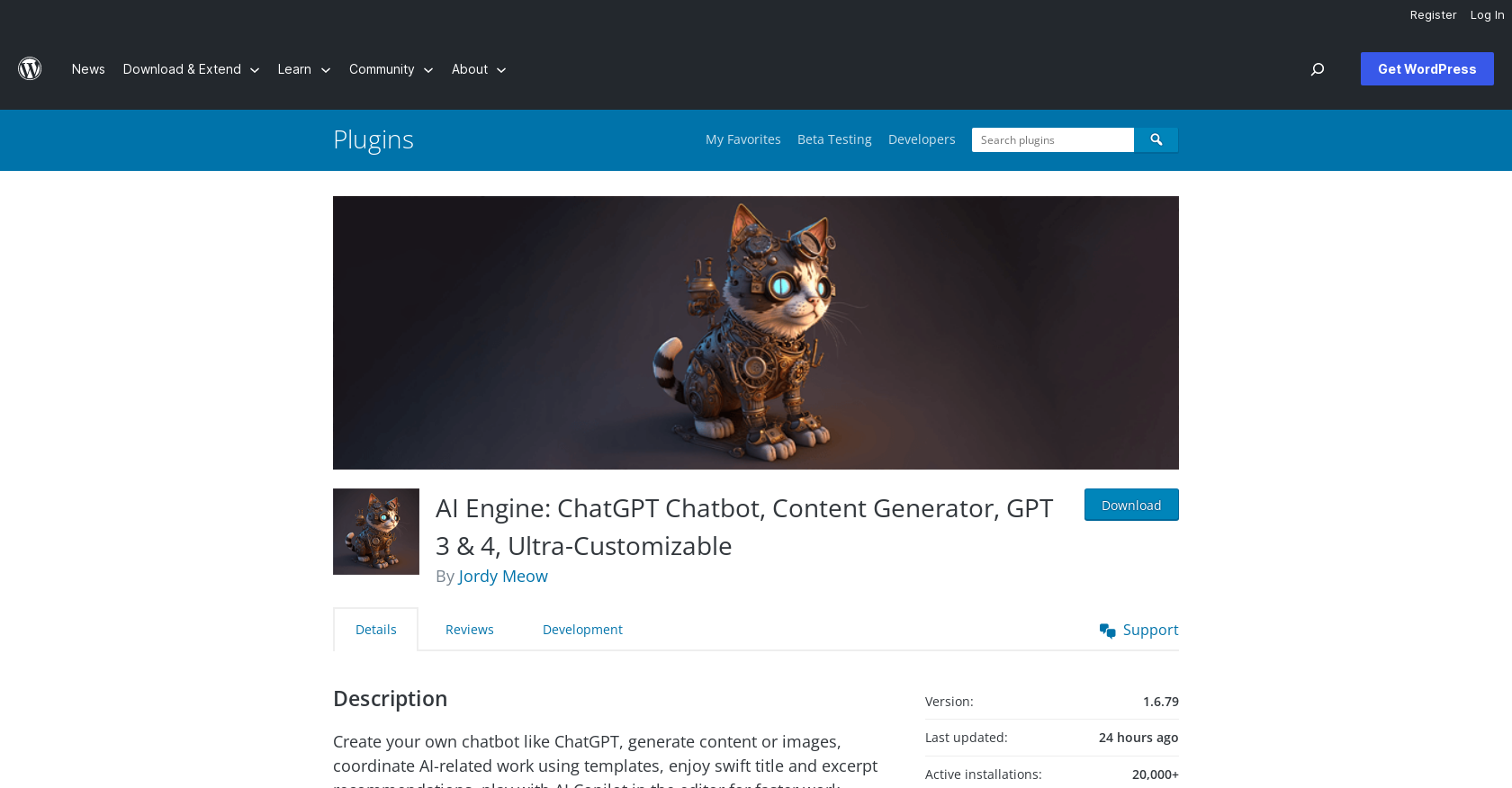
- Generate complete blog posts, titles, and excerpts instantly using GPT-4 and ChatGPT models for consistent content creation
- Train custom AI models on your website content to generate brand-aligned copy that resonates with your target audience
- Add interactive ChatGPT chatbots in popup, window, or fullscreen modes to engage visitors without coding
- Create custom AI workflows for specific tasks like recipe generation or review drafting through the AI Playground
- Generate product descriptions and optimize WooCommerce fields automatically to streamline e-commerce management
- Monitor and control OpenAI API costs with built-in usage statistics and tracking features
- Extend functionality to other plugins through the internal API for site-wide AI integration
- Customize every AI prompt and parameter to match your brand voice and content requirements
Pros & Cons
Pros
- WordPress compatible
- Offers ChatGPT chatbot
- Content and image generator
- Model training capabilities
- Highly customizable
- Sleek user interface
- In-built translation feature
- SEO tool inclusion
- WooCommerce product fields
- Uses GPT-3, GPT-4, ChatGPT models
- Copilot mode for faster writing
- Generates titles and excerpts for posts
- Custom use case capabilities
- Offers internal API for integration
- Different chatbot display modes
- Editable parameters and prompts
- Generates bulk content
- Supports Speech-to-Text with Whisper API
- Embedding support based on user data
Cons
- Only for WordPress
- No offline mode
- Outdated API
- Possible scalability issues
- Mixed reviews
- Third-party plugin dependencies
- Limited language support (English)
Reviews
Rate this tool
Loading reviews...
❓ Frequently Asked Questions
AI Engine is a WordPress plugin that offers a range of AI-powered tools such as a ChatGPT chatbot, content and image generator, model training, and more. It can perform tasks such as translation, correction, SEO, suggestions, and WooCommerce product fields and facilitate the creation of custom use cases. It is primarily used for creating fresh and engaging content and customizing chatbots for a WordPress site.
AI Engine supports models such as GPT-3, GPT-4, and ChatGPT.
Yes, AI Engine can generate fresh and engaging content for your WordPress site. It can also generate titles and excerpts for posts and product fields for WooCommerce.
AI Engine key features include: a ChatGPT chatbot, content and image generator, model training, an AI Playground offering various features such as translation, correction, SEO, suggestions, WooCommerce product fields, chatbot customization, parameter adjustment. It also includes built-in statistics for OpenAI usage tracking, and an internal API for other plugins to tap into its capabilities,
AI Engine is highly customizable. It allows users to adjust the parameters, customize the prompts according to their liking, and even create custom use cases for acquiring recipes or drafting restaurant reviews. The user interface can be personalized according to user needs.
The AI Playground in AI Engine is a feature that provides a range of AI tools such as translation, correction, SEO, suggestions, WooCommerce product fields, and more. It enables users to generate engaging content and create custom use cases based on their specific requirements.
Yes, AI Engine allows users to train their AI models to better cater to their target audience. By using the website's content and other relevant information, users can finetune their AI models for improved performance.
AI Engine offers various modes for the chatbot, including fullscreen, popup, and window modes. These can be adjusted according to the user’s preference.
AI Engine allows users to keep track of their OpenAI usage with built-in statistics. This feature provides insights into how much of the OpenAI capacity is being utilized.
Yes, AI Engine offers its own internal API that can be utilized by other plugins. For instance, plugins like Media File Renamer and Social Engine have successfully integrated with AI Engine's capabilities.
The AI Copilot mode in AI Engine can help users think and write quickly. When users type their question in the WordPress editor space, the AI Copilot provides suggestions or alternatives to help improve the writing process.
AI Engine can help with tasks such as generating fresh and engaging content, customizing chatbots, translation, correction, SEO, suggestions, managing WooCommerce product fields, and more. It can also provide AI-driven recommendations for post titles and excerpts.
Yes, AI Engine includes a feature that generates suggestions for titles and excerpts for posts. These AI-driven recommendations can help in creating engaging content.
Yes, AI Engine allows users to customize the prompts to their liking, improving flexibility and accuracy when generating content.
To use AI Engine, users need to create an account at OpenAI and generate an API key to use in the plugin settings. However, by using AI Engine, users agree to manage the content generated by the AI and handle any problems or misuse.
The internal API in AI Engine allows for integration with other plugins, expanding its capabilities to different aspects of your WordPress site. This allows other plugins to tap into the AI capabilities offered by AI Engine.
Yes, AI Engine enables the creation of custom use cases based on user needs. For instance, users can swiftly acquire recipes based on refrigerator contents or quickly draft restaurant reviews.
With the AI Copilot mode in AI Engine, users can brainstorm ideas and write faster. The AI Copilot provides suggestions to help users think and write quickly while in the WordPress editor.
Yes, AI Engine allows users to generate images along with the content for their WordPress site. Users can adjust the parameters, customize the prompts, and use AI Engine to generate the desired images.
Yes, AI Engine users can adjust the parameters according to their preference and content needs. These parameters also can be saved as templates for future use, optimizing the content generation process.
Pricing
Pricing model
Free
Paid options from
Free
Related Videos
How to Integrate a GPT-4 Chatbot into Your WordPress Using AIEngine Plugin
MapilitMedia Inc.•18.2K views•Dec 7, 2023