
AIPex AI Browser Automation Assistant
Overview
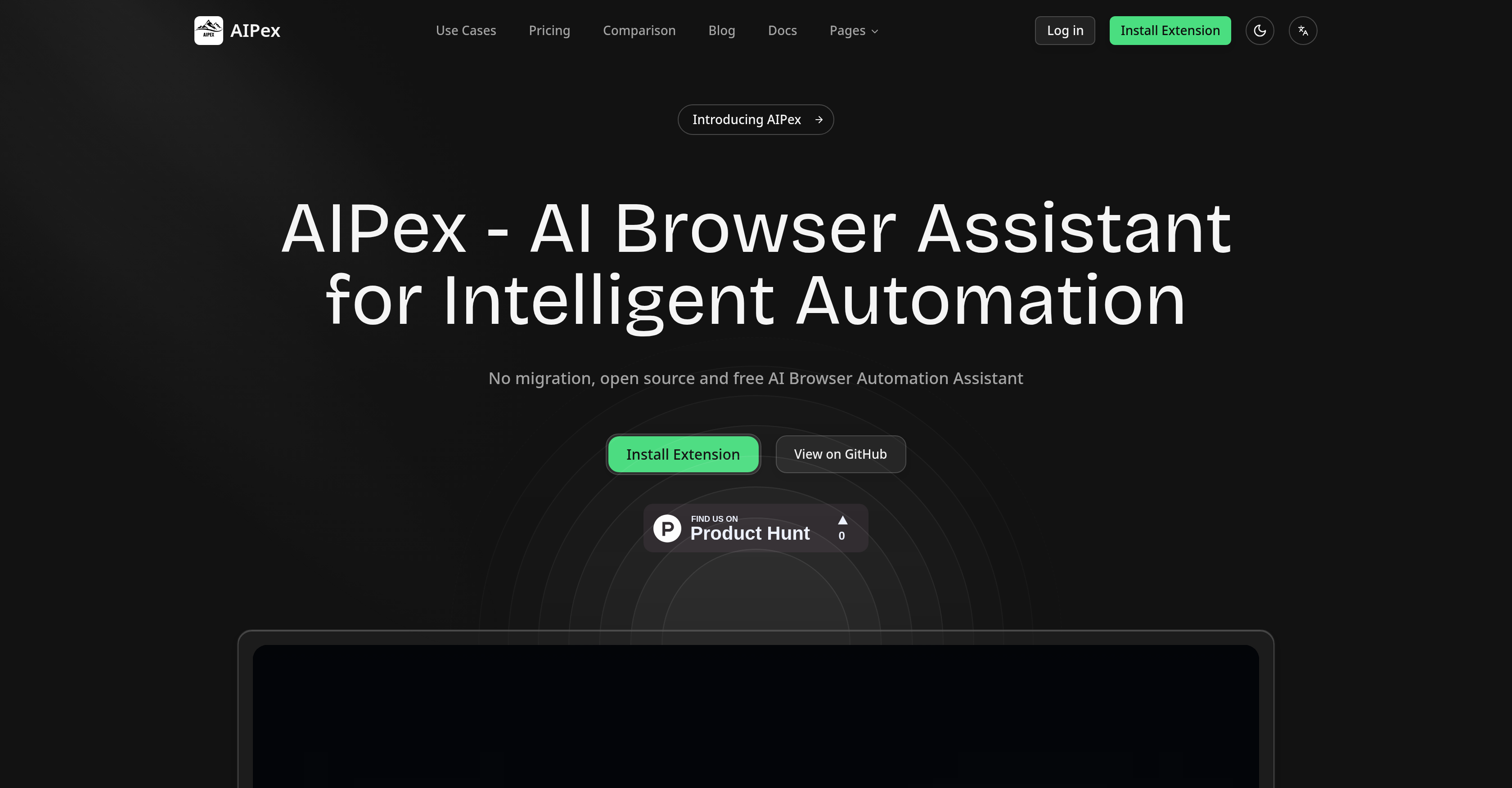
- Instantly organize chaotic browser tabs into logical groups by topic or project using AI-powered tab management.
- Conduct comprehensive research across multiple sources and extract key information using natural language commands.
- Generate step-by-step user guides and training materials automatically by recording your screen activity and workflows.
- Document software bugs with precise instructions and screenshots automatically, streamlining the reporting process.
- Control your browser and interact with open tabs through natural conversation, asking questions and getting summaries.
- Keep all existing bookmarks, extensions, and settings with zero migration required for immediate setup.
Pros & Cons
Pros
- Open-source
- Free tool
- Works on Chrome browser
- Zero migration cost
- Automatic tab organization
- Interaction with tabs via conversation
- Comprehends screen activity
- Generates support articles
- Transforms recordings into tutorials
- Automatic documentation for bugs
- Customizable to user operations
- Multi-tiered pricing plans
- Strong privacy protection
- Creates user guides
- Intelligent research assistance
- Over 30 automation tools
- Automates video editing
- Comprehensive data extraction
- Automates workflow
- Instant setup
- Step-by-step website navigation guidance
- Contributes to development
- Natural language commands
- Smart user manual guide
- Automates creation of guides
- Intelligent insights from recordings
- Automates bug reporting
- Automates support article generation
- Transforms workflows into training material
- Keeps existing bookmarks and settings
- Community collaboration features
- Unlimited @tabs in paid plan
- Advanced screen recording
Cons
- Chrome-exclusive
- Complicated for non-tech-savvy
- Multiple pricing plans confusion
- Heavy reliance on natural language
- Potential privacy issues in interactions
- Limited to browser operations
- Limited to existing user operations
- No specific information on customizations
- Dependent on User's contribution for development
- Complex bug-reporting process
Reviews
Rate this tool
Loading reviews...
❓ Frequently Asked Questions
AIPex AI Browser Assistant is a tool engineered for intelligent automation of browser tasks. This open-source and free extension empowers users with its three main features - tab management, data extraction, and workflow automation. It can conveniently be installed on any existing Chrome browser, eliminating the need for system migration. It brings over 30 different automation tools to the table, aiding in automatic tab organization, facilitating interaction with tabs through natural language, and providing intellectual assistance in research across diverse sources.
AIPex offers a robust tab management system. It can automatically group and organize your browser tabs by specific topics, projects, or priorities. This AI-powered intelligence helps keep your browsing environment orderly and enhances productivity.
Yes, AIPex does possess data extraction capabilities. The AI-powered browser assistant can learn from your behavior to effectively collect, analyze, and synthesize information for comprehensive research across multiple sources. Furthermore, AIPex can compile information from conversations, providing a seamless mode of interaction and information collection.
AIPex most certainly has the capability to automate usability experiences. It uses its AI engines to analyze interfaces and provide step-by-step guidance for navigating any website or application. It can also assist in creating user guides, comprehending screen activity, and generating documents to aid in workflow automation.
To install AIPex on your Chrome browser, simply visit their website and click on 'Install Extension', which will guide you through the user-friendly setup.
AIPex offers over 30 different automation tools that help streamline tasks like tab organization, interaction with tabs through natural language, and intelligent research assistance. It can also analyze user interfaces, create helpful user guides, record and understand screen activity, transform recordings into tutorials, edit and structure video content automatically, and automatize bug reporting.
Yes, AIPex does provide intelligent research assistance. It uses its sophisticated AI capabilities to gather, analyze, and synthesize information from multiple sources, aiding in comprehensive research work.
AIPex uses advanced AI features to analyze interfaces. It comprehensively understands user operations, navigating the interface to provide users with step-by-step instructions. This ability to succinctly analyze interfaces makes AIPex stand out in ensuring a seamless experience.
Yes, AIPex plays a vital role in the creation of user guides. It adopts user operations and summarizes them automatically, thereby generating comprehensive instructions based on the users' actions, which can be transformed into useful guides.
Yes, AIPex can record and comprehend screen activity. It not only records your activities on the screen but also understands your actions to provide intelligent insights from the recordings.
Yes, with AIPex, you can transform your screen recordings into tutorials effortlessly. AIPex intelligently edits and structures the content to yield polished tutorials that can be used for various purposes.
AIPex does allow automatic video content editing and structuring. It automatically edits and structures recorded videos into polished demonstration videos, making the creation of tutorials or guides more streamlined.
AIPex streamlines bug reporting by automatically documenting bugs with screenshots and detail-oriented step-by-step instructions. This makes the tedious process of bug reporting less time-consuming and more efficient.
Absolutely, AIPex can be customized to match user operations. It understands and adopts the operations of users to offer a personalized automation experience. This unique feature allows AIPex to align its functionality seamlessly with the individual needs of users.
AIPex offers three pricing plans to accommodate different user needs. A basic plan costs $20/month, ideal for newcomers starting their journey with AIPex, provides all AI models, unlimited use of '@tabs', and routine email support. The pro plan at $60/month is suited for power users and small teams, offering all the features of the basic plan with added priority support and enhanced agent features. Lastly, the business plan at $100/month meets the needs of organizations and businesses with increased credits, dedicated support, enhanced agent features, and added team collaboration.
AIPex prides itself on its strong data privacy policy. It assures that user's data is stored securely within its system, sticking to the strict guidelines of its privacy protection framework.
AIPex stands out from other proprietary tools for its open-source and free nature. Unlike others, it operates with zero migration cost, offers user customization, and is centered on privacy protection. Its advanced features like intelligent tab organization, ability to interact with tabs, and elaborate research assistance make it a strong contender against other similar tools.
While AIPex is, indeed, an open-source tool, its pricing structure displays plans from $20 to $100 per month. These plans offer advanced features and support options. Still, the basic functionality, high-level automation, can be accessed free of cost.
Yes, AIPex can automatically organize your browser tabs. The AI-powered intelligence groups and arranges tabs according to topic, project, or priority. This automation aids users in maintaining an orderly and productive browser environment.
Yes, AIPex allows users to extract information from their interactions. It interacts with your open tabs through natural conversation, enabling you to ask questions, get summaries, or extract beneficial information thus enriching your browsing experience.
AIPex AI Browser Automation Assistant is an AI-powered tool specifically designed for intelligent automation of your browser. It operates as an open-source extension for the Chrome browser. Its primary functions include tab management, data extraction, and workflow automation. With over 30 automation tools, AIPex automates tasks like tab organization, interacting with tabs through natural conversation, and intelligent research assistance across multiple sources. Other functions include analyzing interfaces, providing step-by-step guidance for any website or application, creating user guides, comprehending screen activity, generating support articles, and transforming recordings into tutorials.
AIPex uses AI algorithms to automatically organize browser tabs based on topic, project, or priority. It can also interact with open tabs through natural conversation, offering users an efficient and personalized browser management experience.
AIPex assists in data extraction by understanding user interactions with websites and applications and providing intelligent insights based on screen activity. It can also transform these interactions into comprehensive guides for future reference.
Workflow automation in AIPex is facilitated through its ability to conduct comprehensive research across multiple sources with AI assistance, generate support articles, transform recorded workflows into comprehensive materials for training, and provide instant help and guidance to navigate websites or applications.
AIPex creates user guides based on action recordings on the screen. It understands user operations, summarizes them automatically, and seamlessly turns these summaries into comprehensive guides. It also has capabilities to document bugs thoroughly, complete with step-by-step instructions and screenshots.
AIPex differentiates itself from other browser automation tools by its extensive range of features, user-friendly setup, and zero migration cost. Unlike tools like ChatGPT Atlas, Comet, or Dia, AIPex comes free and requires no browser migration. It maintains the same powerful AI automation while saving the time and hassle associated with switching to a new browser.
Yes, AIPex features are customizable to match user operations. The tool understands user actions and provides intelligent insights based on the interfaces and applications used.
AIPex is a user-friendly browser automation tool for its easy setup, intuitive use, and assistance capabilities. It can be installed directly on the existing Chrome browser, saving users from the migration cost. Also, with its aid, users can keep all their bookmarks, extensions, and settings, making it a convenient choice.
AIPex offers different pricing plans optimized to suit different user needs. It provides individuals with a basic plan at $20/month, a pro plan priced at $60/month for power users and small teams, and a business plan available at $100/month for larger teams and businesses. Each plan includes its own set of services and benefits associated with AI models, email support, and team collaboration.
Yes, AIPex adheres to a robust privacy protection framework. It ensures the safety of user's data by taking vigorous security measures.
AIPex, being an open-source tool, offers high-level functionality similar to proprietary tools but at no cost. It provides a wide range of tools for browser automation and allows the user community to contribute to its improvement and development.
AIPex integrates seamlessly with your existing Chrome browser as it is an open-source extension for Chrome. This means no migration is required, and you can keep your existing bookmarks, extensions, and settings.
AIPex eases the process of bug reporting and documentation by automatically documenting bug issues with comprehensive step-by-step instructions and screenshots. This feature not only makes bug reporting more effective but also extremely effortless.
Yes, AIPex does provide features for team collaboration. Especially with its business pricing plan, AIPex includes advanced agent features that allow seamless team collaboration.
AIPex employs Natural Language Processing (NLP) in its interface interactions. It allows users to use natural language commands to control their browser experience efficiently. They can interact with their browser tabs through natural conversation and ask questions, get summaries or even extract information.
Yes, AIPex can record screen activities and comprehend them. It uses sophisticated AI algorithms to understand user actions on the screen, providing intelligent insights based on that information.
AIPex can generate comprehensive support articles from the interactions it records during its support activities. As it understands and documents these interactions, it builds a knowledge base that can be used for future reference.
Yes, AIPex can be used for making tutorial videos. By analyzing and comprehending user actions, it can transform these recordings into polished demo videos or comprehensive tutorials, automatically editing and structuring the content.
Being an open-source tool, AIPex welcomes contributions from its users to its development and improvement. These can be in the form of code enhancements, identification and fixing of issues, updates to increase system efficiency, UI/UX improvements, and more.
AIPex provides intelligent research assistance across multiple sources. Using its AI abilities, it can gather, analyze, and synthesize information to help users conduct comprehensive research, making it a valuable tool for data-driven activities.
Pricing
Pricing model
Free Trial
Paid options from
$20/month
Billing frequency
Monthly