

AirCodum
Overview
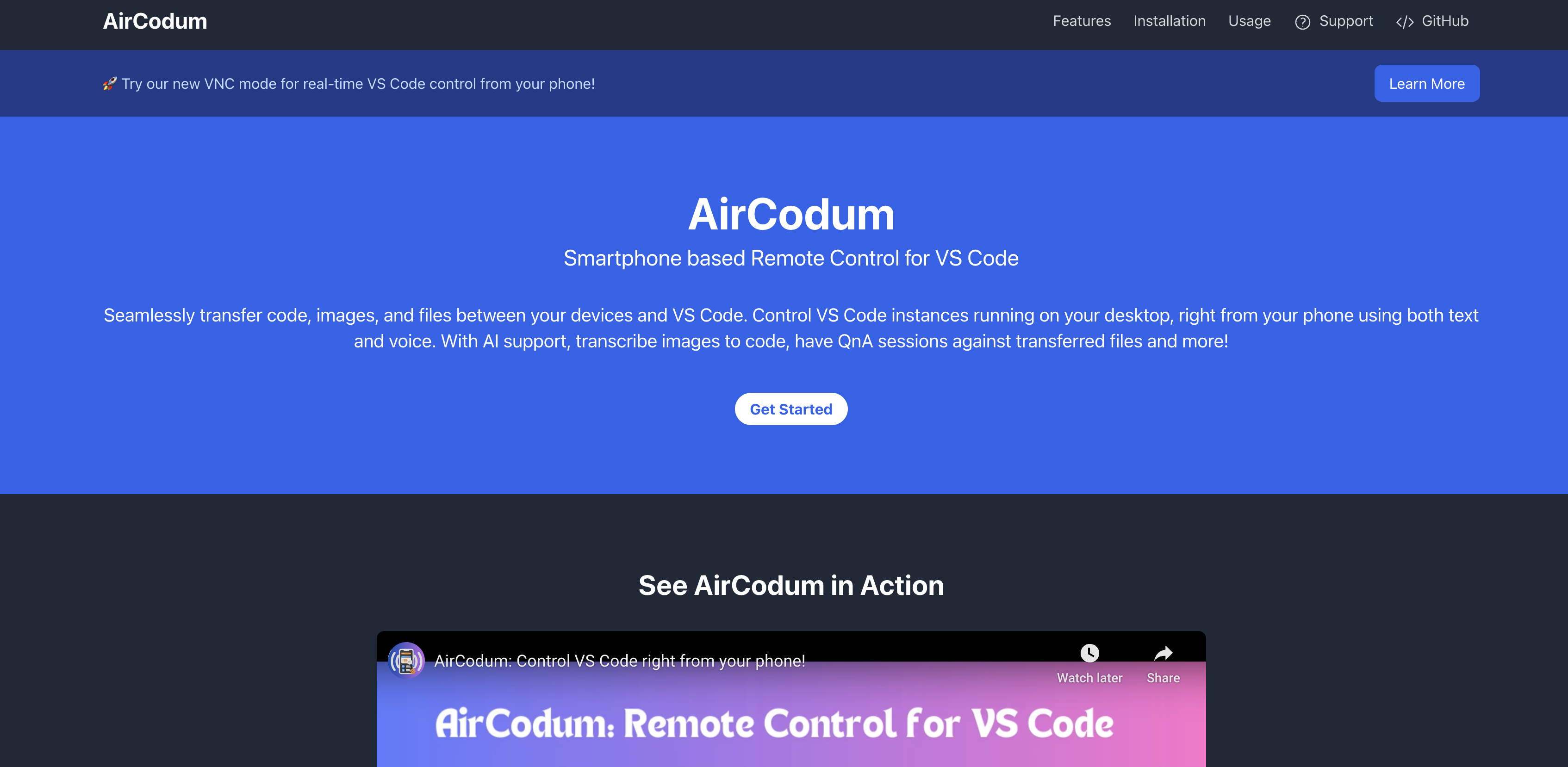
- Code from anywhere by transforming your smartphone into a full remote control for your VS Code desktop environment through VNC mode
- Instantly transfer code snippets, files, and images between your phone and VS Code without using email or third-party services
- Execute VS Code commands hands-free with voice control for opening files, navigating code, and running functions while multitasking
- Monitor long-running tasks and terminal output remotely so you can step away from your desk without losing visibility on progress
- Convert whiteboard designs and handwritten notes directly into functional code using AI-powered image recognition and conversion
- Maintain coding workflow continuity during absences with real-time remote access to make codebase changes from any location
Pros & Cons
Pros
- Smartphone-based remote control
- Seamless code transfer
- File and image transfer
- Voice command interaction
- VNC mode for remote control
- VC terminal output monitoring
- Camera-captured designs transform
- Handwritten notes to code
- Instant code sharing
- AirCodum VS Code extension
- Dedicated IP and port communication
- Optimized for same Wi-Fi network
- Tailscale for remote access
- Mobile-to-desktop transfer
- VS Code instance control
- Mobile app for remote control
- Interactive QnA sessions
- Tasks visibility from anywhere
- File transfer bypassing email
- Tasks visibility from anywhere
- AirCodum mobile app
- Real-time collaboration with mobile
- AFK mode for remote control
- Control during unavoidable absences
- Whiteboard design to code
- Instant screenshot sharing
- Image to code conversion
- No third-party services required for sharing
- Extension and mobile app updates
- Custom keyboard with VC commands
- Remote Access using Tailscale
- Commands for quick actions
- VNC Mode for real-time control
- VS Code command auto-complete
- Supported VS Code commands
- Vast list of voice commands
- Handwritten notes recognition
- Instant code sharing
- VS Code Extension
- Wi-Fi based optimal performance
- Mobile-to-Desktop code sharing
- Network Connectivity with Tailscale
- Handwritten notes to code capability
- Whiteboard Code Conversion
- Voice Commands in VS Code
- VNC Mode for remote control
- Remote Terminal Monitoring
- Allows working from Anywhere
- Enhances Coding Efficiency
- Tailscale integration for remote access
Cons
- Requires Tailscale for remote access
- Depends on stable Wi-Fi
- Limited to VS Code
- Limited voice commands
- Possible latency in file transfer
- Potential IP address and port configurations
- No direct multi-platform compatibility
Reviews
Rate this tool
Loading reviews...
❓ Frequently Asked Questions
AirCodum enables you to control VS Code remotely by transforming your smartphone into a control device. It lets you access VS Code instances that are running on your desktop without being physically present. It's like having your coding workspace accessible anytime, anywhere from your phone, complete with text and voice command interactions.
AirCodum provides easy file transfer capabilities between your mobile device and VS Code. This allows seamless movement of code snippets, files, and images. AirCodum also supports the feature of transferring code directly from your phone to the VS Code. This negates the need for emails or any third-party services, streamlining your coding process.
AirCodum employs a powerful voice recognition feature that enables you to interact with your VS Code environment through vocal commands. It allows you to control your coding workspace by voicing out actions like 'open file' or 'go to line', making it even more efficient, especially when multitasking or when your hands are busy.
AirCodum's VNC mode, or Virtual Network Computing mode, allows for real-time, remote control of VS Code. This means you can directly control your VS Code with touch, voice commands, and a custom keyboard from your mobile device. It comes in handy when you need to perform long-running tasks or make adjustments to your codebase while you're away from your computer.
AirCodum has a feature that allows users to monitor their VS Code terminal output remotely, via their smartphones. This means you can check the status and outputs of your scripts or code that are running on VS Code instantly, even if you are not physically present in front of your desktop.
AirCodum utilizes AI technology to convert images of whiteboard designs or handwritten notes into actual, functional code. This essentially means you can simply capture a picture of your handwritten code or sketch of your algorithm, and AirCodum will convert that image into code in your VS Code environment.
AirCodum streamlines the process of code sharing from phones to VS Code. After installing the AirCodum mobile app, you can send your code, images, or files directly to VS Code. You can simply select the necessary files on your mobile device and send them instantly, bypassing the need for emailing or third-party services.
Connecting AirCodum's VS Code extension with its mobile app involves a simple process. Firstly, ensure the extension is installed and activated. Then on VS Code, run the command 'AirCodum: Start Server' through the command palette. The IP address and port number will be displayed. Enter these details into the mobile app to establish the connection with VS Code.
For optimal performance of AirCodum, it is recommended that both your desktop and mobile device be connected to the same Wi-Fi network. By maintaining the devices on a common network, the data transfer, command send/receive, and overall communication between the devices and the AirCodum tool will be smooth and efficient.
Tailscale is a technology that can be used for remote access when using AirCodum. This can be especially handy when your desktop and mobile are not on the same Wi-Fi or local network. By installing Tailscale on both devices and connecting them to the same Tailscale network, you can establish a secure remote connection for using AirCodum.
First, install the AirCodum VS Code Extension from the VS Code Marketplace. Post installation, open VS Code and run 'AirCodum: Start Server' from the command palette. Note the IP address and port displayed in the VS Code output. Then, open the AirCodum mobile app on your device, enter the IP address and port from VS code into the mobile app, and tap 'Connect' to establish a connection.
AirCodum supports a comprehensive list of VS Code commands. These range from common actions like 'Cut', 'Paste', 'Copy', and 'Tab', to navigation functionalities like 'Go To Next Reference', 'Go To Line Start', and 'Move Cursor Page Down', and even advanced commands for handling code structures and logic, like 'Jump To Bracket', 'Join Lines' and 'Delete Word Right'.
AirCodum's VNC Mode allows for real-time, remote control of VS Code from your phone. Just start the AirCodum Server from VS Code Command Palette, connect the AirCodum app by entering the displayed IP and port, and then toggle on VNC Mode! With this, you can control your VS Code instance with touch, voice commands, and a custom keyboard.
AirCodum's AI-powered support can enhance your code development process by transforming camera-captured designs or handwritten notes into actual code. It allows interactive Q&A sessions about your codebase, supplying code explanations and providing AI assistance to boost your productivity, all through your smartphone as a medium.
AirCodum's remote monitoring feature can be particularly beneficial for long-running tasks. Whether you're executing code, running tests, or building your project, AirCodum allows you to check the progress and receive the output remotely on your smartphone. This way, you needn't be chained to your desk and can carry out other tasks or take breaks while still being able to monitor your tasks.
AirCodum is designed to enable coding efficiency for professionals who need to work from anywhere. Its feature set including remote control of VS Code, remote terminal monitoring, voice commands, instant code/file sharing and AI Coding Assistant, facilitates productivity and smooth coding workflow, regardless of your location.
AirCodum comes packed with features aimed at enhancing coding efficiency. These include remote VS Code control, mobile-to-desktop file transfer, code sharing, AI coding assistant, seamless recognition of handwritten notes, real-time control and viewing of your VS Code environment, voice commands, and remote terminal monitoring.
AirCodum allows you to send files, images, and code snippets from your mobile device directly to VS Code, facilitating instant file transfer between the two. Whether you found a useful code snippet on your phone, or need to quickly share a screenshot with code annotations, AirCodum's seamless file transfer feature makes it simple and efficient.
The AI Coding Assistant in AirCodum aids in transforming camera-captured whiteboard designs or handwritten notes into actual, functioning code. It enhances productivity by facilitating interaction and QA sessions about the codebase, providing code explanations and automatically converting complex designs and notes into code in the VS Code environment.
In AirCodum, voice commands work as audio instructions you give to interact with your VS Code environment. Through the recognition of spoken words, it interprets the desired action and relays it to VS Code. For example, you can give voice commands like 'open file', 'go to line', or any other supported command to manage your coding workspace
Pricing
Pricing model
Free
Paid options from
Free
Related Videos
AirCodum: Mirror, Control and Code in VS Code right from your phone!
AirCodum•169 views•Feb 1, 2025