

Amical
Capture notes and transcribe meetings completely hands-free with voice-controlled operation
Listing not yet reviewed by our editors · How we check
Overview
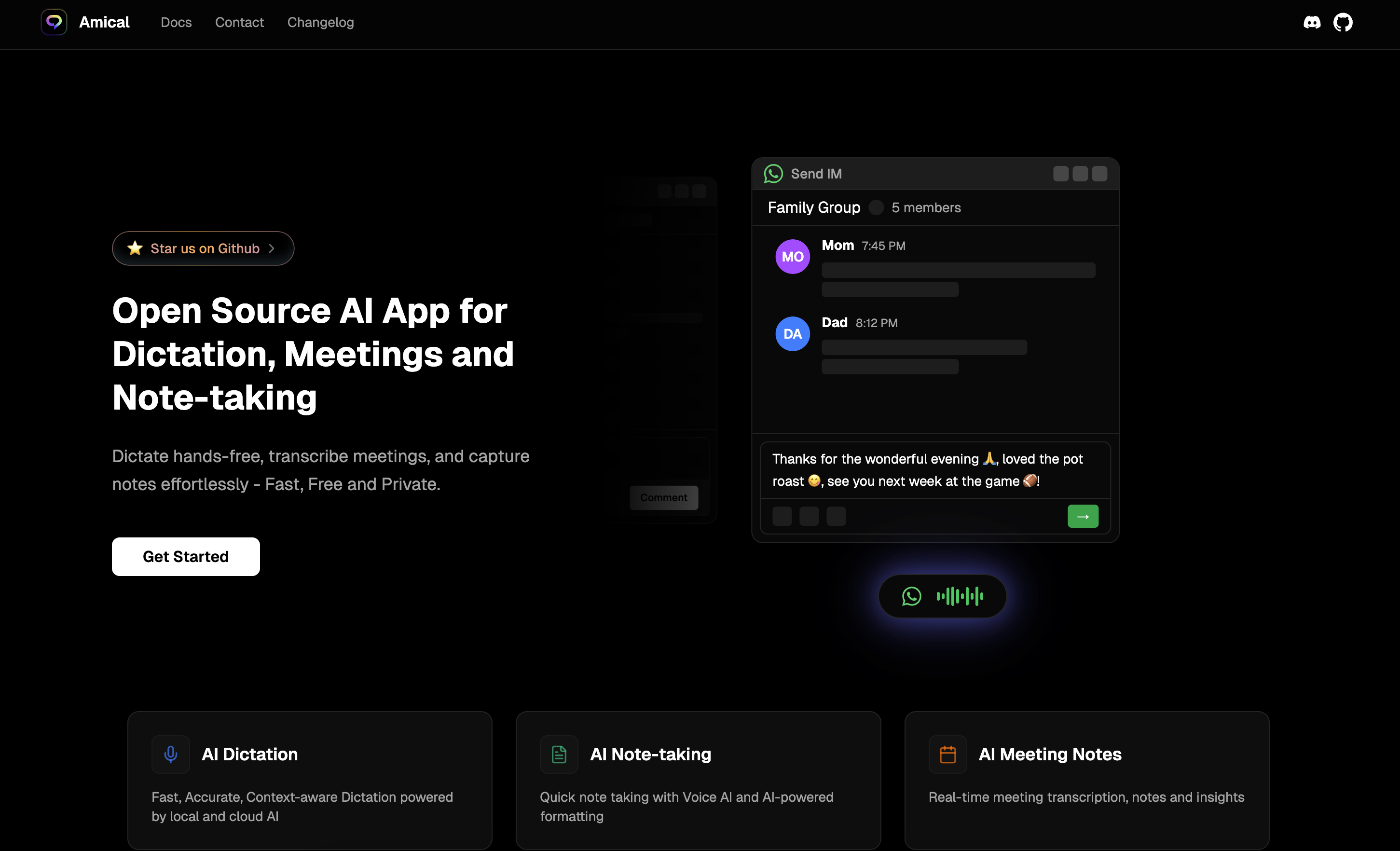
- Capture notes and transcribe meetings completely hands-free with voice-controlled operation
- Eliminate industry-specific term errors using custom vocabulary that learns your unique terminology and jargon
- Maintain complete privacy control by choosing between local or cloud AI models for sensitive dictation
- Switch effortlessly between professional and casual writing styles as it automatically formats for email or social media
- Transcribe multilingual conversations accurately with native-level support for over 50 languages and mixed-language dictation
- Create personalized voice commands and shortcuts to automate repetitive tasks and streamline your workflow
Pros & Cons
From the listing; not yet checked by our editors.
Pros
- Open-source tool
- Hands-free dictation
- Meeting transcription
- Notes capture
- Local and Cloud-based models
- Customizable vocabulary
- User-specific terminology recognition
- Industry-specific transcription
- Personalized voice commands
- Custom voice shortcuts
- Supports over 50 languages
- Native-level language accuracy
- Mixed-language dictation
- Context-aware functionality
- Formats dictation per application
- Privacy control
- Accurate transcription
- Supports variety of applications
- Precision with industry terms
- Effortless note-taking
- Choice in privacy control
- Maximizes user productivity
- Application-specific formatting
- Recognizes jargon and acronyms
- Streamlines workflow
- Users can dictate directly
- High-speed transcription
- Supports professional and casual use
- Flexible security options
- Dictate in multi-languages
- Runs locally for privacy
- Understands application context
- Recognizes proper nouns
- Operational on Mac and Windows
- Auto-corrects grammar
- Fixes pronouns
- Adds contextual emojis
- Automatic action triggering
- Adapts to personal writing style
- Automatic application-based tone adjustment
- Intelligent text formatting
- Workflows triggerable by speech
- High transcription accuracy
Cons
- Might struggle with complex terminology
- Security concerns with multiple providers
- Limited to 50 languages
- Assumed understanding of users' applications
- Keystroke shortcuts may be cumbersome
- May lack important integrations
- Open source requires technical knowhow
- Local models limit portability
Alternatives to Amical
Tools that share the most tags with Amical.
- Soundwise.ai
Get instant transcriptions without signing up or paying, enabled by a completely free and unlimited-use web tool
Freemium · from $10/month
$10/month
Not yet checked
- AssemblyAI
Achieve up to 23% more accurate call transcription with AI models trained on 12.5M hours of multilingual audio data
Freemium
Not listed
Not yet checked
- Apptek
Convert audio to precise text transcripts across dozens of languages and dialects using neural network speech recognition
Not listed
Not listed
Not yet checked
- Zeemo
Create accurate video captions instantly with AI-powered generation that achieves over 98% accuracy
Free trial
Not listed
Not yet checked
- Voicetype AI
Write emails and documents entirely hands-free using advanced voice dictation that captures your natural speaking style
Free trial · from $13.59/month
$13.59/month
Not yet checked
- Speechy
Instantly create organized to-do lists and action items by speaking instead of typing, eliminating manual note-taking during meetings and brainstorming sessions
Freemium · from $9/month
$9/month
Not yet checked
Reviews
Rate this tool
Loading reviews...
Frequently asked questions
What is Amical?
Amical is an open-source Artificial Intelligence application designed for dictation, meetings, and note-taking. It enables users to dictate hands-free, transcribe meetings, and capture notes without any hassle.
What can Amical be used for?
Amical can be used for hands-free dictation, transcribing meetings, taking notes, creating personalized voice commands and shortcuts, recognizing industry-specific terminology and jargon, and it formats these dictated notes depending on the application it's being used with.
Is Amical suitable for multilingual use?
Yes, Amical is suitable for multilingual use. It supports over 50 languages and offers native-level accuracy for multilingual and mixed-language dictation.
Does Amical support industry-specific terminology?
Yes, Amical supports industry-specific terminology. It has a unique custom vocabulary feature that enables it to recognize user-specific terminology and jargon for personalized and industry-specific transcription results.
How does Amical protect user privacy?
Amical protects user privacy by operating on both local and cloud-based AI models, providing users with the choice and control over their privacy. It ensures accurate transcription while maintaining user privacy across different applications.
What are the functions of Amical?
Amical's functions include hands-free dictation, transcribing meetings and notes, understanding the context of users' instructions, creating custom voice commands and shortcuts, recognizing user-specific and industry-specific terminology, offering multilingual support, and maintaining user privacy.
How can Amical help improve workplace productivity?
Amical can help improve workplace productivity by streamlining the users' workflow with customized voice commands and shortcuts, enhancing productivity through hands-free operation and understanding the context of users' instructions.
What types of AI models does Amical use?
Amical uses both local and cloud-based AI models. These models provide users with the choice and control over their privacy.