Soundwise.ai
Overview
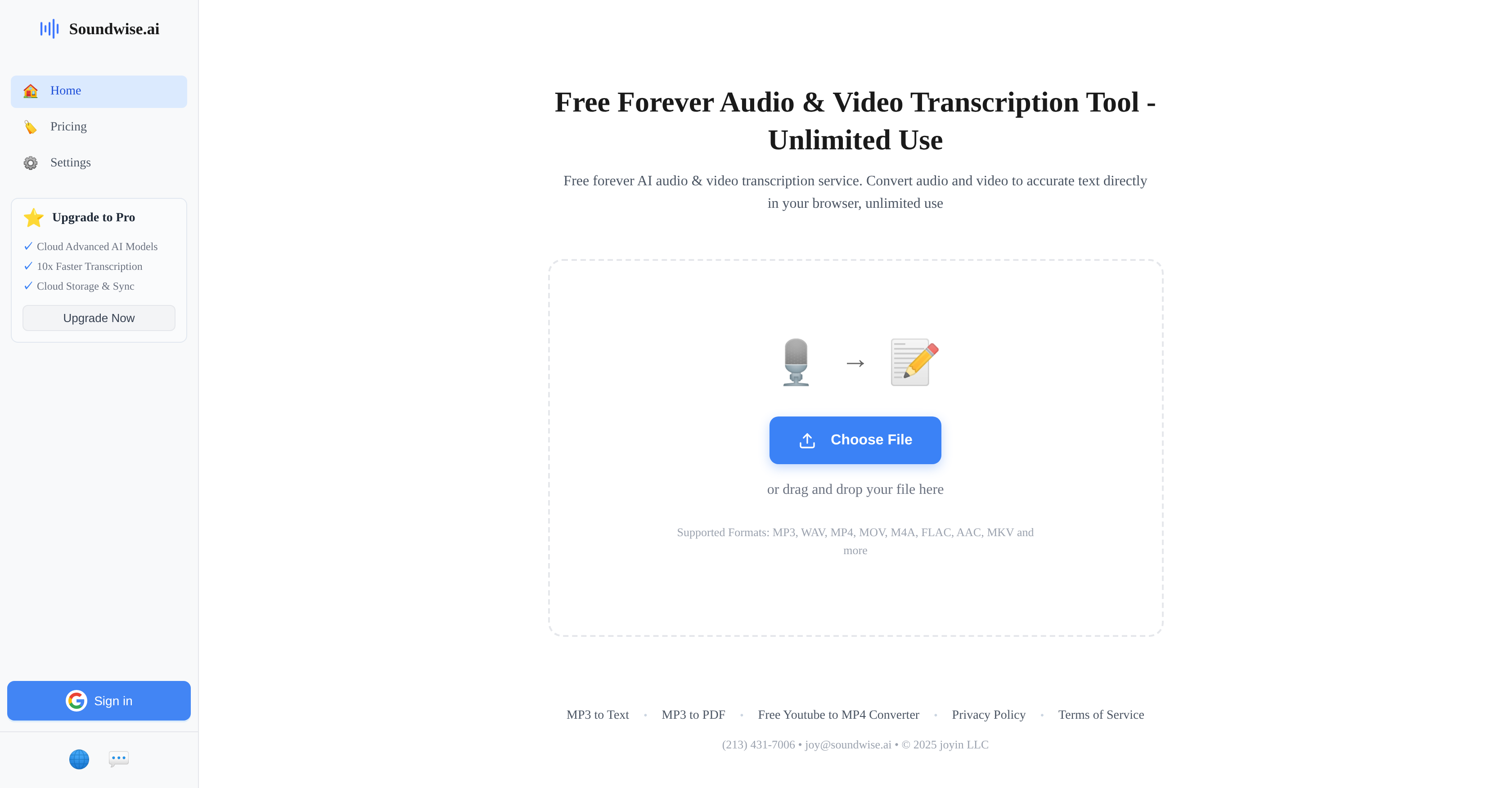
- Get instant transcriptions without signing up or paying, enabled by a completely free and unlimited-use web tool
- Transcribe audio and video files from any device, using a browser-based tool that requires no software downloads
- Accurately convert content in over 90 global languages, powered by comprehensive AI language support
- Effortlessly process files in any common format like MP3, WAV, MP4, or MKV via simple drag-and-drop
- Create ready-to-use text documents from audio, with direct MP3 to PDF conversion
- Keep your sensitive files completely private, backed by a strict privacy policy and secure browser processing
Pros & Cons
Pros
- Unlimited usage
- Perpetually free
- Supports 90+ languages
- Direct in-browser operation
- No registration required
- User-friendly interface
- Supports multiple file formats
- MP3 to text conversion
- MP3 to PDF conversion
- Strong privacy policy
- Customer support available
- Drag-and-drop file upload
- Operates in browser
- Supports MKV files
- High transcription accuracy
- Terms of service transparency
Cons
- In-browser operation can be slow
- Accuracy may vary
- No desktop application
- No offline usage
- No API access
- Limited customization
- Limited error correction tools
- Possible restrictions for large files
- Does not disclose exact accuracy
- No specific feedback mechanism
Reviews
Rate this tool
Loading reviews...
❓ Frequently Asked Questions
Soundwise.ai is an artificial intelligence based transcription tool offering audio and video transcription services.
Soundwise.ai operates directly in your browser. Users can upload a file or drag and drop it into the tool for transcription. It supports multiple file formats and transcribes in over 90 languages.
No, Soundwise.ai does not require any registration for usage.
Soundwise.ai can be used an unlimited number of times.
Soundwise.ai supports a comprehensive list of over 90 languages.
Yes, Soundwise.ai can transcribe both video and audio.
Soundwise.ai offers high levels of transcription accuracy. However, exact figures may vary.
Soundwise.ai supports multiple formats including MP3, WAV, MP4, MOV, M4A, FLAC, AAC, and MKV.
Yes, Soundwise.ai can convert MP3 files to text.
Yes, Soundwise.ai can convert MP3 files to PDF format.
Soundwise.ai ensures user privacy with the help of a well-established privacy policy and terms of service.
Soundwise.ai's privacy policy includes carefully established guidelines to ensure user's privacy. More details can be accessed on their website.
The terms of service for using Soundwise.ai include rules and guidelines which can be accessed on their website.
The customer service for Soundwise.ai can be contacted at (213) 431-7006 or [email protected].
Yes, Soundwise.ai operates directly in your browser and does not require any additional downloads.
Yes, users are able to either upload a file directly or drag and drop it into the Soundwise.ai tool.
Yes, Soundwise.ai supports MKV files among its supported formats.
No, there is no limit to the number of times you can use Soundwise.ai.
Yes, Soundwise.ai is designed to be free to use in perpetuity.
Soundwise.ai's interface is user-friendly, designed for simplicity allowing users to either upload a file or drag and drop it into the tool.
Pricing
Pricing model
Freemium
Paid options from
$10/month
Billing frequency
Monthly
Refund policy
Users can request prorated refunds on annual plans within 7 days if usage is under 1 hour.
Related Videos
FREE UNLIMITED Audio to Text #aitools #aiwebsites #chatgpt
digitaltechcity•216 views•May 17, 2025