

Overview
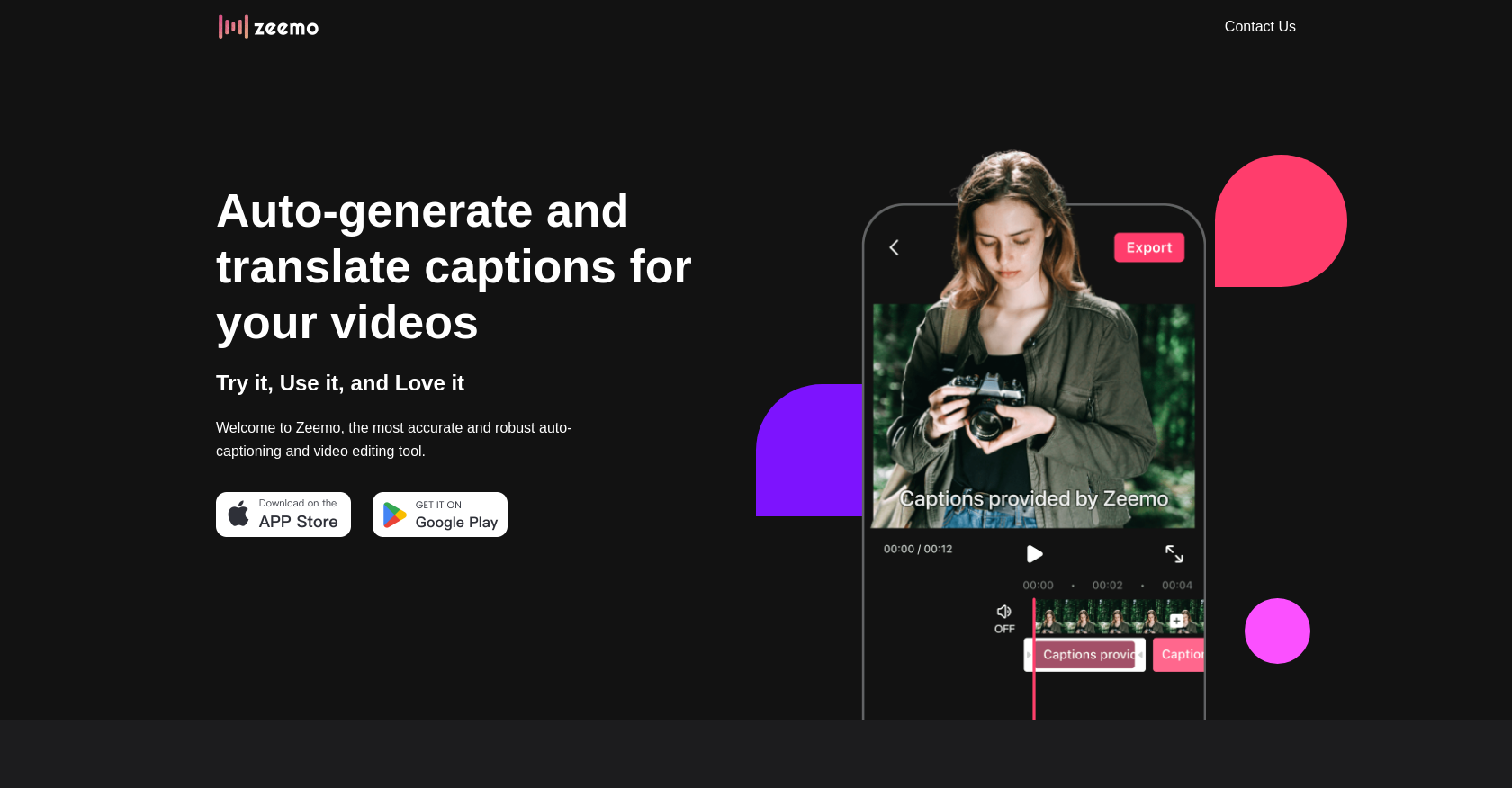
- Create accurate video captions instantly with AI-powered generation that achieves over 98% accuracy
- Reach global audiences by automatically translating subtitles into 17 different languages simultaneously
- Save hours of manual work by batch-editing captions across multiple videos at once
- Design professional-looking videos with customizable subtitle templates, fonts, and colors
- Polish your final video using built-in trimming tools and music addition capabilities
- Maintain brand consistency across all content with diverse dynamic caption styles
Pros & Cons
Pros
- 98% accuracy rate
- Dynamic caption styles
- Batch-edit captions
- Subtitle template customization
- All-in-one video creating tool
- Video trimming feature
- Music addition feature
- Automatic subtitle translation
- Supports 17 languages
- Available on various terms
- Dedicated support email
Cons
- Requires JavaScript enabled
- Lacks advanced editing features
- Limited language offerings
- No API for integration
- No offline version
- No voiceover feature
- No mobile app
- Undefined legal terms of service
- Limited subtitle templates
Reviews
Rate this tool
Loading reviews...
❓ Frequently Asked Questions
Zeemo is an AI-powered tool designed to automatically generate and translate captions for videos. Providing an array of dynamic styles and customizable subtitle templates, it also allows users to trim their videos and add music, making it an all-encompassing video editing tool.
Zeemo utilizes AI technology to auto-translate video captions. Users simply need to click to translate their videos, easing accessibility to a wider, global audience.
The key features of Zeemo include automatic generation of video captions in 17 languages, dynamic caption styles, subtitle translation, batch-editing of captions, customizable subtitle templates, video trimming, and music addition. It offers high accuracy and makes use of an all-in-one video creating tool.
Zeemo boasts an unsurpassed accuracy rate of over 98% for video captioning.
Yes, Zeemo can handle multiple videos at once. Its batch-editing function helps users save hours they might have otherwise spent correcting captions manually.
The subtitle templates in Zeemo are highly customizable. Users can choose from several templates and personalize them with a diverse selection of fonts and colors.
Yes, users can trim videos using Zeemo. It provides an all-in-one video creating tool for such requirements.
Yes, users can add music to their videos using Zeemo. It is a part of its all-in-one video creating tool.
Zeemo doesn't seem to have a limit on the number of languages it can handle for subtitle translation. It supports automatic captioning in 17 languages.
Yes, users can contact Zeemo if they need support. The company provides an email address, [email protected], to reach out for any inquiries.
For users to review, Zeemo has made available legal terms of service, privacy policy, and a cookies policy.
Yes, there is a way to adjust the fonts and colors of the subtitles in Zeemo. Users can select from a diverse range of templates, fonts, and colors to create customized subtitle styles according to their needs.
Yes, Zeemo can generate captions in multiple languages simultaneously. It supports automatic adding of video captions in 17 different languages.
The speed of Zeemo in generating captions isn't explicitly stated on their website. However, the provided information indicates that it can save hours through its batch-editing function suggesting a speedy process.
By 'dynamic captions', Zeemo refers to its offering of several styles that users can choose from to make their videos stand out.
While not directly mentioned, given that Zeemo offers automatic captioning and translation, it can likely be used on a video that's already been uploaded to YouTube.
Yes, Zeemo offers a batch-editing feature, allowing for simultaneous editing of captions on multiple videos, thereby saving a significant amount of time.
The enabling of JavaScript for Zeemo isn't directly covered on their website. However, it's generally done in the settings of your web browser, indicating that it would be the same for accessing Zeemo.
Yes, Zeemo supports subtitle translation into non-English languages. It provides automatic captioning in 17 different languages.
The available terms of service for Zeemo can be found on their website under 'Legal Terms of Service'.
Pricing
Pricing model
Free Trial
Paid options from
Free Trial
Billing frequency
Monthly
Related Videos
How to use Auto Captions in The App Zeemo | #zeemo @zeemoai #shorts
AllGen Gaming•7.6K views•May 6, 2024


