
Animaker Voice Generator
Reach audiences in their native language without hiring translators or local voice actors, using text-to-speech voiceovers in more than 180 languages.
Listing not yet reviewed by our editors · How we check
Overview
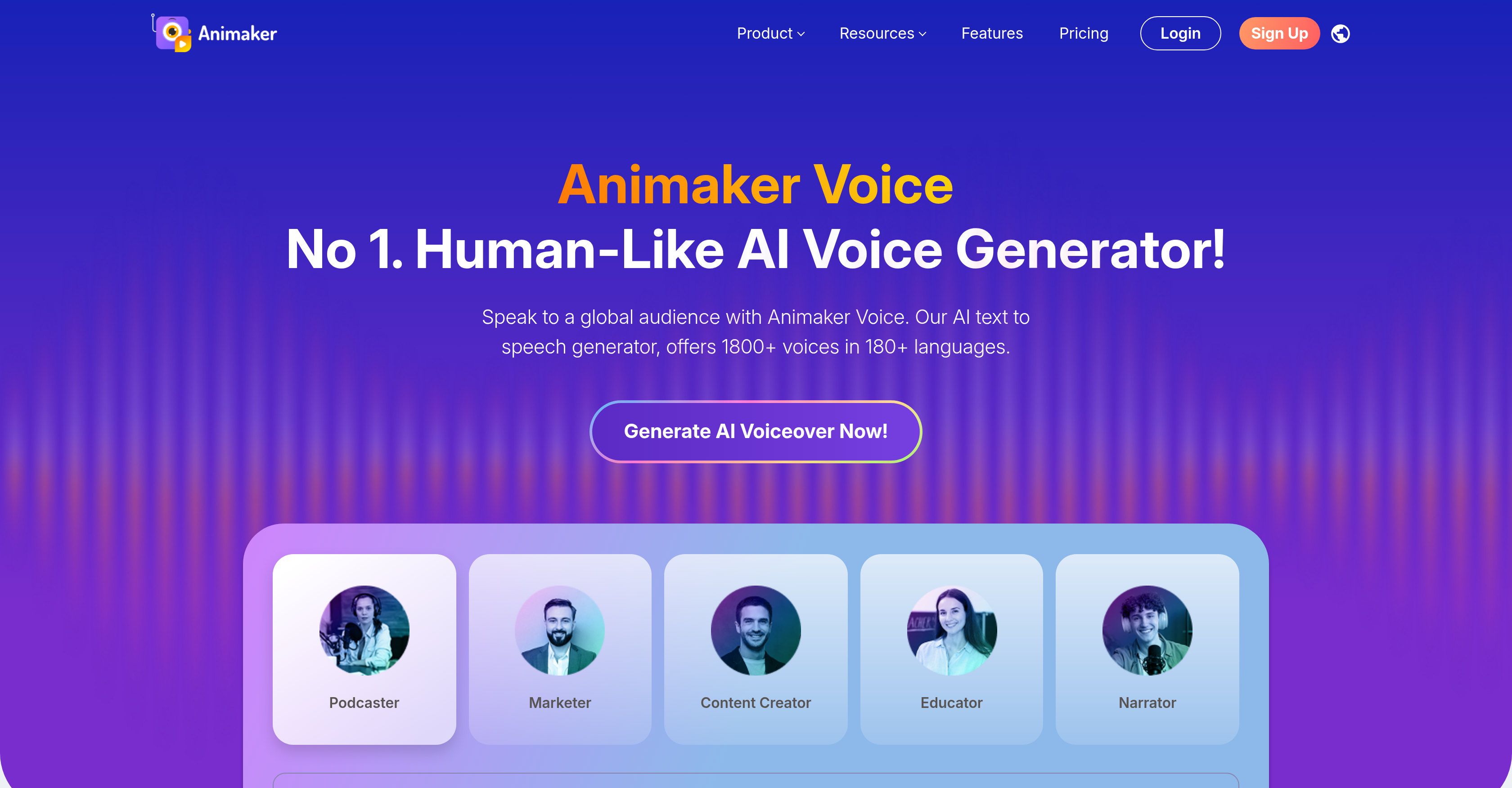
- Reach audiences in their native language without hiring translators or local voice actors, using text-to-speech voiceovers in more than 180 languages.
- Match every project to the right tone and brand personality by browsing curated style categories across a library of 1800+ AI voices.
- Avoid costly re-records and mispronounced terms, with up to 99% pronunciation accuracy, natural diction, and consistent accents from the neural TTS engine.
- Get professional narration without a microphone, booth, or voice talent budget, because the neural voice generator turns written text into human-like, studio-quality audio.
- Go from finished script to ready-to-use audio in three steps: enter your text, refine your voice choice, and download high-quality voiceover files.
- Keep e-learning courses, training modules, and corporate presentations clear and uniform across every lesson and slide with natural-sounding AI narration that stays consistent from start to finish.
- Publish ads, promo, marketing, and explainer videos plus social media clips and vlogs faster, with AI voiceovers built for intros, guides, and short-form content.
- Add polished narration to podcasts, storytelling, and personal projects such as greeting, invitation, holiday, resume, slideshow, lyric, music, and text animation videos.
Pros & Cons
From the listing; not yet checked by our editors.
Pros
- 1800+ voice options
- 180 languages supported
- 99% pronunciation accuracy
- Ideal for diverse use-cases
- Curated voice categories
- High-quality downloadable files
- Different types of voiceovers
- Highly accurate text-to-speech
- User-friendly interface
- Perfect for e-learning
- Suitable for podcasts
- Great for social media content
- Accommodates storytelling needs
- Wide variety of voices
- Easy voiceover production process
- Precise language representation
- Ideal for corporate presentations
- Versatile for different video types
- Huge global reach
- Supports accent consistency
- Easy script input
- Efficient voice refinement options
- Maintains natural diction
- Various voice customization options
- Enterprise-grade security measures
- Free voiceover downloads
- Multiple download formats
- Playback and fine-tune features
- Multi-use voice application scenarios
- Ad generation capability
- Educational tool applications
- Marketing purposes applications
- Multi-language support
- Accented voice options
- Diverse voice styles
- Different voice categories
- Large user base
- Internationally recognised
- Accurate text translation
- High precision audio
- User testimonials available
- Great for video production
- Useful for content creators
- Quick voice generation features
Cons
- No text editing tools
- No option to preview voices
- No emotion customization
- Lacks voice speed control
- Limited downloads for free
- No voice change in script
- No live recording option
- No simultaneous multiple language output
- No integration with other tools
- Completely internet-dependent
Alternatives to Animaker Voice Generator
Tools that share the most tags with Animaker Voice Generator.
- Speechma
Generate professional voiceovers for social media and presentations instantly with 400+ premium AI voices featuring unique personalities and accents
Freemium · from $9/month
$9/month
Not yet checked
- Singify AI Vocal Remover
Create studio-quality karaoke tracks instantly by removing vocals from any song with advanced 8-stem separation
Freemium · from $8.99/month
$8.99/month
Not yet checked
- X-Minus
Transform any song into a karaoke track instantly with our dedicated vocal removal that separates vocals from music elements cleanly
Free
Not listed
Not yet checked
- Revoicer
Create human-sounding voiceovers that capture attention using emotional tones like friendly, cheerful, or excited for more engaging content
Paid · from $47
$47
Not yet checked
- WooTechy VoxDo
Generate realistic voiceovers instantly with AI text-to-speech conversion across 100+ languages and global accents
Free trial · from $15.95/month
$15.95/month
Not yet checked
- Speechactors
Produce studio-quality voiceovers instantly with an online AI voice generator that converts your text into natural, engaging speech
Freemium · from $23/month
$23/month
Not yet checked
Reviews
Rate this tool
Loading reviews...
Frequently asked questions
What is Animaker Voice Generator?
Animaker Voice Generator is a tool engineered to create studio-grade AI voiceovers using an advanced neural text-to-speech engine that transposes any text into a virtually human-like voiceover.
How does the Animaker Voice Generator work?
Animaker Voice Generator works in a straightforward process: users enter their script, find their ideal style by exploring curated categories and then choose from an array of voices. This process results in high-quality downloadable voiceover files.
What are the use cases for the Animaker Voice Generator?
Animaker Voice Generator is designed for various use cases including e-learning, training, social media content, corporate presentations, podcasts, narration, storytelling, explainer videos, as well as for creating voiceovers for a diverse range of videos such as greeting, marketing, holiday, lyric, text animation, resume, promo, slideshow, music, and invitation videos.
How many voices does the Animaker Voice Generator offer?
Animaker Voice Generator offers over 1800+ voices for users to choose from in order to cater to diverse content creation needs.
What languages does the Animaker Voice Generator support?
Animaker Voice Generator supports over 180 languages, aiming to cater to a diverse and global audience.
Can I use the Animaker Voice Generator for training videos?
Yes, Animaker Voice Generator is built for a variety of uses, including creating voiceovers for training videos.
Does the Animaker Voice Generator support different accents?
Yes, Animaker Voice Generator supports different accents. It's engineered to ensure up to 99% accuracy in pronunciation, natural diction, and accent consistency.
How accurate is the pronunciation with the Animaker Voice Generator?
Animaker Voice Generator ensures up to 99% accuracy in pronunciation by leveraging advanced AI and neural text-to-speech engine.