

Singify AI Vocal Remover
Overview
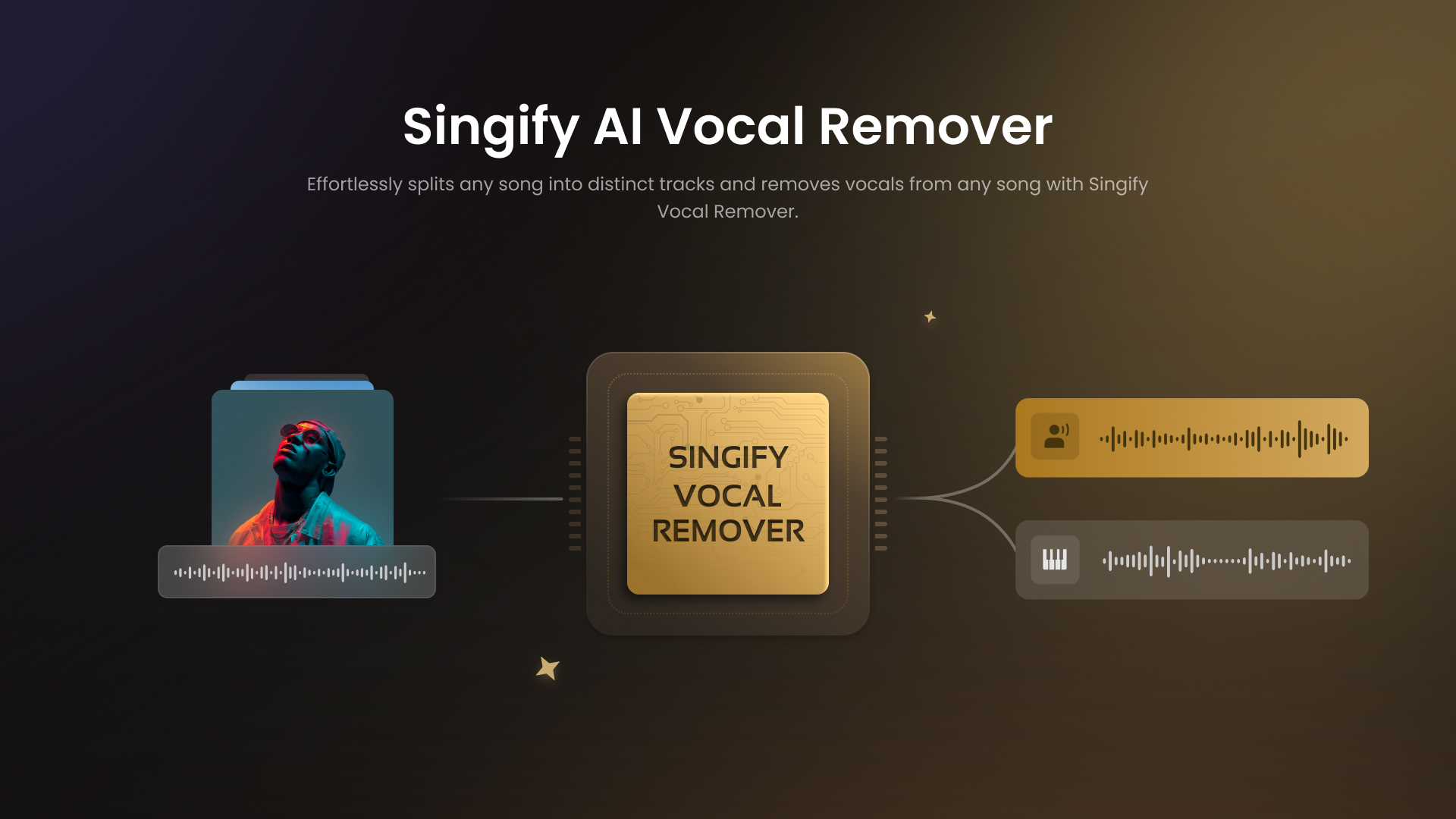
- Create studio-quality karaoke tracks instantly by removing vocals from any song with advanced 8-stem separation
- Isolate individual instruments for sampling and remixing using precise drum, bass, piano and guitar extraction
- Work directly from YouTube videos without downloading files through seamless online video processing
- Access professional-grade stem separation on any device with full web, iOS and Android compatibility
- Export separated tracks in multiple formats for any project with MP3, WAV, M4A, ARM and AAC support
- Separate lead and backing vocals independently for complex remixes using multi-vocal track isolation
- Maintain original audio quality with minimal artifacts through continuous AI model improvements
- Start projects immediately without technical barriers using the one-click intuitive interface
Pros & Cons
Pros
- Free-to-use
- High-quality audio separation
- Cross-platform support
- Isolates multiple instruments
- User-friendly interface
- Processes uploaded local files
- Processes online videos
- Separates multiple vocal tracks
- Suitable for various user types
- Option to export in various formats
- Isolation of drums, bass, piano, guitar
- Professional-grade tool
- Can split any song into vocals and instrumentals
- Allows for music remixing
- Ideal for creating backing tracks
- Designed for both amateur and professional users
- Handles different audio formats
- Has multi-singer separation
- Male/Female voice separation feature
- High-quality & multi-format audio output
- Supports YouTube video audio extraction
- Online platform accessibility
- Flawless sound quality
- Streamlined audio separation process
- Removes vocals from songs
- Allows direct upload of audio files
- Perfect for Karaoke Enthusiasts, Professional Musicians, DJs
Cons
- Limited to 20 min files
- Max file size 30M
- Can lose high-frequency details
- Lacks advanced parameter controls
- Artifacts in complex mixes
- Requires internet connection
- Not for studio-grade projects
- Not suitable for large files
- Can't process multiple files simultaneously
- Doesn't support all audio formats
Reviews
Rate this tool
Loading reviews...
❓ Frequently Asked Questions
Singify AI Vocal Remover is a free, AI-based tool that enables users to isolate and extract vocals from audio tracks. This capability allows for the creation of high-quality instrumentals for uses including karaoke, backing tracks, and musical remixes.
The Singify AI Vocal Remover uses advanced AI models to separate and remove vocals from audio tracks. It identifies the vocal frequencies and effectively separates them from the instrumental components of the song.
Yes, Singify AI Vocal Remover is completely free to use. There are no hidden charges or fees for users.
Yes, Singify supports both locally uploaded files and online videos for vocal removal. This flexibility allows users to process a wide range of audio tracks with ease.
Singify can isolate specific lines of instrumentation, such as drums, bass, piano, guitar, and even multiple vocal tracks.
Singify uses complex AI models that are under constant development to ensure the highest levels of audio separation accuracy and performance. This continuous improvement enables consistent advancements in the audio separation process.
Singify AI Vocal Remover is designed for various user types, from karaoke enthusiasts to professional musicians and DJs. Its wide range of features makes it a versatile tool, suitable for different categories of users.
Yes, Singify AI Vocal Remover can be used across various platforms, including web, iOS, and Android. This cross-platform support ensures that users can access it from any device, according to their convenience.
Singify allows customers to export their separated tracks in several formats. While the specific formats are not mentioned, it seems to be tailored to the needs of the users, suggesting a flexibility in the types of formats available.
Yes, Singify allows for the separation of multiple vocal tracks. This makes it a powerful tool for music remixing or creating complex backing tracks.
The process for vocal removal with Singify involves a few simple steps. Users need to upload or provide the link to their song, select the model they want to use for separation, and then Singify's AI processes the track and removes the vocals. The resultant tracks can then be previewed and downloaded.
Singify ensures exceptional sound quality by utilizing advanced AI models for audio separation. This cutting-edge technology allows for a precise splitting of the vocals and instrumental components, retaining the intricate details of the original sound.
Singify uses state-of-the-art AI models specifically tailored for audio track separation. These models identify and isolate different frequencies in the audio track, allowing for precise separation of vocals and instrumentals.
Singify's AI models are continuously updated and improved to ensure they maintain a high degree of accuracy and performance in separating vocals and instrumentals. This regular updating reflects the developer's commitment to making the tool more effective and efficient over time.
Yes, Singify can process and extract vocals from online videos in addition to locally uploaded files. This feature provides extra flexibility for users.
Yes, Singify is capable of isolating specific instruments from audio tracks. It can separate various elements like drums, bass, piano, and guitar, providing users with flexibility and control in audio production.
Yes, Singify is mobile-compatible and can be used on any device, including web, iOS, and Android. Its cross-platform support allows for seamless use across various devices.
Singify doesn't specifically mention which music genres it best supports. However, given its advanced AI capabilities, it's likely that the tool can effectively process songs from a wide range of genres.
Although specific additional features for professional musicians and DJs are not mentioned, Singify's ability to separate specific instrument lines, multiple vocal tracks, and its high-quality audio output make it a highly beneficial tool for these user groups.
The Singify interface is designed to be simple and intuitive, making the audio separation process as streamlined and user-friendly as possible. This makes it accessible to users of varying levels of technical proficiency.
Pricing
Pricing model
Freemium
Paid options from
$8.99/month
Billing frequency
Monthly
Refund policy
Users can request a full refund within 30 days of purchase under the money-back guarantee.


