

AppFlowy
Keep working through flights, outages, and dead zones with a 100% offline mode that stores your workspace locally and syncs when you reconnect.
Listing not yet reviewed by our editors · How we check
Overview
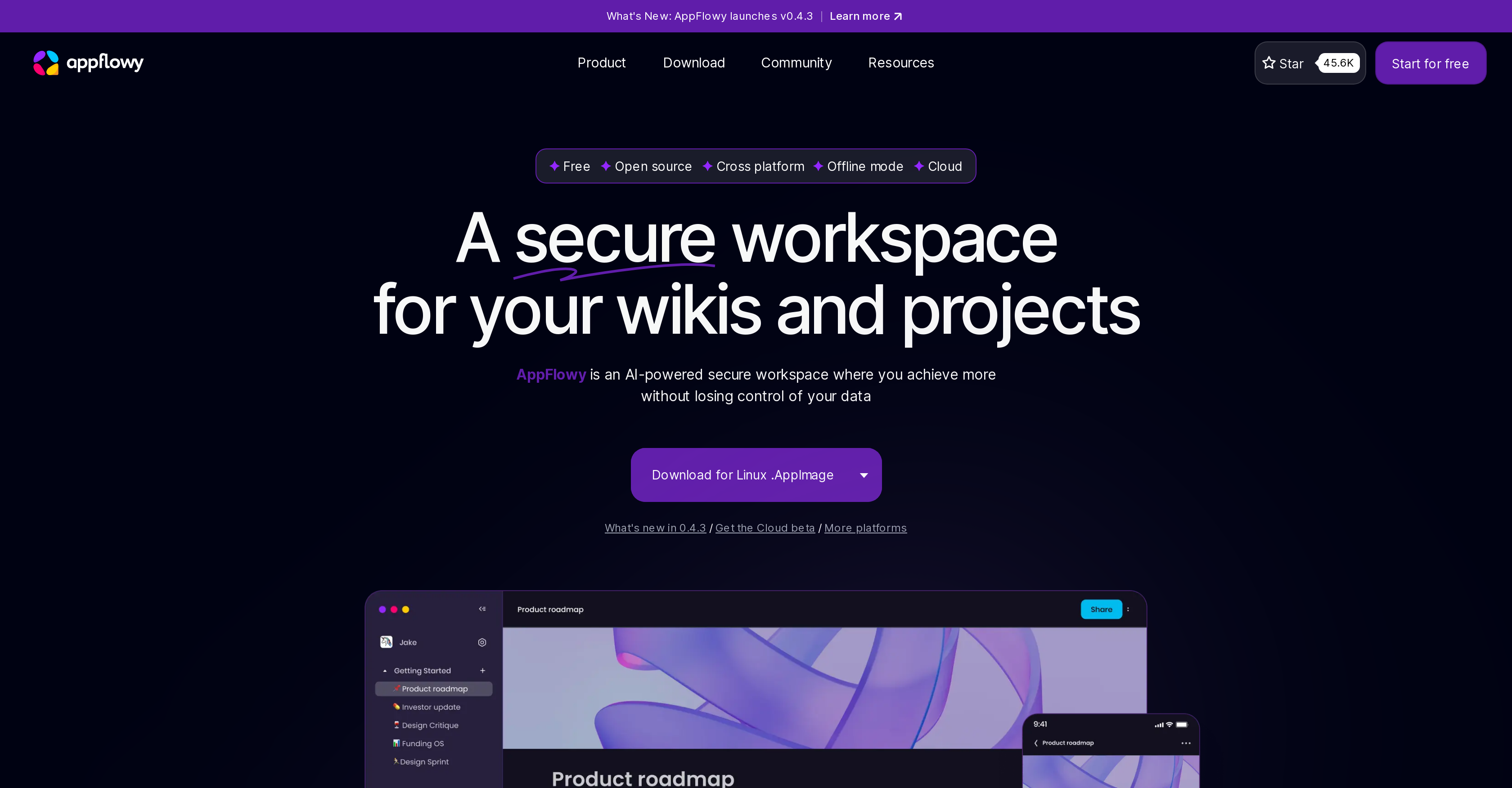
- Keep working through flights, outages, and dead zones with a 100% offline mode that stores your workspace locally and syncs when you reconnect.
- Protect confidential notes and project plans from interception with end-to-end encryption on your workspace data.
- Use AI writing assistance without handing your content to third parties, because nothing reaches AI providers like OpenAI unless you choose to send it.
- Draft and refine documents without switching tools, using AI built into the rich-text editor and powered by the service you pick, such as OpenAI or Stability AI.
- Own your infrastructure and avoid vendor lock-in by hosting your workspace wherever you prefer instead of relying on a single cloud provider.
- Replace scattered to-do apps and note files with one knowledge base that brings tasks, notes, and project organization together.
- Track deadlines and project progress in the format that fits each job by viewing the same data as tables, boards, or calendars.
- Capture ideas on your phone and finish them at your desk with native apps for iOS, Android, macOS, Windows, and Linux.
- Build a workspace for your exact workflow from a community-driven library of plugins, templates, and add-ons.
- Work comfortably for long sessions with custom themes, colors, fonts, and a dark or light mode interface.
Pros & Cons
From the listing; not yet checked by our editors.
Pros
- Prioritizes user data privacy
- User controls over data
- Cross-platform functionality
- Offline mode
- Centralizes tasks/notes/project organization
- Visualizes data in tables, boards, calendars
- Community-driven plugins, themes, templates
- User-controlled hosting
- Avoids vendor lock-in
- Offers end-to-end encryption
- 100% offline availability
- Active community development
- Extensive user customization
- Multiple platform availability (iOS, Android, macOS, Windows, Linux)
- Stunning UI between dark and light modes
- Workspace organization
- Customizable knowledge base
- Versatile collection of add-ons
- Customizable themes, colors, fonts
Cons
- Requires user-managed hosting
- User-driven customization might overwhelm
- Possible lack of professional support
- Reliance on community for updates
- Needs regular data sync
- Lacks pre-built integrations
- Data visualization could be better
- Plugin availability depends on community
Alternatives to AppFlowy
Tools that share the most tags with AppFlowy.
- Affint
Create presentation-ready slides and reports from raw data in minutes instead of hours using AI-powered document creation
Free trial · from $20/month
$20/month
Not yet checked
- Mem
Find any note instantly without manual tagging using AI-powered Smart Search that understands context, not just keywords
Paid · from $8.33/month
$8.33/month
Not yet checked
- Muddy
Eliminate constant window switching by unifying all your apps and messaging in a single shared environment
Free
Not listed
Not yet checked
- Sense
Find any file, task, or conversation instantly with cross-app search that scans all your connected tools simultaneously
Freemium · from $7/month
$7/month
Not yet checked
- Stacks
Transform scattered links, notes, and files into organized, actionable research with AI that automatically categorizes your saved content
Paid · from $9/month
$9/month
Not yet checked
- Sune
See every document, project, and task in one layout that matches how you think, using an infinite canvas virtual whiteboard that holds text, images, tables, kanban boards, calendars, and sketches without space limits.
Free trial · from $9.95/month
$9.95/month
Not yet checked
Reviews
Rate this tool
Loading reviews...
Frequently asked questions
What is AppFlowy?
AppFlowy is an AI-powered workspace that prioritizes privacy and user control over data. It centralizes tasks, notes, and project organization, offering cross-platform functionality and offline mode. This tool provides data visualization across tables, boards, and calendars. It features customization options and a knowledge base, built through a community-driven collection of plugins, themes, templates, and more. AppFlowy can be hosted according to user preferences, ensuring data control and ownership.
How does the AI integration in AppFlowy work?
In AppFlowy, the AI's capabilities are directly integrated into a stunning rich-text editor, eliminating the need for tool switching. Users have the option to select the AI service, like OpenAI or Stability AI, which best fits their needs. This ensures a seamless AI experience without loss of control over data as users can choose not to send data to AI service providers.
How can I customize AppFlowy?
AppFlowy allows extensive customization. Users can modify themes, colors, fonts, and user interface between dark and light modes. They can build their personalized knowledge base through a community-driven open toolbox of plugins, templates, themes, and more. Furthermore, AppFlowy encourages individual modifications to fit unique needs, making its system highly flexible and adaptable to different users.
What types of data can AppFlowy help me visualize?
AppFlowy provides features to visualize your data in various forms. It allows organization and visualization of data in tables, boards, and calendars, thus offering a practical and aesthetic platform for managing tasks, notes, and projects.
Does AppFlowy support offline mode?
Yes, AppFlowy supports an offline mode, enabling access to your workspace at any time irrespective of internet connectivity. In the offline mode, all your data remains local and synchronizes as required, offering seamless service.
Is there end-to-end encryption in AppFlowy?
Yes, AppFlowy offers end-to-end encryption. This function ensures the utmost privacy and security of your data, adding an additional layer of protection and peace of mind.
Can I control where my data goes in AppFlowy?
In AppFlowy, users have full control over their data. Unless users choose otherwise, their data won’t be sent to any AI service providers such as OpenAI. This ensures complete user control and ownership over their data. Moreover, users have the option to host AppFlowy wherever they want, further affirming user control over data.
What is unique about AppFlowy's rich-text editor?
The rich-text editor in AppFlowy is integrated with AI capabilities. This unique feature enables users to enjoy the full power of AI right inside of the tool. It helps users to achieve more without needing to switch between different tools, thus ensuring a more productive and smoother experience.