
Ask Your PDF
Find the exact answer in any PDF without scrolling or skimming pages: type a question into the chat interface and get a precise response pulled directly from the document's content.
Listing not yet reviewed by our editors · How we check
Overview
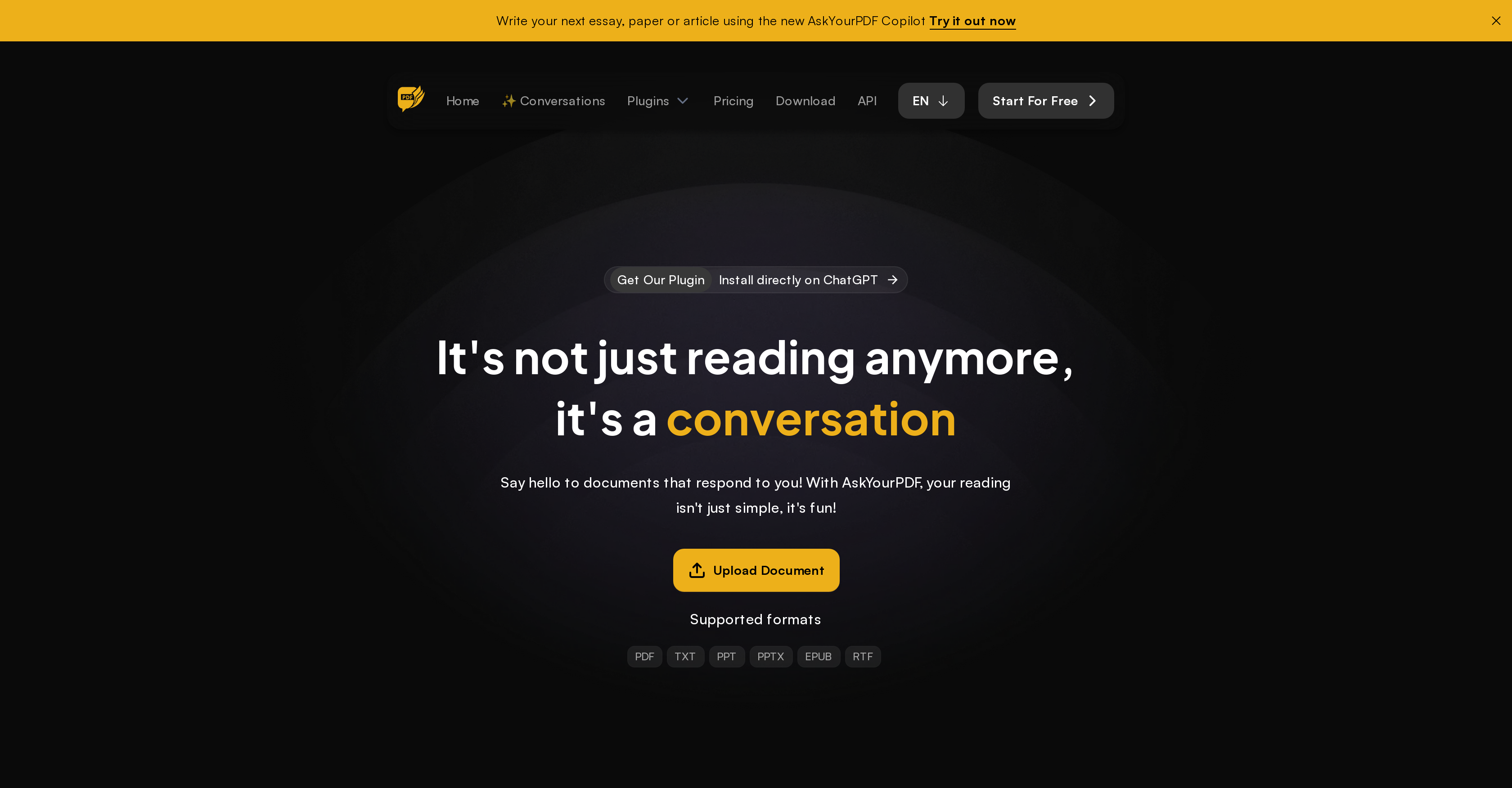
- Find the exact answer in any PDF without scrolling or skimming pages: type a question into the chat interface and get a precise response pulled directly from the document's content.
- Cross-reference research, reports, and contracts in one conversation: multi-document chat lets you query several PDFs simultaneously and combine insights across files.
- Query a PDF the moment you open it online: the Chrome extension lets you chat with any PDF file in your browser without downloading or re-uploading it.
- Pull answers from documents on the go: iOS and Android apps put your PDF chats and document Q&A in your pocket.
- Start analyzing a document in seconds from wherever it lives: upload PDFs from your device or import them directly from a URL, with no software install required.
- Turn source material into finished academic writing faster: the built-in Literature Review Writer, AI Essay Maker, and AI Paragraph Generator build on your document research.
- Try PDF question answering at no cost before committing: the free plan includes up to 100 chats per month and documents up to 100 pages, with Premium, Pro, and Enterprise tiers raising upload size, page limits, and daily questions, and adding summarization, more document types, and advanced AI model choices.
- Add document chat to your own product without building it from scratch: the developer API delivers PDF knowledge extraction and conversational document Q&A inside your apps and services.
Pros & Cons
From the listing; not yet checked by our editors.
Pros
- Interactive PDF reading
- Effective content extraction
- Intuitive chat interface
- Provides valuable insights
- Time-efficient document exploration
- Multiple document engagement
- Specific section finding
- Chrome extension availability
- PDF interactions
- Customizable plans
- Readable on any device
- Multiple format support
- API service
- User-friendly
- Saves on scrolling
- Instant information extraction
- Document Chat capability
- Simultaneous document communication
- Efficient information seeking
- Flexible subscription options
- Precise answers provision
- Applicable to professionals
- Useful for students
- Productivity enhancement
- Academic research facilitation
- Robust paid features
- OCR Support
- Priority support option
- Better learning experience
- Browser extension functionality
- Massive page support
- Interactive learning
- Unlimited conversations per day
- Access to Summarization Service
- Concurring Chat with numerous documents
- Priority access to new features
- Longer Reply Length
- Zotero Plugin
- Mobile App
- Useful for developers
- Literature Review Writer Tool
- PDF Merger Tool
- PDF Splitter Tool
- OCR PDF Reader Tool
- Unlimited Document Exploration
Cons
- Limited number of questions
- Limited number of conversations
- Maximum upload size
- Limited document number per day
- Doesn't support all file formats
- Limited usage in free tier
- Extra features require credits
- Inefficient without Chrome extension
- Limited pages per document
- Not all models available
Alternatives to Ask Your PDF
Tools that share the most tags with Ask Your PDF.
- Humata
Understand complex documents 100 times faster with AI-powered summarization and synthesis that distills key points from technical papers and long-form content.
Freemium · from $1.99/month
$1.99/month
Not yet checked
- PDFChat.com
Get instant answers to specific questions without manually searching entire documents through direct Q&A functionality with your files
Freemium · from $8.99/month
$8.99/month
Not yet checked
- Docuchat
Instantly answer customer questions 24/7 by embedding a custom chatbot trained on your documents and websites
Free trial · from $14/month
$14/month
Not yet checked
- Ergo Chat
Extract instant insights from your PDF library and websites without switching tabs through the convenient browser sidebar integration
Not listed
Not listed
Not yet checked
- myReach
Find any document, note, or contact in seconds instead of searching through folders and email with AI-powered semantic search
Not listed
Not listed
Not yet checked
- PDF-Pals
Get instant answers from any PDF document using natural language queries with AI-powered chat
Paid · from $59
$59
Not yet checked
Reviews
Rate this tool
Loading reviews...
Frequently asked questions
What is Ask Your PDF?
Ask Your PDF is an AI-driven tool that transforms static PDFs into interactive, conversational interfaces. It achieves this by extracting the core content from the document and enabling users to engage with it in a simplified way. The tool fosters an enjoyable learning environment, time efficiency, and improved productivity.
What does Ask Your PDF do?
Ask Your PDF extracts information from PDF documents and transforms them into interactive, conversational entities. Users can communicate with these 'chat documents', asking them questions to gather crucial insights. This revolutionary tool changes the way users interact with documents, making them capable conversationalists rather than static resources.
What are the key features of Ask Your PDF?
Key features of Ask Your PDF include: PDF interaction; Knowledge extraction; Document analysis; Chat interface; AI chatbot; Conversational entity; Interactive reading; Time efficiency; Custom options, including various plans and a Chrome extension; Interactive learning; API service for developers.
How does Ask Your PDF transform PDF documents into conversational interfaces?
Ask Your PDF employs advanced AI technology to analyze and extract core content from PDF documents. This content is then used to create an interactive chat interface, turning the document into a conversational interface. Users can engage with this chat interface, asking questions to extract precise knowledge from the content.
How can I upload my PDF documents to Ask Your PDF?
Users can upload their PDF files to Ask Your PDF through a simple, intuitive interface. The documents can be uploaded from the user's device or directly via a URL. The straightforward interface facilitates quick and easy uploading.
Do I need to download any software to use Ask Your PDF?
No software download is necessary to use Ask Your PDF. The tool runs directly in the user's web browser for easy, user-friendly interaction. Moreover, a Chrome extension is available to enhance the user's experience when dealing with PDF files online.
Is there a Chrome extension for Ask Your PDF?
Yes, Ask Your PDF offers a Chrome extension that users can add to their web browsers. This extension facilitates effortless interaction with any PDF file, further enhancing user productivity.
What are the customization options in Ask Your PDF?
Ask Your PDF offers various customization options through tiered plans. Each plan varies in features and capabilities, providing users with the flexibility to choose the plan that best fits their requirements. These options range from a limited free tier to more robust premium options with additional features, including a higher max upload size, more questions per day, support for more document types, and access to various advanced AI models.