

Audio Enhancer AI
Make every spoken word easier to follow: speech enhancement reduces background noise like fan noise and hiss in podcasts, interviews, lectures, meetings, and phone recordings.
Listing not yet reviewed by our editors · How we check
Overview
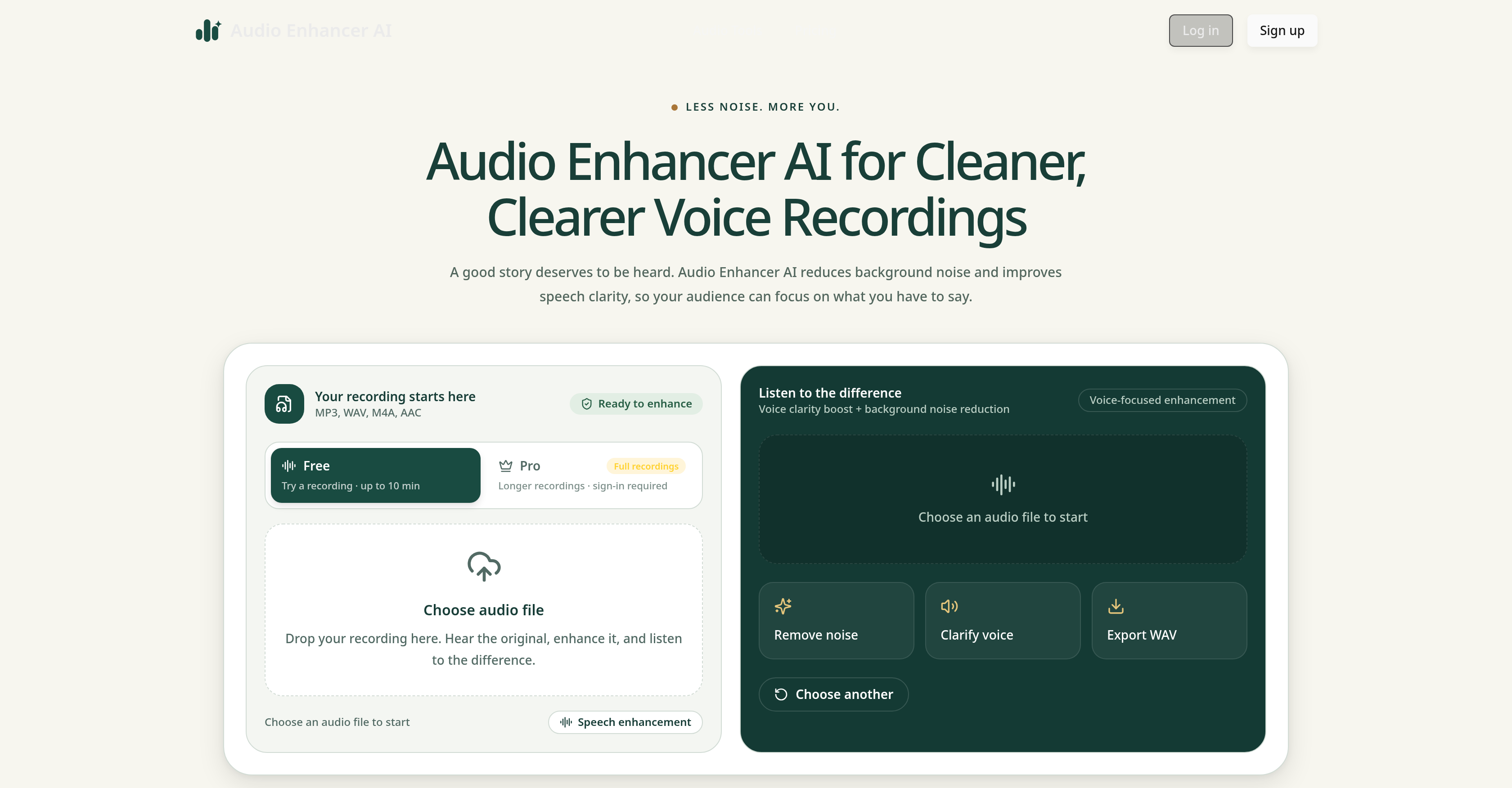
- Make every spoken word easier to follow: speech enhancement reduces background noise like fan noise and hiss in podcasts, interviews, lectures, meetings, and phone recordings.
- Know the result works before you save it: side-by-side playback lets you compare the original and enhanced audio before downloading.
- Clean up a recording within seconds of arriving, with no signup: the free browser mode processes recordings up to 10 minutes directly in your browser without an account.
- Rescue full-length episodes, webinars, and lecture series in one pass: Pro cloud jobs handle files up to 300 MB with no fixed duration limit, and tasks and results stay linked to your account.
- Get professional-sounding voice audio without learning audio engineering: a four-step workflow (choose, process, listen, save) replaces audio plugins and full audio workstations.
- Upgrade the voiceover in your video edit: process the exported spoken audio track and drop the enhanced WAV back into your video-editing project.
- Start from the recording you already have: upload MP3, WAV, M4A, or AAC files with no conversion step.
- Plan your session around real numbers: estimated processing time appears before you start, based on recording length, device, and mode.
- Keep your own authentic voice: the tool cleans up existing recorded speech instead of replacing it with a generated voice.
- Set accurate expectations for voice notes, course narration, and explainers: the speech-focused model targets spoken audio, outputs mono 16 kHz on the free tier, and leaves music mastering and stem separation out of scope.
Pros & Cons
From the listing; not yet checked by our editors.
Pros
- Speech-focused recording cleanup
- Reduces fan noise and hiss
- Improves recorded speech clarity
- Enhances existing audio recordings
- MP3, WAV, M4A, AAC inputs
- WAV export for editing
- Original and enhanced playback
- Preview before downloading
- Same-phrase listening comparison
- Browser-based enhancement workflow
- Browser trial without an account
- Free recordings up to ten minutes
- Pro accepts files up to 300 MB
- No fixed Pro duration cap
- Processing estimate shown beforehand
- Cloud-job progress visibility
- Failed jobs restore processing time
- Cloud results stay account-linked
- No complicated plugin setup
- No full audio workstation required
- Cleanup for podcasts and interviews
- Enhancement for meetings and voice notes
- WAV workflow for video voiceovers
Cons
- Free limit: 10 minutes
- Free output is mono, 16 kHz
- Enhanced exports are WAV-only
- Browser-dependent codec support
- Direct video upload unsupported
- Video export unsupported
- No music mastering
- No audio stem separation
- 300 MB Pro file cap
- Pro requires sign-in
Alternatives to Audio Enhancer AI
Tools that share the most tags with Audio Enhancer AI.
- Speechma
Generate professional voiceovers for social media and presentations instantly with 400+ premium AI voices featuring unique personalities and accents
Freemium · from $9/month
$9/month
Not yet checked
- Singify AI Vocal Remover
Create studio-quality karaoke tracks instantly by removing vocals from any song with advanced 8-stem separation
Freemium · from $8.99/month
$8.99/month
Not yet checked
- X-Minus
Transform any song into a karaoke track instantly with our dedicated vocal removal that separates vocals from music elements cleanly
Free
Not listed
Not yet checked
- Revoicer
Create human-sounding voiceovers that capture attention using emotional tones like friendly, cheerful, or excited for more engaging content
Paid · from $47
$47
Not yet checked
- WooTechy VoxDo
Generate realistic voiceovers instantly with AI text-to-speech conversion across 100+ languages and global accents
Free trial · from $15.95/month
$15.95/month
Not yet checked
- Speechactors
Produce studio-quality voiceovers instantly with an online AI voice generator that converts your text into natural, engaging speech
Freemium · from $23/month
$23/month
Not yet checked
Reviews
Rate this tool
Loading reviews...
Frequently asked questions
What kinds of recordings can Audio Enhancer AI clean up?
Audio Enhancer AI cleans up spoken recordings such as podcasts, interviews, phone recordings, voice notes, meetings, lectures, course narration, explainers, and video voiceovers.
How do I enhance a recording with Audio Enhancer AI?
Choose an MP3, WAV, M4A, or AAC recording, run speech enhancement, compare the original and processed playback, then download the enhanced WAV.
Which audio file formats does Audio Enhancer AI accept?
Audio Enhancer AI accepts MP3, WAV, M4A, and AAC files. Codec support can depend on your browser.
Can I preview the original and enhanced audio in Audio Enhancer AI?
Yes. You can listen to and compare the original and enhanced versions before downloading.
What format does Audio Enhancer AI use for downloads?
Enhanced recordings are exported as WAV files.
Can Audio Enhancer AI reduce fan noise and hiss?
Yes. It can reduce distractions such as fan noise and hiss in spoken recordings.
Can Audio Enhancer AI fix echo, clipping, or overlapping speakers?
Heavy echo, clipping, and overlapping speakers may remain difficult to fix. Speech buried in noise may also remain unclear.
Does Audio Enhancer AI generate a new voice or clean up existing speech?
Audio Enhancer AI cleans up existing recorded speech; it does not generate a new voice.