
AudioConvert AI
Turn hours of manual transcription into minutes with AI that delivers near-human accuracy, even on complex terminology, to slash post-editing time
Listing not yet reviewed by our editors · How we check
Overview
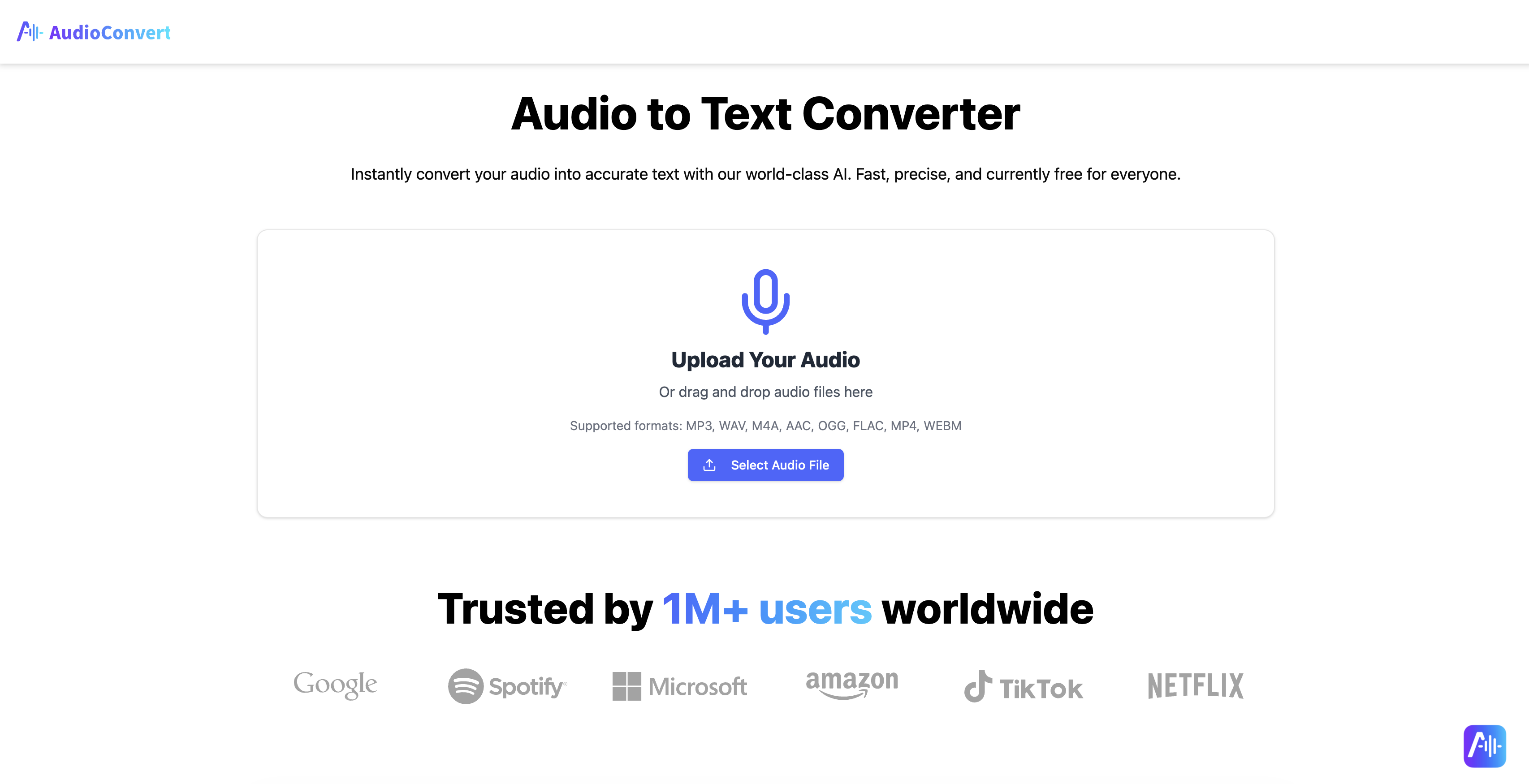
- Turn hours of manual transcription into minutes with AI that delivers near-human accuracy, even on complex terminology, to slash post-editing time
- Create instantly searchable text assets from any audio to boost content SEO and pinpoint key moments with word-level timestamps
- Generate accessible subtitles and show notes automatically with multi-speaker identification, perfect for video creators and podcasters
- Transform lectures, meetings, and user interviews into precise, timestamped records to capture every decision and insight without missing a detail
- Keep a verifiable record of sales calls and voice memos by converting them into editable, searchable text documents for easy review and strategy refinement
Pros & Cons
From the listing; not yet checked by our editors.
Pros
- Supports various audio formats
- Multiple speaker distinction
- Precise timestamps
- File uploading capabilities
- Multiple transcript download formats
- Optimizes productivity
- Captures complex terminology
- Reduces post-correction requirements
- Transforms audio into searchable assets
- Enhances content SEO
- Generates subtitles
- Pinpoints key moments
- Applicable across different functionalities
- User interviews transcription
- Sales calls transcription
- Voice memos transcription
- Accurate text in minutes
- Drag and drop function
- Review and download transcript
- Improves work efficiency
- High-accuracy speech-to-text
- Enables content to be searchable
- Free access to premium features
- Multi-speaker identification
- Several export formats
- Word stamped to exact time
- Subtitle and caption generation
- Supports lecture and research transcription
- Podcast and interview transcription
- Transcribes user research notes
- Sales call and meetings transcription
- Voice memo transcription
- One million plus users worldwide
- Built for a wide range of needs
- High accuracy even with background noise and diverse accents
- Creates accessible experiences for wider audience
- No cost for high-end features
Cons
- No app version mentioned
- No real-time transcription
- No multilingual support
- File size limit not mentioned
- Might struggle with heavy accents
- Background noise handling unclear
- No API for developers
- No offline functionality
- Processing speed not specified
- No direct integration with platforms
Alternatives to AudioConvert AI
Tools that share the most tags with AudioConvert AI.
- Soundwise.ai
Get instant transcriptions without signing up or paying, enabled by a completely free and unlimited-use web tool
Freemium · from $10/month
$10/month
Not yet checked
- AssemblyAI
Achieve up to 23% more accurate call transcription with AI models trained on 12.5M hours of multilingual audio data
Freemium
Not listed
Not yet checked
- Apptek
Convert audio to precise text transcripts across dozens of languages and dialects using neural network speech recognition
Not listed
Not listed
Not yet checked
- Zeemo
Create accurate video captions instantly with AI-powered generation that achieves over 98% accuracy
Free trial
Not listed
Not yet checked
- Voicetype AI
Write emails and documents entirely hands-free using advanced voice dictation that captures your natural speaking style
Free trial · from $13.59/month
$13.59/month
Not yet checked
- Speechy
Instantly create organized to-do lists and action items by speaking instead of typing, eliminating manual note-taking during meetings and brainstorming sessions
Freemium · from $9/month
$9/month
Not yet checked
Reviews
Rate this tool
Loading reviews...
Frequently asked questions
What audio formats are supported by AudioConvert?
AudioConvert supports various audio formats including MP3, WAV, M4A, AAC, OGG, FLAC, MP4, and WEBM.
How are multiple speakers handled in transcription by AudioConvert?
AudioConvert utilizes advanced AI technology to accurately transcribe speech into text, automatically distinguishing between multiple speakers in the process.
In what formats can I download the transcript from AudioConvert?
Transcripts created by AudioConvert can be downloaded in various formats such as TXT, DOCX, or SRT.
How does AudioConvert optimize productivity?
AudioConvert optimizes productivity by converting what used to be hours of manual transcription into an automatic process that only takes minutes. This frees up time for other tasks, making the workflow more efficient.
Can AudioConvert detect and transcribe complex terminology?
Yes, AudioConvert provides near-human levels of accuracy, capturing complex terminology during the transcription process, effectively reducing the need for post-transcription corrections.
What kind of SEO enhancement does AudioConvert provide?
AudioConvert enhances content SEO by transforming audio into a searchable asset, thereby allowing a wider reach and accessibility for the content.
How can content creators benefit from using AudioConvert?
Content creators can benefit by using AudioConvert to generate subtitles for their content. This also can help in SEO enhancement and accessibility of their content.
Does AudioConvert support subtitle generation?
Yes, one of the key features of AudioConvert is its ability to generate subtitles, turning the audio into an accessible material.