

Autoname
Overview
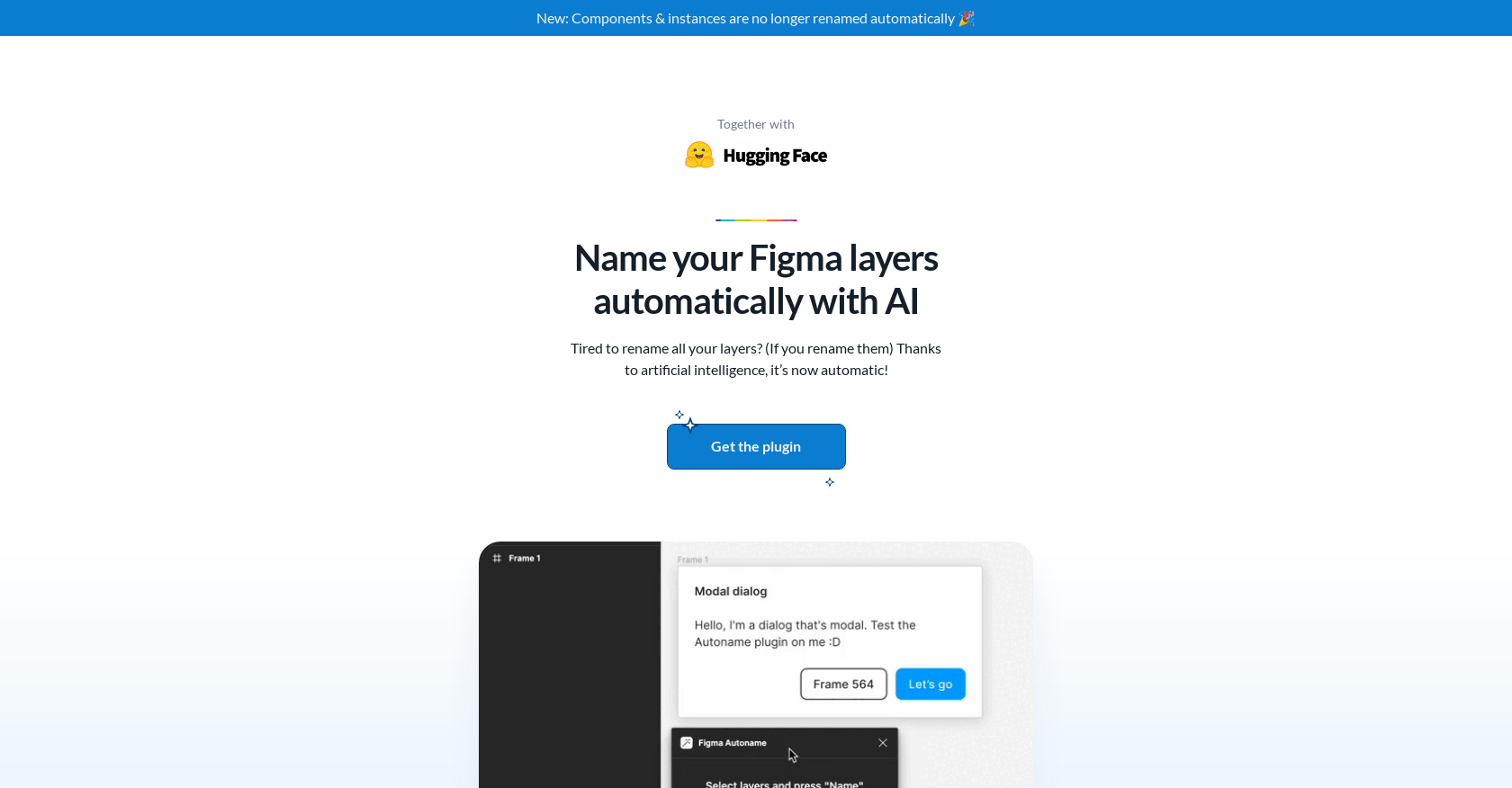
- Eliminate hours of manual layer renaming with one-click automation for your entire Figma design
- Maintain component integrity with smart AI detection that prevents renaming of components and instances
- Access professional-grade organization tools completely free with open-source MIT licensing
- Accelerate design workflow with industry-praised efficiency trusted by top designers
- Contribute to ongoing development as a community-driven open-source project
Pros & Cons
Pros
- Automatically names Figma layers
- Single click operation
- Sensible layer renaming
- Prevents renaming of components
- Fast and efficient
- Free to use
- Open source
- MIT License
- Powered by Svelte
- Highly rated by designers
- Sponsored by Hugging Face
- Available on Figma Community
- Not renaming components & instances
- Community driven
- Welcomes contributions
- Appreciated by top designers
- Supported by reputable sponsor
- Made with Svelte framework
- Easy layer management
- Great for time-saving
- One-click workflow enhancement
- Fixed unwanted auto-renaming
Cons
- Only for Figma
- Can't rename components, instances
- Lacks customization options
- Open-source maintenance issues
- Performance not tested
- Lacks API integration
- No mobile version
- Operating system compatibility not specified
- Lacks user control over renaming
- Over-reliance on community contribution
Reviews
Rate this tool
Loading reviews...
❓ Frequently Asked Questions
Figma Autoname's main function is to automatically rename Figma design layers in one single click.
Figma Autoname uses artificial intelligence to automatically rename layers. However, the specific algorithms or methods it uses to do this are not revealed on their website.
It's implied from the information on their website that Figma Autoname does work with all Figma design layers but will smartly detect and prevent renaming of components and instances layers.
Yes, Figma Autoname tool is free. It's also open-source.
Figma Autoname is being sponsored by Hugging Face.
Yes, Figma Autoname is limited to renaming certain types of Figma layers. It will detect and prevent renaming of components and instances layers.
Figma Autoname can be downloaded from the Figma Community website.
Yes, Figma Autoname is open-source. Its code is released under the MIT License, and anyone can contribute to its development.
Figma Autoname has received positive feedback from professionals in the design industry. Personalities like Edgar Navarro, Charles Patterson, and Vitaly Friedman have expressed their amazement and found it very helpful.
No, Figma Autoname will detect and prevent renaming of components and instances layers.
Figma Autoname is powered by the Svelte framework.
Yes, you can contribute to the development or improvement of Figma Autoname. Since it's open-source, you're free to share your contributions on its GitHub repository.
The primary efficiency benefit of using Figma Autoname is it allows users to rename all of their Figma design layers in one single click, thus saving them the time and effort of manually renaming each layer.
Figma Autoname uses artificial intelligence to detect and prevent renaming of components and instances layers, but their website does not provide specific details about how this detection and prevention process works.
While their website does not provide specific data about the amount of time users can save by using Figma Autoname, it's clear that the tool can greatly increase efficiency by automating the layer renaming process.
Figma Autoname can be used by anyone who uses Figma, whether or not they are a professional designer.
Figma Autoname is released under the MIT License.
Since Figma Autoname is a community-driven tool and its code is open-source, users can suggest new features and potentially contribute to the tool's development.
Figma Autoname has been developed by Hugo Duprez.
Pricing
Pricing model
Free
Paid options from
Free
Related Videos
How to automatically name layers in Figma with this #figmatutorial #autoname #uxdesign #uidesign
Soren Iverson•5.3K views•Nov 29, 2022