
BoldSign
Eliminate manual form field setup by uploading any PDF or DOCX document for AI to scan and auto-position signature, date, initials, and text fields
Overview
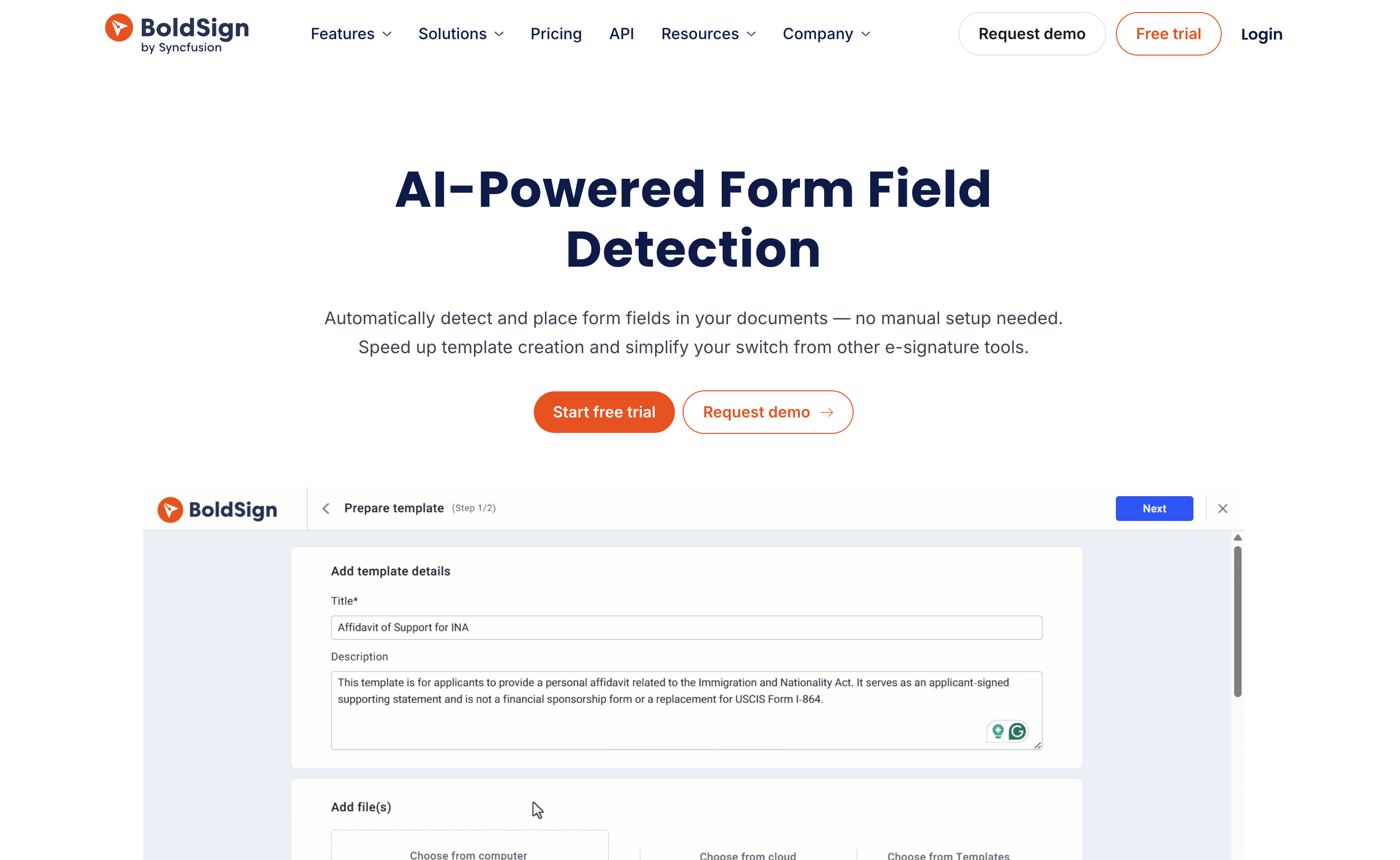
- Eliminate manual form field setup by uploading any PDF or DOCX document for AI to scan and auto-position signature, date, initials, and text fields
- Handle complex, multi-page contract layouts with consistent accuracy, ensuring reliable field detection across dense documents
- Create smarter reusable templates instantly as the AI automatically places all necessary fields, eliminating repetitive work
- Migrate seamlessly from other eSignature tools by having AI identify existing fields and rebuild your templates with minimal effort
- Share documents securely for signing via Email, SMS, or WhatsApp immediately after AI processing without manual formatting
- Maintain complete data privacy with security measures that ensure your document data is never used to train AI models
Pros & Cons
Pros
- Understands complex layouts
- Handles multi-page documents
- PDF and DOCX support
- Automated field positioning
- Creates smarter templates
- Simplifies migration from other tools
- Recognizes fillable blanks
- Detects various field types
- Supports dense documents
- Email, SMS, WhatsApp sharing
- Prioritizes data security
- Prioritizes data privacy
- Effective document management
- Time and effort saving
- Reduces work duplication
- Consistency in handling documents
Cons
- Only supports PDF, DOCX
- Requires clear layout text
- Doesn't support full document creation
- Can't train with user's data
- Possibly inaccurate field detection
- Limited automation of templates
- No mention of API
Reviews
Rate this tool
Loading reviews...
Frequently asked questions
BoldSign's AI Form Field Detection is a smart feature of the BoldSign eSignature platform. It automates the detection and positioning of form fields in digital documents. It is primarily designed to streamline the creation of digital contracts or templates by eliminating the need for manual setup.
BoldSign's AI uses an underlying model trained to understand various forms and their common elements. Upon uploading a document, the AI scans the content to identify likely fields like signature areas, dates, initials, and text input blocks. It then places these critical fields at their appropriate positions within the document automatically.
Yes, one of the significant strengths of BoldSign's AI Form Field Detection lies in its adept handling of complex layouts and dense, multi-page documents. Its sophisticated AI model ensures consistent performance across a range of document complexities and layouts, dynamically adapting to handle denser and longer documents.
Users can upload PDF or DOCX file formats for scanning by BoldSign's AI. It is designed to work with these popular document formats, which are commonly used in business and contractual work.
BoldSign's AI streamlines the creation of digital contracts or templates by automatically detecting and positioning form fields. The AI can understand various form structures, identify fillable blanks, and auto-position fields such as checkboxes and signatures. It notably improves template creation by auto-placing necessary fields, significantly saving time and reducing duplication of work.
BoldSign's AI can add crucial fields to uploaded documents such as signature fields, date fields, initials fields, text fields, and checkboxes. By doing so, it significantly alleviates the need for manual input and optimizes the document setup process.
BoldSign's AI-powered form field detection aids migration from other eSignature tools by identifying fields in the uploaded documents from the old tool. It helps users in reconstructing their templates with minimal effort, thus ensuring a smooth and simplified transition.
The security of user data is a top priority for BoldSign. The AI implements strict data security measures to ensure all data remains secure and private. It's important to note that user data is never used to train AI models, demonstrating the platform's strong commitment to data security.
Pricing
Pricing model
Freemium
Paid options from
$15/month
Billing frequency
Monthly