

Overview
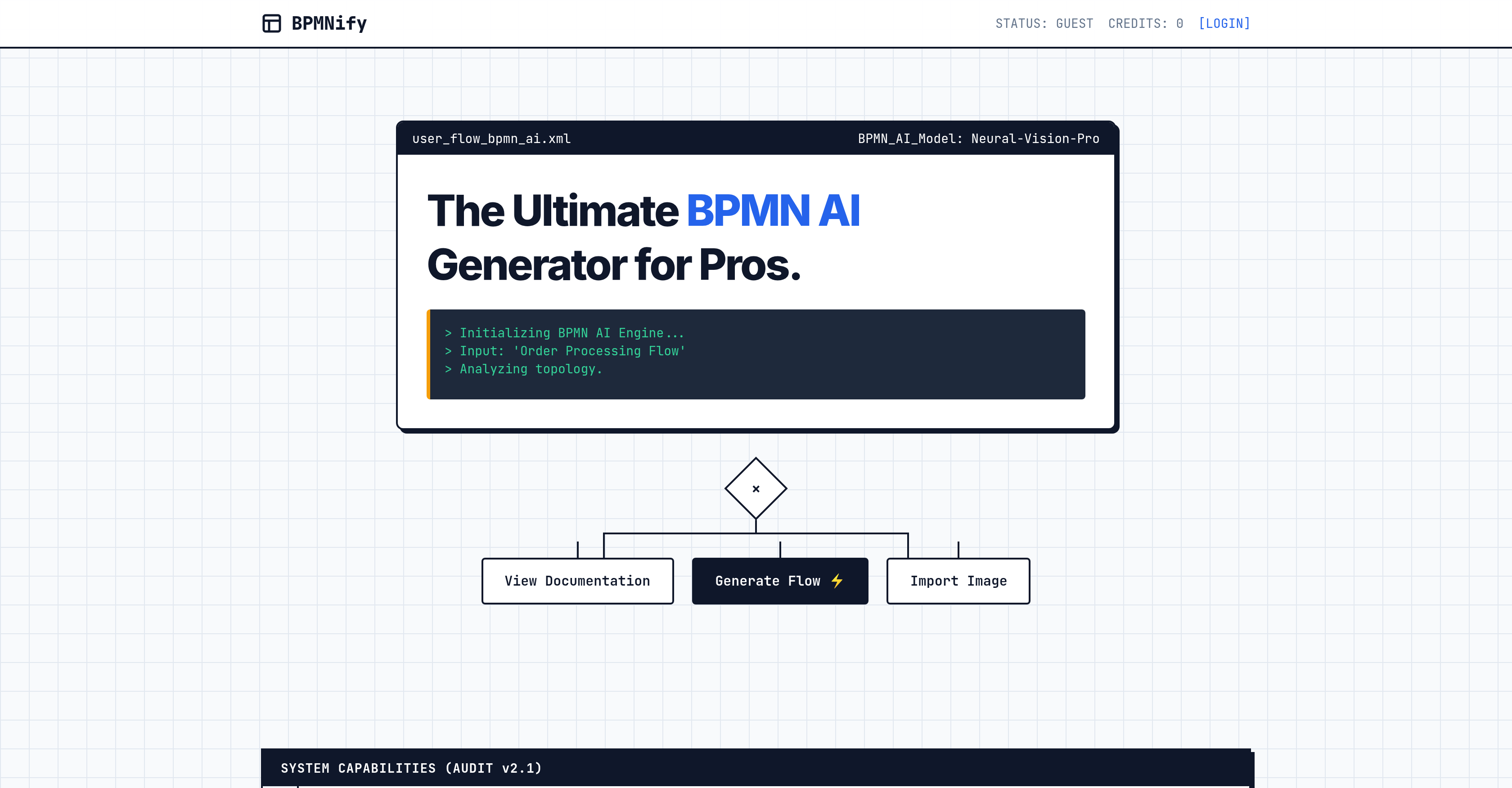
- Turn text descriptions into professional BPMN 2.0 diagrams instantly using AI, eliminating manual drawing and accelerating process documentation.
- Refine and optimize workflows with the built-in business process editor for in-depth analysis and precise customization.
- Enhance diagrams with specific visual context by importing images and incorporating their conceptual elements directly.
- Share and integrate diagrams seamlessly across business systems by exporting in universally compatible XML, SVG, and PNG formats.
- Access and work on process models from anywhere without software installation, using the web-based platform in any modern browser.
Pros & Cons
Pros
- Text to flowchart conversion
- Customizable BPMN diagrams
- Image import capability
- Multiples export formats (XML, SVG, PNG)
- Interoperability with business systems
- Web-based tool
- Freemium model
- Efficient diagram creation
- In-depth process analysis
- Process optimization
- Automatic diagram transcription
- Supports BPMN 2.0
- Professional-grade flowcharts
- Incorporates visual components
- Easy to produce flowcharts
- Supports business process editing
- Making professional visualization accessible
- Streamlines diagram generation
- Incorporates conceptual elements
- No specific software installation needed
- Easy incorporation of images
- Flexible exporting options
Cons
- Limited to BPMN 2.0
- No offline access
- Limited import file types
- Only exports XML/SVG/PNG
- No multi-user collaboration
- No version history
- No API for integration
- No access control
- No mobile app
- Freemium model limitations
Reviews
Rate this tool
Loading reviews...
❓ Frequently Asked Questions
BPMNify is an AI-powered tool that's designed to facilitate the effortless creation of professional-grade BPMN 2.0 diagrams. It offers a unique ability to transform text into flowcharts, thereby efficiently visualising complex procedures and processes. It also includes a business process editor, allows image imports, and supports exporting diagrams in various formats.
Indeed, one of the key features of BPMNify is its capability of converting text into flowcharts. This AI-powered tool allows users to input textual information and, leveraging its artificial intelligence, transforms this text into detailed flowcharts, easing the representation of complex procedures.
On BPMNify, creating BPMN 2.0 diagrams is a simple and intuitive process. Users input their process in text form and the AI technology instantly turns it into a professional BPMN diagram. Further changes can be made using the business process editor for more meticulous customization to meet specific requirements.
Yes, BPMNify does feature a user-friendly business process editor. This can be utilized to refine and customise the generated BPMN diagrams as per specific needs. This feature fosters an in-depth process analysis and optimization.
Absolutely, BPMNify extends the feature of importing images. This greatly enhances the customizability and flexibility of creating process diagrams, allowing users to personalize their diagrams as per their requirements.
Yes, BPMNify supports the ability to export the created diagrams in several formats such as XML, SVG, or PNG. This feature enhances the tool's interoperability, making it compatible with various other business systems.
BPMNify provides integration options by allowing users to export created diagrams in multiple formats like XML, SVG, and PNG. These formats are broadly recognised and compatible, making the diagrams interchangeable with other programs or business systems.
Yes, BPMNify operates as a web-based tool. Thus, users can easily work with their process diagrams anywhere with internet access. They can create and edit their diagrams without needing any specific software installations.
No, BPMNify being a web-based tool does not require any specific software installation. Users can access and utilise it via any modern web browser.
Yes, BPMNify follows a Freemium model. This means users can start using the basic capabilities of the tool for free, and can then choose to upgrade to premium for accessing advanced features.
There are no known compatibility issues when using BPMNify. Due to its web-based design and support for exporting diagrams in universally accepted formats like XML, SVG, PNG, it displays high compatibility with a range of systems.
BPMNify allows for high degree of customization when creating process diagrams. Not only can text be converted into a BPMN diagram, but users can also refine and alter these using the business process editor. In addition to this, images can be imported to augment the flexibility in creating the diagrams.
Yes, BPMNify can indeed be used for workflow visualization. The ability to convert text into flowcharts allows for a detailed, visual representation of workflows, making them easier to understand and analyze.
Absolutely, one of the main features of BPMNify is to allow for in-depth process analysis and optimization. This is achieved through its business process editor that facilitates refinement and customization of the diagrams to match specific requirements.
BPMNify significantly aids in Business Process Modeling. By transforming textual data into clear, visually engaging BPMN diagrams, it simplifies the process of understanding, analyzing, and optimizing business processes.
BPMNify is extremely efficient in visualizing complex procedures and processes. Its AI-powered technology effectively converts text into detailed flowcharts, enabling users to better understand and interpret intricate processes.
Yes, BPMNify's AI-powered tool greatly assists in creating professional BPMN diagrams instantly. It can convert text into flowcharts efficiently – making it a robust tool for real-time visualizations of business processes.
Yes, sharing diagrams created on BPMNify is possible. The tool supports exporting these diagrams in multiple formats, facilitating easy sharing and integration with various platforms.
To begin using BPMNify for free, users simply need to access the website and start utilizing its basic functionality. The freemium model adopted by BPMNify allows users to experience the tool without any initial investment.
BPMNify employs AI technology to convert textual descriptions into their corresponding professional BPMN 2.0 diagrams. Through sophisticated machine learning algorithms and a deep understanding of BPMN notation, the AI is capable of converting written procedures or processes into visually detailed, clear, and comprehensible process charts.
BPMNify possesses the unique ability to transform text-based input directly into flowcharts, ultimately expediting the visualization and understanding of complex business procedures and processes.
Through its AI-driven technology, BPMNify turns complex procedures detailed in text into visually interpretable Business Process Model and Notation diagrams. These diagrams can graphically represent multiple facets of the process, including activities, events, gateways, and connections, making it a powerful tool for process visualization.
Absolutely, BPMNify does allow the customization of BPMN diagrams. Its user-friendly process editor can be used to modify, refine, and tailor the diagrams to meet specific requirements, thereby allowing users to carry out an in-depth analysis of their business processes.
Undoubtedly, BPMNify supports the import of images. This functionality imparts a greater degree of flexibility and customization to the creations of process diagrams.
BPMNify diagrams can be exported in multiple commonly-used formats such as XML, SVG, and PNG ensuring a high degree of interoperability and compatibility with various business systems.
Through its ability to export diagrams in multiple formats, including XML, SVG, and PNG, BPMNify ensures a high degree of interoperability. These export formats are universally compatible, allowing the diagrams to be readily used in various software and systems.
No, there is no specific software installation required to use BPMNify. Since it is a web-based tool, users can simply access it through web browsers to create and edit their BPMN diagrams.
Yes, BPMNify adopts a freemium model, meaning it is free to get started. Users are able to access and utilize a majority of the tool's basic features at no initial cost.
BPMNify leverages Artificial Intelligence to generate BPMN diagrams. When a user inputs a text description of a business process, the AI system interprets that text and translates it into its visual BPMN 2.0 representation, creating detailed, understandable, and professional diagrams.
Indeed, BPMNify allows users to transcribe textual inputs into their visual counterparts. The software is intuitive and efficient, automatically interpreting the text and producing the equivalent visual components of a BPMN diagram.
BPMNify allows the incorporation of various conceptual elements into its diagrams. This also includes elements from images that have been imported into the tool.
Yes, BPMNify can definitely be used for business process editing. In addition to generating diagrams, it features a process editor that allows users to make necessary adjustments, improvements, and customizations to their BPMN diagrams.
BPMN 2.0 or Business Process Model and Notation is a graphical representation for specifying business processes in a model. BPMNify utilizes BPMN 2.0 to translate textual input into its relevant visual notation, thereby creating clear, professional process diagrams. This ensures an easy understanding and visualisation of complex procedures.
One can start using BPMNify by simply accessing their website. Given the tool is web-based, there is no need for specific software installation. It adopts a freemium model, meaning it's free to get started.
BPMNify uses AI-powered technology to facilitate the automatic generation of professional BPMN diagrams and support the editing of business processes. By interpreting text-based descriptions of business processes, the AI system can quickly generate detailed, visually comprehensive BPMN diagrams.
Absolutely, since BPMNify is a web-based tool, it can be accessed from any web browser, without the need for specific software installation.
No, special training is not required to use BPMNify. Its user-friendly interface and intuitive design makes it accessible to all users, regardless of their prior technical knowledge or skills.
Yes, BPMNify can indeed be integrated with other business systems. The tool’s ability to export diagrams in universally compatible formats such as XML, SVG, and PNG ensures its interoperability and integration with various business systems.
Pricing
Pricing model
Free Trial
Paid options from
$29.90/month
Billing frequency
Monthly
Refund policy
View Refund Policy