

Buzz Mail
Respond to customer inquiries instantly with AI-generated professional replies, directly from your Gmail interface
Listing not yet reviewed by our editors · How we check
Overview
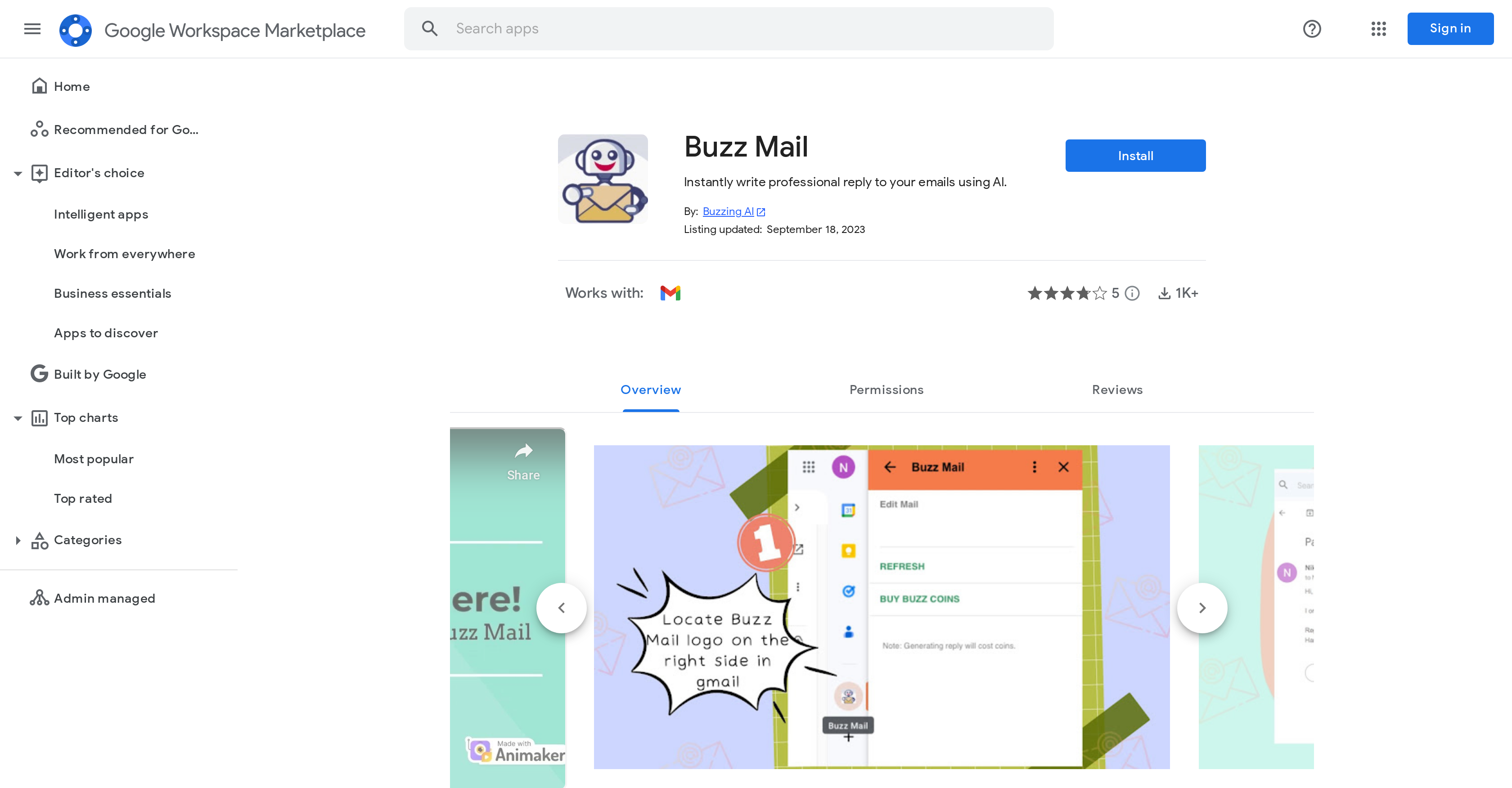
- Respond to customer inquiries instantly with AI-generated professional replies, directly from your Gmail interface
- Handle large email volumes efficiently without sacrificing response quality or professional tone
- Maintain consistent communication standards across your entire team with standardized AI responses
- Convert more customer queries into sales by ensuring no email goes unanswered
- Eliminate time spent drafting repetitive responses while maintaining professional quality
- Scale your email response system effortlessly for businesses of any size or sector
Alternatives to Buzz Mail
Tools that share the most tags with Buzz Mail.
- EmailTriager
Eliminate hours spent on repetitive emails by having AI draft replies automatically based on your past responses
Freemium · from $10/month
$10/month
Not yet checked
- MailBuddy
Respond to emails in seconds instead of minutes by having AI draft contextually appropriate replies while you work in Gmail
Free
Not listed
Not yet checked
- Tryellie
Get email replies that sound exactly like you by having Ellie learn from your past emails and mimic your unique writing style
Freemium · from $19/month
$19/month
Not yet checked
- CXassist
Clear your unread customer email backlog without typing a single reply: inbox autopilot reads every unread message and sends a personalized AI email response.
Free trial · from $9.99/month
$9.99/month
Not yet checked
- Stamp
Respond to emails instantly with personalized replies that match your unique writing style using AI-generated responses
Not listed
Not listed
Not yet checked
- HeyHelp
Reclaim hours each week with automated email sorting and prioritization that highlights what matters most
Freemium · from $18/month
$18/month
Not yet checked
Related Videos
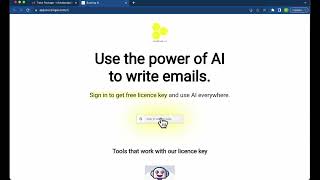
How to get started with Buzz Mail
BuzzingAI · Feb 7, 2023
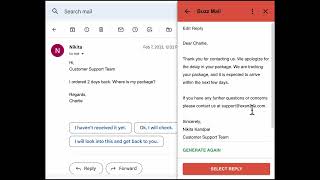
How to use Buzz Mail?
BuzzingAI · Feb 8, 2023

OAuth Consent Screen
BuzzingAI · Jan 19, 2023
Reviews
Rate this tool
Loading reviews...
Frequently asked questions
What is Buzz Mail?
Buzz Mail is a Google Workspace Marketplace tool that uses artificial intelligence (AI) to instantly compose professional replies to emails. It can help increase sales by ensuring that customer queries are responded to promptly and efficiently.
How does Buzz Mail use AI to write email replies?
Buzz Mail leverages artificial intelligence to auto-generate professional responses to incoming emails. With just a click, users can send out these precomposed responses, saving time and ensuring consistency in communication.
What platforms does Buzz Mail work with?
Buzz Mail is designed to work as an add-on with Gmail, which is part of the Google Workspace suite.
Does Buzz Mail have access to my emails?
Yes, Buzz Mail requires access to users' email messages when it is running in order to write and send replies.
What permissions does Buzz Mail need to function?
Buzz Mail needs the permissions to manage drafts, send emails, view users' email messages while the add-on is running, run as a Gmail add-on, connect to an external service, view the user's primary Google Account email address, and view any personal information that is publicly available.
How can Buzz Mail increase sales?
Buzz Mail can increase sales by ensuring that all customer queries are responded to in a timely and professional manner, which can lead to enhanced customer satisfaction and potentially more business.
How does Buzz Mail support professional communication and customer support?
Buzz Mail assists in facilitating professional communication by generating professional and standardized responses to customer queries. For customer support, it ensures every query is answered promptly, ensuring customer satisfaction in the transaction.
What is the role of Buzz Mail in time management and email automation?
Buzz Mail makes email automation easy by instantly writing replies to emails using AI. This way, it allows you to manage large volumes of emails efficiently, saving you a significant amount of time.