

EmailTriager
Eliminate hours spent on repetitive emails by having AI draft replies automatically based on your past responses
Listing not yet reviewed by our editors · How we check
Overview
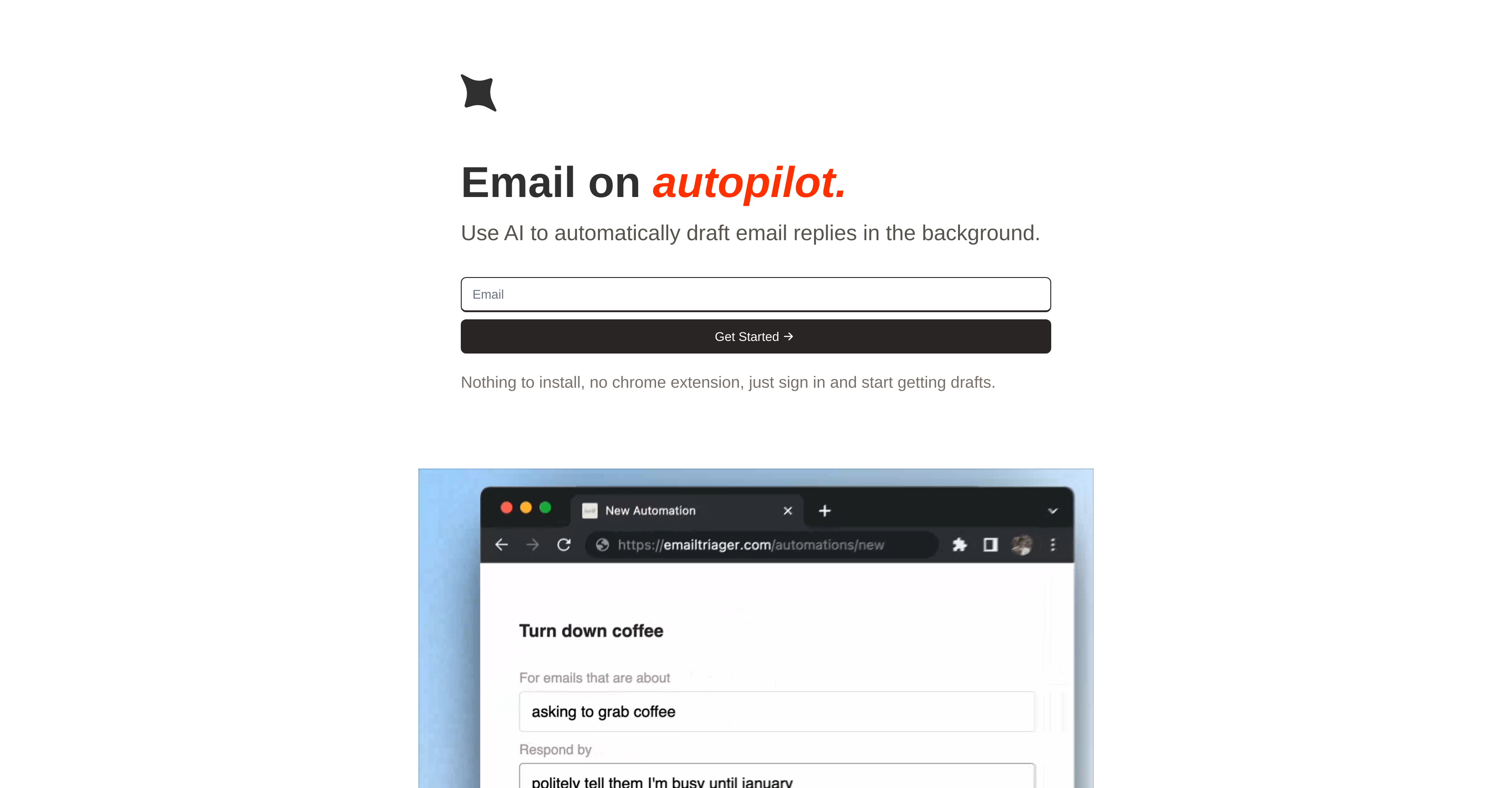
- Eliminate hours spent on repetitive emails by having AI draft replies automatically based on your past responses
- Maintain complete control over your correspondence by reviewing every AI-generated draft before it's sent
- Set up your personal AI email assistant in minutes by simply signing in, with no software or browser extensions to install
- Keep sensitive communications private with built-in security measures that protect your email data and content
- Focus on high-priority work while your inbox manages itself, with drafts generated autonomously in the background
- Train the system on your specific email patterns by providing examples of how you've responded to similar inquiries before
Pros & Cons
From the listing; not yet checked by our editors.
Pros
- Automated email replies
- Uses NLP technology
- Generates ready-to-send drafts
- Manages ever-growing inbox
- Privacy and security features
- No installation required
- No browser extensions needed
- Simple sign-in and start
- Instructions in plain English
- Drafts show up in inbox
- Time saver for busy people
- Personalized reply context
- Handles mundane tasks
- Detailed email triage
- Highly intuitive tool
- Perfect for non-techies
- Secures user data
- Easily integrate with inbox
Cons
- Limited NLP understanding
- No customization options
- Potential privacy issues
- No mobile app
- Dependent on user instruction clarity
- No offline capabilities
- Limited to English language
- Cannot handle complex requests
- No enterprise version available
- Doesn't support all email providers
Alternatives to EmailTriager
Tools that share the most tags with EmailTriager.
- MailBuddy
Respond to emails in seconds instead of minutes by having AI draft contextually appropriate replies while you work in Gmail
Free
Not listed
Not yet checked
- Buzz Mail
Respond to customer inquiries instantly with AI-generated professional replies, directly from your Gmail interface
Not listed
Not listed
Not yet checked
- Tryellie
Get email replies that sound exactly like you by having Ellie learn from your past emails and mimic your unique writing style
Freemium · from $19/month
$19/month
Not yet checked
- CXassist
Clear your unread customer email backlog without typing a single reply: inbox autopilot reads every unread message and sends a personalized AI email response.
Free trial · from $9.99/month
$9.99/month
Not yet checked
- Stamp
Respond to emails instantly with personalized replies that match your unique writing style using AI-generated responses
Not listed
Not listed
Not yet checked
- HeyHelp
Reclaim hours each week with automated email sorting and prioritization that highlights what matters most
Freemium · from $18/month
$18/month
Not yet checked
Related Videos
EmailTriager
Kim Versoza · Jul 2, 2024

🤖⚙️Discover 5 Free AI Tools for AI Email
Web Register Directories Group · Feb 21, 2024

Email AI Assistent by Pattern Automation Agency 2024
ThePatternAutomation · Aug 3, 2024
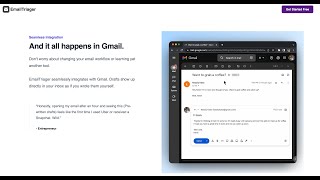
AI Email Drafts Assistant
Kim Versoza · Jul 1, 2024
Reviews
Rate this tool
Loading reviews...
Frequently asked questions
What is EmailTriager?
EmailTriager is an AI-powered email automation tool designed to help users save time by generating automated responses to emails received in their inbox. This service aids in managing an overflowing email inbox and reducing the time one spends responding to each individual mail manually.
How does EmailTriager use AI to automate email replies?
EmailTriager utilizes natural language processing (NLP) technology in automating email replies. This technology enables it to interpret user instructions, understand the content of received emails, and draft suitable responses, thereby eliminating the need for manual intervention.
Is EmailTriager safe to use?
Yes, EmailTriager is safe to use as it deploys privacy and security measures to ensure that users' emails and data are well protected and remain confidential.
How does EmailTriager understand user's instructions?
EmailTriager understands users' instructions through the application of natural language processing technology. This allows it to read and interpret commands delivered in plain English.
What technology does EmailTriager use for processing language?
EmailTriager employs natural language processing (NLP) for processing language in emails.
Do I need to install anything to use EmailTriager?
No, you don't need to install anything to use EmailTriager. This means no extensions or plugins are necessary. You merely have to sign in to get started.
How can EmailTriager help with managing my inbox?
EmailTriager helps with managing your inbox by drafting automated replies to your received emails. This drastically reduces the time spent on manual responses, easing the workload and ensuring an efficient and organized inbox management.
Can I review email drafts before they are sent with EmailTriager?
Yes, with EmailTriager, drafts are generated for users to review before being sent out. Hence, you still retain control over your correspondence.