

Chrome Sidekick
Overview
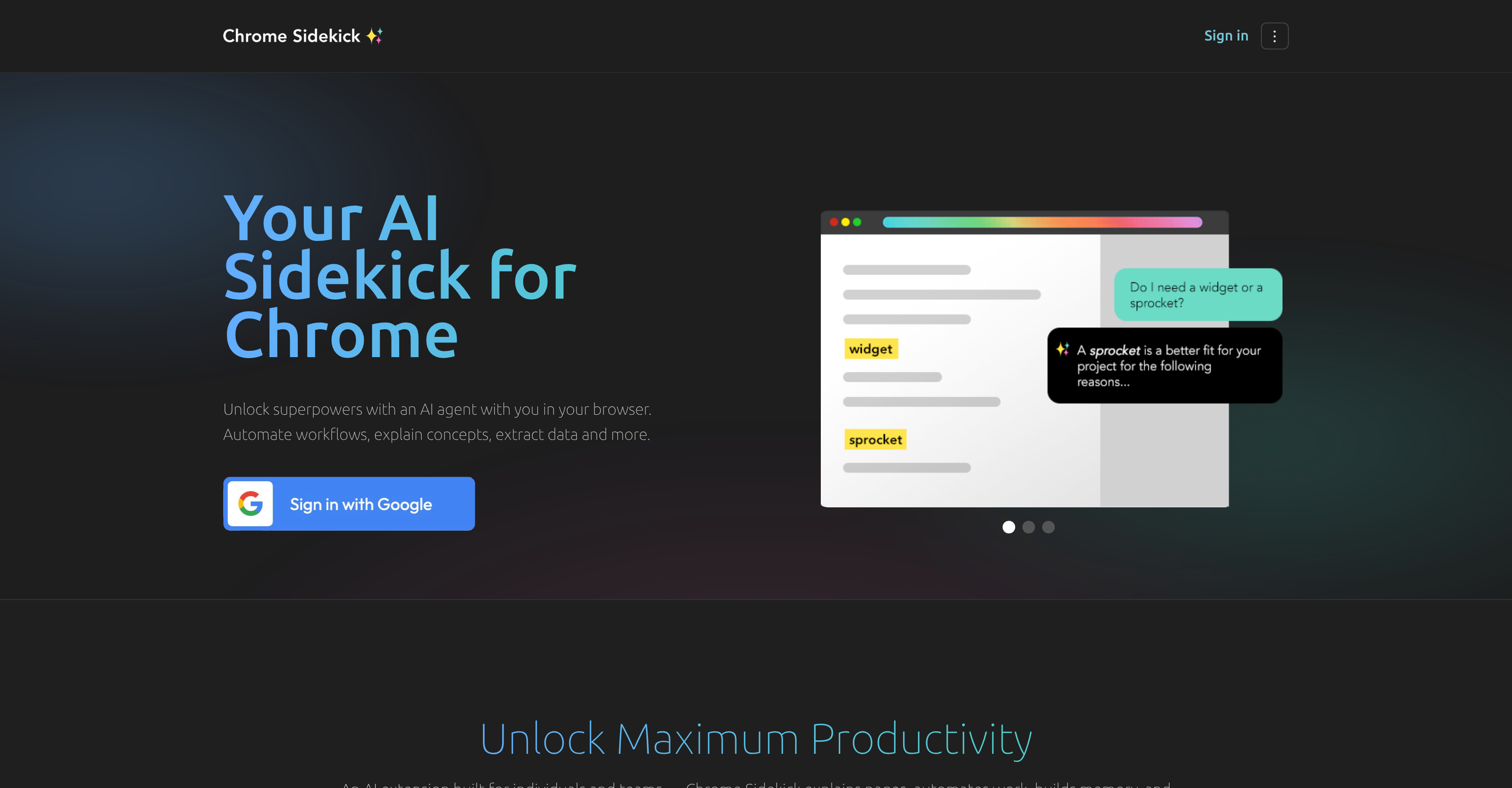
- Eliminate repetitive manual work across every website you visit with AI-powered task automation that handles routine browsing activities
- Save hours each week by automating your most common online tasks through continuous learning from your browsing patterns
- Focus on high-value work while the assistant handles the mundane, adapting to your workflow across all Chrome pages
- Get smarter automation over time as the AI studies your habits and improves its predictions for your specific needs
- Streamline complex multi-step processes with a single click using personalized automation that works everywhere online
Pros & Cons
Pros
- Enhances productivity
- Automates tasks
- Functions on all pages
- Wide-ranging application
- Learns from user habits
- Improves over time
- Optimized with JavaScript
- Augments browsing experience
- Promotes time efficiency
- Chrome Extension
- Streamlines online tasks
- Supports routine browsing
- Continuous user habit learning
- JavaScript dependency
- Task automation capability
- Browser-wide functionality
- User-specific learning
- Dynamic efficiency improvement
- Relies on JavaScript
- Improves user web experience
- Functions on any webpage
- Optimizes recurrent browsing tasks
- Integrated with chrome
- Seamless browsing integration
- Personalized learning from usage
- Compatible with JavaScript-heavy pages
- Efficiency-focused functionalities
- Offers browser-wide application
- Incorporates user habit understanding
- Browsing enhancement tool
- Aimed at task efficiency
- Can work with JavaScript
- Committed to time saving
Cons
- Only for Chrome browser
- Requires JavaScript enablement
- Potential for privacy intrusion
- Functionality specifics not detailed
- Requires some technical knowledge
- Only automates routine tasks
- Might affect browser performance
Reviews
Rate this tool
Loading reviews...
❓ Frequently Asked Questions
Chrome Sidekick is an AI browser assistant designed to enhance productivity within the Chrome web browser by automating tasks and applying AI superpowers to every page in Chrome.
Chrome Sidekick enhances productivity by automating routine, repetitive browsing tasks, which might otherwise consume significant time, thus allowing users to work more efficiently.
The core feature of Chrome Sidekick is its ability to automate tasks, influenced by artificial intelligence technology. It brings AI superpowers to all pages within the Chrome browser.
Chrome Sidekick can automate routine, repetitive browsing tasks within the Chrome browser.
Yes, Chrome Sidekick can function on all pages within Chrome, giving it a wide-ranging application across various online activities and tasks.
'AI Superpowers' in context of Chrome Sidekick refers to the tool's ability to leverage artificial intelligence technology to predict, understand, and learn from user's browsing habits and tasks, thereby improving its effectiveness over time.
Chrome Sidekick learns from the user's browsing habits and tasks to enhance its ability to predict, understand, and automate tasks.
Yes, Chrome Sidekick improves its effectiveness over time as it evolves through understanding and learning from the user’s browsing habits and tasks, thereby bettering its prediction and automation capacities.
JavaScript plays a crucial role in the functionality of Chrome Sidekick since it operates on JavaScript. To utilize Chrome Sidekick to its full potential, users need to enable JavaScript settings on their browsers.
While the functionality of Chrome Sidekick largely relies on JavaScript, you do not necessarily need advanced technical knowledge. However, users should know how to enable their JavaScript settings for the optimal functioning of the tool.
Chrome Sidekick aids time efficiency by automating routine browsing tasks, thereby saving the user's time otherwise spent on these tasks. Thus, it promotes a more efficacious use of time online.
Yes, Chrome Sidekick is a Chrome extension that has been designed to maximize productivity by automating routine tasks within the Chrome browser.
Yes, Chrome Sidekick can handle, and more so, specializes in routine browsing tasks, automating them for better time efficiency.
'Web Experience Augmentation' in relation to Chrome Sidekick refers to enhancing the user's browsing experience, making tasks more streamlined and efficient, and thus promoting a more effective use of time online.
The requirements to run Chrome Sidekick include having a Chrome web browser and having JavaScript enabled.
Chrome Sidekick automates online tasks by learning from your browsing habits and tasks and then leveraging its AI technology to automate routine tasks on your behalf, thereby enhancing productivity.
While the specific settings for optimal use are not detailed, Chrome Sidekick functions on JavaScript, implying that an enabled JavaScript setting may enhance the tool’s performance.
Yes, Chrome Sidekick can predict your browsing habits, as it leverages AI technology to learn and adapt based on your online tasks and browsing habits.
No, Chrome Sidekick does not limit its functionality to specific types of online activities. It is capable of automating a wide range of tasks within the Chrome browser.
Yes, Chrome Sidekick can indeed help you work smarter by automating routine tasks, enabling you to focus on other more critical activities, thereby enhancing your overall online productivity.
Pricing
Pricing model
Freemium
Paid options from
$4/month
Billing frequency
Monthly
Related Videos
Remote Control Chrome from Cursor
Sidekick Pro•10 views•Sep 20, 2025


