
Cinematic Slideshow Studio
Overview
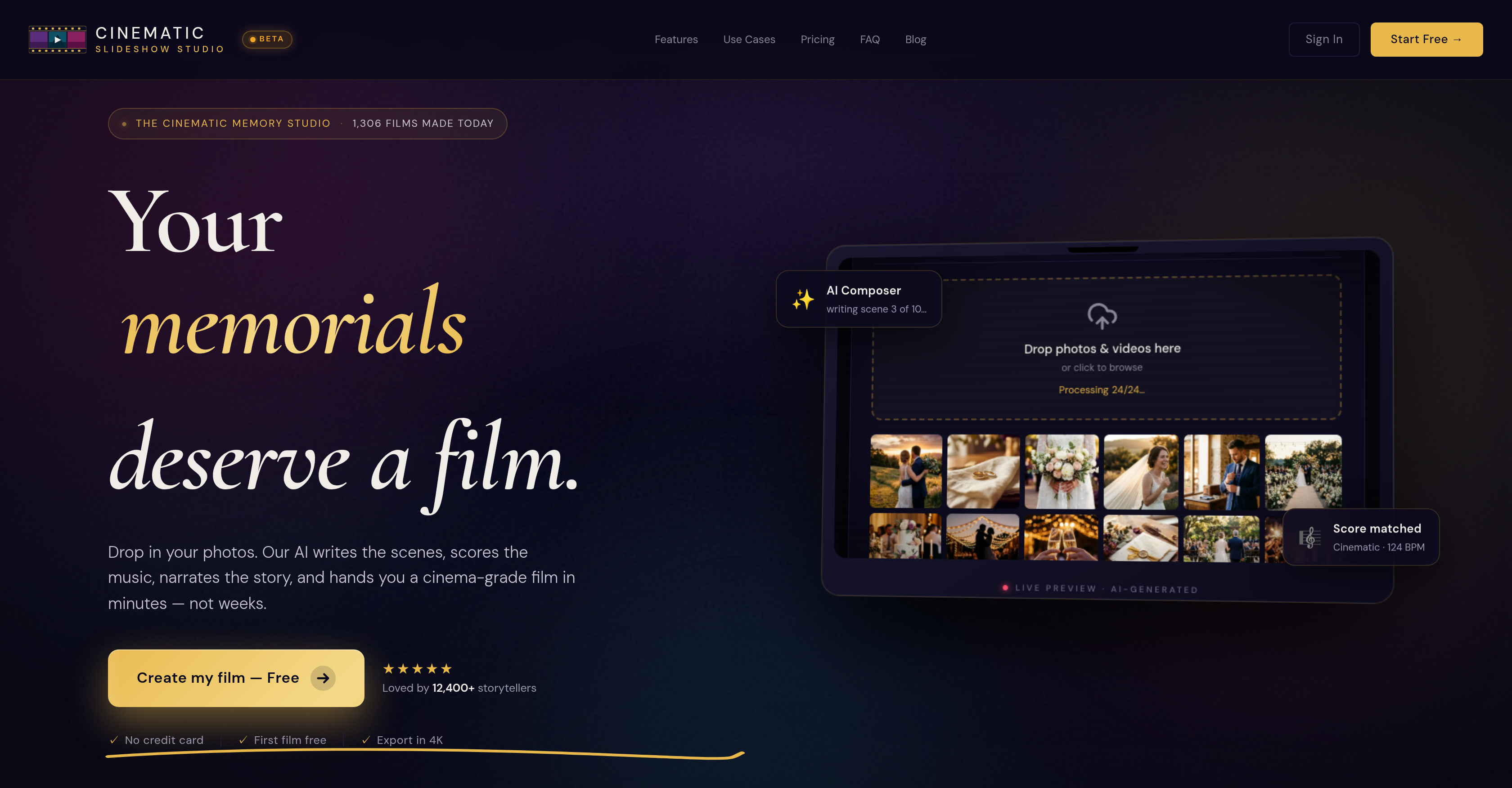
- Turn any photo collection into a polished cinematic slideshow ready for weddings, memorials, or birthdays—upload your photos and the AI Slideshow Maker auto-composes a complete narrative with scenes, transitions, and pacing.
- Get professional-grade 4K resolution exports that hold up on any screen—the built-in export option renders finished slideshows at full 4K quality.
- Skip the work of matching music and writing narration—the AI system automatically selects music and generates voice narration tailored to your slideshow.
- Keep every face perfectly framed without manual editing—face-aware cropping detects faces and selects the best crop for each photo automatically.
- Match the emotional tone of any occasion instantly—choose from a range of narration styles built for different moods and themes.
- Build a coherent story from scattered photos without sorting them yourself—AI photo analysis organizes images by topic and mood to form a seamless narrative.
- Add advanced visual effects without editing skills—color keying and object tracking bring motion-picture polish to your slideshow.
- Fine-tune every detail with pro-level controls—the multi-track timeline, scene inspector, and asset library give you precise editing when you want it.
- Start creating immediately with zero setup—the user-friendly, browser-based design eliminates downloads and complex learning curves.
Pros & Cons
Pros
- Free usage
- 4K resolution export
- Auto slideshow composition
- Cinematic effects
- Multiple narration styles
- Face detection
- Automatic photo cropping
- Photo organization
- Automated narration
- Multi-track timeline
- Scene inspector
- Asset library
- No download required
- Event-specific slideshows
- User-friendly interface
- Music selection feature
- Object tracking
- Color keying
- Scene composition
- Can handle personal events
- In-browser operation
- No credit card needed
Cons
- No offline usage
- No mobile version
- No customizable narration styles
- Limited music selection
- No user-controlled cropping
- Lacks advanced editing features
- Script generation may be generic
- Potential facial recognition issues
- No integration with photo storage platforms
- No multilingual support
Reviews
Rate this tool
Loading reviews...
Pricing
Pricing model
Freemium
Paid options from
$14/month
Billing frequency
Monthly