

Clearword
Eliminate manual note-taking with real-time AI transcription that captures every discussion detail at 95% accuracy
Listing not yet reviewed by our editors · How we check
Overview
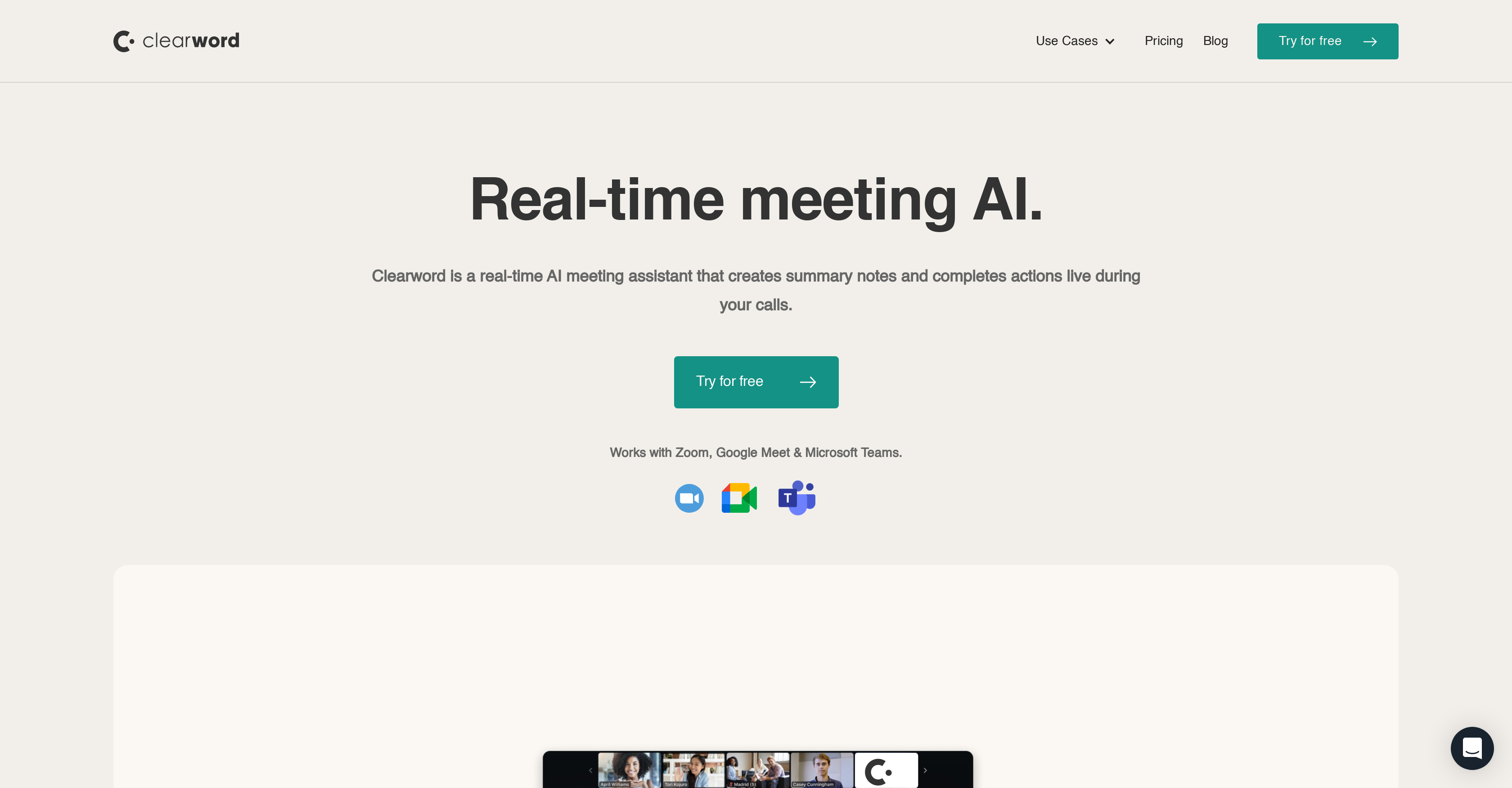
- Eliminate manual note-taking with real-time AI transcription that captures every discussion detail at 95% accuracy
- Automatically convert discussions into actionable tasks that export directly to Notion, Jira, and HubSpot without manual entry
- Keep your CRM perfectly updated with automatic logging of meeting notes, transcripts, and recordings after each call
- Create immediate meeting momentum with automated follow-up emails and summaries drafted while your call is still in progress
- Find any past discussion instantly through a searchable meeting library where all notes, tasks, and transcripts are organized
- Maintain complete privacy control with customizable settings for how recordings and transcripts are captured and stored
Pros & Cons
From the listing; not yet checked by our editors.
Pros
- Real-time meeting assistance
- Integration with Zoom, Google Meet, and Microsoft Teams
- Automated meeting summaries
- Creation of action items
- Drafts follow-up emails
- Auto-fills CRM
- Exports tasks to productivity tools
- Searchable meeting library
- Full control of privacy settings
- Highly accurate transcription
- Collaborative platform
- Logs meeting notes in CRM
- Records meeting transcripts and recordings
- Clearnotes for real-time productivity
- Action Item Export
- Privacy First Platform
- Simple Sharing
- Automate Notes & Follow up
- Industry Best Transcript
- Powerful Search
- Organized Meeting Library
- Easy Collaboration
- Works with major CRM and collaboration apps
- Creates workspace channels for interaction
- Enhances team communication
- Improves meeting effectiveness
- Automates meeting admin
- Frees up focus during meetings
- Converts talk into action
- Secures private conversations
- Improves clarity and alignment
- Identifies and completes tasks
- Notes drafted real-time
- Exports tasks to Notion, Hubspot, Jira
- 95% accuracy in transcription
- Easy sharing with a simple link
- Makes meetings searchable and actionable
- Zeros in on essential meeting details
Cons
- No offline functionality
- No iOS or Android apps
- No multilingual support
- Lacks advanced editing features
- No voice commands
- No integration with Slack
- No predictive analytics feature
- No integration with Asana
- Doesn't support 3rd party hardware
- No custom branding option
Alternatives to Clearword
Tools that share the most tags with Clearword.
- ShadowDo
Eliminate manual note-taking with automatic transcripts and timestamped summaries generated from your conversations
Freemium · from $8/month
$8/month
Not yet checked
- Otter.ai
Never take meeting notes again with OtterPilot that auto-joins Zoom, Teams and Google Meet to capture everything automatically
Freemium · from $8.33/month
$8.33/month
Not yet checked
- MeetPulp
Eliminate manual note-taking with automated meeting transcriptions that capture every word accurately
Freemium · from $10.99/month
$10.99/month
Not yet checked
- Bubbles Notetaker
Never miss a meeting detail with automatic transcription and AI-generated summaries that highlight key decisions and action items
Freemium · from $12/month
$12/month
Not yet checked
- Avoma
Focus completely on conversations while AI generates detailed notes with speaker identification and topic detection
Freemium · from $19/month
$19/month
Not yet checked
- Agenda Hero
Transform any text description into perfectly formatted calendar events without manual entry using natural language processing
Free
Not listed
Not yet checked
Related Videos
🔊 #KI Tool der Woche #Clearword: AI-Meeting-Assistent! 🔊
GoDigital · Feb 7, 2024
Reviews
Rate this tool
Loading reviews...
Frequently asked questions
What is Clearword?
Clearword is a real-time AI meeting assistant designed to boost productivity and efficiency during live calls. It integrates with numerous platforms such as Zoom, Google Meet, and Microsoft Teams for smooth operations during meetings. Beyond note taking, Clearword offers automated meeting summaries, task creation, and drafting of follow-up emails. It also offers a functionality to auto-fill your CRM, turning discussions into tasks that it exports to productivity tools like Notion, HubSpot, Jira and others. The platform also contains a searchable meeting library for organization and easy access of information. Clearword grants total control of privacy settings to users and boasts a highly accurate transcription feature.
How does Clearword integrate with platforms like Zoom, Google Meet and Microsoft Teams?
Clearword integrates in real-time with Zoom, Google Meet, and Microsoft Teams. This seamless integration allows it to participate in live meetings on these platforms, during which it takes meeting notes, creates summaries and identifies action items. To enjoy the benefits of this integration, users only need to invite Clearword into their meetings, much like they would invite another participant.
What features does Clearword offer beyond note taking?
Beyond note-taking, Clearword offers a wealth of features designed to enhance productivity during meetings. These include creating automated meeting summaries, identifying and drafting action items, and sending follow-up emails. In terms of task management, Clearword can turn discussions into identifiable tasks that it then drafts and exports to productivity tools. It can also auto-fill your CRM and log meeting notes, transcripts, and recordings there. Additionally, Clearword curates a searchable meeting library where users can edit, share, and collaborate with their team, and offers a highly accurate transcription feature.
How does Clearword create and export tasks?
Clearword creates and exports tasks based on discussions during a meeting. The AI recognizes the conversation and automatically identifies tasks, drafts the related content, and exports them to a range of productivity tools such as Notion, Hubspot, and Jira. This automation ensures that no potential task is missed and is ready to implement immediately after the meeting.
What is the functionality of the CRM autofill option in Clearword?
Clearword's CRM autofill functionality is designed to streamline the process of updating the user's CRM software with information from the meetings. This feature automatically logs meeting notes, transcripts, and recordings in the CRM after each meeting. This saves the user the time and effort of manually entering this data, ensuring the CRM is always up to date with the latest information.
How does Clearword curate a searchable meeting library?
Clearword curates a searchable meeting library by automatically arranging and indexing all your meeting information—action items, transcripts, tasks and more—in a single location. This library allows you to search for specific pieces of meeting information quickly and efficiently. Furthermore, users have the ability to edit, share, and collaborate on the meeting notes within the library, making it an organized hub of all meeting-related data.
How does Clearword handle user privacy?
Clearword places high importance on user privacy. It offers complete control of privacy settings to the user, allowing them to determine how recordings and transcripts are captured and stored. This way, users can customize privacy settings depending on the content of their meetings and their personal preferences.
How accurate is Clearword's transcription feature?
Clearword’s transcription feature surpasses key accuracy benchmarks, achieving an impressive 95%. It thus ensures that meeting transcriptions are highly accurate, making it a reliable tool for recording and reviewing important discussions from your meetings.