

Overview
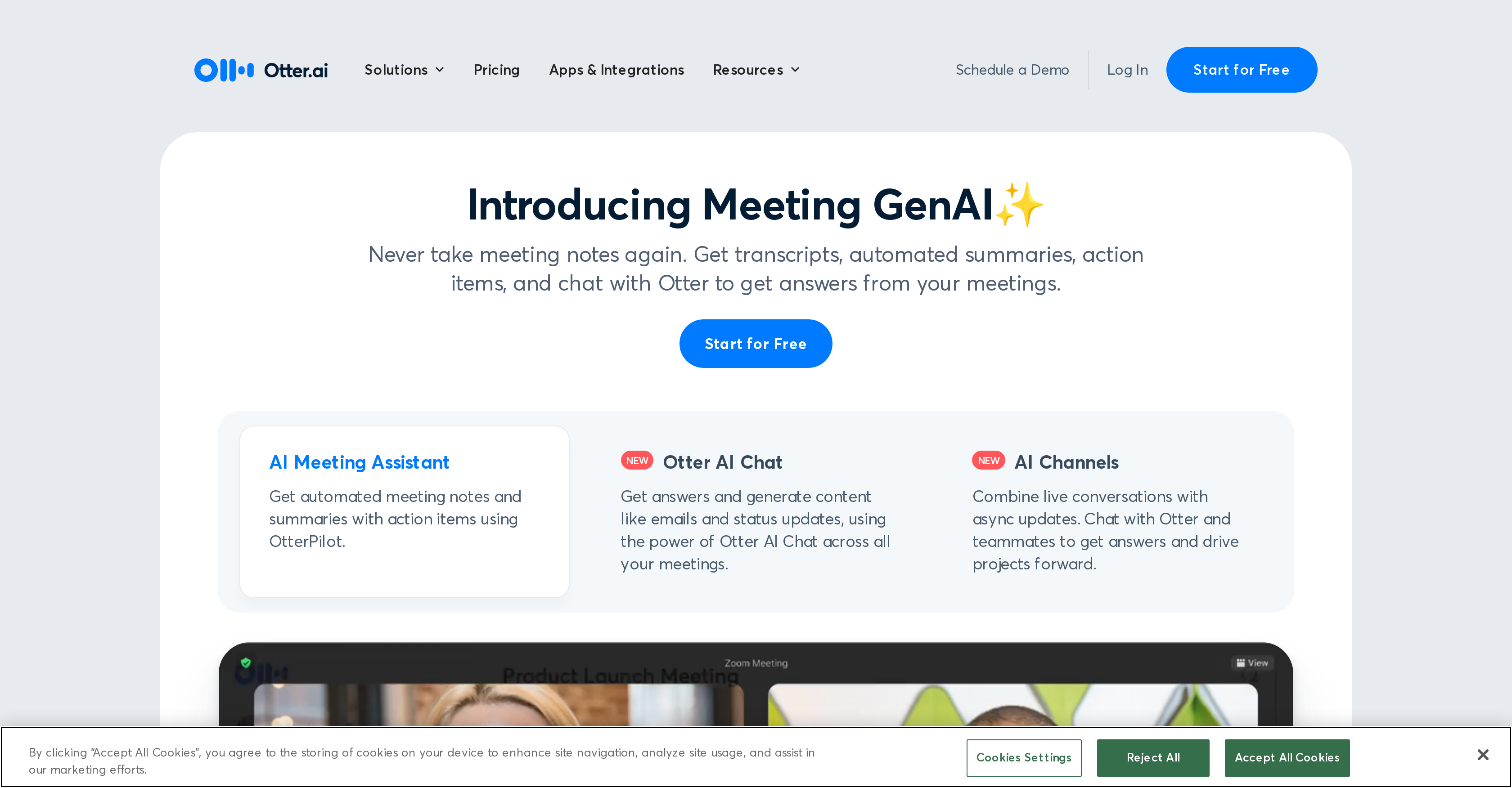
- Never take meeting notes again with OtterPilot that auto-joins Zoom, Teams and Google Meet to capture everything automatically
- Quickly catch up on missed discussions with 30-second AI summaries that condense hour-long meetings into key takeaways
- Automatically identify and assign action items during conversations so nothing falls through the cracks
- Generate follow-up emails and status updates directly from meeting discussions using Otter AI Chat
- Capture sales insights and automatically push call notes to Salesforce and HubSpot for immediate follow-up
- Access searchable, secure meeting transcripts that work across multiple speakers and accents with high accuracy
- Stay focused on discussions while slides and audio are automatically recorded and synchronized with notes
- Get real-time captions and notes for lectures and virtual classrooms to enhance learning and accessibility
Pros & Cons
Pros
- Records and transcribes meetings
- Real-time transcription
- Generates shareable, searchable notes
- Notes are secure
- Automatically joins meetings
- Supports Zoom, Microsoft Teams, Google Meet
- Captures slides
- Highlights key points
- Assigns action items
- Generates meeting summary
- Available on iOS, Android, Chrome
- High accuracy
- Transcribes multiple speakers
- Automatic slide capture
- OtterPilot service
- Generates content across meetings
- Summarize 1-hour meeting in 30 seconds
- Follow-up email function
- Integration with workflows and tools
- Works with Salesforce, HubSpot, Egnyte, Amazon S3, Snowflake, Microsoft SharePoint
- Platform integration feature
- Used in various sectors
- Automatic notes creation
- Meeting management aid
- Automated meeting note-taking
- Otter app for Slack
- Generates 30-second summaries
- Automated action item assignment
- Automates workflows
- Posts to Slack
- Real-time captions for lectures
- Supports in-person and virtual meetings
- Supports detailed note creation
- Helps in storytelling
- Reduces evaluation effort
- Beneficial for recruiting teams
- Supports cross-platform conferencing
- Automatic meeting assistant
- Transcribes interviews
- Supports onboarding
- Assists sales teams
- Helps create compelling media content
Cons
- No offline functionality
- Limited integration capabilities
- Lacks advanced data analysis
- May confuse overlapping speech
- Limited languages support
- Inability to transcribe videos
- Doesn't support voice commands
- Inability to customize interface
- Limited summary customization
- No user groups feature
Reviews
Rate this tool
Loading reviews...
❓ Frequently Asked Questions
Otter.ai is an AI-powered tool that provides services such as recording and transcribing meetings and conversations with a high level of accuracy. It has the capability to automatically join meetings hosted on Zoom, Microsoft Teams, and Google Meet and capture slides. It provides shareable, searchable, and secure notes, including highlighted key points and assigned action items. Otter.ai is helpful across myriad sectors including business, education, and individual use cases by generating summaries and enabling the easy recall of meeting details.
Otter.ai is known for its high accuracy in transcribing meetings and conversations. This accuracy stems from its advanced AI capabilities, allowing it to handle multiple speakers and a variety of accents effectively. However, the exact percentage of accuracy was not disclosed on their website.
Yes, Otter.ai can highlight key points and assign action items during the transcription process. This feature allows users to easily identify important information and take necessary actions based on the meeting conversations.
Otter.ai integrates with popular conferencing platforms like Zoom, Microsoft Teams, and Google Meet through a feature called 'OtterPilot'. This service auto-joins meetings on these platforms and takes notes automatically, thereby freeing up participants to focus on the discussion.
Yes, Otter.ai is available on various platforms, including iOS, Android, and Chrome. This cross-platform availability allows users to utilize Otter.ai's services on their preferred devices.
Otter.ai finds usage in various sectors including business, sales, education, and media. Its ability to record, transcribe, highlight key points, and generate automatic summaries makes it a versatile tool in these sectors.
OtterPilot, a service by Otter.ai, auto-joins meetings on platforms like Zoom, Google Meet, and Microsoft Teams to produce and share notes automatically. This includes capturing slides, transcribing meetings in real time, tracking action items, and generating automatic summaries among other capabilities.
Otter AI Chat is a feature of Otter.ai that provides the ability to generate content, such as emails and status updates, across all meetings. It also allows users to communicate with Otter, enabling them to retrieve answers and information from their meetings efficiently.
In the sales sector, Otter.ai provides features like extracting sales insights, writing follow-up emails, and pushing call notes to Salesforce and HubSpot. For the education sector, it offers real-time captions and notes for lectures and meetings, both virtual and in-person, aiding faculty and students.
Otter.ai can generate a 30-second summary from a one-hour team meeting. This condensation ensures critical points are captured and shared, allowing team members to stay informed even if they couldn't attend the meeting.
Yes, Otter.ai can be integrated with several workflow tools including Salesforce, HubSpot, Egnyte, Amazon S3, Snowflake, and Microsoft SharePoint. This integration allows users to streamline their work and improve productivity.
Yes, Otter.ai does provide services like automatic note generation and real-time transcription during meetings. This AI-powered tool transcribes meetings and conversations, records audio, captures slides, and generates summaries.
Yes, Otter.ai has the ability to send follow-up emails. This feature is particularly useful in keeping the team aligned with the next steps after a meeting or conversation has taken place.
Otter AI Chat is used across all meetings to get answers and generate content such as emails and status updates. This allows users to gain insights and make updates based on the discussions held during the meetings.
Yes, Otter.ai can join meetings automatically. The 'OtterPilot' feature of Otter.ai allows it to auto-join meetings on platforms like Zoom, Google Meet, and Microsoft Teams, and take notes autonomously.
Otter.ai helps manage meetings effectively by providing real-time transcription, recording audio, capturing slides, extracting action items, and generating meeting summaries. Combining these features makes meetings more actionable and efficient, saving time for users.
Notes generated by Otter.ai are secure. The website assures that the notes are not only shareable and searchable, but also secure, although it does not provide specific details about the security measures implemented.
The AI Meeting Assistant by Otter.ai is a tool that automates meeting notes and summaries with action items. It enables the generation of content such as emails and status updates across all meetings, using advanced AI functionalities.
If you're late to a meeting, Otter.ai's Live Summary feature allows you to catch up quickly. The system generates a 30-second summary from a one-hour team meeting, ensuring you are promptly informed about critical points discussed in the meeting.
Yes, Otter.ai has the ability to transcribe multiple speakers at once. It has been praised for its ability to accurately transcribe conversations with multiple speakers, making it highly suitable for meetings and group discussions.
Pricing
Pricing model
Freemium
Paid options from
$19.70/month
Billing frequency
Monthly
Related Videos
Otter AI Tutorial: How To Use Otter AI For Beginners (AI Transcribe)
Tutorials by Manizha & Ryan•26.2K views•Nov 27, 2024


