

CreateMemorial
Overview
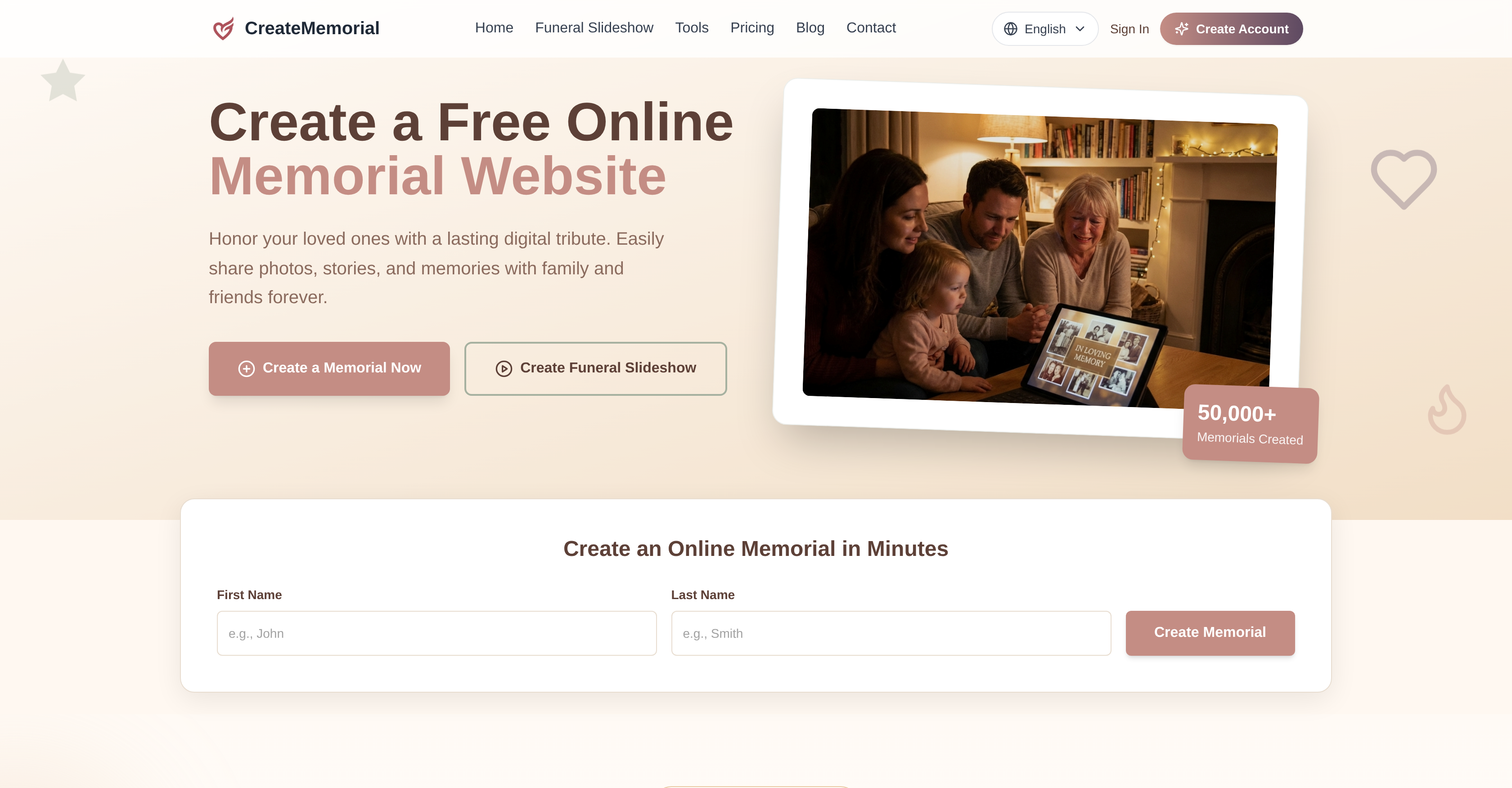
- Preserve your loved one's legacy in a permanent digital space that outlasts fleeting social media posts, using a dedicated online memorial platform.
- Bring family and friends together from anywhere in the world to share memories and condolences, thanks to global access and community tribute messages.
- Design a polished funeral slideshow in minutes by uploading family photos, selecting a tribute template, and adding background music.
- Export your final tribute in high-definition 1080p MP4 format, ready for display at funeral services, chapel projections, or on personal devices.
- Control exactly who sees your memorial by choosing public, private, or password-protected visibility settings.
- Create a rich, deeply personal tribute page that includes video memories, scanned keepsakes, and written stories to reflect the unique personality of the deceased.
- Revisit and cherish the memorial at any time—for anniversaries, celebrations of life, or quiet remembrance—without the risk of content fading away.
Pros & Cons
Pros
- User-friendly interface
- Template customization
- High-definition export
- HD 1080p video files
- Musical slideshow feature
- Preview before export
- Tribute pages
- Community sharing functionality
- Privacy controls
- Public, private, or password-protected settings
- Global access
- Platform longevity
- Built-in funeral slideshow design
- Variety of tribute templates
- Celebration of life functionality
- Accommodates video memories
- Page title and description
- Digital legacy preservation
- Geographical barriers removed
- Lasting digital space
- Customizable design
- Tribute messages feature
- Smart templates
- Tribute message sharing
- Secure and private
- Online memorial templates
- Memorial video uploads
- Family media uploads
- Funeral slideshow maker
- Condolence sharing
- Template-based funeral slideshow export
- Memorial video previews
- Chapel projector compatible
- TV compatible
- Platform breaks language barriers
- Designed to adapt to content
- Visual theme options
- Versioning history
- Trusted by families worldwide
- High family satisfaction rating
- Simple and free setup
- Virtual candle feature
- Permanent online memorial
- Writing assistance provided
- Free basic plan available
- Premium and Ultimate plans
- Promotes communal grieving
- Encourages memory sharing
Cons
- Limited template styles
- No free video exports
- Charges for additional memorials
- Limited to 20 photos
- Accessibility dependent on internet
- No downloadable offline content
- No face recognition for photos
- No automated photo adjustment
- No text-to-speech feature
- No automated story generation
Reviews
Rate this tool
Loading reviews...
❓ Frequently Asked Questions
CreateMemorial is an online platform that allows individuals to design and share digital memorials for their loved ones. The primary goal of the platform is to facilitate lasting and meaningful online tributes that can be shared, revisited, and cherished by friends and family over time, as a enduring testament to the individual’s life and memory.
To create a digital memorial on CreateMemorial, you click on 'Create a Memorial' button on their website, enter the basic information of the departed, and define your privacy settings. The online memorial can then be ready within minutes to be shared among family and friends.
CreateMemorial offers a variety of features for designing a personal and meaningful digital memorial. This includes a selection of memorial templates, the option to turn family photos into a polished slideshow video, a funeral slideshow maker, tribute pages, family media archives, and the ability for community sharing. Additionally, you have access to advanced privacy controls to determine the visibility of the memorial.
Yes, CreateMemorial allows the addition of background music to the slideshow videos. This allows individuals to create a more emotive and personally meaningful tribute by selecting music that reflects the life and personality of the departed.
On CreateMemorial, the community sharing functionality enables family, friends and others to share memories, stories, and condolences on the memorial page. This could serve as a communal space for grieving and remembering the departed. The privacy settings allow the creator to control who can access and share on this page.
CreateMemorial offers three levels of privacy settings on its platform. The user can choose to make the memorial public, offering access to anyone, make it private for invite-only viewing, or provide access through a password-protected setting. This provides the user with flexibility and control over who can view and contribute to the memorial.
Unlike popular social media platforms, CreateMemorial is solely dedicated to the creation of enduring digital memorials. The focus is on enabling a respectful and dedicated space for remembering and cherishing loved ones. Whereas social media content tends to be fleeting and can get lost in the noise, digital memorials on CreateMemorial are designed to persist and be revisited over time.
Yes, CreateMemorial allows users to preview their slideshow videos before exporting. This ensures that the user is satisfied with the look and feel of the slideshow, and any desired alterations can be made prior to creating the final, high-quality export.
Yes, CreateMemorial offers several carefully designed memorial templates. This assists those who are using the service by providing a professional framework that can be personalized to reflect the life of the departed, and suit the style and tone of the memorial.
CreateMemorial is suitable for various end-of-life events such as funeral services, celebration of life events, and wakes. Its online nature also means it can be accessed for reminiscing and sharing memories at any time, making it a perpetual memorial beyond location and time-bound events.
On CreateMemorial, once you are satisfied with your slideshow video, you can export it as a 1080p high-quality Mp4 file. This means that the final export will be in a format that is compatible with a wide range of devices and can be shared easily or displayed at events.
Yes, CreateMemorial is designed particularly for such situations. It provides the tools to create a funeral slideshow video from photos, enhancing the funeral service through a visual tribute. The platform also lets users pick a template, add music, and export the video for a bereavement ceremony.
Various types of media can be included in the digital memorial created on CreateMemorial. Individuals can upload portraits, family photos, travel memories, scanned keepsakes and family video memories.
Yes, CreateMemorial supports community sharing. It has a feature called 'Tribute Messages' to allow family and friends to share memories, condolences, and stories. This also creates a sense of community, making it possible for everyone to share in remembrance.
The final video quality of CreateMemorial's exports are in high-definition 1080p. This ensures that the final product is of a high standard, suited for presentations in funeral services or appreciation events, as well as viewing on personal devices.
CreateMemorial is designed to be user-friendly for everyone, regardless of their technological proficiency. The platform offers simple and clear instructions for each step of creating a memorial, and it guides users through the process from uploading photos, choosing templates, to exporting the final slideshow video.
CreateMemorial's platform empowers individuals to engage in digital storytelling. By integrating features such as family photos, videos, tribute messages and community sharing, it enables the creation of a rich, textural tribute that tells a poetic story about the life and legacy of the departed.
Yes, CreateMemorial can provide indirect support for those who are grieving. By offering a platform to create and share memories of the departed, the site becomes a communal space for mourning, remembrance, and healing. Friends and family can share stories and comfort each other, potentially aiding the grieving process.
Memories on CreateMemorial can be highly personalized. Users have an array of functionalities including family photos, story-telling, music addition, toolbar-rich text editor, video uploads and a selection of customized templates to create a deeply personal and unique tribute to their loved ones.
Yes, CreateMemorial's online memorials can be used beyond funeral services. For example, they can facilitate a celebration of life events, anniversaries, or any moment when friends and family wish to remember and honor their loved ones. The online nature of these memorials allows them to be revisited and cherished at any time, regardless of the original context of their creation.
Users begin by uploading their selected photos onto the CreateMemorial platform. They can then choose a fitting tribute template and if desired, add background music. An instant preview is offered so users can review and adjust as needed prior to exporting the final product, which is a 1080p MP4 format slideshow.
CreateMemorial offers several features. Among them are the ability to create tribute pages, share family media, design and export funeral slideshows, and engaging in community sharing. The platform also allows for users to customize templates, add music to slideshows, and select their desired privacy settings.
Users start by uploading their chosen photos to CreateMemorial. Next is the selection of a tribute template that suits their preference. They can then add background music and finally, preview the slideshow. Once satisfied with the outcome, users can export the final slideshow which will be provided in a 1080p MP4 format.
Yes, background music can indeed be added to the slideshow on CreateMemorial. This can be done during the customization process before the slideshow is exported.
Tribute pages on CreateMemorial are personalized webpages created in memory of a loved one. They can contain photos, stories, and memories which can be shared with family and friends. These pages act as an online memorial that can be revisited over time.
Community sharing functionality on CreateMemorial refers to the ability for users to share their memorials with family, friends, or the larger community. This feature encourages collective remembrance and tribute-paying.
CreateMemorial offers three privacy settings. Users can select their memorial to be public, where anyone can view it; private, where viewing is by invitation only; or password-protected, necessitating a password to gain access.
Yes, CreateMemorial does offer template customization. Users can choose from a variety of tribute templates and customize the chosen tribute to better reflect the unique personality and life of the deceased.
CreateMemorial can be used for a funeral service by enabling the user to create a polished, professional slideshow video suitable for funeral services. Users can add family photos, select a tribute template, add background music, and export the result as a high-quality video to be displayed at the service.
Yes, CreateMemorial does accommodate video memories on its tribute pages. This provides a richer tribute page to better honor the deceased.
Users can export their slideshow video from CreateMemorial in a high-quality 1080p MP4 format. This enables easy sharing across various platforms and devices.
Sharing a tribute on CreateMemorial with other users is facilitated by the platform's community sharing functionality. Users can choose to share their memorial with select individuals or with the broader community, as per their chosen privacy settings.
To make a memorial private on CreateMemorial, users can utilize the platform's privacy controls. These controls allow for a memorial to be set as public, private, or password-protected.
Yes, CreateMemorial does offer global access to the memorials created. This feature enables family and friends from around the world to participate in the sharing and remembrance, regardless of geographical barriers.
While social media platforms allow for sharing of tributes, their temporary and transient nature often means such tributes soon fade from view. In contrast, CreateMemorial offers a dedicated and permanent digital space for memorializing loved ones. This allows for lasting tributes that can be revisited and cherished over time, preserving the legacy of the deceased.
CreateMemorial is designed with user-friendliness in mind. Even for non-tech savvy individuals, the platform's intuitive interface and simple steps make it easy for users to create a lasting tribute in memory of their loved ones.
The high definition export feature of CreateMemorial relates to the image and video quality of the final slideshow exported. Users can export the slideshow in a high-quality 1080p MP4 format, ensuring the video remains clear and sharp even on large screens or when projected.
Yes, CreateMemorial does allow for a preview of the slideshow before exporting. This feature enables users to fully review and adjust their tribute slideshow to ensure it perfectly reflects their vision before the final version is shared.
Yes, CreateMemorial does allow for story sharing in remembrance of loved ones. Users can share and archive memories, photos, and stories on their tribute pages, thereby creating a meaningful space for others to visit, pay tribute, and remember the deceased.
Pricing
Pricing model
Freemium
Paid options from
$199
Billing frequency
One-time
