Deep Nostalgia AI
Overview
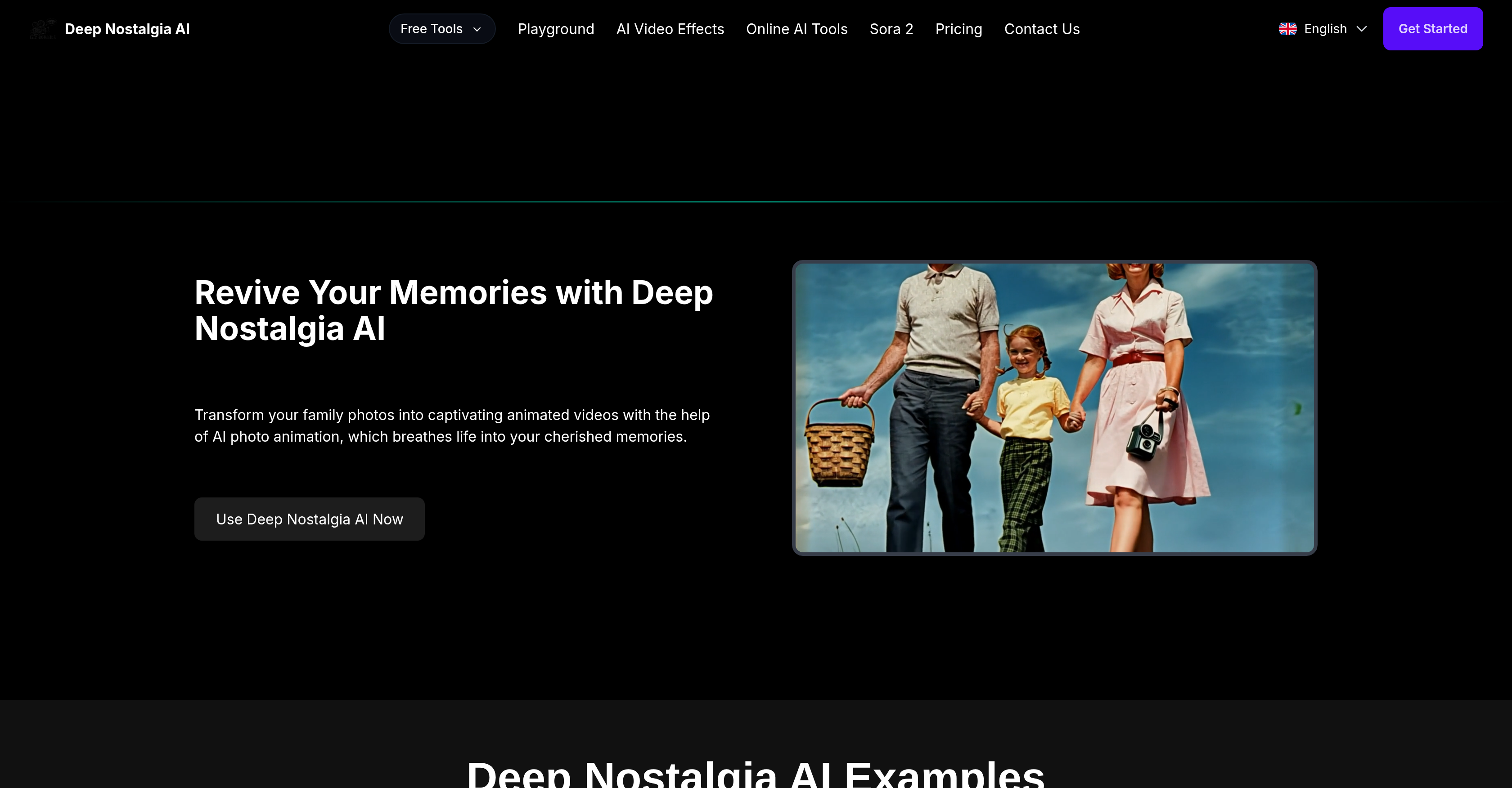
- See cherished ancestors smile and move with realistic facial animations, powered by advanced deep learning technology that preserves the subject's original character.
- Download and share moving memories on social media in minutes, using a simple process that requires no technical expertise.
- Protect your personal photos with automatic deletion of uploads not linked to an account, ensuring your data privacy is maintained.
- Get started animating your old photos for free, with premium features available for more extensive use and high-resolution image processing.
Pros & Cons
Pros
- Turns photos to videos
- Lifelike animations
- User-friendly interface
- Maintains individual integrity
- Quick video generation
- Strong privacy protection
- Applies deep learning technology
- MyHeritage mobile app compatibility
- Free basic functionalities
- Premium expansive features
- Easy social media sharing
- High-resolution image optimal
- Development towards batch processing
- Transforms only clear images
- Automatic deletion of non-associated uploads
- Preservation of original character
- User privacy prioritization
- Future-support for batch processing
- Accessible via web and mobile
- Simple step-by-step usage process
- Fast animation processing speed
- Shareable animated content
- Potential for viewer engagement
- Requires no technical expertise
- Guaranteed data security
Cons
- No batch processing
- Requires account creation
- Premium for extensive use
- Optimal with high-resolution only
- Sharing primarily social media-focused
- Automatic deletion of unassociated photos
- Not open-source
- No API for integration
Reviews
Rate this tool
Loading reviews...
❓ Frequently Asked Questions
Deep Nostalgia AI leverages advanced deep learning technology and AI photo animation technologies to animate photos into lifelike videos. It introduces realistic animations of facial expressions and movements into static pictures, effectively creating a dynamic visual experience.
No, Deep Nostalgia AI does not require technical expertise to use. Its user-friendly interface is designed for simplicity and ease of use, enabling anyone to animate their photos without any intricate technical knowledge.
Deep Nostalgia AI manages to generate high-quality animated videos within just a few minutes. The actual time may vary slightly depending on the complexity of the photo.
Yes, Deep Nostalgia AI is equipped with privacy protection measures. It automatically deletes any uploaded photos that are not associated with an account. Hence, without an account, your photos will be deleted after use.
Deep Nostalgia AI operates optimally with clear and high-resolution images. That said, it is capable of animating lower-quality photos, but for preferable outputs, higher quality images are recommended.
The MyHeritage app that integrates Deep Nostalgia AI can be downloaded from their respective app marketplaces, which include the Google Play Store for Android devices and the App Store for iOS devices.
No, currently, Deep Nostalgia AI does not support batch processing of photos. However, this is a feature currently under development for future implementation.
Yes, Deep Nostalgia AI preserves the original character of the subjects in the photos. It maintains the integrity and appearance of the individuals, ensuring true-to-life animations that remain true to the subject's likeness.
The animated videos created by Deep Nostalgia AI can be readily shared. Users can simply download their animation and share it on social media platforms to engage friends and family.
Deep Nostalgia AI prides itself on preserving user data privacy. It ensures this by automatically deleting any uploads not associated with an account on its platform.
Deep Nostalgia AI works best with clear, high-resolution images. As for other specific requirements, there are none mentioned apart from the best practices. But, for the most lifelike animations, it is suggested to upload a clear, visible image of the subject.
Yes, there are plans to introduce batch processing in Deep Nostalgia AI. This feature is currently in development and will be released in the coming updates.
Deep Nostalgia AI ensures the animations it generates are realistic and natural. Use of advanced deep learning algorithms results in lifelike movements and expressions, providing a robust visual experience.
The animations created by Deep Nostalgia AI can be used for various purposes including professional use. However, the final determination would depend on the specific professional context and standards. That said, due to the realistic and lifelike result, it can potentially be a unique asset for numerous sectors including marketing, history, media, and personal use.
Deep Nostalgia AI is a tool that uses advanced deep learning technology and AI photo animation to transform old static photos into lifelike videos. By generating animations of facial expressions and movements, it helps users rekindle the emotions tied to cherished memories.
Deep Nostalgia AI animates photos using sophisticated deep learning technology. It processes the uploaded photo and leverages AI to craft highly realistic movements and facial expressions within the image, creating a lifelike video as the output.
Deep Nostalgia AI is keenly user-friendly. It's designed with simplicity in mind, ensuring that anyone can easily navigate the platform and animate photos without requiring any technical expertise.
Clear, high-resolution images work best with Deep Nostalgia AI. The tool can animate lower-quality photos, but optimal results are achieved with images that offer high clarity and resolution.
Generating animations with Deep Nostalgia AI involves three steps. First, users create an account or log into the platform. Then they select and upload their preferred old photo. After waiting a few moments once the photo is uploaded, they can download or share the animated video that Deep Nostalgia AI creates.
Deep Nostalgia AI maintains the integrity of the person in the animated video by preserving the original character and appearance of the individuals in the photos, ensuring the animations are true-to-life. It delicately applies the animation to the existing features within the photo to create a realistic and faithful representation of the original image.
The animation process on Deep Nostalgia AI typically takes just a few minutes. After the photo is uploaded, users can quickly see their photos come to life in a short amount of time.
Deep Nostalgia AI safeguards user privacy by deleting any uploaded photos that aren't linked to an account. Thus ensuring the user's data and content remain secure.
Currently, the feature of batch processing isn't supported in Deep Nostalgia AI. However, the development towards this feature is reportedly underway.
Yes, Deep Nostalgia AI does support lower resolution images. However, clear and high-resolution images yield the best and most realistic animation results.
Deep Nostalgia AI can be accessed on various platforms. It's accessible via its official web application and through the MyHeritage mobile applications available in respected app marketplaces.
Yes, there is a mobile app available for Deep Nostalgia AI. The MyHeritage mobile applications, available on both the App Store and Google Play, include access to Deep Nostalgia AI functionality.
Yes, there is a free version of Deep Nostalgia AI. Basic features of the tool, including uploading and animating chosen photos, can be used for free.
Yes, Deep Nostalgia AI does offer premium features. While basic features can be accessed for free, premium options for more extensive use are available for user subscription.
Animations created with Deep Nostalgia AI are easily shareable. Users can download their animated videos and readily share them on their choice of social media platforms.
Deep Nostalgia AI ensures natural, realistic movements in animations by employing advanced deep learning algorithms. These algorithms enable the tool to generate animations of facial expressions and movements that strike a balance between fidelity to the original photo and lifelike movements.
Users can access Deep Nostalgia AI's premium features by subscribing to the additional services offered on the platform. While the tool offers basic features for free, users can upgrade to premium for more extensive options.
Yes, Deep Nostalgia AI deletes the photos uploaded by users if they're not associated with any account in order to protect user privacy.
No, users cannot animate multiple photos at once with Deep Nostalgia AI as the feature of batch processing is currently not available. However, development towards implementing this feature is underway.
For the best outcomes with Deep Nostalgia AI, it is advisable to avoid using low-resolution or unclear photos. While the tool can animate these, optimal results come from using clear, high-resolution images.
Pricing
Pricing model
Paid
Paid options from
$0.30
Billing frequency
One-time
Related Videos
Deep nostalgia: Old photos come to life using artificial intelligence
Global News•128.9K views•Mar 4, 2021