

Overview
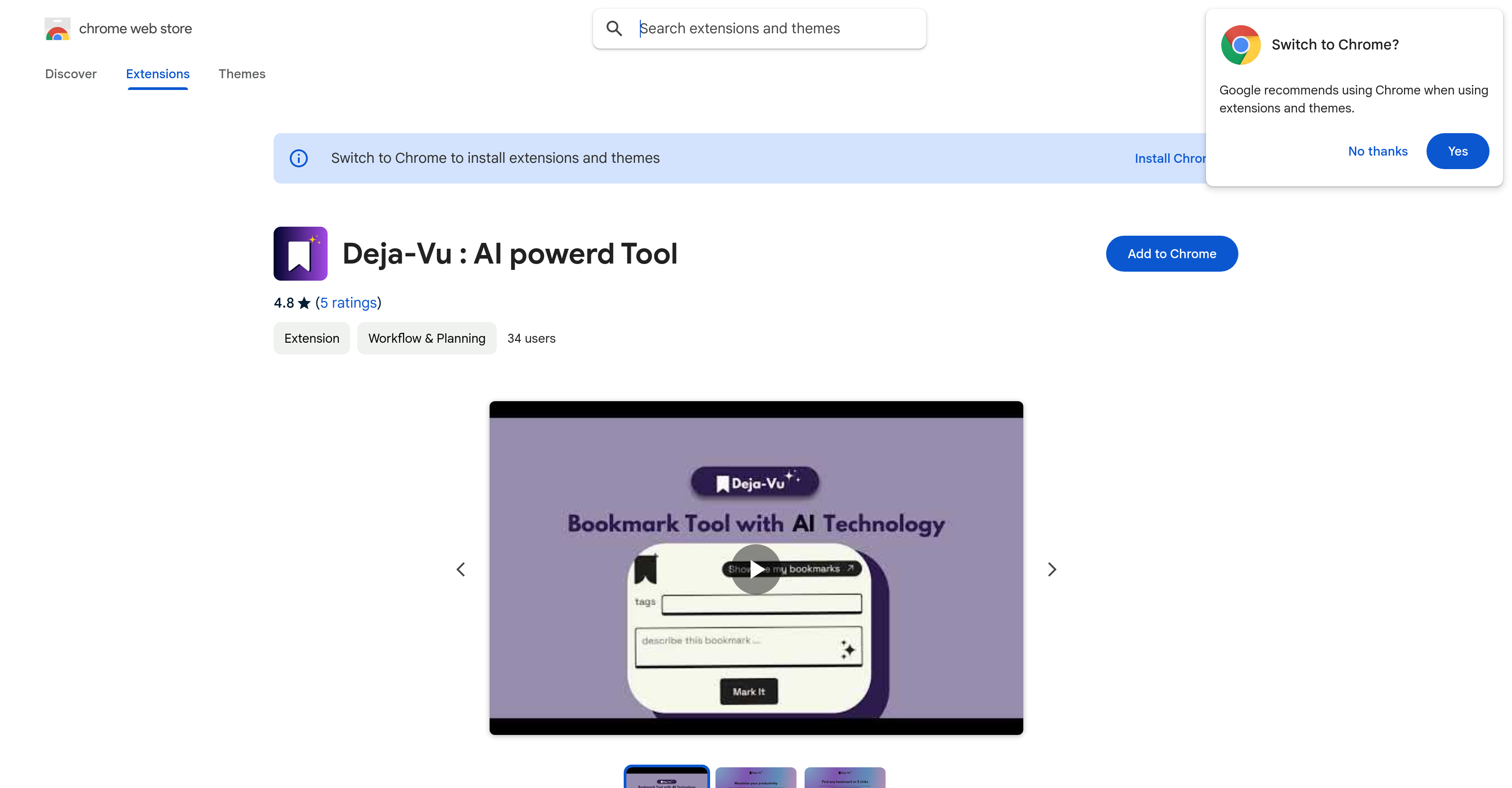
- Instantly retrieve any saved webpage by remembering just a few vague details or keywords with AI-powered search
- Effortlessly capture bookmarks from any webpage without manual organization through one-click saving
- Organize your browsing research automatically with smart tagging and description features
- Access your entire bookmark library directly within Chrome without switching tabs or applications
- Maintain complete privacy with transparent data handling policies and clear developer disclosures
Pros & Cons
Pros
- Effortless bookmarking
- Uses tags and descriptions
- Rapid bookmark retrieval
- Simplifies browser experience
- Prioritize privacy
- Clear data handling policies
- Transparent developer disclosure
- Available on Chrome Web Store
- Automated organization of bookmarks
- Keyword search function
- User-friendly design
- Data not sold to third parties
- Data not used unrelated to functionality
- No lender credit checks
- Developer support available
- Size of 820KiB
- Updated in 2024
- Rated 4.8 stars
Cons
- Only for Chrome
- Not open-source
- Not multi-platform
- No mobile app
- No import feature
- No shared bookmarks functionality
- No multi-language support
- Not a standalone application
- No offline access
- No support for non-web URLs
Reviews
Rate this tool
Loading reviews...
Pricing
Pricing model
Free
Paid options from
Free


