Overview
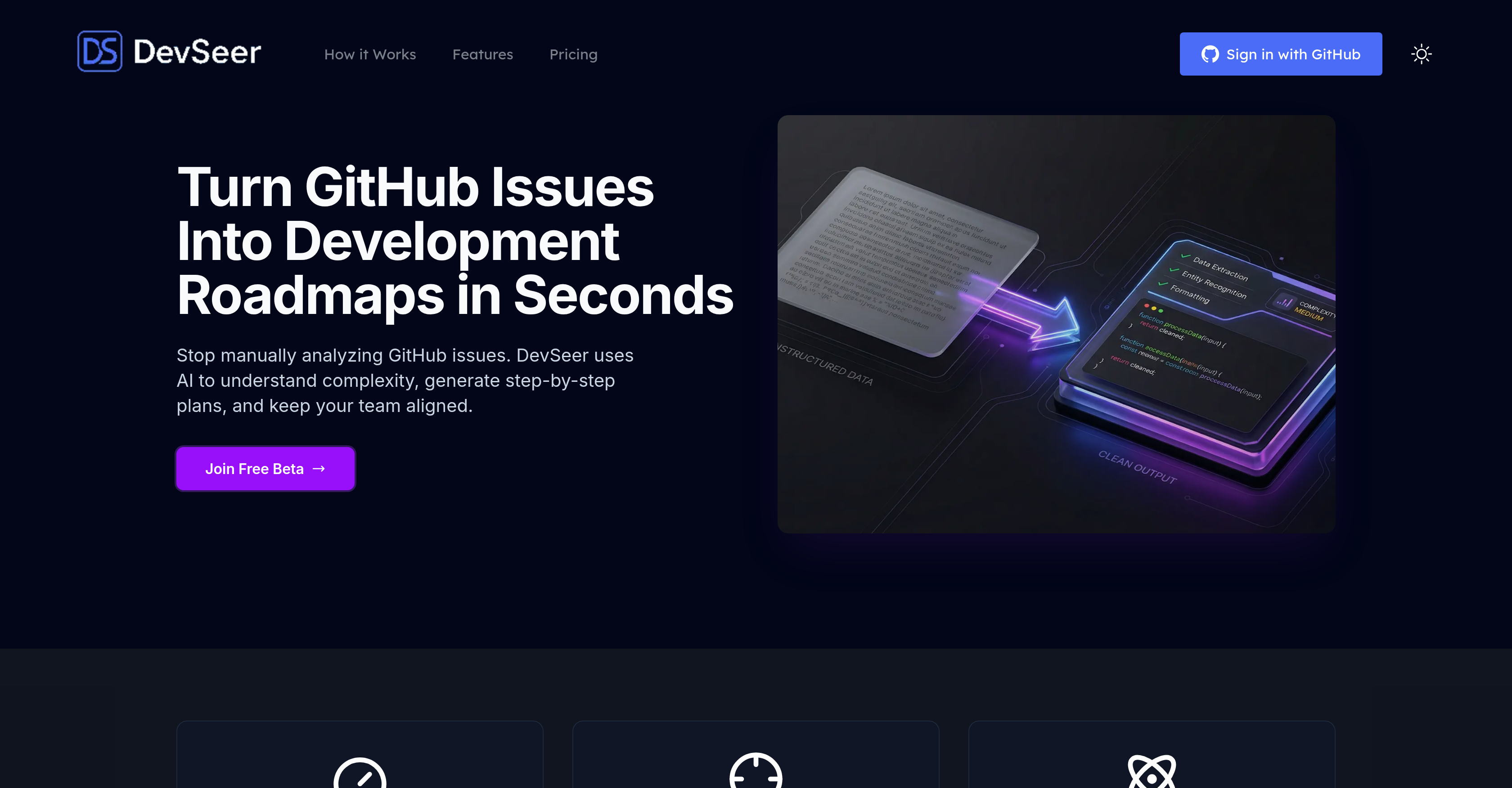
- Cut initial issue review time by 80% by automating analysis with AI that reads code context and generates step-by-step development roadmaps directly in GitHub
- Boost estimation accuracy by 40% with AI-generated time and complexity scores based on code dependencies, technical debt, and issue intricacy
- Prevent project delays by automatically mapping dependencies across repositories to visualize task sequences and critical dependency chains
- Optimize team capacity with visual workload distribution that highlights bottlenecks and enables efficient task reassignment
- Proactively manage code quality by identifying technical debt and suboptimal code patterns during the issue analysis phase
- Maintain full data control with on-demand deletion, explicit analysis-only tagging, and EU-hosted infrastructure with SOC 2 Type II security
Pros & Cons
Pros
- GitHub issue analysis
- Automates development planning
- Generates development roadmaps
- Reads code context
- Estimates task complexity
- Estimates task time
- Complexity scoring for issues
- Dependency mapping across repositories
- Visualizes team workload
- Identifies technical debt
- Encrypted data storage
- User control over data
- Ease of use
- Analysis trigger through comment
- 80% faster issue analysis
- 40% better estimation accuracy
- Fits various team roles
- Visualizes development roadmaps
- Streamlines workflows
- Centralized platform
- Reduces manual review
- GitHub seamless integration
- No implicit scanning
- Doesn't use code for training
- Data on-demand deletion
- Developer workload visualization
- Cloud Infrastructure secured
- Encrypted data transit
- Structured breakdowns and estimates
- Hosted in EU
- Free to use beta
Cons
- Limited to GitHub integration
- Only analyzes tagged issues
- No implicit code scanning
- Doesn't participate in model training
- Monopolizes issue planning
- Complex concept scoring system
- Restricted cross-repository mapping
- Limited features for managers
- Focused on encryption, not diversity
- No explicit user-friendly tutorial
Reviews
Rate this tool
Loading reviews...
❓ Frequently Asked Questions
DevSeer is an AI-driven tool that assists with GitHub issue analysis and development planning. Its use of advanced AI and machine learning technologies allow it to automate the process of analyzing GitHub issues and transforming them into systematic development roadmaps.
DevSeer uses advanced AI and machine learning technologies to understand the complexity of GitHub issues by reading the code context. This automation not only eliminates manual analysis, but also generates reliable time and complexity estimates for more precise plan generation and team alignment.
Based on the AI analysis of GitHub issues, DevSeer generates systematic development roadmaps. By understanding the code context and complexity of the issues, it creates step-by-step plans tailored to keep the team aligned and streamline work processes.
To get estimates from DevSeer, you just need to trigger the analysis by making a comment on the GitHub Issue. DevSeer's AI reads the code context and generates reliable time and complexity estimates, which are then provided to you as a structured breakdown.
DevSeer's AI uses the comment section to read the code context. It assesses the underlying code to understand the complexity, dependencies, technical debt, and other factors that influence development. Based on this analysis, it issues time and complexity estimates for the development task.
Engineering teams are equipped by DevSeer with capabilities for analyzing issue complexity, mapping dependencies across repositories, and visualizing team workload. DevSeer also offers features for technical debt identification, thus providing comprehensive tools for better planning and allocation of tasks.
Complexity scoring in DevSeer is an approach to evaluate the level of difficulty or intricacy involved in a particular GitHub issue. This might include factors like validating dependencies, understanding technical debt, and gauging the complexity of the code itself. The scoring helps in a better understanding of the task at hand, thus improving estimation accuracy and planning effectiveness.
DevSeer aids in dependency mapping across repositories by utilizing its AI capacities to comprehend interdependencies between various items within different repositories. This understanding aids in creating a clear picture of the task sequence and dependency chain, contributing to a more efficient development cycle.
Team workload visualization in DevSeer offers insights into the distribution of tasks among team members. With a visual understanding of who is dealing with what issues and the progress being made, team leads can efficiently manage resources by reassigning tasks or identifying potential bottlenecks.
DevSeer identifies technical debt by analyzing the code context and understanding the intricacies of the development process. The AI identifies areas where poor coding techniques have been used, or shortcuts taken which may increase the risk of future problems, thus giving a comprehensive overview of any anticipated technical debt.
DevSeer prioritizes data security and privacy by keeping all data encrypted, whether at rest or in transit. Additionally, it respects user privacy by providing them with full control over their data lifecycle. The tool is hosted in the EU (DigitalOcean Frankfurt) with its cloud infrastructure secured by SOC 2 Type II providers.
In DevSeer, users have full control over their data lifecycle. They can demand deletion of their data whenever they want. Also, the system only analyzes the issues that you tag, and your code is never used for training the AI, thus giving you complete control and respect for your privacy.
Despite its complexity and comprehensive capabilities, DevSeer maintains ease of use. Users can simply make a comment to trigger the AI analysis of GitHub issues. Once the analysis is triggered, the system delivers structured breakdowns and estimates for the task at hand.
To trigger an analysis in DevSeer, you need to make a comment on the relevant GitHub issue. On commenting '@devseerai analyze', the DevSeer AI begins its analysis process by reading the code context and providing a structured plan and estimates.
DevSeer integrates seamlessly with GitHub. The tool transforms GitHub issues into development roadmaps, analyses them for complexity, provides time and complexity estimates, and helps streamline your workflow with advanced AI/ML technologies. You can navigate to any issue, and without switching contexts, comment to trigger analysis and get the development plan.
Indeed, DevSeer offers free beta access. It is available to any user and provides 15 AI analyses per month for a single GitHub repository.
AI-powered issue analysis in DevSeer leads to an 80% faster issue analysis as compared to manual review. The use of advanced AI/ML not only expedites the analysis process, but also transforms the GitHub issues into step-by-step plans, significantly reducing time spent on initial issue assessment.
DevSeer uses advanced AI algorithms which read the code context, understand complexity and generates reliable time and complexity estimates. This leads to a 40% increase in estimation accuracy, thus reducing the margin of error in development planning and improving overall productivity.
DevSeer's capabilities are largely dependent on the user's subscription model. The free Beta offer allows handling of 1 GitHub repository. It is likely that a more advanced, premium model might offer support for multiple GitHub repositories, but this information is not explicitly stated on their website.
The exact time saved by using DevSeer for analyzing GitHub issues depends on several factors like the complexity of the issue, the efficiency of the current manual analysis, the AI's speed, among others. However, the use of AI for this task definitely eliminates the necessity of manual analysis, saving substantial time and effort in the long run.
DevSeer is an AI-driven tool that assists in GitHub issue analysis and development planning. It helps in transforming GitHub issues into structured development roadmaps by automating the process of issue analysis using advanced machine learning technologies. DevSeer can read the code context to understand its complexity and generate trustworthy time and complexity estimates. This tool offers features like complexity scoring for issues, dependency mapping across repositories, team workload visualization, and technical debt identification.
DevSeer integrates seamlessly with GitHub to perform tasks like issue analysis, complexity scoring, and development planning. Developers only need to navigate to an issue on GitHub and make a comment to trigger DevSeer's analysis. Then, DevSeer reads the code context and generates a structured breakdown and estimates.
Issue analysis in DevSeer involves using AI technologies to understand the complexity of GitHub issues. The AI reads the code context to generate insights into the complexity and potential time required to resolve each issue. This automated analysis process eliminates the need for manual issue review, speeding up the development process, and providing a structured breakdown and estimates.
Some features of DevSeer include complexity scoring for issues, dependency mapping across repositories, team workload visualization, technical debt identification, generation of development roadmaps, issue analysis, and workflow optimization. Additionally, DevSeer prioritizes data security and privacy by encrypting data at rest and in transit and giving users complete control over their data lifecycle.
DevSeer uses advanced artificial intelligence and machine learning technologies for analyzing GitHub issues and generating development roadmaps. These technologies help in understanding the context and complexity of the code and predicting reliable time and complexity estimates.
DevSeer estimates time and complexity by using AI to read and understand the context of the code in GitHub issues. Advanced algorithms then generate more reliable time and complexity estimates based on this analysis. The AI can also identify dependencies, further informing the complexity estimates.
DevSeer offers visualization features to help teams visualize their workload. It includes complexity scoring for issues which provides a measure of the size and difficulty of tasks, and dependency mapping across repositories which shows how different pieces of code are interconnected. Additionally, DevSeer allows for visualization of team workload, effectively highlighting the distribution of tasks within the team.
'Technical debt identification' in DevSeer means identifying parts of the codebase that may need to be improved or updated. These could be parts of code that were suboptimal or 'quick fixes' but now require more thorough solutions or updates, potentially slowing down development in the future if not addressed.
DevSeer prioritizes data security and privacy by encrypting data both at rest and in transit. The data security is ensured by hosting the infrastructure in the EU and by encryption using SSL/TLS. Users also have full control over their data lifecycle, including on-demand deletion. Moreover, DevSeer does not perform any implicit scanning or use the code for model training.
In DevSeer, commenting triggers the analysis process. When a developer navigates to an issue on GitHub and makes a comment, DevSeer’s AI reads the code context and begins its analysis providing a structured breakdown and estimates.
DevSeer provides a visual representation of team workload. Through this visualization, you can see how tasks are distributed among team members, providing a comprehensive overview of workload allocation, helping teams better plan their work, and promoting more efficient work distribution.
No, DevSeer does not conduct implicit scanning. It respects user privacy and only analyzes issues that the user tags explicitly. Moreover, the user's code is never used for training the AI model.
In DevSeer, data is encrypted at rest and in transit using industry-standard encryption methods, specifically SSL/TLS. This ensures that the user data remains secure and that unauthorized individuals cannot access it.
In DevSeer, you have full control over your data lifecycle. You can demand the deletion of your data whenever you wish, ensuring that you have control over the storage and removal of your information at any given time.
DevSeer integrates with GitHub by having developers simply navigate to a GitHub issue and comment to trigger its analysis. This initiates DevSeer's AI-driven analysis, and it provides a structured breakdown and estimates based on the issue, turning it into a development roadmap.
While the exact methods used by DevSeer for dependency mapping across repositories are not explicitly stated, it is likely that DevSeer uses its advanced AI and machine learning algorithms to analyze the code and understand how various pieces of code in different repositories are interdependent.
Yes, DevSeer is suitable for both engineering teams and managers. For engineering teams, it provides tools to analyze issue complexity, visualize workload, and map dependencies. Managers can benefit from features like development roadmapping, issue analysis, and technical debt identification, all of which can help streamline project management and improve team coordination.
DevSeer aids in manual review reduction by automating the process of issue analysis. The AI-driven tool understands the complexity of GitHub issues and generates step-by-step plans to resolve them. This reduces the time spent by developers on manually reviewing and analyzing issues, thereby improving workflow efficiency.
'Centralized platform' in the case of DevSeer refers to DevSeer being a single, unified location for all GitHub issue analysis and planning needs. It serves as the primary platform where users can generate development roadmaps, analyze issue complexity, map dependencies, and visualize team workload, among other things. It is aimed at streamlining workflow and increasing efficiency by serving as a single source of truth for all GitHub planning and analysis functionalities.
Pricing
Pricing model
Free
Paid options from
Free