
Restore Old Photos.pro
Overview
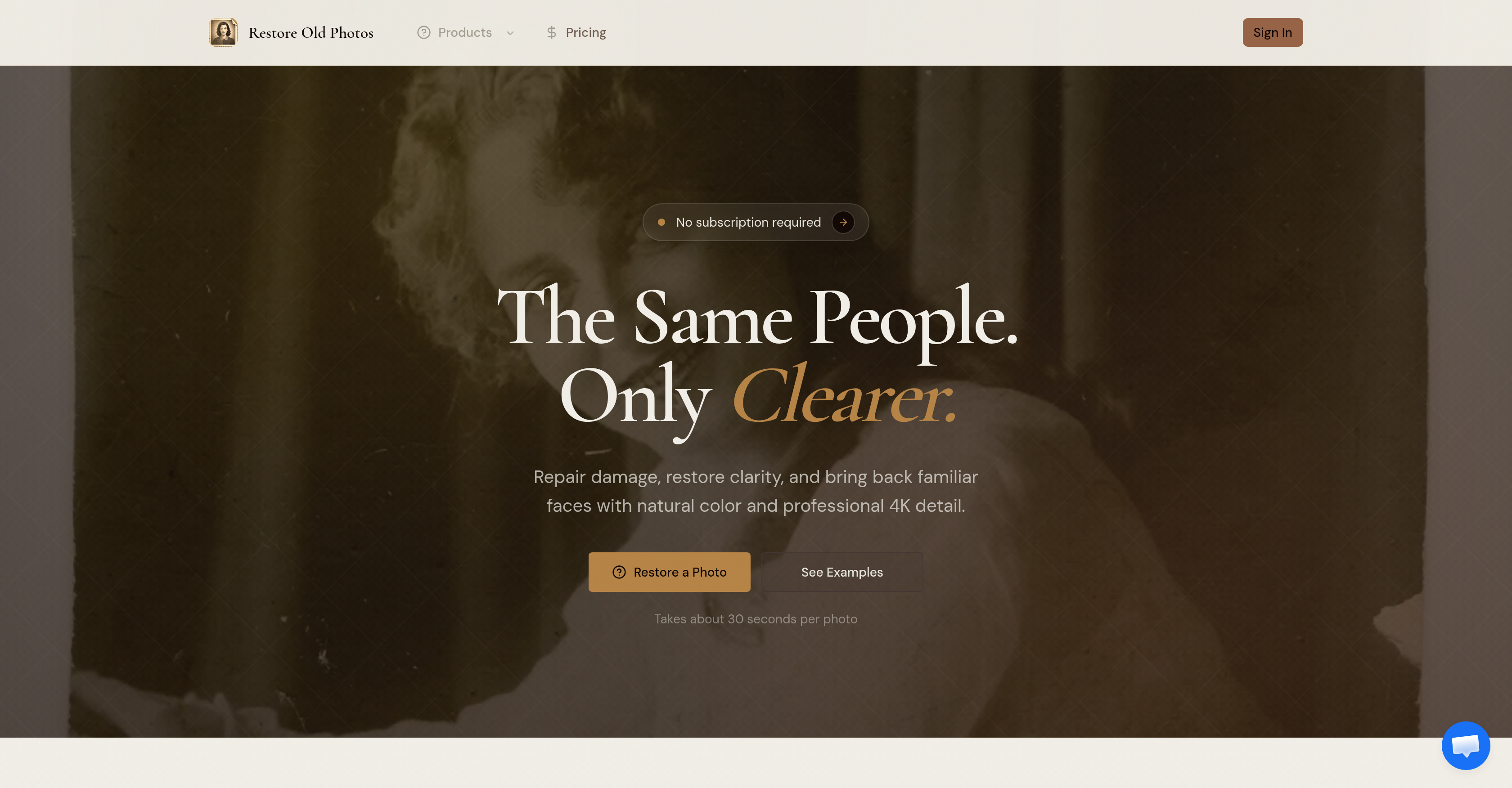
- Bring damaged old photos back to life with clear faces and sharp details using AI-powered damage repair, detail recovery, and 4K upscaling
- Preserve the authentic look and original charm of your photos while removing scratches, creases, dust, and stains through intelligent AI detection and cleanup
- Restore faded black-and-white images with believable natural colorization that keeps familiar features true to the original
- Get print-ready, shareable 4K quality from any old photo—portraits, wedding pictures, pet shots, travel memories, or archive scans—without losing important details
- Fix multiple types of photo damage in one go—scratches, tears, fading, blur, and stains—so every image looks clean and clear
- Restore old photos on your own schedule with no subscription required, paying only when you need the service
- Keep your photos private and secure—your uploaded images are handled responsibly and never shared or misused
Pros & Cons
Pros
- Restores old photos
- Repairs photo damage
- Clears photo blur
- Removes scratches and stains
- Repairs photo folds
- Makes faces recognizable
- Enhances small details
- Keeps photos authentic
- Adds color to B&W
- Works on pet photos
- Restores wedding pictures
- Improves old home images
- Restores travel shots
- Repairs storefront images
- Restores archive scans
- Upscales to 4K
- User-friendly
- No subscription required
- Handles photo privacy
- Natural colorization
- Recovers lost details
- Portrait recovery feature
- On-demand services
- Targets ageing signs
- Prepares photos for sharing
- Keeps original charm
- Repairs photo creases
- Removes photo dust
- Professional details recovery
- Cost-efficient
- Fast process
- Preserves subject identity
- Supports multiple file formats
- Independent platform
Cons
- No batch processing
- No mobile app
- No real-time collaboration
- Max upload limit 10MB
- Cost per photo restoration
- Can't restore very damaged photos
- No free trial
- Limited 4K upscaling
- No plugin for third-party tools
- Limited file formats support
Reviews
Rate this tool
Loading reviews...
❓ Frequently Asked Questions
Restore Old Photos can work on a variety of photographs including portrait photographs, pet photos, wedding pictures, images of old homes, travel shots, storefronts, and archive scans.
Restore Old Photos tool provides a solution for repairing and restoring damaged photographs, recovery of details, upscaling images to 4K, and optional colorization of black-and-white photos.
Restore Old Photos restores old, damaged photographs by cleaning up scratches, fading, blur, stains, folds, and tears, thus making small details clearer and faces more recognizable.
To restore an old photo using Restore Old Photos, the process involves four steps: damage repair, detail recovery, upscaling to 4K, and optional colorization.
Yes, Restore Old Photos can colorize black-and-white photographs and the results are kept believable.
Restore Old Photos prioritizes privacy. It responsibly handles users' photos and does not disclose, share or misuse any information.
The AI model that powers Restore Old Photos is a leading one in the industry but specific features pertaining to it are not mentioned on their website.
No, a subscription is not necessary to use Restore Old Photos.
No, Restore Old Photos does not limit its services to portrait photographs only. It works on various types of photos.
Restore Old Photos repairs damages in photos like scratches, fading and tears by using AI models to detect and remove these elements.
Yes, Restore Old Photos has the capability to upscale images to 4K.
Restore Old Photos is user-friendly, allowing users to restore old photos in four simple steps.
All types of old photos including but not limited to portraits, pet photos, wedding pictures, images of old homes, travel shots, storefronts, and archive scans can be restored using Restore Old Photos.
Yes, during the restoration process, Restore Old Photos ensures that the essential features and details of the photographs remain true to the original.
Yes, Restore Old Photos does work on images of storefronts, old homes, and archive scans.
Yes, Restore Old Photos can make small details clearer and faces more recognizable in old photographs.
Yes, Restore Old Photos can work on both pet photos and wedding pictures.
Restore Old Photos ensures the photographs remain authentic post-restoration by maintaining the essential features and details true to the original.
The steps to restore an old photo using Restore Old Photos are: 1. Repair damage, 2. Recover detail, 3. Upscale to 4K, 4. Optional colorization.
No detailed information about digital archiving and memory preservation services is available on their website, but it is inferred that Restore Old Photos is useful for anyone looking to restore important photographic memories.
Restore Old Photos is special as it uses AI technology to repair damage, add natural color, and restore clarity to old or worn photos without compromising the authentic features of the images. It provides a wide scope of restoration services, including repairing scratches, fading, blur, stains, and creases. On top of restoration, the tool can also colorize black-and-white images in a believable manner. It offers these services without a need for a subscription.
Despite the significant restoration process, essential features and details remain true to the original image, preserving authenticity. Faces remain familiar, and important details are not lost. This balance between restoration and maintaining original aspects is achieved using AI, ensuring the photographs stay authentic even after repair and colorization.
Yes, aside from restoring portrait photographs, Restore Old Photos is fully capable of working on pet photos, images of old homes, and archive scans. The service covers a wide range of photographic subjects making it a versatile tool for different types of image restoration.
No, a subscription isn't required to use Restore Old Photos. It offers its services on an on-demand basis, allowing users to restore their photographs whenever they wish without being tied to a subscription.
The four steps to restore an old photo using Restore Old Photos are: 1. Repair damage, including reducing scratches, tears, creases, dust, and stains; 2. Recover detail, which makes faces and small details clearer; 3. Upscale to 4K resolution, preparing the images for saving, sharing, or printing; 4. Optional colorization where natural color can be added to black-and-white photos.
Yes, Restore Old Photos offers a feature to add natural color to black-and-white photos. This is an optional step in the photo restoration process, allowing users to keep the original black-and-white look, or enhance it with colorization.
Restore Old Photos is able to upscale the restored images to 4K resolution. This results in high-quality images that are suitable for saving, sharing, or printing. Despite the upscaling, the restoration process prioritizes keeping faces and details recognizable, in line with the original images.
Using Restore Old Photos is simple and user-friendly. The restoration process is divided into four easy-to-follow steps that guide users throughout the process. This makes it a convenient tool for anyone, even those without prior photo editing experience.
Restore Old Photos is stated to handle users' photo data responsibly, ensuring privacy. However, specifics pertaining to data handling and the measures taken to secure user information are not explicitly detailed on their website.
Restore Old Photos works to repair scratches and fading by using AI models. It effectively cleans up these issues which are common in old photos, restoring the images while keeping essential details and features true to the initial photo.
Yes, Restore Old Photos does indeed support color restoration for old photos. The tool is capable of adding natural color to black-and-white images. The results are then kept believable, ensuring authenticity.
Yes, you can use Restore Old Photos for photo preservation. The tool not only repairs damage but it also recovers detail and upscales images to 4K, preparing them for saving, sharing, or printing — all key aspects of photo preservation.
Yes, Restore Old Photos offers on-demand services. This means users can restore their old photos at their convenience, without any requirement for a subscription.
Yes, Restore Old Photos can be efficiently used for wedding photo restoration. The tool is capable of repairing damage, restoring clarity, and colorizing images, making them suitable for not only portraits but also wedding photos, pet shots, and more.
Restore Old Photos is designed to make faces in old photos more recognizable. The AI works to recover detail, making small details clearer and faces more familiar, even after significant restoration and colorization.
Yes, Restore Old Photos can repair damaged images. It works to clean up damage like scratches, creases, dust, and stains, thus restoring the images. The repair is done in a way that the essential features of the photo remain true to the original.
Yes, Restore Old Photos can enhance the detail of old photos. The tool uses AI-powered detail recovery in the restoration process, making faces and small details clearer and more perceptible.
Restore Old Photos is useful for restoring travel shots because it can repair common damage found in old and worn photos, recover lost detail, and even colorize black-and-white pictures. All these features make it a versatile tool for handling various types of photos, including memories from past travels.
Yes, Restore Old Photos maintains the original charm of old photos. Despite the restoration, the tool ensures important details and the familiar aspects of faces stay true to the original photo. This balance between AI-enhanced restoration and authenticity ensures old photos do not lose their original charm.
Yes, Restore Old Photos is able to upscale images to 4K resolution. This upscaled detail enables the images to be suitable for saving, sharing, or printing at high quality, while still maintaining faithfulness to the original photograph's features and details.
Pricing
Pricing model
Paid
Paid options from
$9.90/unit
Billing frequency
Pay-as-you-go