
Overview
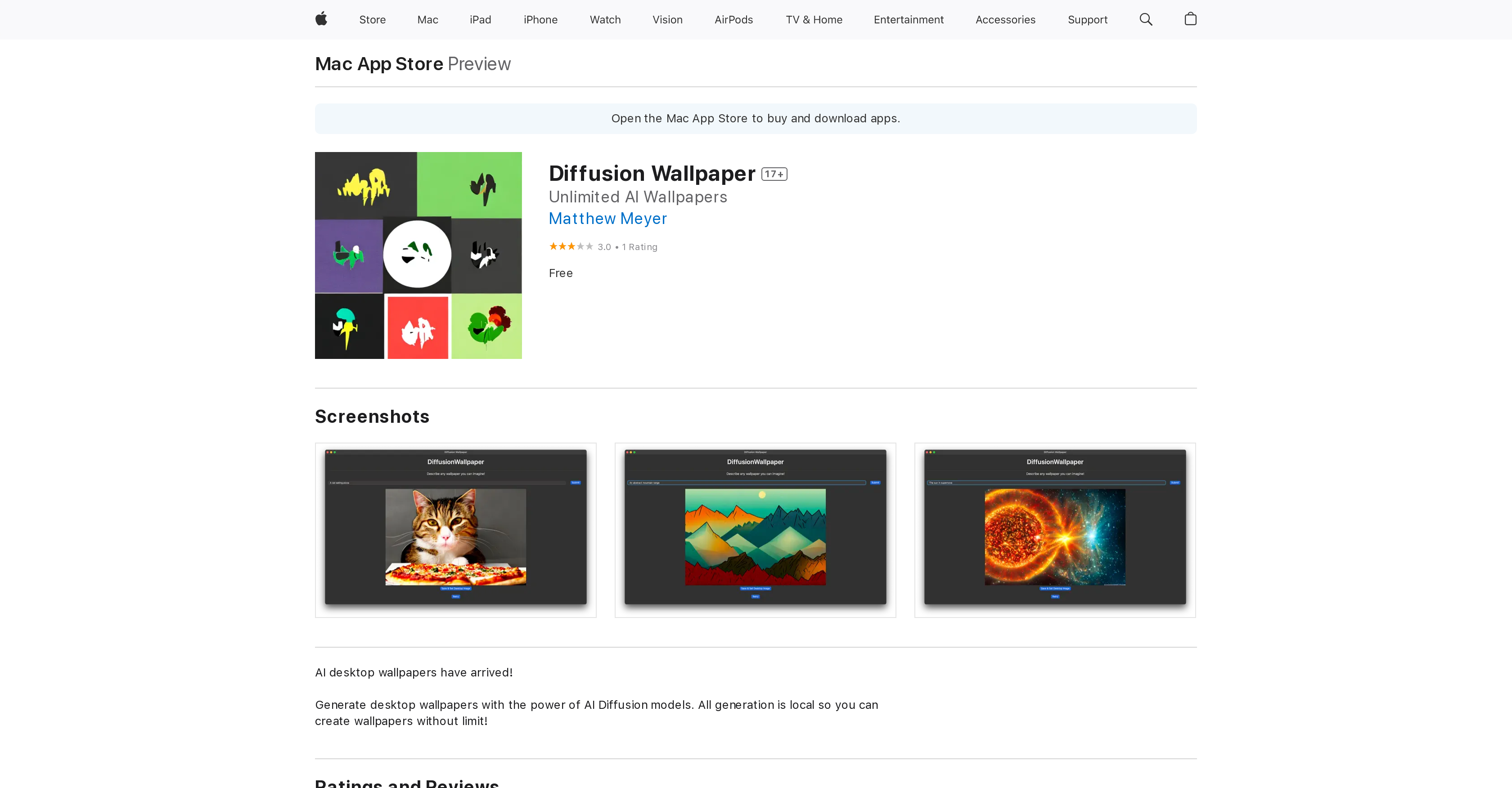
- Create completely unique desktop wallpapers instantly using AI diffusion models running locally on your device
- Generate unlimited wallpapers without restrictions or subscription fees, completely free to use
- Maintain complete privacy with zero data collection since all processing happens offline on your Mac
- Get immediate wallpaper generation without internet connection through local AI processing
- Share with up to six family members through Family Sharing compatibility
- Enjoy a lightweight 2.5 MB application that doesn't consume significant storage space
Pros & Cons
Pros
- Unlimited wallpaper creation
- Locally-run tool
- No data collection
- MacOS 13.1 compatibility
- Practical utility
- Family Sharing support
- Localized diffusion models
- Small size (2.5 MB)
- Desktop wallpapers generation
- Available on Mac App Store
- Age restriction (17+)
- Available in English
- Developer support available
- Data privacy prioritized
Cons
- Only available on macOS
- Requires macOS 13.1 or later
- Not available in other languages
- No multiplayer support
- Limited to desktop wallpapers
- No custom size options
- App size is 2.5MB
- No user data collection
- Only suitable for ages 17+
- No data sharing options
Reviews
Rate this tool
Loading reviews...
❓ Frequently Asked Questions
Diffusion Wallpaper is an AI-powered utility app for macOS that generates desktop wallpapers using AI Diffusion models. This app allows unlimited local generation of wallpapers, ensuring user data privacy as it does not collect any data.
Diffusion Wallpaper is developed by Matthew Meyer.
Diffusion Wallpaper is free on the Mac App Store.
Diffusion Wallpaper requires macOS 13.1 or later to function.
Diffusion Wallpaper can generate locally-based, unlimited desktop wallpapers using the power of AI diffusion models.
AI diffusion models in Diffusion Wallpaper work by locally creating the wallpapers on the user's device, thereby allowing unlimited generation.
Diffusion Wallpaper doesn't collect any user data due to its local-generation nature. It complies with user's data privacy, and is engineered to not require any user data during the operation.
Diffusion Wallpaper is recommended for users aged 17 and up.
Yes, Diffusion Wallpaper is compatible with Family Sharing, which allows up to six family members to use the app.
The Diffusion Wallpaper application is 2.5 MB in size.
Diffusion Wallpaper is categorized as a Utility app and it provides practical benefits to the users by generating unlimited, locally-based desktop wallpapers using AI Diffusion models.
No, an internet connection isn't necessary to generate wallpapers in Diffusion Wallpaper. All generation is local to the user's device.
Diffusion Wallpaper is available in English language.
No, Diffusion Wallpaper allows for unlimited wallpaper generation as all the generation is done locally at the user's device.
Diffusion Wallpaper can be downloaded from the Mac App Store.
The AI-based diffusion models mechanism is an intelligent algorithm that locally generates unlimited desktop wallpapers on the user's device. The generation is done in such a way to maintain the users data privacy and confidentiality.
Yes, Diffusion Wallpaper requires macOS 13.1 or later, thus it should work with the latest versions of macOS.
Considering its utility and data privacy-centric functionality, Diffusion Wallpaper is worth having, especially since it can be downloaded for free on the Mac App Store.
Pricing
Pricing model
Free
Paid options from
Free


