

Doc2Lang Online Excel Translator
Overview
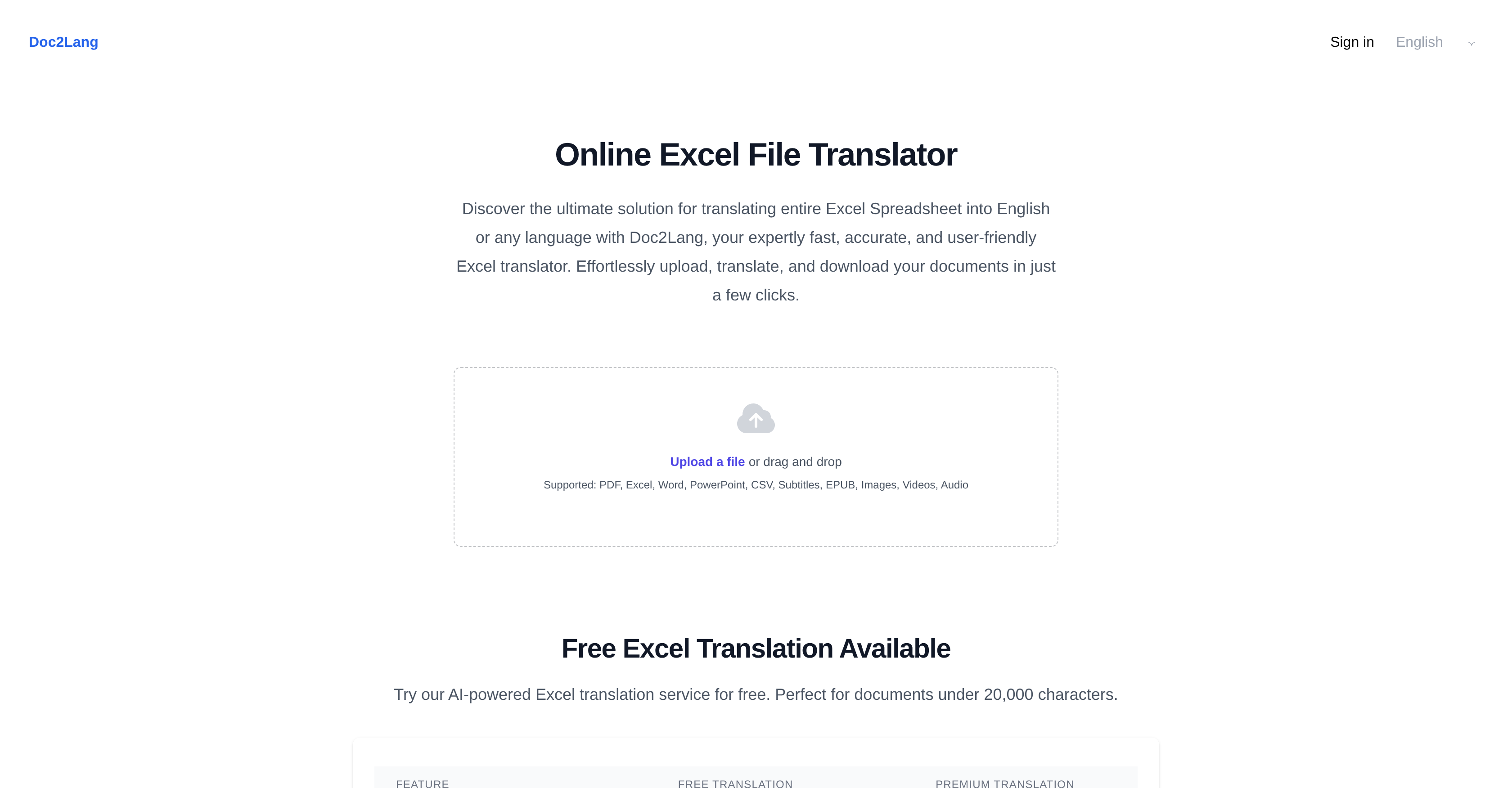
- Get perfectly formatted translations that maintain all charts, tables, and formulas using advanced AI that preserves your original document layout
- Translate entire workbooks and multiple files simultaneously through batch processing with ZIP uploads that maintain file structure and naming
- Access professional translation quality without subscriptions using pay-as-you-go pricing that charges only for what you translate
- Work with 100+ languages including minor dialects using context-aware AI translation that understands nuance better than basic tools
- Start translating immediately without software installation through cloud-based access that requires no registration or downloads
- Handle diverse file types including Excel, Word, PDF and PowerPoint with a single tool that replaces multiple translation services
- Ensure data confidentiality with file deletion options that give you control over your documents after translation
Pros & Cons
Pros
- Translates multiple document types
- Supports multimedia translations
- Maintains original document format
- Cloud-based tool
- No software installation required
- No account registration needed
- Wide language support
- Pay-as-you-go model
- Allows ZIP archive uploads
- Batch file processing
- Supports global communication
- Maintains Excel layout
- Translates full documents
- Context-aware translations
- Preserves formulas and macros
- Translates CSV files
- Preserves visual data
- Free translation for small documents
- Extensive language support
- Compatible with major Excel formats
- Instant premium translation processing
- Email notifications for premium
- No file size limit for premium
- Preserves non-text elements
- Maintains original formula logic
- Accurate workbook cell translations
- One-file or batch upload
- Automatic full document translation
- Easy file download post-translation
- Mirror image layout preservation
- Clear and upfront pricing
- Over 100 available languages
- Preview feature for checks pre-payment
- Allows deletion of files after translation
- Handles large workbooks
- Preserves macros and pivot tables
- Supports concurrent translation of multiple Excel files
- Translates Excel, Word, PowerPoint, CSV, Multimedia files
- Good for translating CSV, Excel data files
- Retains images in translated documents
- Suited for ZIP batch translation
- Preserves original file structure, naming
- Download sample of translated document
Cons
- Pay-per-usage model
- Only supports cloud-based usage
- No software installation available
- Doesn't translate embedded images
- Formulas remain untranslated
- No direct Google Sheets link
- Requires UTF-8 encoding for CSV
- Only supports ZIP for batch uploads
- Doesn't translate VBA code
- Requires manual conversions for locale-specific functions
Reviews
Rate this tool
Loading reviews...
❓ Frequently Asked Questions
Doc2Lang Online Excel Translator supports nearly a hundred languages, including major global languages such as English, Spanish, French, Portuguese, German, Japanese, Italian, Korean, and Chinese, among others.
Doc2Lang Online Excel Translator ensures to maintain the format of the original document by preserving elements like charts, tables, and text layouts. All these aspects are maintained to closely reflect the format of the original Excel file.
No, Doc2Lang Online Excel Translator does not require any software installations. It operates entirely in the cloud, meaning you can access and use it directly in your web browser without needing to install any software on your device.
The 'pay-as-you-go' model for Doc2Lang Online Excel Translator implies that there are no subscriptions or monthly fees to use the translation service. Users only pay for each translation they perform, based on its size and complexity, thereby only paying for what they use.
Yes, Doc2Lang Online Excel Translator can translate ZIP archives for batch file processing. This feature allows users to upload multiple files at once, preserving workflow efficiency and maintaining the same structure and naming in the translated documents.
Besides Excel files, Doc2Lang Online Excel Translator can handle document types such as Word, PowerPoint, PDF, and CSV files. It also supports the translation of subtitles, EPUB, multimedia files like images, videos, and audio.
Regarding multimedia translations, Doc2Lang Online Excel Translator supports the translation of subtitles in videos and audio transcripts. However, it should be noted that it doesn't translate the text embedded within images.
Yes, Doc2Lang Online Excel Translator supports the translation of Word, PDF, and PowerPoint documents. These compatible formats make it a versatile tool for a variety of professional, educational, or personal translation projects.
In the free tier, Doc2Lang Online Excel Translator has a file size limit of 20, 000 tokens (character count). In the premium tier, there are no file size limits, making it a suitable tool for translating larger documents.
The AI translation in Doc2Lang Online Excel Translator ensures accuracy by working with the advanced AI models based on ChatGPT. This AI engine affords the tool a level of precision and contextually accurate translations that surpass built-in Excel translations and other tools.
Doc2Lang Online Excel Translator surpasses other translation tools by providing superior translation accuracy with the help of ChatGPT, maintaining original document layout, and supporting a wide range of document types and languages. This makes it a comprehensive tool, unlike other basic cell-by-cell or line-by-line translation services.
Doc2Lang Online Excel Translator does not require any specific account registration. It provides the convenience of cloud-based service access, meaning you can upload, translate, and download your documents without having to create an account.
Yes, Doc2Lang Online Excel Translator respects user data confidentiality. After receiving your document translation, you have the option to delete your files from their servers, ensuring the security of your data.
During the translation process, Doc2Lang Online Excel Translator handles translation of charts, tables, and text layouts by preserving their formatting. All these aspects are maintained in their original structure, ensuring that the translated Excel file closely reflects the initial document's format.
The translation process with Doc2Lang Online Excel Translator involves a few simple and straightforward steps: upload the file (either a single file or ZIP format for multiple files), select the desired target language, and then the AI-powered engine translates the entire file while maintaining its layout. Lastly, the translated document is readily available for download.
Yes, Doc2Lang Online Excel Translator can translate entire Excel workbooks. This includes translating all worksheets in the workbook while preserving cell content, formatting, formulas, macros, charts, and images.
Yes, Doc2Lang Online Excel Translator can translate documents from a variety of languages to English, enabling users to achieve effective communication across multiple global contexts.
Yes, Doc2Lang Online Excel Translator is a cloud-based tool. This means that it doesn't require any software installations, providing users with a convenient, anytime, anyplace translation service that operates entirely online.
The translation process time using Doc2Lang Online Excel Translator may vary based on the size and complexity of the document being translated. However, as outlined on their website, the tool aims to facilitate fast, accurate translations.
Doc2Lang Online Excel Translator should be chosen over alternatives such as Google Translate because it provides full-document translation, superior translation accuracy powered by ChatGPT, and unmatched layout preservation. Moreover, it supports a wide range of document types and languages, with a clear pay-as-you-go pricing model and a batch processing feature for handling multiple files simultaneously.
Doc2Lang supports a variety of document types including Excel, Word, PowerPoint, PDF, and multimedia formats like images, videos, and audio.
In Doc2Lang, the translation process involves three simple steps - upload the document, select the target language, and receive a translated version.
Doc2Lang's superior translation accuracy is due to the use of the advanced AI model GPT, which offers context-aware translations that are better than built-in Excel translations and other tools.
No, Doc2Lang doesn't require any software installations. It is a cloud-based tool that can be accessed online.
Doc2Lang supports a wide range of languages, catering to effective communication across at least a hundred languages in the global market.
Doc2Lang operates on a pay-as-you-go model. Users only pay for the specific translations they require, eliminating the need for subscriptions or registrations.
Yes, Doc2Lang supports batch file processing. Users can upload a ZIP archive of multiple files which the tool can process simultaneously while preserving the original structure and naming of all files.
Yes, Doc2Lang ensures the translated Excel file closely reflects the format of the original document, including charts, tables, and text layouts.
While Doc2Lang supports the upload of multimedia files, currently it does not translate texts within images, audio files or videos.
Yes, Doc2Lang has the capability to translate entire Excel spreadsheets, maintaining the accuracy and efficiency of the content while saving time.
Doc2Lang uses the advanced AI model GPT to provide a high level of translation accuracy, offering context-aware translations that make sense in the language of choice.
Doc2Lang preserves the original layout and formatting of the document, including charts, tables, text layouts, formulas, and macros ensuring the translated file mirrors the original.
Yes, Doc2Lang doesn't require any specific account registration. Users can directly access the website and start translating their documents.
In Doc2Lang, batch file processing is handled through ZIP archive uploads. This feature maintains workflow efficiency and the original structure and naming of all files during the translation process.
Yes, apart from major languages, Doc2Lang also supports a wide range of minor languages, ensuring effective communication with a global audience.
Doc2Lang operates on a pay-as-you-translate system, where users are charged only for the translations they actually use, eliminating the need for subscriptions or registrations.
Yes, multiple files can be translated at once on Doc2Lang by uploading them as a ZIP archive for batch translation. Each file is translated individually and the original file structure is maintained.
Yes, once the user uploads a document and selects the target language, Doc2Lang will automatically translate the document into the chosen language.
In Doc2Lang, the 'Pay-as-you-translate' system charges the users only for the translations they use. This system eliminates the need for subscriptions or monthly fees.
Doc2Lang excels at preserving the formatting of the original document. Even after translation, the format of charts, tables, and text layouts in the Excel file remains the same as in the original document.
Pricing
Pricing model
Free Trial
Paid options from
$0.10/unit
Billing frequency
Pay-as-you-go
Refund policy
No Refunds