Overview
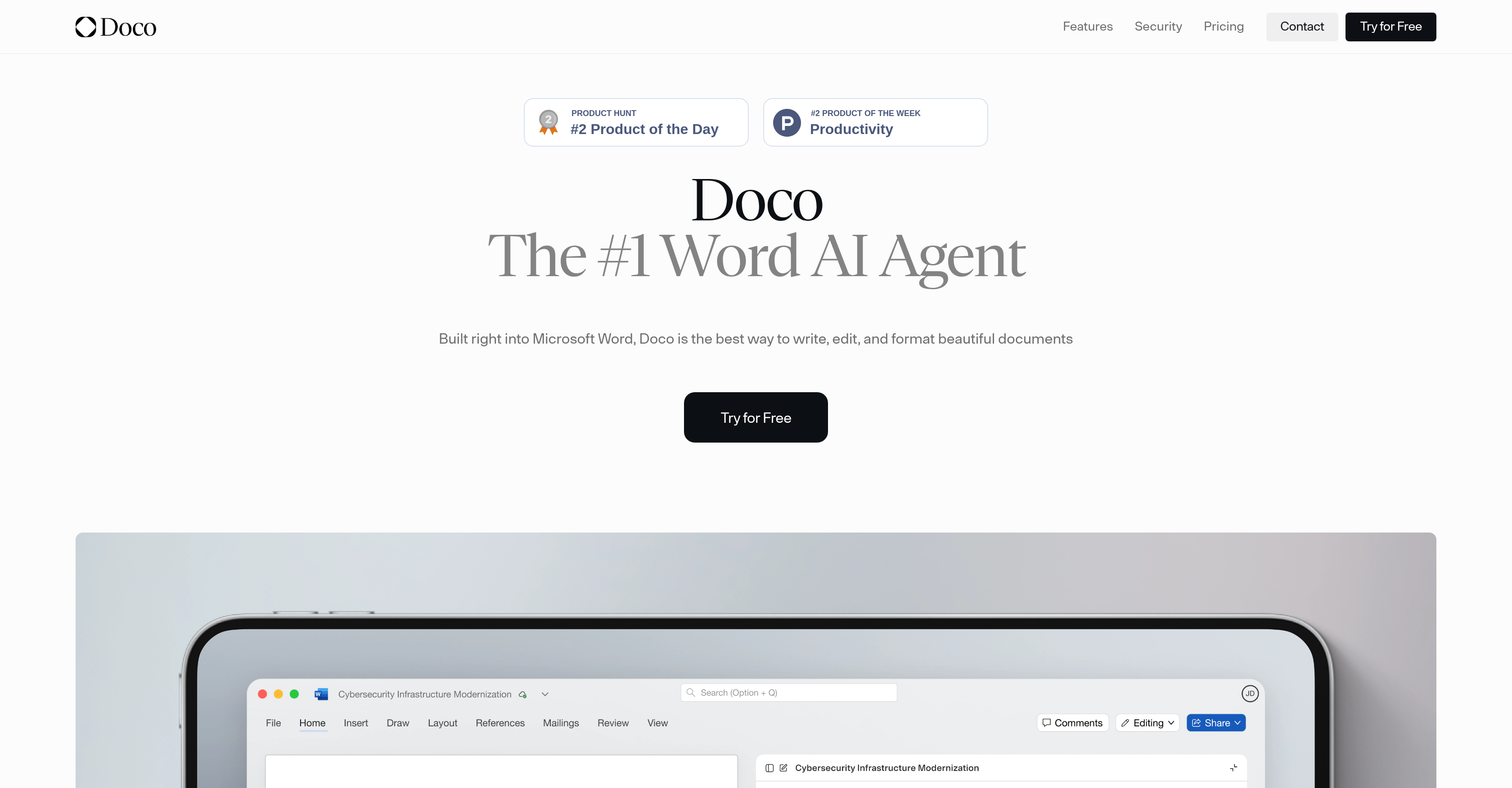
- Generate documents using your company's existing files as context with AI that understands your content library
- Apply edits directly within Word while maintaining full transparency of every change's origin with source tracking
- Maintain consistent document formatting and professional standards automatically with style refinement in your workflow
- Protect sensitive business information with enterprise-grade security including SOC 2 Type II certification and encryption
- Personalize your editing experience as the AI adapts to your individual work patterns and preferences
- Scale from individual use to enterprise deployment with flexible plans supporting small businesses to Fortune 500 companies
Pros & Cons
Pros
- Integrates with Microsoft Word
- Personalized workflow mechanisms
- Traceable text origin
- Utilizes company library
- Applies changes in Word
- Trackable edits
- SOC 2 Type II certified
- Regular third-party audits
- Data encryption in transit
- Data encryption at-rest
- Serves small to large businesses
- Flexible plans
- Document quality assurance
- Individual work style adaptation
- Protects proprietary information
- Holistic document editing
- Understanding of user words
- Style perfection assistance
- Facilitates draft-to-final turnaround
- Supports professional writers
- Role-based access for enterprises
- Consolidated billing for enterprises
- SSO/SAML for enterprises
- Unlimited library upload for professionals
- On-Shore, Single-Tennant infrastructure
- Compliance with FedRAMP
- Provides defense-grade security
- No reliance on user training
- Map edits to root file
- Transforms documents into knowledge base
Cons
- Microsoft Word dependent
- Data access concerns
- Learns mixed work styles
- Potentially disruptive workflows
- Limited compatibility
- Possible formatting inconsistencies
- Relies on stored data
- Depending on company library
- May require customization
- Pricing flexibility unclear
Reviews
Rate this tool
Loading reviews...
❓ Frequently Asked Questions
Doco is an Artificial Intelligence (AI) agent that simplifies and streamlines the process of writing, editing, and formatting documents within Microsoft Word. It functions as an AI assistant to refine content, facilitate workflows, and produce professional-standard documents.
Doco integrates directly into Microsoft Word, acting as an AI assistant within the software. It makes changes directly in the Word document, maintaining trackable edits.
The main features of Doco include refining content, streamlining workflows, creating professional-standard documents, adapting to individual work styles, tracing all generated text to its original file and section, converting company libraries into an AI-ready knowledge base, implementing edits directly in Word, and ensuring data security.
Yes, Doco can adapt to individual work styles. It learns from and builds on stored user data, thereby tailoring personalized workflows to suit the user.
Doco enables transparency in the editing process by allowing users to trace all generated text to its original file and section. This feature helps users understand the origin and context of edits.
Doco converts a company library into an AI-ready knowledge base by identifying and learning from the content within the library. This enhances the relevance and applicability of text modifications.
Doco ensures data security by adhering to industry standards, including SOC 2 Type II certification. It performs regular third-party audits and provides encryption of data both in transit and at-rest.
Doco strictly adheres to SOC 2 Type II certification, an industry standard for security. It also undergoes regular third-party security audits to ensure data protection.
Yes, Doco encrypts data both in transit and at-rest using industry-standard protocols.
Doco was designed to serve a wide range of users, from small businesses to Fortune 500 firms. It provides flexible plans that fit the different needs of businesses of various sizes.
Doco offers several pricing plans. These include a Free plan with limited features; a Starter plan for $14 per month; a Pro plan for $187 per month with additional features; and a customizable Enterprise plan with SSO/SAML, custom integrations, role-based access and other features. There are options for annual and monthly billing.
You can try Doco for free by choosing the Free plan available on their website. It provides a limited feature set that allows you to experience the benefits of Doco first hand.
Yes, Doco can streamline your document editing workflow. It integrates directly into Microsoft Word and uses AI to refine content, facilitate workflows, and produce professional-standard documents. It also adapts to individual work styles and allows tracing of all generated text to its original file and section.
Doco uses stored user data to adapt to individual work styles. This enables Doco to personalize workflows to suit the way you work.
The SOC 2 Type II certification that Doco has is an industry standard for data security. It signifies that Doco adheres to strict criteria for managing customer data based on five trust service principles: security, availability, processing integrity, confidentiality, and privacy.
Doco tracks edits by making changes directly within the Word document and maintaining a record of these edits. This allows for transparency in the editing process and easy tracking of changes.
Doco personalizes your editing workflow by building on stored user data and learning from your work style. It can tailor workflows to suit individual user preferences, making for a more efficient and personalized editing experience.
Doco refines content in real-time as you're working on a document. It understands not only your words but also the context within your files, enabling accurate and relevant modifications.
Yes, edits are applied directly in Microsoft Word using Doco. This keeps the editing process seamless and maintains a record of the changes right within the software.
Text modifications with Doco are implemented by utilizing a company's library as an AI-ready knowledge base. This allows Doco to make relevant and applicable changes to the text based on an understanding of the context and content within the company's stored files.
Doco integrates directly into Microsoft Word to assist users in writing, editing, and formatting documents. By leveraging existing files, it can help draft content, track changes, and provide personalized workflows based on individual work styles. It makes the edits directly in Word while providing a feature through which users can trace every edit back to its file and section origin. This integration contributes to workflow efficiency and document quality assurance.
Doco, being built into Microsoft Word, offers a range of services for document editing. Its key features include generating text from existing data, ability to trace every edit down to its root file and section, and providing personalized workflows. It enables users to express their ideas while Doco handles the heavy lifting by making the necessary tweaks directly in Word. It also assists in turning a company library into an AI-ready knowledge base, making text modifications more relevant and applicable.
Doco personalizes workflows by learning from an individual's work style. By monitoring user data, it is able to understand and adapt to their specific work habits and preferences. This helps Doco to provide tailor-made workflows that enhance efficiency and productivity in the operating environment.
The AI Knowledge Base in Doco is essentially the user's company library converted into an AI context. It enables users to harness their existing data and makes text modifications more relevant and applicable. The system can understand the content of the files, not just the words, facilitating more intelligent content drafting.
With Doco, tracing the origin of generated text is straightforward. The AI maps each edit to its root file and section, offering a transparency feature that enables users to see exactly where their edited content originates from. By clicking on the source reference, you can directly access the originating file section.
Doco prioritizes security by adhering to industry standards like SOC 2 Type II certification and conducting regular third-party audits. It provides robust data encryption, both in transit and at rest, ensuring the safe handling of information. It also lets the users maintain full control over their data. Moreover, Doco utilizes defense-grade infrastructure with multilayered security protocols and zero-trust architecture designed to handle sensitive workloads.
SOC 2 Type II is a certification that signifies a company's commitment to securely managing data and protecting the privacy of its user's data. It is a standard of controls that pertain to security, availability, and confidentiality of a system. Doco complies with this certification by adhering to the highest industry standards, conducting regular third-party audits and by maintaining SOC 2 Type II certification, which ensures the handling of sensitive data with the utmost security and privacy.
Yes, the data handled with Doco is encrypted both in transport and at rest. It utilizes proven industry-standard protocols to ensure data security. This approach offers a robust protection mechanism, securing proprietary information to meet the highest industry standards.
Yes, Doco is built to cater to a variety of user categories, including small businesses. It offers flexible plans and workflows tailored to suit individual needs. The platform also provides all its features including document editing, formatting, text tracing and more, irrespective of the business size.
Absolutely, Doco is designed to accommodate large corporate structures, including Fortune 500 companies. It offers robust features and high-grade security measures, making it an ideal companion for large-scale enterprise workflows.
Doco enhances workflow efficiency by integrating directly into Microsoft Word and refining content to suit individual work styles. It provides personalized workflow mechanisms, generates text based on previous work, makes necessary edits directly in Word, and maintains trackable changes. This combination of features facilitates an improved and standardized working structure.
Doco assures quality documents by operating as an AI-powered assistant that refines content based on user patterns and a company's database. It understands your files and drafts using the knowledge therein. Furthermore, the AI handles the heavy lifting of making necessary edits directly in Word, ensuring well-structured, coherent, and professional-standard documents.
Doco offers a range of flexible plans according to user requirements. A free plan is available which comes with 10 credits for workflows and projects. The Starter Plan costs $14 per month providing 100 credits/month and allowing storage of up to 50 library files. The Pro Plan is priced at $187 per month offering unlimited credits and library upload with priority support. Moreover, an enterprise plan is available, offering everything in Pro, plus benefits like SSO/SAML, custom integrations, role based access, dedicated support, organizational workspace, consolidated billing and a service-level agreement (SLA). The costs for the enterprise plan are custom.
Yes, a demo can be requested for Doco. Users are encouraged to explore Doco's features and understand its workflow and integration capabilities by booking a demo.
The methods of integrating Doco into Microsoft Word are not explicitly provided. However, given that it integrates directly and operates in the Word environment, one can infer that it requires installation as an add-in or extension to your Microsoft Word.
Doco leverages the content of your existing files to draft new content. Instead of only understanding your words, it grasps the substance of your files thus generating more intelligent and context-specific content.
Indeed, Doco can help in formatting your documents automatically. It understands your expressions and makes necessary style and formatting edits directly in Word. This feature saves time and ensures a consistent and professional look for all documents.
Yes, Doco conducts regular third-party security audits as part of maintaining its SOC 2 Type II certification. This rigorous external review assesses Doco's system to ensure adherence to established industry standards of data privacy and security.
With Doco, you can turn your company library into an AI-ready base of knowledge by leveraging its functionality to understand your files. By having access to your existing data, Doco makes the text modifications more relevant and applicable. This feature turns your company library into a useful knowledge base that enhances document drafting, editing, and formatting.
Pricing
Pricing model
Freemium
Paid options from
$14/month
Billing frequency
Monthly
Refund policy
No Refunds