
DocXter
Extract critical insights and hidden connections from any document instantly using AI-powered analysis of DOC, PDF, PPTX, and TXT files
Listing not yet reviewed by our editors · How we check
Overview
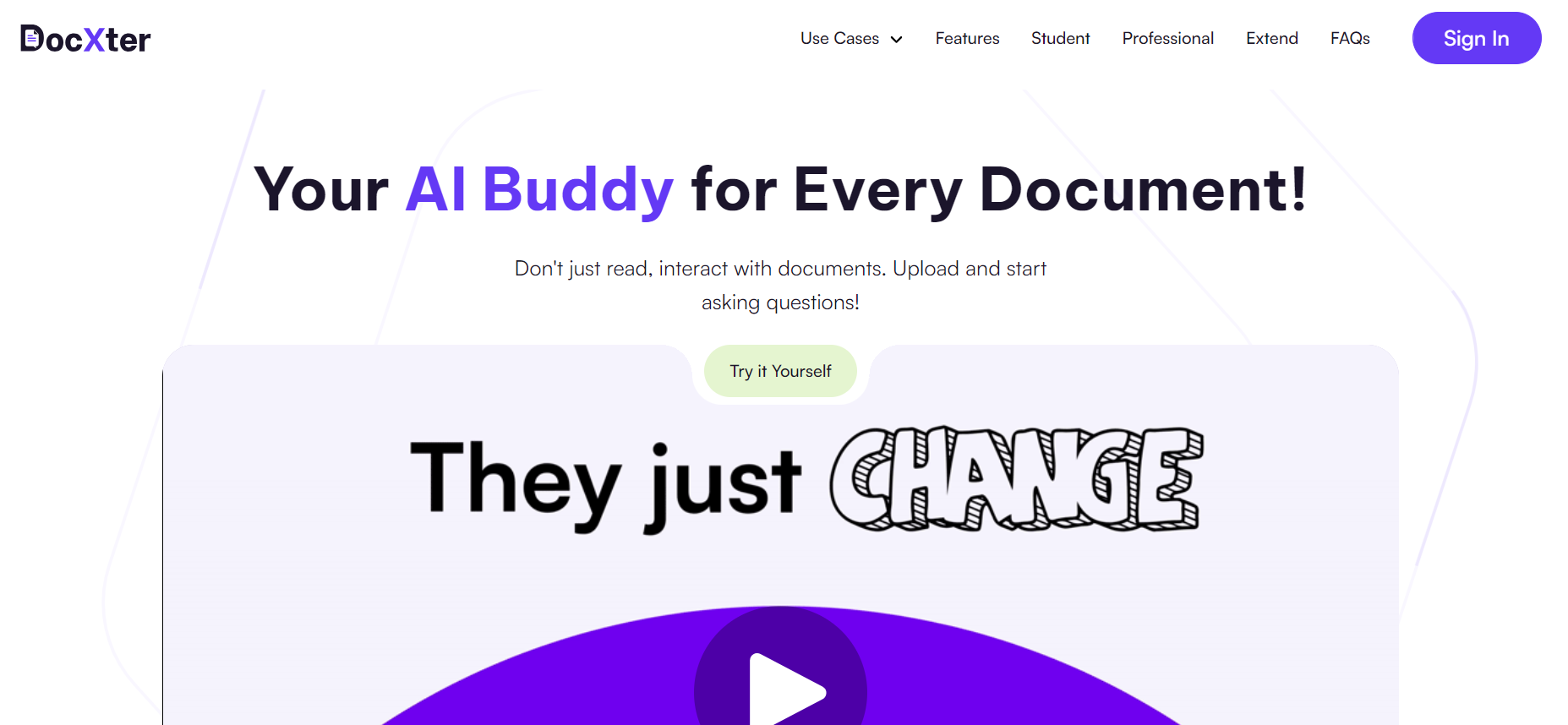
- Extract critical insights and hidden connections from any document instantly using AI-powered analysis of DOC, PDF, PPTX, and TXT files
- Simplify dense, complex documents into clear, understandable language to grasp key concepts without manual reading
- Prepare for meetings and decode official agreements by having the platform highlight vital information and implications automatically
- Build impressive resumes by having the tool identify and showcase your most relevant qualifications and impactful work history
- Receive personalized study guidance with optimized plans that analyze your materials and highlight what you need to know
- Complete last-minute research efficiently by asking questions directly to your documents and getting immediate, sourced answers
Pros & Cons
From the listing; not yet checked by our editors.
Pros
- Interactive document interaction
- Valuable insight extraction
- Software adaptation for individuals
- Supports various document types
- Supports multiple file formats
- Tailored user interactions
- Customization features
- Facilitates last-minute research
- Aids critical analysis for students
- Personal study guidance
- Decodes official agreements
- Resume building tool
- Advanced text extraction
- Identifies connections within documents
- Identifies vital information within documents
- Simplifies complex documents
- Aids in meeting preparation
- Tackles various use-case scenarios
- Acts as educational aid
- Professionals' tool for document analysis
- Concept mapping capability
- User guidance and ease of use
- Handling and analyzing legal documents
- Helps in making detailed notes
- Supports language simplification
- Can provide chat history
- Controls for user discretion
- Planning tool for trips
- Analysis of key materials
- Q&A feature with uploaded documents
Cons
- No offline functionality
- No mobile application
- Limited file format support
- Doesn't support non-Latin scripts
- No multilingual support
- Cannot edit documents
- No summarization feature
- Lacks advanced customization
- No password-protected document access
Alternatives to DocXter
Tools that share the most tags with DocXter.
- Humata
Understand complex documents 100 times faster with AI-powered summarization and synthesis that distills key points from technical papers and long-form content.
Freemium · from $1.99/month
$1.99/month
Not yet checked
- PDFChat.com
Get instant answers to specific questions without manually searching entire documents through direct Q&A functionality with your files
Freemium · from $8.99/month
$8.99/month
Not yet checked
- Docuchat
Instantly answer customer questions 24/7 by embedding a custom chatbot trained on your documents and websites
Free trial · from $14/month
$14/month
Not yet checked
- Ergo Chat
Extract instant insights from your PDF library and websites without switching tabs through the convenient browser sidebar integration
Not listed
Not listed
Not yet checked
- myReach
Find any document, note, or contact in seconds instead of searching through folders and email with AI-powered semantic search
Not listed
Not listed
Not yet checked
- PDF-Pals
Get instant answers from any PDF document using natural language queries with AI-powered chat
Paid · from $59
$59
Not yet checked
Related Videos
Meet Your New Document Ai-buddy - DocXter
DocXter · Jan 17, 2024
Resume not getting shortlisted? Use DocXter your AI-buddy to amplify your resume.
DocXter · Dec 8, 2023
Smartly Decode Complex Documents With DocXter's AI- bilities!
DocXter · Jan 10, 2024
DocXter Lifetime Deal: AI Assistant Tool that Quickly Analyze Any Documents - Appsumo Lifetime Deal
Lifetime Software Deals · May 25, 2024

Level Up Your Resume with → DocXter
DocXter · Jan 17, 2024
Reviews
Rate this tool
Loading reviews...
Frequently asked questions
What is DocXter?
DocXter is an interactive document intelligence platform. It's powered by AI technology, and its primary function is to extract valuable insights from an array of document types and formats. It allows users to interact with the content of their documents in various ways, such as through questioning and text simplification.
What types of documents can DocXter handle?
DocXter can handle a variety of document file types, including DOC, DOCX, PDF, PPTX, and TXT files.
How can DocXter aid students in their studies?
DocXter aids students by leveraging AI technology to analyze key materials and identifying important details. This assist in last-minute research, critical analysis, and creating personalized study plans. It helps users to see concepts from new perspectives, streamlining their study process.
How can professionals benefit from using DocXter?
Professionals can use DocXter for a range of tasks such as preparing for meetings, decoding official agreements, and creating impressive resumes. The platform's ability to extract valuable insights, identify vital information and connections within documents makes it a valuable tool in a professional setting.
What kind of insights can DocXter extract from documents?
DocXter goes beyond just text extraction; it identifies insights, connections, and critical information within documents, offering a granular understanding of the content. It is designed to highlight essential details, helping users understand complex information and see concepts from new perspectives.
Does DocXter offer any customization features?
Yes, DocXter offers customization features. Users can tailor their interactions with the platform, achieving a more personalized experience when using the tools and getting the precise information they need.
How does DocXter simplify text from complex documents?
DocXter simplifies complex documents by using its AI technology to analyze the text and break down the content into more straightforward, comprehensible terms. This feature allows users to understand dense and complicated content efficiently.
How does DocXter help users understand and decode documents?
DocXter helps users understand and decode any document by leveraging AI technology to extract essential details, insights, and connections within the documents. This allows users to understand the content of their document thoroughly and gives them the confidence to engage and interact with it.