

Dreamflow
Overview
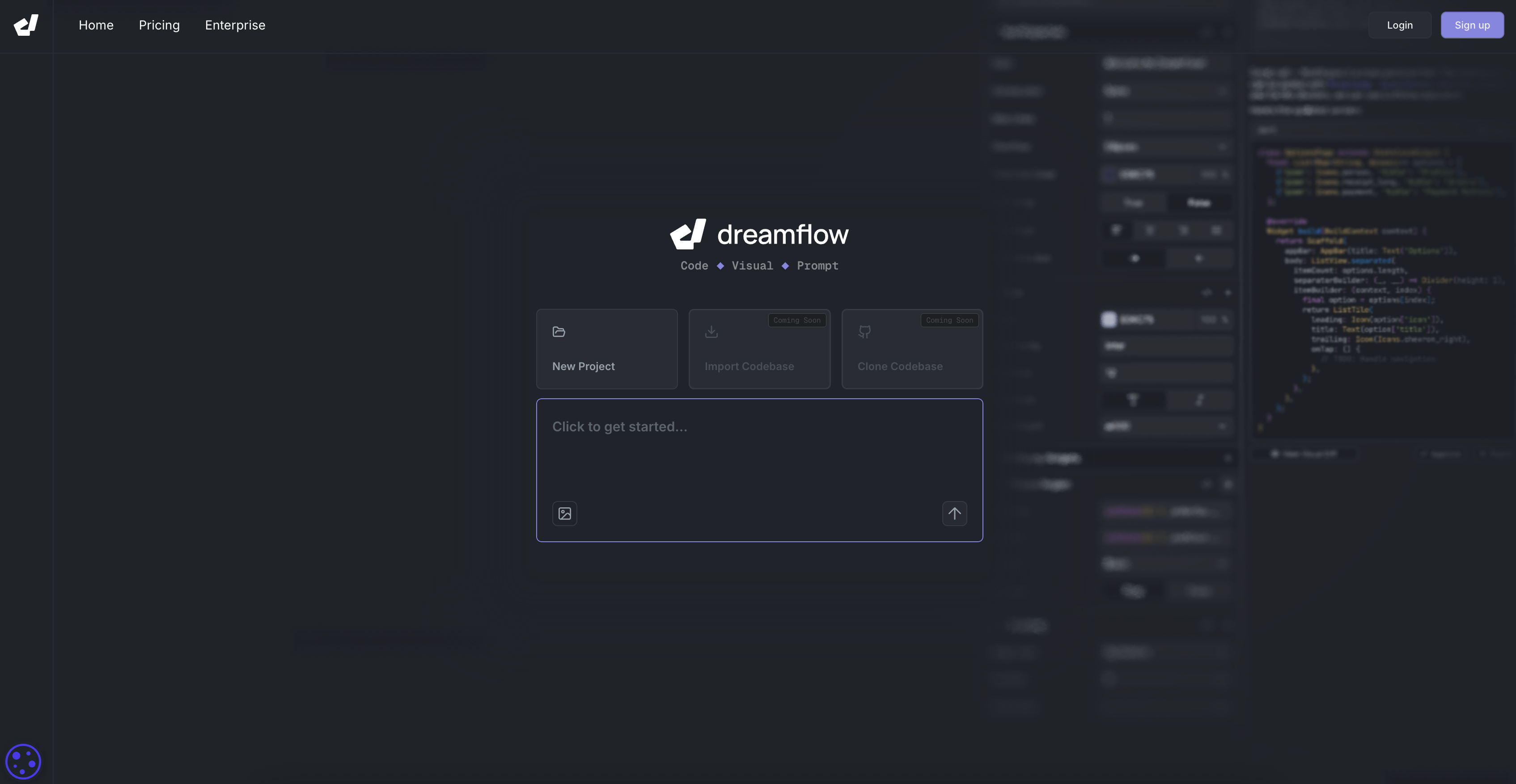
- Transform app ideas into working prototypes instantly using natural language prompts instead of manual coding
- Build once and deploy everywhere with cross-platform compatibility for iOS, Android, web, and desktop
- See every change immediately with real-time preview that shows UI updates without rebuilding
- Restructure your entire UI visually by adding, removing, or moving elements in the widget tree
- Handle complex code changes confidently with AI that performs refactoring and generates tests
- Work with existing codebases seamlessly through full file system access and repository import
- Connect backend services effortlessly with built-in Firebase and Supabase integrations
- Publish to app stores directly using streamlined deployment workflows for multiple platforms
Pros & Cons
Pros
- Expedited app building
- Cross-platform mobile app development
- Comprehensive development environment
- Natural-language project initiation
- Blank Flutter project initiation
- Importing existing repositories
- Full file system access
- Real project file management
- Instant UI restructuring
- Moving, adding, removing elements
- Properties Editor with type-safe controls
- Realtime Preview feature
- Live run session
- Real-time logs inspection
- Real-time application state inspection
- Supports Firebase integration
- Supports Supabase integration
- Assists in app deployment
- Deploys to web platforms
- Deploy to iOS and Android
- Deploy to macOS, Windows, Linux
- Visual Widget Tree feature
- Visual development environment
- No abstractions in file management
- Integrated testing
- Multi-platform support
- Editable and refactorable code
- Production-ready workflows
- User-friendly interface
- Flexible project distribution
- Exportable Flutter code
- Agentic for Flutter, no install required
- Browsable project files
- Organizable project files
- Easy UI wrapping
- UI collapse/expand ability
- List-based project management
- Fast native mobile apps shipping
- User expressions handling
- Codebase cloning (Coming soon)
Cons
- Limited integration options
- Possible learning curve
- Realtime Preview limited to Live Run
- Not built for larger projects
- No detailed guides or tutorials
Reviews
Rate this tool
Loading reviews...
❓ Frequently Asked Questions
Dreamflow is an AI-powered tool designed to expedite the process of building cross-platform mobile applications. It offers a comprehensive development environment integrating code, visual components, and AI capabilities. Dreamflow initiates projects from a natural-language prompt or a blank Flutter project, and is equipped to import existing repositories. With multiple features like full file system access, a visual widget tree, a properties editor, and realtime preview, Dreamflow streamlines the mobile app creating process.
Dreamflow incorporates AI in several ways. It enables users to initiate projects from a natural-language prompt. The integrated AI can facilitate operations like small edits, extensive refactors, and the creation of screens, flows, and tests. Users may employ expressions or seek the assistance of the AI for various tasks within the platform.
The Visual Widget Tree is a feature in Dreamflow that allows users to instantly restructure their UI. Users can add, remove, move, or wrap elements, offering a flexible way to manage the user interface elements of their application.
The built-in AI of Dreamflow can handle operations including but not limited to small edits, extensive refactors, and the creation of screens, flows, and tests. Furthermore, it assists users to realize various tasks that might otherwise be difficult or time-consuming.
Yes, Dreamflow is equipped to import existing repositories, broadening the array of options available for developers while initiating a new project.
Dreamflow supports project file management by providing full file system access. This allows users to browse, edit, and organize real project files without any obstructions or abstractions.
The Properties Editor in Dreamflow offers type-safe controls for every widget property. Users can use expressions or harness the help of the integrated AI for managing these properties.
The Realtime Preview feature embedded in Dreamflow lets users visualize all changes instantly during a live run session. This includes the ability to inspect logs and application state in real time, optimizing the troubleshooting and debugging process.
Dreamflow supports a range of integrations, most notably Firebase and Supabase. These integrated services extend the functionality and possibilities of apps developed with Dreamflow.
Yes, Dreamflow aids in app deployment. Users can push their developed apps either to the web or various app stores. The platform supports diverse deployment options.
Dreamflow allows for app deployment on a variety of platforms. These include the web, iOS, Android, macOS, Windows, and Linux platforms.
With Dreamflow's natural language programming capabilities, users can initiate projects. These capabilities streamline the development process by translating natural language inputs into functional programs.
In Dreamflow, projects can be kick-started from a natural-language prompt or a blank Flutter project. Furthermore, there is an option to import an existing repository to work on.
Dreamflow extends its utility through a built-in Firebase integration feature. This aids in managing app data for user authentication, storage, and more without having to exit the Dreamflow environment.
Dreamflow's integrated AI can facilitate operations related to testing. This includes the creation of tests that can be essential in ensuring the functionality and reliability of the developed app.
Dreamflow facilities UI restructuring through its Visual Widget Tree feature. Users can add, remove, move, wrap, or collapse/expand elements, fundamentally reconfiguring the user interface as per the requirements.
Yes, Dreamflow can handle application state inspections. During a live run session, users can inspect logs and the application state in real time, which makes identifying and addressing potential issues easier.
Dreamflow offers extensive editing and refactoring capabilities. Using the built-in AI, users can prompt small edits or large refactors, giving a high degree of customizability and control over their project code.
Using Dreamflow for mobile app development offers numerous advantages including an integrated development environment, the ability to initiate projects from a natural-language prompt, AI-assisted operations, realtime previews, testing, built-in Firebase and Supabase integrations, and ability to deploy to multiple platforms.
Yes, applications developed with Dreamflow are cross-platform compatible. Dreamflow supports multi-platform deployment, which means developed applications can be deployed to web, iOS, Android, macOS, Windows, and Linux platforms.
Pricing
Pricing model
Freemium
Paid options from
$20/month
Billing frequency
Monthly
Related Videos
Learn Dreamflow in 3 Minutes
dreamflow•2.0K views•Oct 21, 2025