
DubMog
Follow every sentence without waiting for the speaker to finish: real-time speech-to-speech translation recognizes speech as it is spoken and plays the voiced translation a few seconds behind.
Listing not yet reviewed by our editors · How we check
Overview
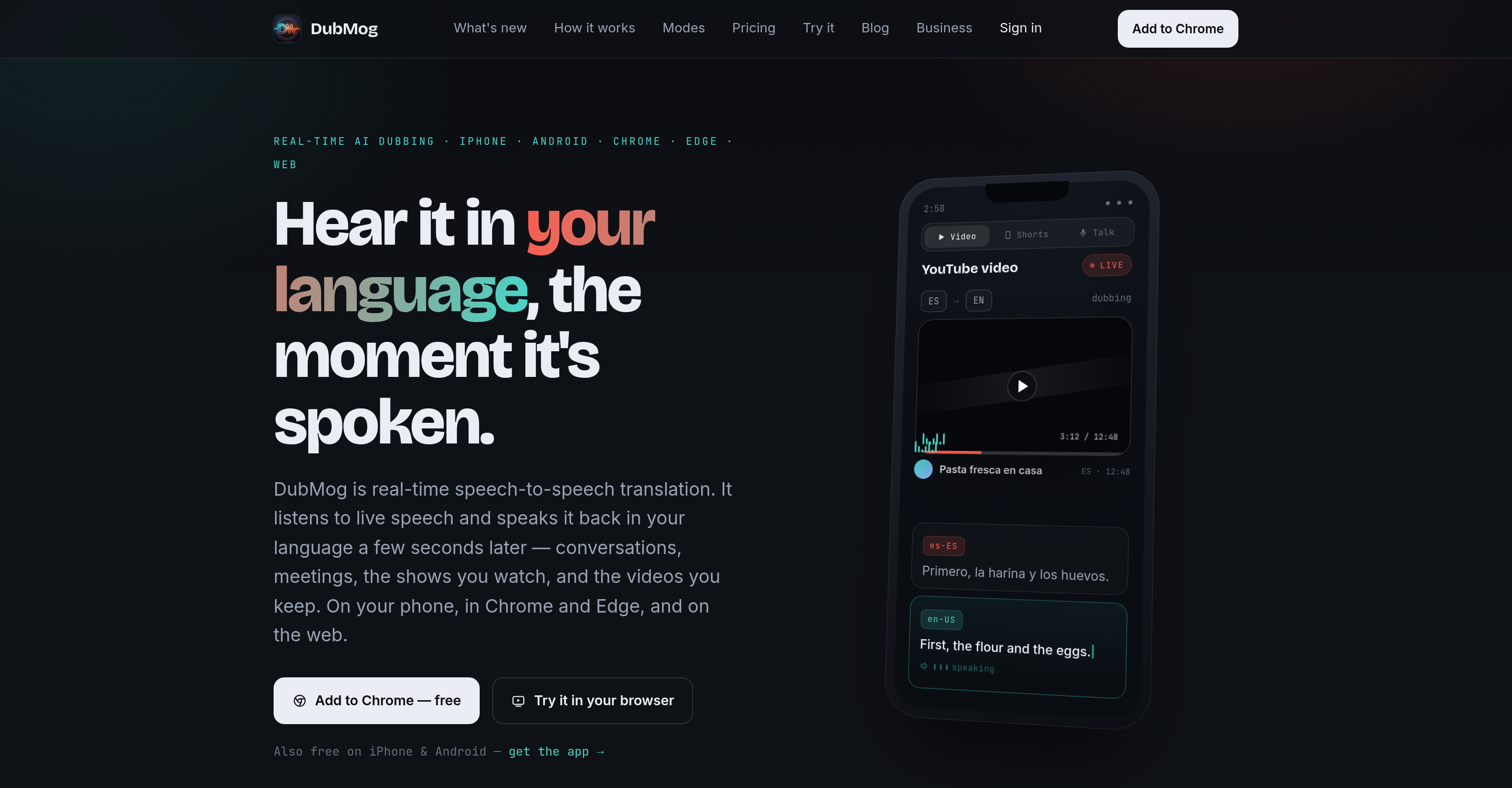
- Follow every sentence without waiting for the speaker to finish: real-time speech-to-speech translation recognizes speech as it is spoken and plays the voiced translation a few seconds behind.
- Hold natural two-way conversations abroad, at work, or in everyday life: point your phone's microphone at nearby speakers and hear a live voice translation in your chosen language.
- Watch foreign films, shows, and streams with your eyes on the scene instead of on subtitles: Theater mode and the Chrome and Edge extensions dub audio on Netflix, Hulu, Disney+, Crunchyroll, and YouTube while the video plays.
- Learn from lectures in languages you don't speak: browser dubbing voices course audio on Udemy, Coursera, edX, and most school platforms during class playback.
- Keep translating while you use other apps on iPhone and Android: start a live session, switch to the app playing audio, and hear it dubbed alongside a running transcript.
- Get a finished dubbed video you can keep and share: Dub a File processes your video in the background, and you export it to Photos, Files, or any sharing destination. Theater offers the same export options.
- Record exactly what was said and keep it on your own machine: browser transcripts include timestamped lines you read, copy, or download, and the site says they stay on your computer.
- Translate meetings, calls, and media playing on your computer: the Windows software dubs PC audio with optional on-screen captions and a keyboard shortcut, and the Mac software dubs any playing app or window you select.
- Trust that every translation reflects real speech: when an app protects its audio, DubMog reports it as unavailable or silent instead of guessing what was said.
- Return to your usual language pairs in one tap: language search and recent-language shortcuts cover 80+ supported languages.
- Start translating at no cost and upgrade only when you need natural voices: Standard mode is free on iPhone, Android, Chrome, and Edge. Pro ($9.99/month or $79.99/year) or one-time minute packs unlock Pro Live voices, and your account, Pro status, and minutes carry across devices.
- Equip an entire team with voice translation under one bill: the business plan provides individual Pro accounts, usage allowances, and centralized billing.
Pros & Cons
From the listing; not yet checked by our editors.
Pros
- Translates speech as spoken
- Voiced translations with short delay
- Two-way nearby conversation translation
- Follows dialogue during playback
- Dubs other mobile apps
- Running transcript during mobile dubbing
- Ducks original browser-tab audio
- Browser transcript includes timestamps
- Transcripts stay on your computer
- Read, copy, or download transcripts
- Right-click browser launch
- Browser panel in 44 languages
- Windows captions available onscreen
- Windows keyboard shortcut launch
- Mac app and window selection
- Dub phone videos in background
- Export dubbed videos to Photos
- Export dubbed videos to Files
- Share completed dubbed videos
- Choose video export resolution
- Cinematic voices for Pro
- Protected audio reported unavailable
- 80+ languages with Pro Live
- Recent languages one tap away
- Same account across platforms
- Minutes and Pro status follow
- Chrome and Edge extensions
- iPhone and Android apps
- Windows and Mac software
- Use account on the web
- Free Standard in Chrome and Edge, no account
- Unlimited free Standard in Chrome and Edge with an account
- Business seats include Pro accounts
- Centralized team billing
- Team seat reassignment
- Usage packs never expire
Cons
- Playback trails speech by seconds
- Protected audio remains unavailable
- Windows runs Pro Live only (Pro or packs)
- Mac Pro Live needs Pro or packs
- Windows requires Windows 11
- Mac requires macOS 14+
- Chrome free mode: 38 languages
- No-account Chrome: 30 minutes daily
- Dub-a-File runs on phones
Alternatives to DubMog
Tools that share the most tags with DubMog.
- Checksub
Get captioned videos ready to publish in minutes. Auto-Subtitles generates and syncs subtitles to any video, and turns scripts into timed captions without manual timing.
Free trial · from $18/month
$18/month
Not yet checked
- LipDub AI
Fix a line, update an offer, or replace an entire script without reshooting, because EasyDub rewrites video dialogue from a few words to a full script and re-syncs the speaker's lips to the new audio.
Paid · from $149/month
$149/month
Not yet checked
- Dubecos
Reach viewers in up to 35 languages from a single video: AI video dubbing converts your content into the languages your audience speaks.
Not listed
Not listed
Not yet checked
- Speechify AI Dubbing
Cut localization budgets and timelines by replacing human translators and voice actors with automated video dubbing that transcribes, translates, and generates new voice tracks.
Freemium · from $19/month
$19/month
Not yet checked
- Dub AI
Reach viewers in new markets without reshooting a single frame: AI video translation and dubbing converts your content into more than 25 languages.
Freemium · from $5/month
$5/month
Not yet checked
- DubTab
Watch foreign-language videos the moment you find them: DubTab translates and dubs the tab that's already playing, with no video upload and no file processing.
Free trial · from $19/month
$19/month
Not yet checked
Reviews
Rate this tool
Loading reviews...
Frequently asked questions
How does DubMog translate live speech while someone is still talking?
DubMog recognizes speech as it is spoken, translates it, and plays the translation aloud in your selected language while the conversation or video continues.
How much delay should I expect when DubMog dubs a conversation or video?
DubMog speaks translations a few seconds behind the speaker. It processes speech in near real time rather than waiting for the speaker to finish.
Which languages can DubMog translate, and can I quickly switch between recent languages?
DubMog supports 80+ languages. Language search and recent-language shortcuts help you find and return to languages you use often.
How do I use DubMog for a two-way conversation with someone who speaks another language?
Open DubMog on your phone, use the microphone near the conversation, and select the language you want to hear. It translates nearby speakers in a two-way conversation as they speak.
Can DubMog translate audio from a meeting or phone call?
Yes. DubMog is designed for meetings and calls. You can use your phone’s microphone for conversations, and Windows software can dub audio playing on a PC with Pro Live. Whether a particular phone or meeting app’s audio is accessible can depend on the app and device.
How do I set up the DubMog extension in Chrome or Edge?
Install the DubMog extension from the Chrome Web Store or Microsoft Edge Add-ons. You can use the same account as the app; in a browser, you can right-click to start dubbing a video tab. Chrome Standard offers 30 minutes a day without an account, or unlimited use with a free account.
Can DubMog dub videos on streaming sites like Netflix or YouTube in my browser?
Yes. The Chrome and Edge extensions dub audio from browser tabs, including Netflix, Hulu, Disney+ and Crunchyroll (tested in Chrome). They also work on sites such as YouTube if the tab’s audio is accessible; DubMog reports when a tab comes through silent.
Why does DubMog sometimes report that audio is unavailable?
Some apps protect their audio so DubMog cannot access it. In that case, DubMog reports that the audio is unavailable or silent rather than guessing at what was said.