Eachlabs
Overview
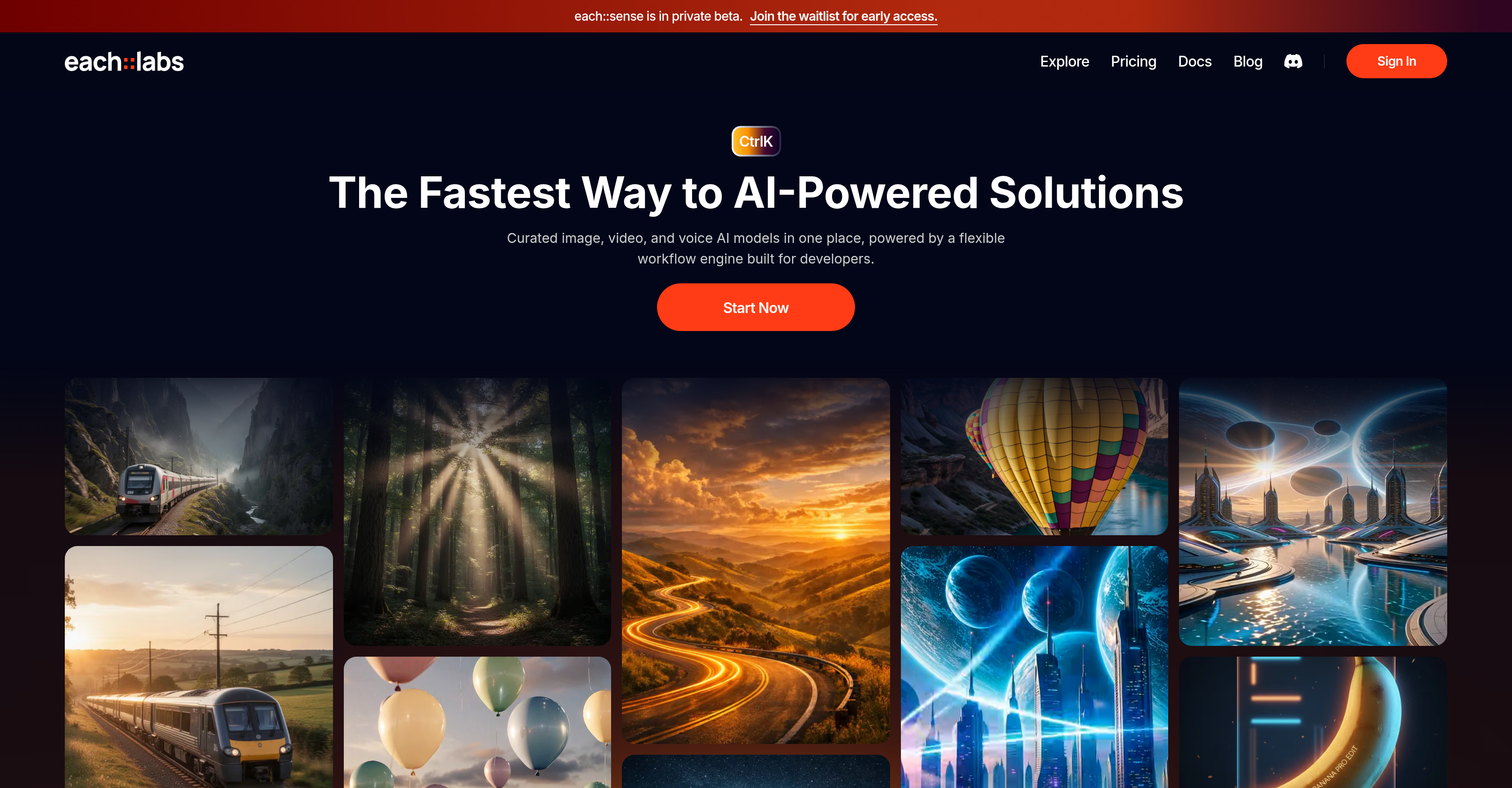
- Ship AI features in minutes, not weeks, using a drag-and-drop workflow engine that requires no AI expertise.
- Access a curated marketplace of top AI models for image, video, and voice from providers like Minimax, Elevenlabs, and Runway.
- Create engaging video animations by transferring motion from a reference clip to any character image with models like PixVerse v5.5.
- Generate high-definition, context-aware images from text prompts using models like GPT Image 1.5 for realistic visual content.
- Build secure, infinitely scalable AI applications with enterprise-grade encryption, access controls, and rate-limited API endpoints.
- Deploy ready-to-use AI workflows for specific use cases like changing hairstyles, generating headshots, or identifying plants instantly.
Pros & Cons
Pros
- Handles orchestration
- Handles execution
- Handles scaling
- Text-to-Image Generation
- Video Editing
- Voice Recognition
- Motion Transfer
- Animation Generation
- High-Definition Images
- Developer-Friendly Platform
- App Development
- Custom Software Development
- Consumer Applications
- Flexible Workflow Engine
- Models from Top Providers
- Image-to-Image Editing
- High-Quality Transition Animations
- Visuals from Text Prompts
- Private Beta
- Early Access
- Secure Inference Endpoints
- Access Control
- Token-Based Authentication
- Rate Limiting
- Real-Time Interaction
- Exclusive Updates
- Collaborative Space
- Data Encryption
- Secure Access Controls
- Regular Security Updates
- Flexible Plan Options
- Ready-to-use workflows
- Powerful Integrations
- 3 simple steps setup
- Designed to be fast, secure, scalable
- API Authorization
Cons
- In private beta
- Potential waitlist participation
- Limited to only visual models
- Scalability not free
- Premium features at cost
- Limited rate in free plan
- No support for non-visual models
- Reliance on external model providers
- Needs manual model integration
- No on-premise solution mentioned
Reviews
Rate this tool
Loading reviews...
❓ Frequently Asked Questions
Eachlabs is an AI model marketplace specifically designed for consumer app builders. It enables the seamless deployment of a wide array of AI models in app development, sourced from various revered developers. Eachlabs extends beyond just a marketplace, providing additional tools like the private beta tool 'each::sense' for added functionality. Its suite of image, video, and voice AI models are carefully curated and backed by a flexible workflow engine aimed at making the app development process more efficient.
Eachlabs simplifies the deployment of AI models in app development by providing an easy-to-use platform. It hosts a wide selection of AI models from various developers, fit for multiple application scenarios. App builders can choose the most suitable model from the marketplace, tailor it to their needs using Eachlabs' flexible workflow engine, and effortlessly integrate it into their apps. This streamlined process facilitates rapid incorporation of sophisticated AI features into consumer apps.
Eachlabs offers a comprehensive AI model marketplace comprising image, video, and voice models. Famous models are readily available on the platform, including those from Flux 2, GPT Image, and PixVerse. These models possess diverse features such as image-to-image editing, text-to-image generation with realistic rendering, motion control transfers for video animation, generation of high-quality images from text, and more. Eachlabs constantly broadens the range of models available on their platform to cater to a wider variety of app development needs.
Flux 2, GPT Image, and PixVerse models available on Eachlabs offer a wide array of functionalities to enhance the capabilities of consumer apps. Flux 2 contributes to the generation of eye-catching video sequences from text or still images. GPT Image excels at creating high-quality images from text with accurate prompt interpretation and consistent composition and lighting. PixVerse can perform image-to-image editing and motion control transfers for video animation. Together, these models empower app developers to create apps with nuanced and diverse AI features.
Eachlabs enables motion control transfer in video animation through the help of AI models such as PixVerse. The platform allows developers to seamlessly transfer motion control from a reference video to any character image. This feature provides a potential for creating engaging video animation sequences by allowing the developers to manipulate character movements as per the reference videos.
Eachlabs can generate highly detailed images with accurate interpretation of prompts and consistent composition and lighting. These images are renowned for their superior quality and realism. Models such as GPT Image fuel this aspect by converting text into realistic, high-resolution images. This capability opens the doors to a wide range of applications, such as visualization of various scenarios based on descriptive text inputs.
Eachlabs provides a selection of AI models and a flexible workflow engine, empowering app developers to add sophisticated AI functions to their apps swiftly. The platform caters to a vast array of application scenarios ranging from image editing to complex video generation. The intuitive interface coupled with the ability to select, combine, and integrate AI models swiftly helps app developers streamline their development process and push boundaries in their app creation journey.
The flexible workflow engine from Eachlabs plays a key role in assisting developers during their app development process. This engine facilitates easy and fast customization of the selected AI models from the marketplace to match the developers' specific application requirements. The engine not only offers a stage for codeless, drag-and-drop workflow creation but also supports the ability to create secure and scalable AI workflows in mere seconds.
Creating AI workflows in seconds with Eachlabs implies the quick and efficient method of developing AI models using their intuitive interface. The platform provides a drag-and-drop functionality that does not necessitate users to be experts on AI models. It allows users to combine and integrate AI Models swiftly into a working AI application within a short span, thereby significantly accelerating the development process.
Eachlabs enables the integration of AI models into apps using its intuitive interface. Developers can select AI models suitable for their app, develop and refine these models using Eachlabs' flexible workflow engine, and then easily integrate them into their app within a few minutes. The process is designed so that even non-AI experts can effectively create AI applications.
Eachlabs' model deployment system operates by providing a broad array of AI models from various developers on its platform. Developers can pick and customize these models to fit their application requirements. Once the models are developed and tested, they can be directly incorporated into apps. The model deployment system has been designed to simplify and accelerate the process of integrating AI features into consumer apps.
To integrate Eachlabs' AI functionality into an existing app, you would start by selecting suitable models from Eachlabs' AI model marketplace. The chosen models are then customized according to your app's needs using the platform's flexible workflow engine. Once the AI workflows are developed, they can be effortlessly integrated into your app. This integration process is designed to be simple, ensuring even developers with limited AI knowledge can seamlessly integrate sophisticated AI features into their apps.
Eachlabs primarily serves consumer app builders. This refers to developers who focus on creating applications aimed at individual consumers rather than businesses. It encompasses a broad spectrum of app developers, including those creating image editing platforms, video generation tools, and other consumer-oriented digital applications.
Yes, Eachlabs provides a selection of ready-to-use AI workflows that you can immediately implement. These workflows have been designed to be rapid, reliable, and infinitely scalable. They cover various use-cases such as changing hairstyle using AI, identifying plants, generating professional headshots, and others. You can explore these workflows on the Eachlabs console.
There are no explicit limitations mentioned on the kinds of apps that can utilize Eachlabs. The platform aims to serve a wide variety of application scenarios, offering solutions for everything from image editing to complex video generation. As long as the app needs to incorporate sophisticated AI functionalities, Eachlabs stands prepared to support the developers with its extensive model marketplace and flexible workflow engine.
Eachlabs offers different pricing tiers with various features to suit different user needs. There's a free plan for indie makers that grants access to all AI models and API Access, but includes certain limits on usage. The Builder plan at $36/month grants extended capabilities and integrations. The Team plan at $145/month offers custom integrations and premium workflows and the Organization plan at $672/month removes many limits and grants access to additional features like unlimited custom domains, user privilege management, and single sign-on (SSO) support. Eachlabs also entertains an Enterprise option for on-premise solution with SLA.
Eachlabs places high importance on data security and user authentication. Sensitive data is protected with advanced encryption both in transit and at rest. The platform also employs robust access controls and authentication mechanisms to restrict access to AI models and user data, safeguarding against unauthorized access. Regular security patches and updates are released to address vulnerabilities. Furthermore, Eachlabs implements both granular access control policies and token-based authentication for API requests, bolstering its security framework. Lastly, to manage API usage and prevent abuse, Eachlabs also applies rate limiting measures.
Eachlabs recognizes the growing trend and demand for AI integration in consumer applications. Their focus on AI model applications for consumer apps is aimed at assisting app developers in incorporating advanced AI functionality while simplifying the integration process. This empowers app creators to provide enhanced user experiences and unlock new ways of interaction.
Eachlabs streamlines the process of integrating AI solutions into apps through its flexible workflow engine and intuitive interface. Developers can select from a variety of AI models, then build and refine them to suit their needs. This is further simplified by the drag-and-drop feature that enables easy experimentations and iterations. The platform facilitates integration in a matter of minutes, avoiding the cumbersome task of managing complex infrastructure.
The AI models available on Eachlabs are created by leading entities in the field like Minimax, Hailuo, Elevenlabs, and Runway. Notable models include 'Flux.2' from Black Forest Labs and 'Kling v2.6' among others.
'Flux.2' is used for turbo-speed image-to-image editing and text-to-image generation. 'Kling v2.6' enables motion transfer from a reference video to a character image. 'GPT Image 1.5' is capable of creating high-definition images with an understanding of the prompt context, while 'PixVerse v5.5' is used for converting static images to high-quality transition animations and generating videos from text and image prompts.
Eachlabs models are developer-friendly as they incorporate features like an intuitive interface, drag-and-drop functionality, and easy integration methods. The models are designed to allow seamless implementation into applications, which allows developers to experiment, iterate, and ship AI features reliably and efficiently.
Eachlabs being in private beta means that the platform is in its testing phase, where it is available to a selected group of users who test its functionalities and provide feedback before the wider public release. This allows Eachlabs to identify and fix any issues or bugs, enhancing the final product.
Prospective users can join the Eachlabs' waitlist for early access by applying through their website. This would allow them to be among the first to access the platform when it becomes open to a broader audience.
Eachlabs enables developers to create AI workflows seamlessly using its intuitive user interface and simple, straightforward workflow engine. The platform provides a drag-and-drop feature, aiding in quick and effortless AI application development. Its rich assortment of AI models allow developers to build complex AI flows catered to their specific requirements.
With a focus on security and scalability, Eachlabs manages to ensure secure, fast, and infinitely scalable inference endpoints by integrating top vision-based AI models. They utilize advanced data encryption techniques, secure access controls, rate limiting, and token-based authentication. Regular security updates and patches are rolled out to ensure the platform's security is up-to-date and robust.
Building an AI workflow on Eachlabs involves three simple steps: first, users choose from various AI models. Next, they design and refine their AI workflows according to their application's needs. Finally, they integrate the customized AI workflow into their application.
Developers can integrate Eachlabs' AI models into their apps using the platform's streamlined and intuitive interface. Using the NPM install command, these models can be easily integrated with the Eachlabs platform, aligning with the predefined workflows. The platform seamlessly works as a backend to these applications, handling complex tasks behind the scenes.
Some examples of AI applications that can be built using Eachlabs' models include the 'AI Hairstyle Changer', 'AI Headshot Generator', and 'AI Plant Identifier'. These applications utilize the respective AI models to perform their specific functions such as changing hairstyles, generating professional headshots, and identifying plants, respectively, all in mere seconds.
The 'AI Hairstyle Changer' changes a user's hairstyle in an image using a specific AI model, the 'AI Headshot Generator' generates professional headshots using a precise model, and the 'AI Plant Identifier' identifies plants using another distinct AI model. These applications utilize advanced algorithms and machine learning to achieve their objectives swiftly and accurately.
Eachlabs offers advanced AI capabilities designed to seamlessly integrate into applications. These include image, video, and voice processing, text-to-image generation, motion transfer, animation and video generation, among others. These are facilitated by the variety of AI models available on the platform.
Eachlabs manages API usage and prevents abuse by implementing rate limiting. This ensures consistent performance and availability for all users by controlling the rate at which an individual user can make API requests. It helps prevent any single user from overloading the system, thus maintaining system stability and performance.
Eachlabs provides real-time interaction opportunities via their Slack workspace. This ensures instantaneous communication with their team and fellow users for quick support and dynamic discussions. Moreover, users can stay informed with the latest updates, announcements, and feature releases directly in this Slack community.
Eachlabs maintains high data security standards. Data encryption is employed both in transit and at rest to prevent unauthorized access to sensitive information. Secure access controls and authentication mechanisms restrict access to AI models and data, preventing unauthorized intrusions. Regular security updates are performed to patch vulnerabilities and improve overall system security.
Eachlabs offers several pricing plans to cater to different needs. These include the free 'Indie Maker' plan, the 'Builder' plan at $36/month, the 'Team' plan at $145/month, and the 'Organization' plan at $672/month. They also offer an enterprise plan for on-premise solutions with Service Level Agreement (SLA).
The 'Builder' plan allows rapid AI app development with a team, offering 3 workflow limits and 5 custom domains. The 'Team' plan is intended for custom integrations and premium workflows with a 10 workflow limit and unlimited custom domains. The 'Organization' plan facilitates scalable AI and seamless team collaboration, lifting all workflow limit, and offering unlimited custom domains. With each increasing tier, the rate limit and features such as 3rd party integrations, premium workflows, user privilege management, and single sign-on (SSO) also increase.
Eachlabs' collaborative workspace provides a friendly, interactive environment designed to foster knowledge exchange and innovation. Through their Slack workspace, users can interact with each other and with the Eachlabs team, share experiences, ask for advice, and stay updated on the latest developments. It's a space where users can come together to learn, share and grow in their understanding and use of AI applications.
Pricing
Pricing model
Paid
Paid options from
$0.01/unit
Billing frequency
Pay-as-you-go
Refund policy
No Refunds
Related Videos
Build AI-Powered Apps in Minutes: Eachlabs Review!
CrowdedLab•489 views•Feb 7, 2025