

Overview
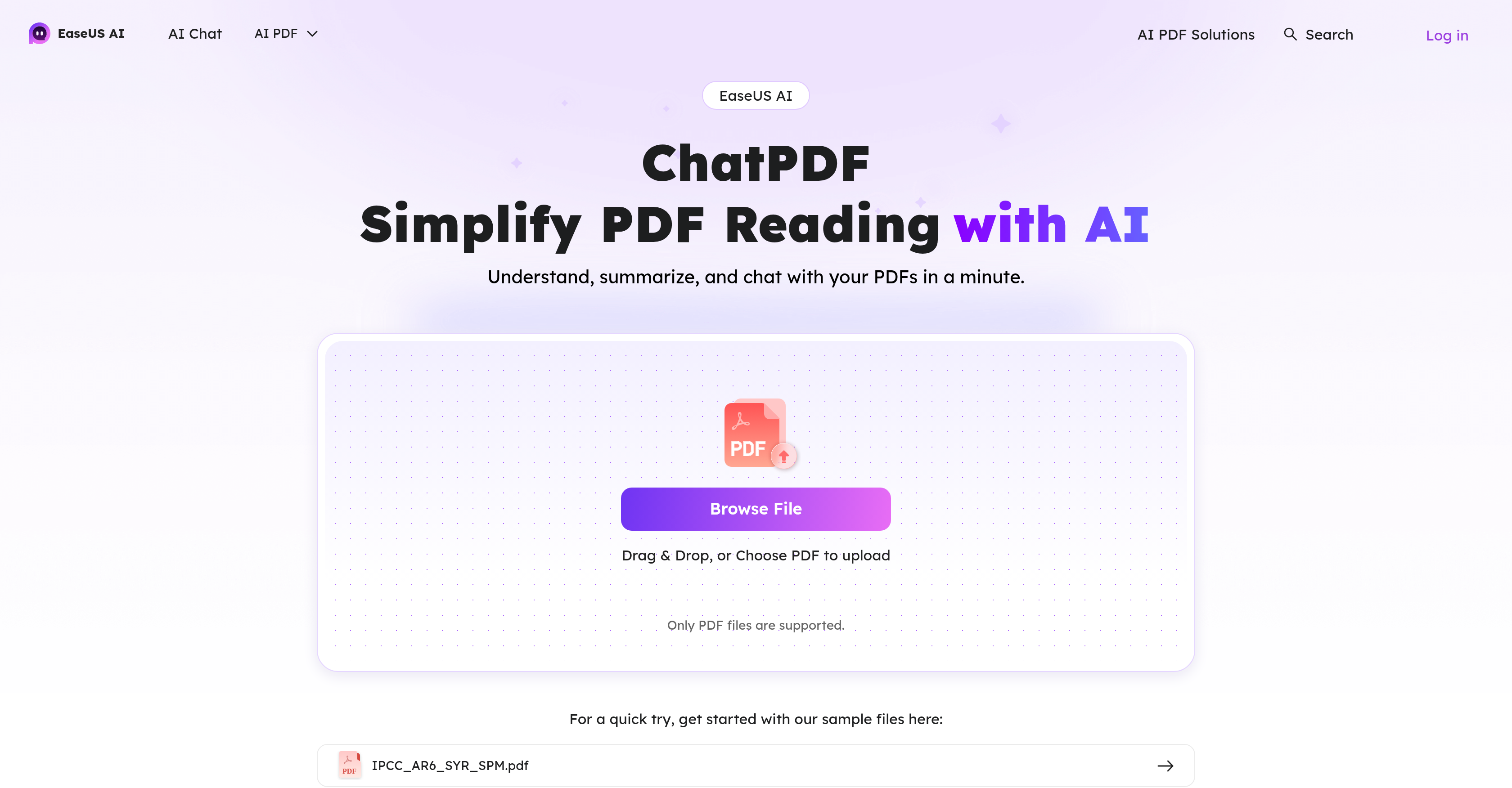
- Extract key insights instantly without reading entire documents using AI-powered summarization
- Ask questions and get immediate answers about any PDF content through the conversational interface
- Analyze text from PDF images and scanned documents with AI-enhanced OCR technology
- Choose the optimal AI model for your specific document type from multiple supported options
- Protect sensitive documents with robust security algorithms that prevent unauthorized access
- Get precise text recognition from complex PDF layouts and image-based documents
Pros & Cons
Pros
- Conversational interface
- Direct PDF uploads
- Instant responses to PDF content questions
- Integrated OCR for PDFs
- Data confidentiality and integrity
- Handle PDF images
- Continuous improvement commitment
- PDF Q&A interface
- DeepSeek, GPT-4o-mini, LLama 3.3 70B, Claude 3 Haiku
- High-quality chat responses
- Privacy-secured
- Complete data deletion for privacy
- Guides and tips for users
- Free use per day limits
- Premium plan for advanced features
- GPT-4o-mini default chatbot included
- Summarization of key insights
- Data Security
- Future free options
- Analyzing PDFs in a click
- Re-organized PDF content provision
- Key points summarization
Cons
- Only supports PDF files
- Limited daily free usage
- Premium plan required for advanced features
- No support for other document formats
- Cloud-based data storage
- No offline functionality
- Limited Q&A tokens
Reviews
Rate this tool
Loading reviews...
❓ Frequently Asked Questions
EaseUS ChatPDF is utilized for interacting with and processing PDF files. Its functions facilitate understanding, summarizing, analyzing, and engaging in conversations with PDF content.
EaseUS ChatPDF processes and summarizes PDFs using an AI-powered summarization utility. When a user uploads a PDF file, the AI summarizer reads the content thoroughly and outlines the key insights efficiently, allowing users to comprehend the prominent points without needing to digest the whole document.
Yes, EaseUS ChatPDF is capable of analyzing PDF images. Its OCR feature, powered by AI, can efficiently scan and recognize text and words within PDF images.
The OCR feature in EaseUS ChatPDF works by leveraging AI technology to scan and recognize text and words in PDFs and PDF images. This feature enhances text analysis capabilities and makes it easier for users to digest complex PDF content.
EaseUS ChatPDF supports an arsenal of popular AI models which includes DeepSeek V3, DeepSeek R1, GPT-4o-mini, LLama 3.3 70B, and Claude 3 Haiku. This gives users a variety of options when choosing the best suitable AI model to analyze their PDF documents.
Yes, EaseUS ChatPDF does support interactions and conversations with PDFs. Through its conversational interface, users can ask questions based on the content of the PDF and receive instant responses.
EaseUS ChatPDF is highly secure. It implements a top-tier security algorithm and utilizes a cloud storage system to secure content and privacy of documents. This blocks unauthorized access or visits to your documents.
EaseUS ChatPDF ensures data integrity and confidentiality through robust security algorithms and measures. It prevents unauthorized access, visitation, or retrieval of documents. Furthermore, documents, queries, and questions are protected from being used to train AI models.
Yes, EaseUS ChatPDF is capable of summarizing content of uploaded PDF files. Once a user uploads a PDF file, it is processed by an AI-powered summary utility to outline key insights from the document without needing to read the entire content.
The AI chat assistant feature in EaseUS ChatPDF works through a conversational interface that enables users to pose questions based on the content of the PDF. The AI assistant provides instant responses, helping users thoroughly understand the content.
Yes, EaseUS ChatPDF does support the DeepSeek V3 AI model, among other popular AI models, to provide versatile options for users when they need to analyze their PDF documents.
EaseUS ChatPDF's text recognition capability is enhanced by an AI-powered OCR feature. This feature can effectively scan and recognize text and words in PDFs and PDF images, providing precise text analysis.
Yes, EaseUS ChatPDF has a commitment to continuous improvement and plans to offer more free options and advanced features in the future.
Yes, with EaseUS ChatPDF, users can choose the most suitable AI model for analyzing their PDFs from a range of popular AI models, thereby customizing their experience for optimal results.
Yes, EaseUS ChatPDF supports GPT-4o-mini AI model, along with other popular AI models like DeepSeek V3, DeepSeek R1, LLama 3.3 70B, and Claude 3 Haiku for efficient evaluation of PDF content.
EaseUS ChatPDF re-organizes PDF content by providing a conversational interface that allows users to pose questions and receive instant responses based on the PDF's content. This re-organization makes it simpler for users to comprehend the information provided in the document.
Yes, EaseUS ChatPDF is capable of providing key insights from a PDF document. Its AI-powered summary utility processes the uploaded PDF files and outputs an efficient outline of key insights without requiring users to read the entire document.
The OCR feature of EaseUS ChatPDF is highly efficient at recognizing text and words. Powered by AI technology, the OCR can precisely scan and pick up the text and words from PDFs and PDF images, helping users grapple with the complex content of their documents.
EaseUS ChatPDF is suitable for processing and analyzing a wide range of documents, particularly PDF files and PDF images. Its robust AI models and features like summarization utility, conversational interface, OCR, and others, make it a highly effective tool for understanding and engaging with document content.
Pricing
Pricing model
No Pricing
Related Videos
Use this AI Tool to Chat with any PDF documents
Gurru Tech Solutions•2.2K views•Apr 8, 2025


