

Editable Figure
Overview
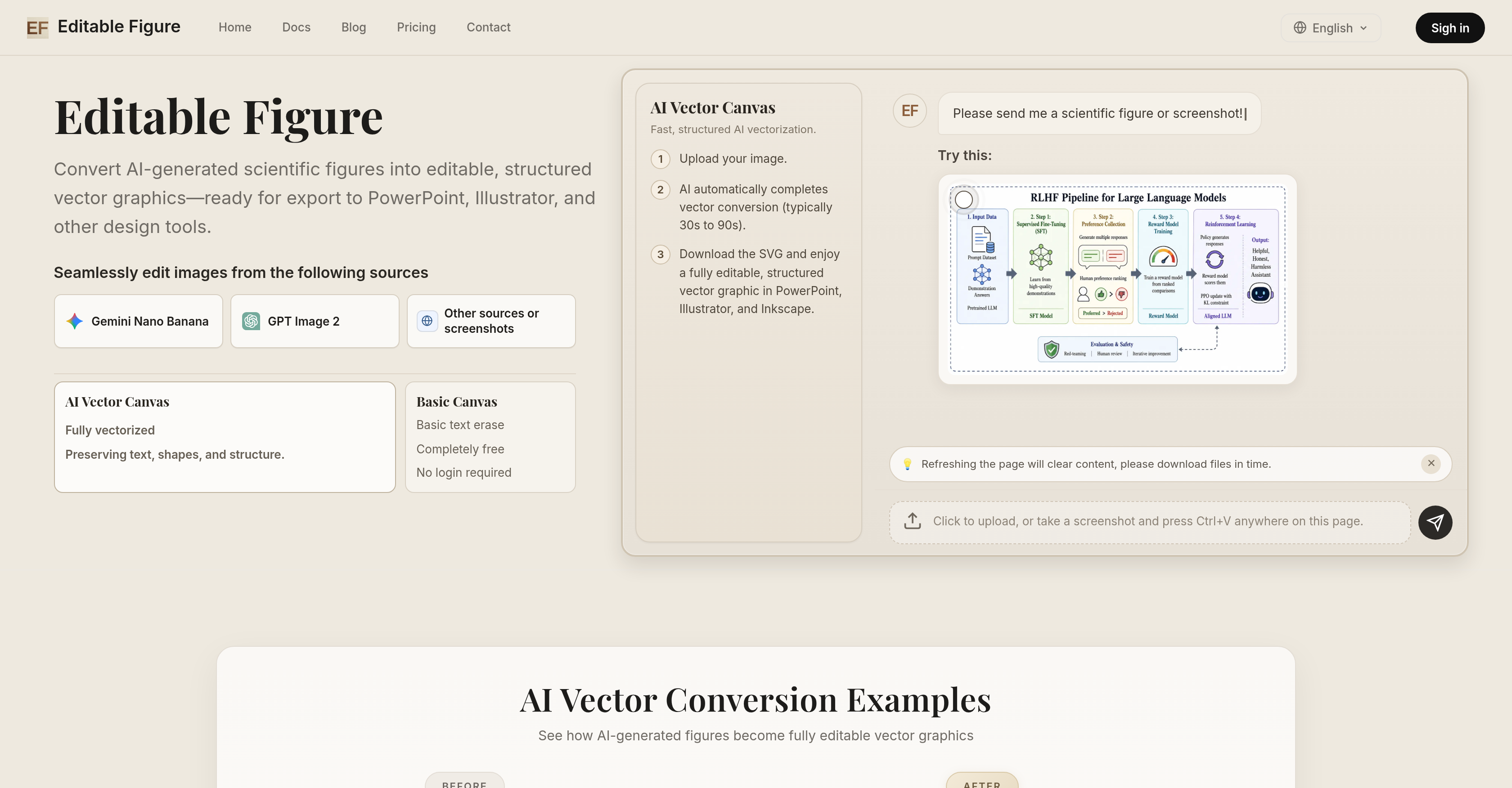
- Edit AI-generated scientific figures directly in PowerPoint, Illustrator, or Inkscape by converting them into structured SVG vector graphics with the AI Vector Canvas.
- Remove unwanted text from figures without redrawing, using the Basic Canvas selection and erase feature.
- Add custom text with full font control, then resize or rotate text boxes freely to match publication standards.
- Preserve every arrow, frame, and shape from the original AI image through Smart OCR Recognition, eliminating manual reconstruction.
- Prepare research graphics for academic publishing faster by converting Gemini Nano Banana and GPT Image 2 outputs into editable vector graphics.
- Manipulate technical drawings with full structural integrity after AI vectorization, maintaining the original design for downstream editing.
Pros & Cons
Pros
- Converts scientific figures to SVG
- Output compatible with Illustrator
- Output compatible with PowerPoint
- Output compatible with Inkscape
- Smart OCR for accurate identification
- Preservation of structured elements
- Basic Canvas for selective editing
- Free feature, requiring no login
- Allows unwanted text removal
- Enables text addition and customization
- Allows text box resizing
- Allows text box rotation
- Fast and structured vectorization
- Automatic vector conversion
- Supports PNG and JPG formats
- Preserves text, shapes, arrows
- Editable text
- Preserves lines, shapes, geometry
- High-resolution quality output
- Privacy-focused
- Quick editing process
- User-friendly interface
- Supports any SVG-editing software
- Maintains original structural information
- Allows inserting of text
- Text style and alignment customization
- Free Basic Canvas feature
- Clear and informative Docs section
- Seamlessly works with screenshots
- Allows exporting in JPG format
- Allows exporting in PNG format
- Efficient for research and publication
- Optimized for academic use
- Fast upload and conversion process
- Automatic completion of vector conversion
- Examples provided for clarity
- Streamlined workflow
- Ease of use for non-tech users
- Ideal for students and professionals
- Advanced font control
- Supports a variety of inputs
- Specially built for scientific figures
- Easy to import into PowerPoint
- Smart multi-agent recognition system
Cons
- Limited to SVG output
- No mention of color preservation
- No batch conversion feature
- No dedicated mobile application
- SVG - Partial Image Embed feature undefined
- Dependency on other design software
- Only supports PNG and JPG formats
- No direct export to design software
- Image safety check vague
Reviews
Rate this tool
Loading reviews...
❓ Frequently Asked Questions
Editable Figure is a tool designed to convert AI-generated scientific figures into fully editable, structured vector graphics. It outputs these graphics in a scalable vector graphics (SVG) format, delivering smooth editing on popular design platforms such as PowerPoint, Illustrator, and Inkscape. The tool utilizes an advanced optical character recognition (OCR) system to accurately recognize and maintain all structured components in the image, including text, frames, arrows, and other shapes.
Key features of Editable Figure include AI-enabled vector conversion, OCR text recognition, figure manipulation, and graphical editing. It also includes a Basic Canvas function allowing users to selectively remove unwanted text, add new custom text, or adjust the position and size of text boxes. All these features ensure seamless and easy editing of AI-generated scientific figures into structured vector graphics.
Editable Figure's OCR system operates intelligently, recognizing and preserving all structured elements in an image. This includes textual content, frames, arrows, and other defined shapes. Through sophisticated algorithms, the OCR system can accurately identify and map these structures, maintaining the integrity of the original image structure while converting it to a vector graphic.
Editable Figure is compatible with a number of AI image generators. This includes Gemini Nano Banana and GPT Image 2, among others. The versatility of the tool means it can process images from various AI sources and convert the figures to editable, structured vector graphics.
To remove unwanted text from figures using Editable Figure, one can utilize the Basic Canvas feature. Through this feature, users can select the unwanted text and erase it. The tool also provides the option to add new text or modify existing text according to user requirements.
No, Editable Figure does not necessarily require a user login. While certain features may require signing in, the Basic Canvas feature can be accessed freely without the need for user login.
Editable Figure outputs graphics in the Scalable Vector Graphics (SVG) format. The SVG format maintains the original structure and information of the figures, enabling smooth editing on popular design platforms.
Yes, Editable Figure can certainly be used with Illustrator. Its output, in SVG format, can be freely modified on Illustrator because of its compatibility with this design platform.
Yes, Editable Figure is designed to be fully compatible with PowerPoint. After conversion into SVG format, the figures can be edited smoothly on PowerPoint, making it useful for presentation preparation and other related use cases.
Yes, Editable Figure can be used with Inkscape. Once the AI-generated figures are converted into SVG format by Editable Figure, they are ready to be manipulated on Inkscape due to its compatibility with SVG files.
Editable Figure can significantly assist in academic publishing by allowing users to convert AI-generated figures into fully editable, structured vector graphics. This aids researchers and authors to tailor their figures to their precise needs, making it an invaluable tool for the preparation of research graphics and illustrations for academic papers and publications.
The orientation and dimensions of text boxes in Editable Figure can be modified using its Basic Canvas feature. Users can adjust the size of text boxes, rotate them or move them to a different location, providing a significant degree of control over text manipulation.
Editable Figure handles technical drawing by converting them into editable vector graphics, maintaining the structure and integrity of the original image. This makes it easier for users to edit and modify technical drawings in design platforms like PowerPoint, Illustrator, and Inkscape.
No, there is no cost to use Editable Figure's basic features. Its Basic Canvas feature, which allows users to erase unwanted text from figures, add custom text, and resize or rotate text boxes, is completely free of charge.
Editable Figure offers advanced level of image manipulation. It is capable of converting bitmap figures into vector graphics, identifying and preserving all the structured elements in the image. Users can then edit these vector graphics with ease - erasing unwanted text, adding customizable text, and adjusting the position and dimensions of text boxes.
Yes, Editable Figure supports figures generated by Gemini Nano Banana. It can convert these figures into structured and editable SVG format with high accuracy and precision, maintaining the integrity of the original structure.
Yes, Editable Figure supports figures generated by GPT Image 2. These figures can be converted into high-quality SVG format, which can then be edited and manipulated on popular design platforms.
Editable Figure preserves the original structure of the image during editing by accurately identifying and maintaining all structured elements in the image using an advanced OCR system. It then converts these structured images into SVG format, maintaining the integrity of the original image. As a result, users are provided with a fully editable vector graphic that reflects the original structure and design of the input image.
AI Figure Conversion in Editable Figure refers to the process of converting AI-generated figures into fully editable, structured vector graphics. This includes the use of the tool's smart OCR system to recognize and preserve structured elements in the image. The converted image is outputted in SVG format, which can be further edited on popular design platforms.
Editable Figure can considerably assist in preparing documents for research visualization by converting complex figures generated by AI into editable, structured vector graphics. This allows researchers to customize these figures according to their specific needs, ensuring that the visual elements in their research documents are precisely tailored to reflect their data and findings.
Pricing
Pricing model
Free Trial
Paid options from
$29.90/unit
Billing frequency
Pay-as-you-go
Refund policy
No Refunds