

EditImageText
Correct typos, prices, and headlines in finished graphics without rebuilding them from scratch. AI text replacement swaps words embedded in flattened posters, menus, product photos, and mockups.
Listing not yet reviewed by our editors · How we check
Overview
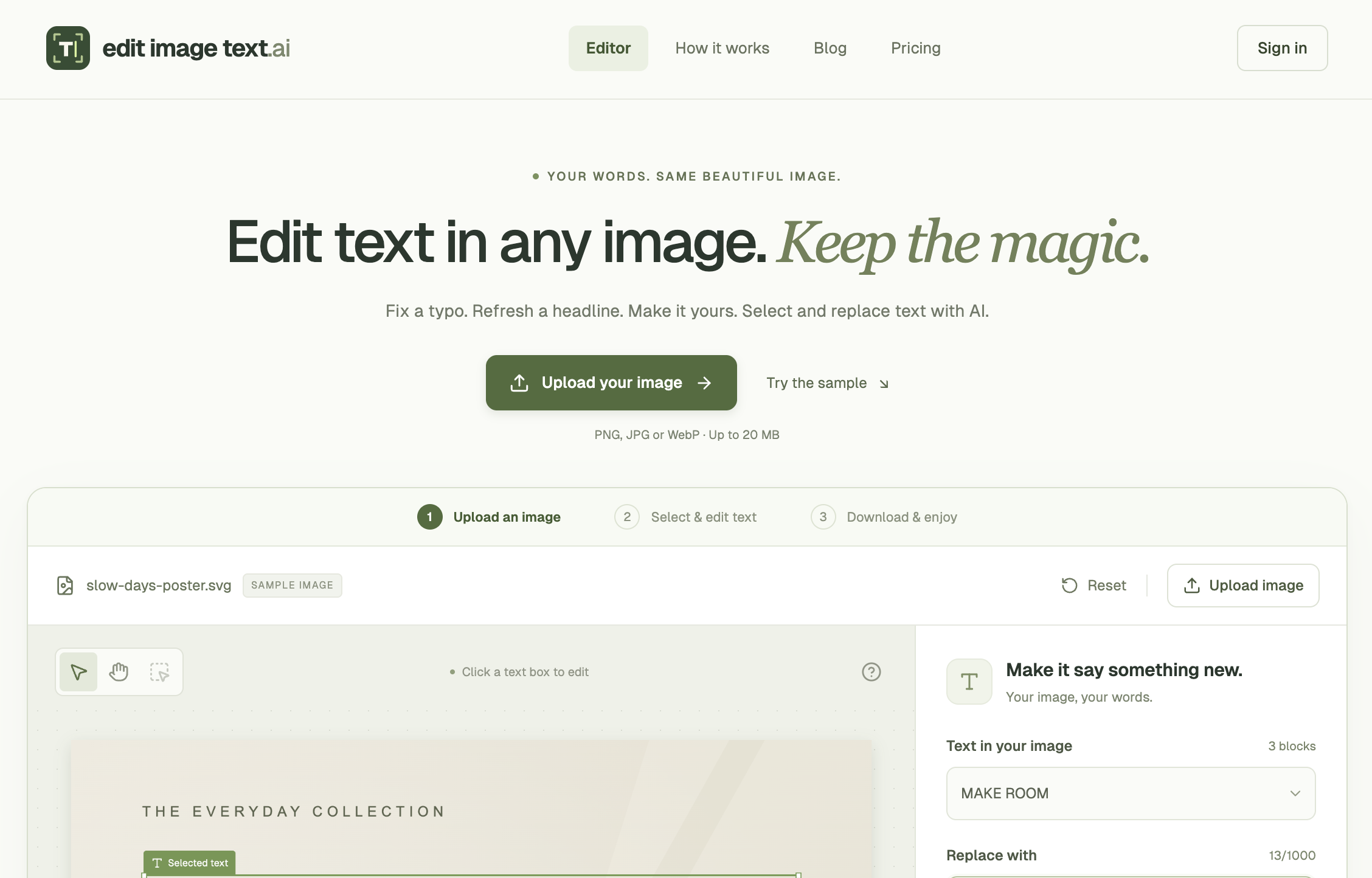
- Correct typos, prices, and headlines in finished graphics without rebuilding them from scratch. AI text replacement swaps words embedded in flattened posters, menus, product photos, and mockups.
- Keep edited copy consistent with the surrounding design. The Match original option approximates the existing font, colour, and spacing, and fixed alternatives include Helvetica, Georgia, Courier New, and Impact.
- Reach every word you need to change, including text the scanner skips. Automatic text detection finds editable blocks, and a manual box tool lets you select missed regions, with zoom, pan, and rescan for precise targeting.
- Apply several wording changes to one image without losing earlier work. Each new edit continues from the latest result, so previous text replacements stay in place as you update additional blocks.
- Get output sized for its destination, from quick social posts to print-ready 4K. Choose standard, high, or ultra resolution, then download lossless PNG or a smaller JPEG with no watermarks.
- Edit text on the files you already have. Upload PNG, JPG, or WebP images up to 20 MB and 40 megapixels, including screenshots and transparent PNGs, and replacement text is blended into textured and gradient backgrounds.
- Confirm the result before you commit. Preview each edited image before downloading, and check small type, stylized lettering, and complex backgrounds against the original layout.
- Test image text editing before paying anything. A free sample edit runs without sign-up, new accounts receive 30 welcome credits, and paid plans include subscriptions or one-time credit packs.
Pros & Cons
From the listing; not yet checked by our editors.
Pros
- Automatic OCR text detection
- Manual region drawing fallback
- Approximate original font matching
- Builtin alternate font library
- 1K/2K/4K output resolutions
- Lossless PNG export option
- JPEG export for smaller files
- Creditbased payperuse model
- Free starter credits for new users
- Sample edit without signup
- Zoom and pan interface
- Edit continuity across sessions
- Autorescan after each edit
- Supports PNG, JPG, WebP
- Up to 20MB uploads
- Handles up to 40MP images
- Browseronly, no installation
- Pixellevel blending algorithm
- Contentaware background inpainting
- Approximate font synthesis feature
- Edit latest result directly
- Credits tracked per resolution
- Adjustable output quality settings
- UI shows detected text blocks
- Quick preview before download
- Complex background handling capability
- Smalltype verification warning
- Overlay for selectable text blocks
- Choose lossless or compressed output
- Threestep streamlined workflow
- Realtime zoom during selection
- Spacedrag pan shortcut
- Autodetect after upload
- Manual box for missed text
- Font colour matching option
- Layout preservation algorithm
- No source design files needed
- Works on flattened graphics
- Cloudhosted processing engine
- Scalable credit pack purchases
- Subscription tier unlimited edits
- Multilanguage OCR support
- Highresolution scaling without artifacts
- Instant text replacement in screenshots
- Inline editing of product photos
- No software dependencies required
- Supports highdensity poster resolutions
- Fast credit consumption per edit
- Integrated help guides and tutorials
- Browserresponsive design for all devices
Cons
- Credit costs per edit
- 20MB upload limit
- Only five fallback fonts
- Font matching approximate only
- Highres edits expensive credits
- Requires signin for OCR
- No API or batch mode
- Limited to raster images
- Manual box for missed text
- Fixed output resolutions only
Alternatives to EditImageText
Tools that share the most tags with EditImageText.
- Retypit
Fix typos, prices, and dates on finished posters, flyers, menus, and screenshots without the original PSD or layered file: Retypit detects and numbers every line of text so you select it, retype it, and get the new wording rendered in the same font.
Free trial · from $5.99/unit
$5.99/unit
Not yet checked
- ImageTextEditor
Fix a wrong date, name, typo, price, or headline on a finished poster, product label, or marketing asset without rebuilding the design: text detection and inpainting swap only the selected words and replicate the original font style, weight, and color.
Free
Not listed
Not yet checked
- FaceShapeDetector
Get a precise, personalized face shape analysis that goes beyond generic labels with our unique Face Shape Blend™, revealing your exact proportions like 80% Oval + 20% Heart.
Freemium · from $6.99
$6.99
Not yet checked
- Transition
Follow a training plan that automatically adjusts to your daily schedule and recovery metrics, ensuring you stay on track even when life gets busy
Paid · from $19/month
$19/month
Not yet checked
- Mixboard
Turn scattered thoughts into mature, actionable concepts by visualizing and manipulating them on an interactive AI concepting board.
Not listed
Not listed
Not yet checked
- NVIDIA Earth-2
Make strategic decisions with confidence using precise, AI-driven weather predictions that mitigate operational risks across aviation, agriculture, and marine sectors.
Not listed
Not listed
Not yet checked
Reviews
Rate this tool
Loading reviews...
Frequently asked questions
How does Edit Image Text match the original font and color?
Edit Image Text uses an AI‑driven font approximation engine when the “Match original” option is selected; it analyzes the detected text’s shape, color values, and layout and then synthesises a replacement that mimics the original font, colour, and spacing as closely as possible, though the match is approximate and not pixel‑perfect.
Can I edit text on a screenshot using Edit Image Text?
Yes. Screenshots saved as PNG, JPG, or WebP (up to 20 MB and 40 MP) can be uploaded and edited with the same text‑replacement workflow.
What file formats and size limits does Edit Image Text accept?
Supported formats are PNG, JPG/JPEG, and WebP. Each file may be up to 20 MB in size and no larger than 40 megapixels.
Does Edit Image Text support editing text in languages other than English?
IDK
How many credits does a 4K ultra‑resolution edit cost on Edit Image Text?
A 4K ultra‑resolution edit costs 70 credits per generation.
Can I edit multiple text blocks in one image with Edit Image Text?
Yes. After editing one block, you can rescan or draw new regions and edit additional blocks; each new block generation consumes the appropriate credit amount.
Is there a free trial or sample edit available without signing up for Edit Image Text?
A free sample edit is available without signing up, and new accounts receive 30 welcome credits to try the full service.
Do I keep the original image resolution when I choose the ‘Match original’ option in Edit Image Text?
The “Match original” setting only copies font style, colour, and layout; the output resolution is still determined by the selected resolution option (1K, 2K, or 4K). Therefore the original pixel dimensions are not automatically preserved unless you choose a matching resolution.