

ImageTextEditor
Fix a wrong date, name, typo, price, or headline on a finished poster, product label, or marketing asset without rebuilding the design: text detection and inpainting swap only the selected words and replicate the original font style, weight, and color.
Listing not yet reviewed by our editors · How we check
Overview
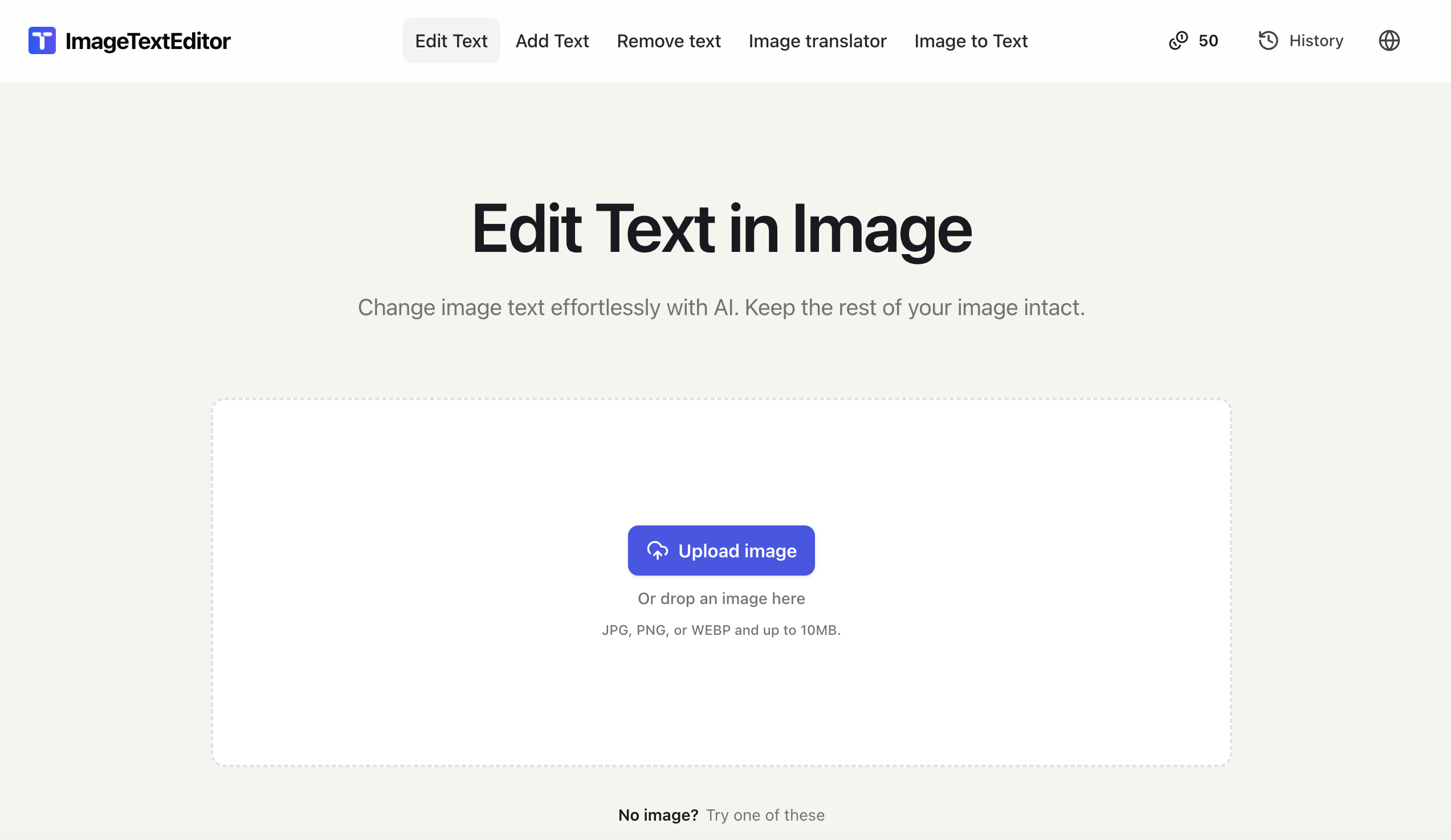
- Fix a wrong date, name, typo, price, or headline on a finished poster, product label, or marketing asset without rebuilding the design: text detection and inpainting swap only the selected words and replicate the original font style, weight, and color.
- Erase outdated offers, watermark-style captions, or unwanted wording from photos and graphics: the text remover reconstructs the background behind the deleted characters, with clean results on gradients and simple textures.
- Turn screenshots, signs, brochures, and printed study material into editable, copyable text: OCR extraction for printed and screen-captured text, downloadable as a text file.
- Localize flyers, menus, and multilingual signs for a new audience: image translation into most major world languages keeps the source visual beside the result for contextual review.
- Add captions to social posts and personal photos that look like they were always there: layout-aware rendering matches existing font size, color, and placement.
- Read and share manga and webtoon chapters in your language: dedicated manga and webtoon translators edit, remove, or translate text inside comic panels.
- Update app and website screenshots while keeping interfaces intact: a specialized screenshot editor preserves the original UI layout more strictly than general image editing.
- Deliver publish-ready files at full quality: the original image resolution is never downscaled, and every edit is previewed in context before you download.
- Get edits back in seconds: a single text replacement typically finishes in under 10 seconds, and multiple text regions can be changed in one session.
- Start editing image text immediately with no software, project file, or upfront cost: upload JPG, PNG, or WEBP files up to 10 MB, use trial images if you have none, and spend daily free credits.
Pros & Cons
From the listing; not yet checked by our editors.
Pros
- Browser-only, no installation
- Supports JPG, PNG, WEBP
- Handles images up to 10MB
- No original design file needed
- Layout-aware text replacement
- Background inpainting reconstruction
- Pixel-perfect text overlay
- Built-in multilingual translation
- OCR extraction to .txt
- Interactive region selection UI
- Single-task focused workflow
- Free daily credit allowance
- Manga and webtoon translation
- Dedicated screenshot editing mode
- Automatic text detection
- Preserves surrounding image content
- Three-step upload-edit-download
- No Photoshop required
- Crossplatform browser compatibility
- Transparent PNG background support
- Copyable text export feature
- Quick typo correction tool
- Visual context retained during translation
- Direct image download after edit
- Provides trial images instantly
- Specialized text removal workflow
- Handles multilingual assets globally
- Low latency processing in-browser
- Instant preview of changes
- Responsive UI for mobile devices
Cons
- Limited to 10MB uploads
- No batch processing
- Requires internet connection
- No vector export
- Inpainting fails on complex textures
- No undo after download
- OCR struggles with stylized fonts
- Translation limited to short phrases
- Free credits low daily quota
- Browser-only, no offline mode
Alternatives to ImageTextEditor
Tools that share the most tags with ImageTextEditor.
- Retypit
Fix typos, prices, and dates on finished posters, flyers, menus, and screenshots without the original PSD or layered file: Retypit detects and numbers every line of text so you select it, retype it, and get the new wording rendered in the same font.
Free trial · from $5.99/unit
$5.99/unit
Not yet checked
- EditImageText
Correct typos, prices, and headlines in finished graphics without rebuilding them from scratch. AI text replacement swaps words embedded in flattened posters, menus, product photos, and mockups.
Free trial · from $9.90/month
$9.90/month
Not yet checked
- FaceShapeDetector
Get a precise, personalized face shape analysis that goes beyond generic labels with our unique Face Shape Blend™, revealing your exact proportions like 80% Oval + 20% Heart.
Freemium · from $6.99
$6.99
Not yet checked
- Transition
Follow a training plan that automatically adjusts to your daily schedule and recovery metrics, ensuring you stay on track even when life gets busy
Paid · from $19/month
$19/month
Not yet checked
- Mixboard
Turn scattered thoughts into mature, actionable concepts by visualizing and manipulating them on an interactive AI concepting board.
Not listed
Not listed
Not yet checked
- NVIDIA Earth-2
Make strategic decisions with confidence using precise, AI-driven weather predictions that mitigate operational risks across aviation, agriculture, and marine sectors.
Not listed
Not listed
Not yet checked
Reviews
Rate this tool
Loading reviews...
Frequently asked questions
How does ImageTextEditor edit text in an image without the original design file?
ImageTextEditor uses AI-driven text detection and inpainting: it locates the text region, removes the existing characters by reconstructing the background, and then renders new text on top while preserving the surrounding pixels, all without needing the original design file.
What image formats and size limits does ImageTextEditor accept?
Supported formats are JPG, PNG, and WEBP, with a maximum file size of 10 MB per upload.
Can ImageTextEditor keep the original font style when replacing text?
Yes – the tool analyzes the surrounding characters and attempts to replicate the original font style, weight, and color for a pixel‑perfect overlay, though an exact match cannot be guaranteed for every font.
How accurate is the background reconstruction after removing text with ImageTextEditor?
Background reconstruction is generally high‑quality for simple or moderately complex areas; the AI fills the removed region with plausible texture that blends with the rest of the image, but very intricate patterns may show minor artifacts.
Is the OCR extraction in ImageTextEditor reliable for handwritten notes?
IDK
Can I translate text in an image to any language using ImageTextEditor?
ImageTextEditor’s OCR is optimized for printed and screen‑captured text; handwritten notes are not specifically supported, so reliability on handwriting is uncertain.
Does ImageTextEditor support editing text on manga or webtoon panels?
The translation workflow supports most major world languages and can translate the detected text to any of those, but it does not cover every possible language.
How many free credits does ImageTextEditor give per day and can I buy more?
Yes – there are dedicated manga and webtoon translators, so text on manga or webtoon panels can be edited, removed, or translated using those specialized workflows.