

ElevenLabs Speech to Text
Transform any audio or video into editable transcripts and captions instantly with industry-leading accuracy, even in challenging conditions.
Listing not yet reviewed by our editors · How we check
Overview
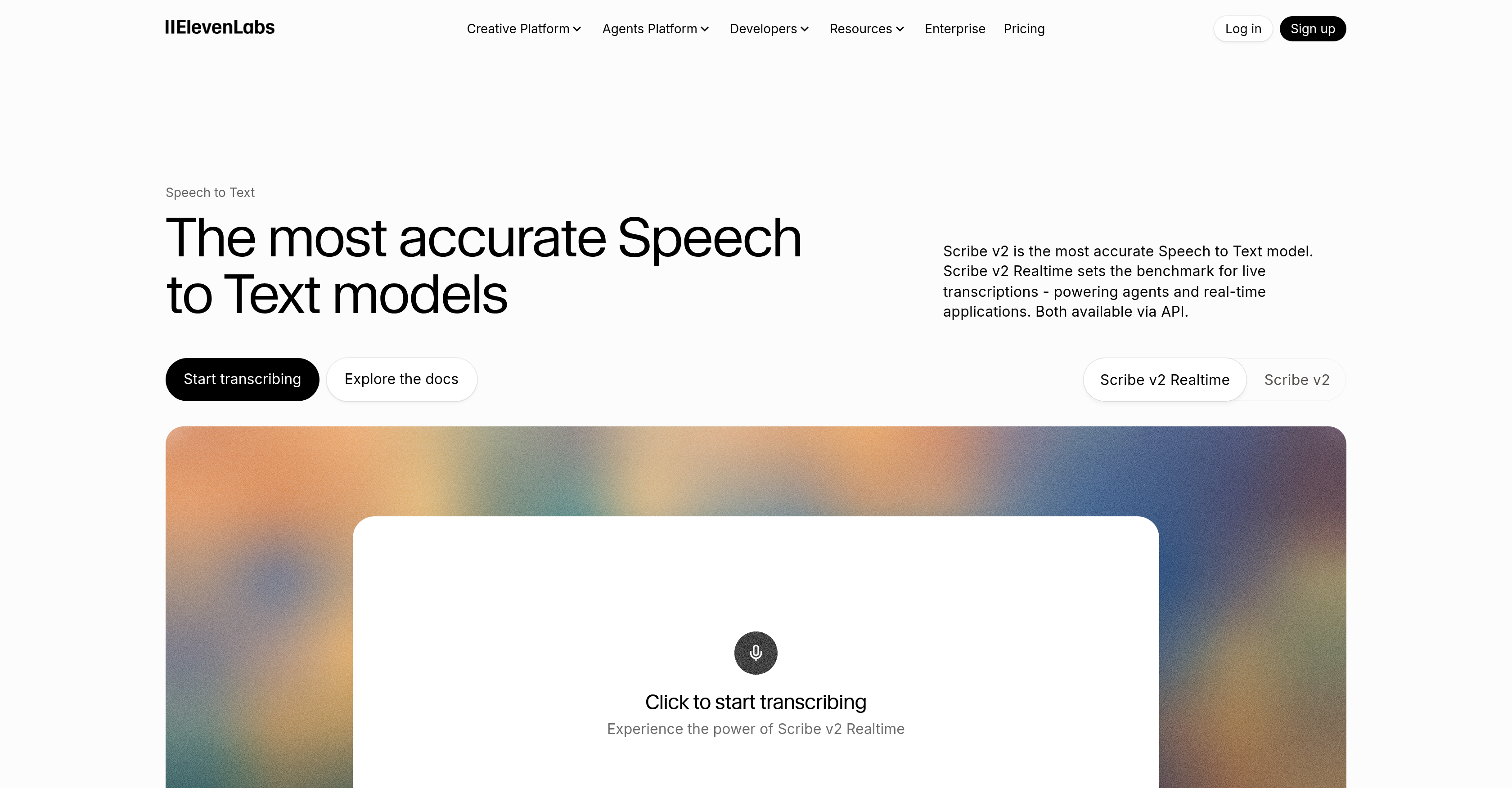
- Transform any audio or video into editable transcripts and captions instantly with industry-leading accuracy, even in challenging conditions.
- Follow live meetings and calls with zero delay using real-time, streaming transcription designed for immediate response.
- Automatically identify and label every speaker in a conversation, even when voices overlap, for perfectly organized meeting notes and interviews.
- Generate accurate subtitles and transcripts in over 90 languages, reaching a global audience without compromising on precision.
- Enrich your transcripts with full context by having sound events and specific words tagged based on their meaning.
- Seamlessly add speech-to-text to your own product or workflow with a robust API for both recorded and real-time processing.
Pros & Cons
From the listing; not yet checked by our editors.
Pros
- Multilingual transcription
- Real-time transcription
- Supports 90+ languages
- API integration
- High transcription accuracy
- Context-based word transcription
- Marked sound events in transcripts
- Speaker distinguishing in dialogues
- Streaming-first architecture
- Precision speech segmentation
- Voice activity detection
- Content creation: captions, subtitles
- Transcript editing
- Supports recorded content
- Transcript for audio/video
- Live processing
- Performance benchmarking
- Industry-leading latency
- Automated keyterm prompting
- Dynamic audio tagging
- Captures live speech
- Enterprise-grade security
- Control over data handling
- Supports encrypted APIs
- Granular team permissions for collaboration
- Elevated support for smooth launch
- Supports local and cloud configurations
- Automated speaker diarization for overlapping conversations
- Recognizes diverse accents
- Transcribe diverse media formats: MP4, MOV, MP3, WAV
- Supports offline processing
- Can transcribe difficult audio conditions
- Entity timestamps calculation
- Effective for social media videos
- Supports diverse workflows: API to agents
- Supports hands-free typing
- Automatic data encryption in transit and at rest
- Includes editing tools and collaboration features
- SOC 2, HIPAA, and GDPR compliance
- Supports accessibility and content repurposing
- Handled through encrypted APIs
- Sensitive information processed locally
- Auto-generation of captions and subtitles
- Industry-leading accuracy across 90+ languages
- Sub-150 ms latency
Cons
- No offline support
- Doesn't support all languages
- No free tier
- Context-based transcription inconsistencies
- Possibly high latency
- Language support varies by accuracy
- Complex API integration
Alternatives to ElevenLabs Speech to Text
Tools that share the most tags with ElevenLabs Speech to Text.
- Soundwise.ai
Get instant transcriptions without signing up or paying, enabled by a completely free and unlimited-use web tool
Freemium · from $10/month
$10/month
Not yet checked
- AssemblyAI
Achieve up to 23% more accurate call transcription with AI models trained on 12.5M hours of multilingual audio data
Freemium
Not listed
Not yet checked
- Apptek
Convert audio to precise text transcripts across dozens of languages and dialects using neural network speech recognition
Not listed
Not listed
Not yet checked
- Zeemo
Create accurate video captions instantly with AI-powered generation that achieves over 98% accuracy
Free trial
Not listed
Not yet checked
- Voicetype AI
Write emails and documents entirely hands-free using advanced voice dictation that captures your natural speaking style
Free trial · from $13.59/month
$13.59/month
Not yet checked
- Speechy
Instantly create organized to-do lists and action items by speaking instead of typing, eliminating manual note-taking during meetings and brainstorming sessions
Freemium · from $9/month
$9/month
Not yet checked
Reviews
Rate this tool
Loading reviews...
Frequently asked questions
What is the main functionality of ElevenLabs Speech to Text Scribe?
ElevenLabs Speech to Text Scribe's main functionality is to convert speech into text across multiple contexts and languages. It does this with high accuracy and offers two primary models: Scribe v2 for transcribing audio and video content, and Scribe v2 Realtime for immediate transcription of live applications.
What is the difference between Scribe v2 and Scribe v2 Realtime?
Scribe v2 focuses on transcribing audio and video content into text. It is ideal for creating captions, subtitles, editable transcripts, labeling speakers, and marking sound events in transcripts. On the other hand, Scribe v2 Realtime is designed for real-time applications like live calls, meetings, or AI agents requiring immediate transcription. It employs a streaming-first architecture for instantaneous results.
How accurate is the transcription offered by the Scribe models?
The Scribe models offer exceptional transcription accuracy. Scribe v2 has been benchmarked as achieving industry-leading precision, outperforming other models in challenging audio conditions and across diverse accents. Scribe v2 Realtime delivers real-time results with the same high level of accuracy.
How does Scribe handle multiple speakers in a conversation?
Scribe features speaker distinguishing functionality that allows it to accurately identify and label every speaker in a dialogue. This feature works even in situations where there are multiple overlapping speakers, making Scribe highly suited for group conversations and discussions.
How many languages does ElevenLabs Speech to Text Scribe support?
ElevenLabs Speech to Text Scribe supports over 90 languages. These include but are not limited to: English, German, French, Japanese, Russian, Korean, Chinese, and more. This makes it a highly versatile tool for applications requiring multilingual transcription.
Can Scribe be integrated into my products?
Yes, both versions of Scribe can be incorporated into your products through the provided API. This allows you to fully integrate Scribe’s functionalities into your workflows and procedures for a seamless user experience.
How does Scribe handle real-time applications?
Scribe v2 Realtime handles real-time applications by leveraging a streaming-first architecture. This allows it to provide instant transcription while maintaining high levels of accuracy. Scribe v2 Realtime is specifically designed for live applications such as meetings, live calls, or AI agents requiring immediate transcription.
What is the 'streaming-first' architecture?
The 'streaming-first' architecture refers to the system architecture employed by Scribe v2 Realtime. It processes speech data as it is streamed, enabling it to provide instantaneous transcription. This real-time processing is particularly valuable in live applications such as calls or meetings.