

EzMaker AI | Background Remover
Get a clean subject cutout in seconds without masking skills: automatic background removal detects the main subject and removes the background with no manual selection or layers.
Listing not yet reviewed by our editors · How we check
Overview
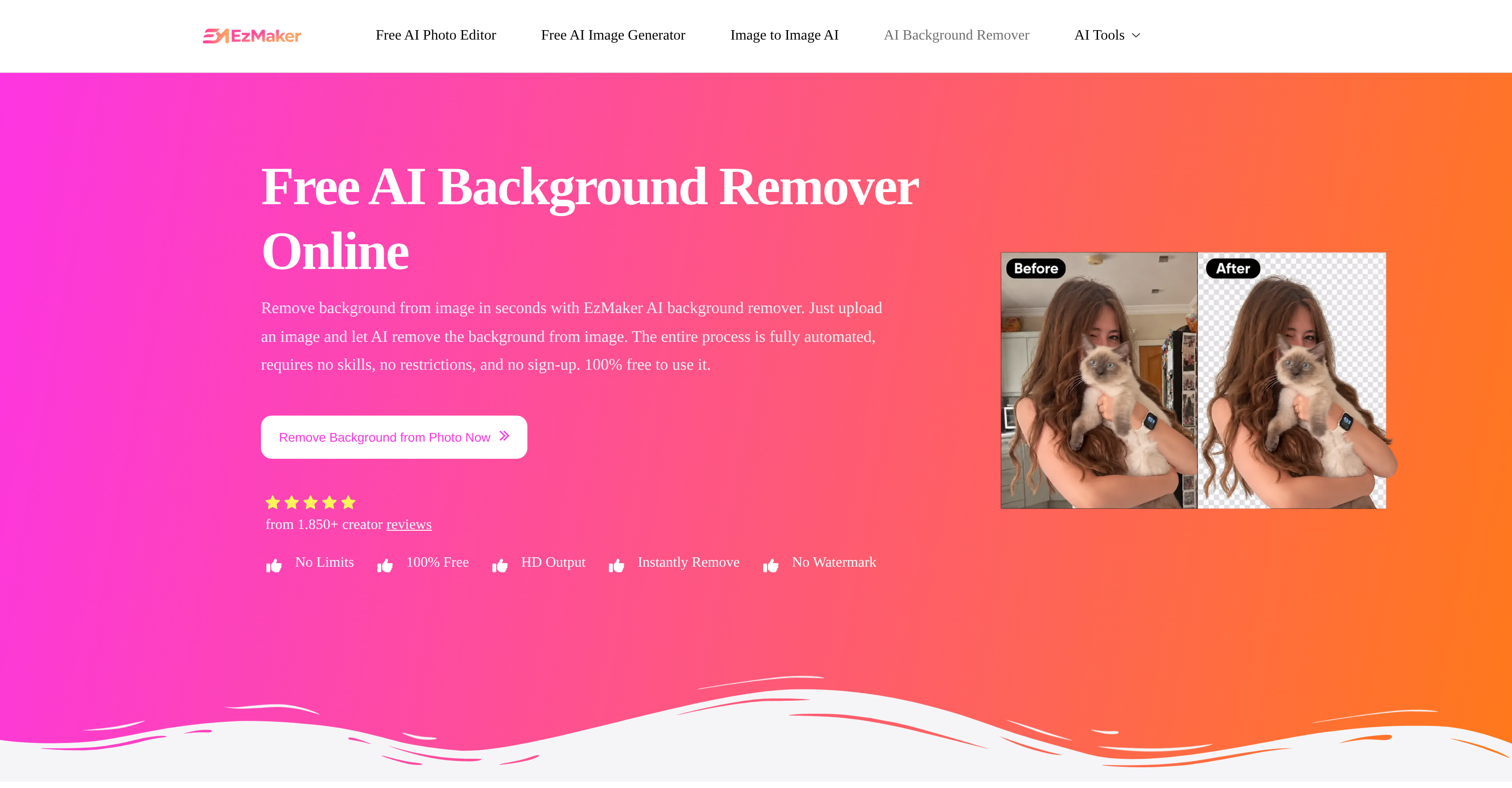
- Get a clean subject cutout in seconds without masking skills: automatic background removal detects the main subject and removes the background with no manual selection or layers.
- Keep hair strands, pet fur, and clothing edges looking natural: edge-preserving extraction produces smooth outlines without jagged borders or leftover background fragments.
- Cut out portraits, products, and pets shot in messy settings: the AI background remover isolates subjects from cluttered rooms, busy streets, and detailed interiors.
- Publish images straight to product listings, websites, and social media: download a high-definition transparent PNG with no watermark.
- Prep an entire product catalog in one pass: batch background removal processes multiple images so you download every cutout without repeating the process for each photo.
- Match every image to your store or brand style: replace the background with white, green, or other preset solid colors, or upload your own background image behind the subject.
- Fix stray spots and rough edges before you export: the manual remover erases specific areas, keeps chosen parts of the original background, and cleans up details around the subject.
- Remove backgrounds online for free from any device: the tool runs in the browser with no sign-up or installation and accepts JPG, PNG, and WebP uploads.
Pros & Cons
From the listing; not yet checked by our editors.
Pros
- Automatic subject identification
- No manual subject selection
- Handles busy backgrounds
- Preserves individual hair strands
- Preserves pet-fur detail
- Preserves intricate clothing edges
- Smooth, natural-looking cutout edges
- Reduces leftover background fragments
- Transparent PNG export
- High-definition output
- Batch background removal
- Batch transparent-PNG downloads
- JPG, PNG, WebP uploads
- One-click solid-color backgrounds
- White and green backgrounds
- Additional preset background colors
- Upload custom background images
- Reuse cutouts across projects
- Portrait, product, and pet support
- Anime and graphic support
- Browser-based processing
- No installation required
- No sign-up required
- No watermark on exports
- Free to use
Cons
- Uploads limited to JPG, PNG, WebP
- Transparent exports are PNG
- No manual mask refinement
- Requires a visible, unobstructed subject
- Damaged images are discouraged
- Browser-based workflow only
- No detailed masking workflow
Alternatives to EzMaker AI | Background Remover
Tools that share the most tags with EzMaker AI | Background Remover.
- EzRemove
Browser tool that removes the background from a photo and returns a transparent PNG.
Freemium
Not listed
Nov 24, 2026
- Remove Background by Picsart
Eliminate manual editing and process thousands of product images automatically with AI-powered background removal that scales with your production needs
Freemium · from $10/month
$10/month
Not yet checked
- Lensto: AutoBackground Changer
Remove any photo background automatically without manual brushing using AI-powered background removal
Freemium · from $0.99/month
$0.99/month
Not yet checked
- Slazzer
Create professional product photos instantly with automatic background removal that works in just 5 seconds
Freemium · from $11/month
$11/month
Not yet checked
- Unscreen
Create professional-looking videos without a green screen using automatic AI analysis that works with any background
Freemium
Not listed
Not yet checked
- Merchant Floor | Background Remover
Process entire product catalogs in minutes instead of hours with batch uploads of up to 50 images
Freemium · from $20
$20
Not yet checked
Reviews
Rate this tool
Loading reviews...
Frequently asked questions
How do I remove an image background with EzMaker AI Background Remover?
Upload an image with the main subject visible and unobstructed, wait a few seconds for automatic background removal, then download the result.
Is EzMaker AI Background Remover free to use, or are there download limits?
It is free to use, and the page claims there are no limits. It does not specify a separate download limit.
Can I use EzMaker AI Background Remover without creating an account?
Yes. The page says no sign-up is required.
Which image formats can I upload to EzMaker AI Background Remover?
JPG, PNG, and WebP.
Can EzMaker AI Background Remover export a transparent PNG?
Yes. You can download the cutout as a transparent PNG.
Does EzMaker AI Background Remover add a watermark to downloaded images?
No. The page says downloads have no watermark.
Can EzMaker AI Background Remover process multiple images at once?
Yes. It supports batch background removal for multiple images.
How long does EzMaker AI Background Remover usually take to process an image?
The page says processing takes seconds, usually a few seconds.