
Overview
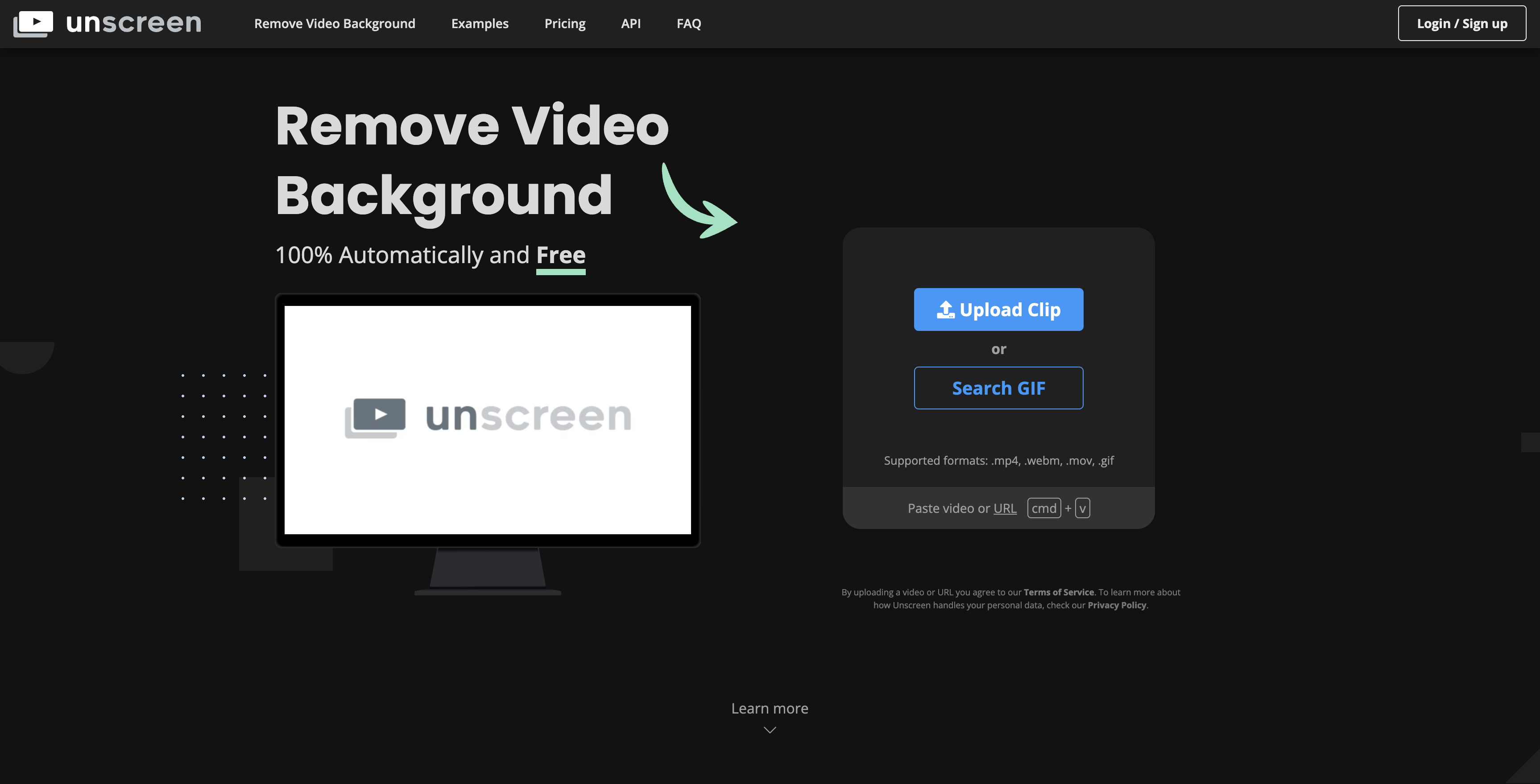
- Create professional-looking videos without a green screen using automatic AI analysis that works with any background
- Process videos completely automatically without manual color selection, mask painting, or path adjustments
- Maintain original audio quality in your final videos through Unscreen Pro's audio support feature
- Export Full HD resolution videos without watermarks for professional presentations and content
- Integrate directly with Adobe Premiere Pro and After Effects using the Unscreen Pro plugin for seamless workflow
- Process full-length video clips without length restrictions using Unscreen Pro's unlimited processing capability
- Work with multiple video formats including MP4, MOV, and GIF files for maximum compatibility
- Access background removal for free without manual intervention for personal and commercial projects
Pros & Cons
Pros
- Automated background removal
- Supports multiple video formats
- Pro Plugin for Adobe
- Highly accurate results
- Eliminates manual masking
- Offers full HD resolution
- No watermark in Pro version
- Supports full length clips
- Enables video file download
- Provides audio support
- Has an API
- Featured in top-tier publications
- Easy to use interface
- Support for GIFs
- Online tool, no installation required
- Offers free version
- No need for chroma keying
- Works seamlessly with Adobe Premiere
- Process optimized for user convenience
- API allows third-party integration
- Useful for social media content
- Helpful for tutorial videos
- Efficient for any video requiring background-free
- Automatic and hassle-free operation
- Allows footage recording in any location
- Pro version for extended features
Cons
- Limited format support
- No manual editing
- Subscription required for HD
- Requires Adobe for plugin
- No audio in free version
- Limited video length
- Online only - no offline
- Check privacy policy
- Possible quality reduction
- Reliance on internet speed
Reviews
Rate this tool
Loading reviews...
❓ Frequently Asked Questions
Unscreen is a revolutionary tool that leverages AI technology to automate background removal from videos and GIFs. This platform eliminates traditional complex procedures like chroma keying and greenscreens making the process 100% automatic and online. The tool supports a diverse range of video formats and caters to different user requirements, irrespective of their expertise level. Along with automation, it offers high-quality results, gaining widespread recognition and appreciation.
Unscreen works with AI technology to automatically eliminate the background from videos. Users simply upload their video or search for a GIF, and Unscreen proceeds to analyze the video to generate an accurately trimmed result. The platform accomplishes this with no need for manual interventions such as pixel selection, color choices, mask painting or path movement.
Unscreen supports various video formats including .mp4, .webm, .ogg, .ogv, .mov, and .gif. This versatility allows users to leverage Unscreen across a broad spectrum of video-related tasks.
The Unscreen Pro Plugin, designed for Adobe Premiere Pro and After Effects, enables users to seamlessly import Unscreen Pro results into their video editing software. Following processing on Unscreen Pro, hitting the 'Import Unscreen Pro Bundle' button activates the plugin, and the process completes by uploading a zip file directly to the video editing software.
Unscreen sets itself apart by utilizing AI technology to automatically remove the background from videos and GIFs, a procedure traditionally labor-intensive. Secondly, its full automation eliminates the need for the user to intervene, unlike other video editing tools mandating manual functionalities including color selection and mask painting. Also, the provision of a Pro version with extended features and plugins promotes Unscreen as a versatile tool in the video editing market.
Yes, personal and commercial users can utilize Unscreen for free to automatically remove video backgrounds without any manual intervention.
Unscreen Pro offers several additional features that enhance user experience and convenience. It supports full HD resolution, inclusion of audio, and working on full-length clips. It also provides video file download and does not imprint watermarks onto the videos. Furthermore, it offers the possibility to use an API and plugins to facilitate integration with other tools or platforms.
Unscreen facilitates integration with third-party platforms or tools through its API and plugins. The specific methods for this integration may vary based on the third-party platform's specifications and Unscreen’s API documentation.
Chroma keying, also known as green screening, is a process often used to remove video backgrounds. It requires the video to be shot against a solid color, usually green, which is later substituted with a different background. Unscreen optimizes this labor-intensive procedure by using AI technology to do so 100% automatically, online, and free, irrespective of the original video's backdrop, thereby eliminating the need for chroma keying or greenscreens.
Unscreen delivers highly accurate results owed to the advanced AI technology it employs. Upon uploading or selecting a video, Unscreen's AI analyses it and automatically generates a high-quality, background-free output. This automation leaves no room for human errors determined by pixel selection, color choices, or mask painting, typically associated with manual interventions.
With Unscreen, users can create a variety of content such as engaging social media videos, targeted advertising material, tutorial videos, and any content requiring a background-free video. The nature of use is defined only by the user's creative limit.
Although Unscreen caters to a range of video lengths, the Unscreen Pro version allows users to process full-length clips without restrictions. The extent to which the length of videos can be processed in the free version, however, might be subjected to certain limitations.
Unscreen commits to delivering high-quality output. The regular version provides a satisfactory level of resolution, while Unscreen Pro enhances the experience by supporting full HD resolution, providing even higher quality output for professional use.
Unscreen can integrate seamlessly with Adobe Premiere Pro and After Effects via its Pro Plugin. This plugin allows users to import the output from Unscreen directly into their video editing software without any manual intervention.
Unscreen Pro includes an audio support feature. While specifics about how this feature functions aren't detailed, it allows users to maintain the original audio from their video clips in the final, background-free output.
No, Unscreen does not leave a watermark on videos processed with its Pro version. However, videos edited using the free version of Unscreen may have a watermark.
The Unscreen Pro Plugin is installed in Adobe Premiere Pro & After Effects by downloading the plugin from the designated platform. Once the video gets processed with Unscreen Pro, users click on the 'Import Unscreen Pro Bundle' button to initiate the seamless upload process of the zip file to their video editing software.
Pricing
Pricing model
Freemium
Paid options from
Free tier available
Billing frequency
Monthly
Refund policy
Refunds are available within 14 days of the first subscription if under 180 seconds of video were processed, the user is unsatisfied, and the guarantee has not been used before.
Related Videos
Remove Video Backgrounds for FREE with AI! Unscreen.com is a Game-Changer! 🎬✨
AI Mastermind•223 views•Mar 24, 2025