

Overview
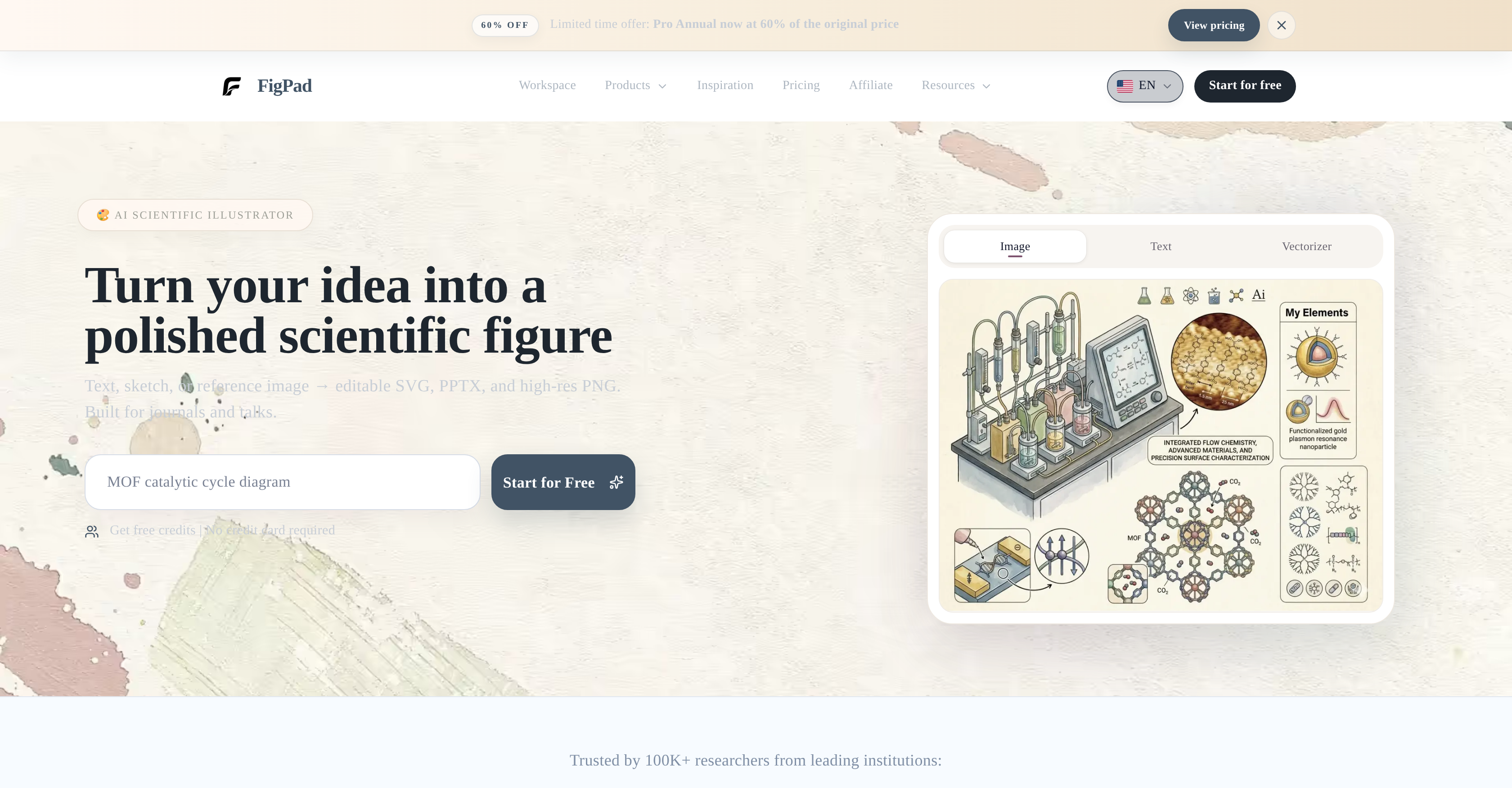
- Publish in top journals faster by converting text, sketches, or reference images into polished scientific figures ready for submission
- Text-to-Image, Sketch-to-Image, and Image-to-Image AI workflows
- Eliminate redrawing and manual editing by transforming rough sketches into editable, high-quality scientific visuals
- Sketch-to-Image conversion with AI
- Maintain consistent figure styles across an entire paper or presentation without starting from scratch
- Reference-guided style extension workflow
- Present findings with crisp, scalable graphics that resize without quality loss for posters, slides, or journals
- Vectorizer converting raster images into editable SVG vector graphics
- Save hours of formatting by exporting final figures directly into PowerPoint presentations
- PPTX export format
- Meet journal resolution requirements instantly with high-resolution PNG exports suitable for print publication
- High-resolution PNG export
- Learn advanced figure creation techniques at no cost through built-in tutorials and a regularly updated blog
- Free tutorials and blog resources
Pros & Cons
Pros
- Text to Image conversion
- Sketch to Image conversion
- Image to Image conversion
- Vectorizer function
- Exports in SVG format
- Exports in PPTX format
- Exports in high-res PNG
- Suitable for academic journals
- Suitable for presentations
- Reference-guided style extension
- Raster to vector conversion
- Polished, editable visuals
- Workflow support
- Free access
- No credit card requirement
- User-friendly workspace
- Additional blogs
- Online tutorials
- Used by renowned institutions
- Editable and scalable graphics
- Helps in science communication
- Supports data representation
- Figures suitable for publication
- Scientific figure generation capability
- Supports visual data
- Trusted tool for researchers
Cons
- Lacks collaborative features
- Limited to scientific visuals
- No mobile version
- No offline access
- No third-party integrations
- Hard to customize images
- Limited image editing tools
- Dependent on internet connection
- No 3D image support
- Only exports in SVG, PPTX, PNG
Reviews
Rate this tool
Loading reviews...
❓ Frequently Asked Questions
FigPad is an AI-powered tool that facilitates the creation of scientific figures.
FigPad offers functions such as 'Text to Image', 'Sketch to Image', 'Image to Image', and 'Vectorizer'. These allow users to convert various inputs into polished, editable visuals.
FigPad is particularly oriented towards researchers and is beneficial for anyone engaged in the creation of graphics for academic journals and presentations.
Yes, FigPad does support converting text into images as part of its primary functions.
The Sketch to Image feature in FigPad works by converting sketched inputs into high-quality visuals. However, detailed specifics about the underlying technology and process are not provided on their website.
Yes, one of FigPad’s major features is 'Image to Image' conversion, allowing users to transform existing images into different visuals.
FigPad's Vectorizer function can assist by converting raster images into vector graphics. These vector graphics are editable and scalable, proving highly beneficial for professional standards.
Yes, FigPad provides the capability to export figures in various formats, including SVG, PPTX, and high-resolution PNG.
The extended workflows in FigPad aid in speeding up figure generation allowing the extension of a reference-guided style.
FigPad's blog and tutorials supply additional resources to help users. You can look forward to guidance on how to best utilize the tool and information on latest features and updates.
Yes, FigPad is available for use free of charge.
No, credit card details are not required to access FigPad.
According to the information on their website, FigPad is trusted by over 100,000 researchers from leading institutions including MIT, Stanford University, UC Berkeley, Yale University, University of Cambridge, among others.
Yes, FigPad is well-suited for preparing graphics for academic journals and presentations.
FigPad aids in data visualization by transforming text, sketches, or images into visually engaging and accurate scientific figures. It thus helps communicate data in a clearer and more effective manner.
While direct mention of a support team isn't made on their website, there is a 'Contact' option and an email ([email protected]) provided for any inquiries or assistance.
FigPad aids in communicating complex scientific concepts by converting these into clear, precise visuals thus enabling a simpler and more effective method for presentation.
You can turn raster images into vector graphics using FigPad's Vectorizer function. This allows for the creation of editable and scalable graphics from raster images.
A reference-guided style in FigPad may refer to the ability of creating graphics that follow specific design precedents or guidelines. This can facilitate and speed up the figure generation process.
Yes, you can use FigPad as an AI scientific illustrator. It has a range of tools for this purpose, from text, sketch, or reference image conversion to creating vector graphics.
FigPad utilizes AI technology to convert sketches, text, or reference images into editable scientific visuals. This tech-driven process includes features such as text-to-image, sketch-to-image and image-to-image conversions, as well as vectorization, to develop high-quality scientific figures.
'Text to Image' in FigPad is a feature that converts the textual input provided by users into clear, precise and editable scientific figures.
'Sketch to Image' in FigPad is a functionality that allows users to transform their sketches into polished, editable images.
'Image to Image' in FigPad is a function that permits users to convert reference images into editable scientific visuals.
'Vectorizer' in FigPad is a function that converts raster images into vector graphics. These vector graphics are both editable and scalable.
FigPad can export figures in several formats - SVG, PPTX, and high-resolution PNG.
Researchers, particularly those needing to generate scientific figures for academic journals and presentations, can benefit the most from using FigPad. Its features are user-friendly and designed to make the scientific figure creation process seamless, quick, and effective.
Prominent institutions using FigPad include MIT, Stanford University, UC Berkeley, Yale University, Cornell University, University of Cambridge, University of Michigan, UCLA, Baylor College of Medicine, KAIST, KAUST, and Weizmann Institute.
Beyond its primary functions, FigPad provides additional resources in the form of a blog and tutorials to assist users in making the most of its tool.
No, FigPad does not require credit card details for access.
Yes, with FigPad's Vectorizer function, you can convert raster images into vector graphics that are editable and scalable.
Through their AI-powered tool, FigPad can aid in science communication by transforming complex scientific concepts into clear, precise visuals. This can greatly assist researchers in effectively articulating their findings and theories.
The 'reference-guided style extension' in FigPad is a workflow that allows the extension of a reference style into new figure creation. This helps to streamline and speed up the process of generating uniform and consistent figures.
Yes, FigPad provides tutorials on how to use its features. These are designed to aid users in utilizing the tool to its fullest potential.
With FigPad, you can create a wide variety of scientific figures including, but not limited to, graphics for academic journals and presentations.
Yes, FigPad can be used for academic presentations. The figures generated from this tool can be exported in various formats, including SVG, PPTX, and high-resolution PNG, which are suitable for inclusion in academic presentations.
FigPad's workspace is user-friendly due to its intuitive design and features. It is equipped with tools that streamline the creation process of scientific figures, and offers various product features and resources like blogs and tutorials to assist users along the way.
FigPad allows for the creation of academic journal graphics by providing a variety of features which facilitate the transformation of text, sketches, or reference images into editable scientific visuals. The produced figures are professional in quality, making them suitable for academic journals.
Pricing
Pricing model
Free Trial
Paid options from
$9/month
Billing frequency
Monthly
Related Videos
PI said "make it cleaner" and I entered flight mode #phdlife #figpad
Figpad•1.5K views•Jun 16, 2026











