

Flowmaps
Go from rough app idea to a clear build plan with no coding experience: describe your idea in plain language, as if explaining it to a friend, and Flowmaps breaks it into individual features on a visual app map.
Listing not yet reviewed by our editors · How we check
Overview
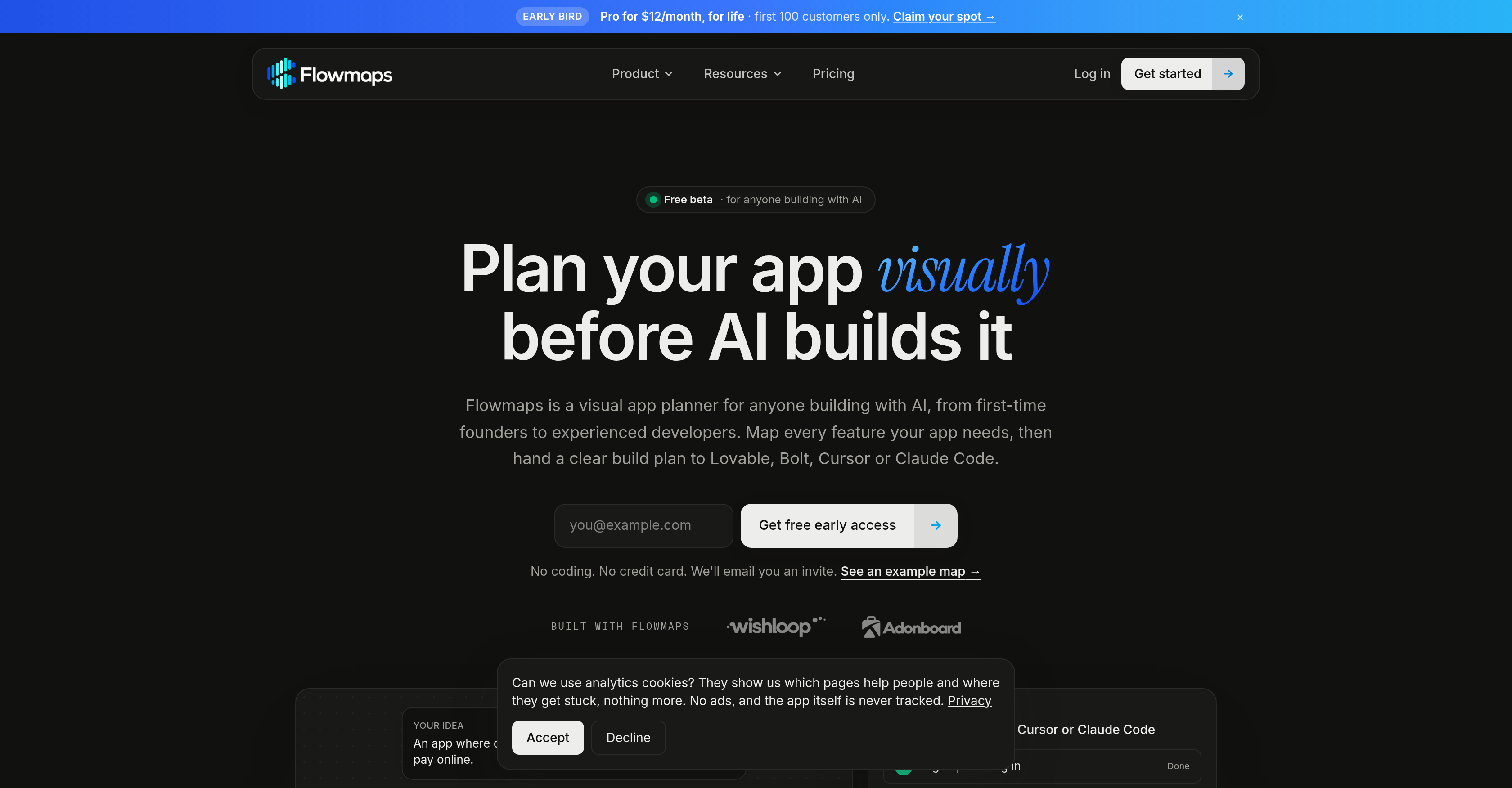
- Go from rough app idea to a clear build plan with no coding experience: describe your idea in plain language, as if explaining it to a friend, and Flowmaps breaks it into individual features on a visual app map.
- Stop burning AI credits on rework: clear, specific build instructions replace the vague prompts that lead AI builders to build the wrong thing.
- Build in the right order from day one: the visual map sorts every feature into what to build first and what can wait, giving you a structured app development roadmap.
- Ship complete apps without duplicate or missing features: a step-by-step build plan tracks every feature so nothing gets built twice or forgotten.
- Never stall on your next prompt: the feature map shows exactly what to ask your AI builder for next at every stage of the build.
- Get plans your AI builder follows precisely: pick Lovable, Bolt, Cursor, or Claude Code, and Flowmaps formats the build plan for that builder.
- Plan any software project in one place: map mobile apps, SaaS tools, and internal business tools with the same visual planning workflow.
- Connect planning directly to your dev setup: MCP and API support, plus local operation, link your app blueprint to the tools you already build with.
- Scale from solo idea to team project: start free with one venture and up to 60 cards, move to Pro at $19/month as a solo builder, or collaborate on the Team plan at $49/month.
Pros & Cons
From the listing; not yet checked by our editors.
Pros
- Visual map for app planning
- Identifies next development steps
- Planning for SaaS tools
- Planning for internal tools
- Reduces misunderstanding in development
- Error prevention in development
- Resource saving tool
- Features clear build plan
- Free to start
- Turns ideas into build plan
- Supports Mobile Apps planning
- Supports Web Apps planning
- Effective for solo builders
- Team version available
- Helps in risk flags
- Provides a log for activities
- Early bird Pro offer
- Easy and clear user interface
- Suitable for first-time founders
- Useful for experienced developers
- No coding required
- No credit card required
- Works well with Bolt
- Works well with Lovable
- Works well with Cursor
- Works well with Claude Code
- Includes actual development stages
- Plans apps in correct order
- Clearly organized development steps
- Supports both iPhone and Android
- Checks plan for gaps
- Updates as you build
- Scans for development oversights
- Viewers can be invited
- Multiple users under Team plan
- Useful for client dashboards
- Detailed feature outlining
- Demo maps available
- Direct support for Replit
- Direct support for V0
- Offers checklist of app needs
- Direct integration for Codex
Cons
- May require paid plan for larger ventures
- Requires description conversion to visual maps
- No explicit cross-platform app planning
- No explicit offline functionality
- Limited number of cards in free plan
- No Group collaboration in free plan
- Limited view-only accesses in pro plan
Alternatives to Flowmaps
Tools that share the most tags with Flowmaps.
- Motionode
Win more clients by generating a professional Statement of Work and delivery plan in minutes, not days, using the automated SOW generator.
Freemium · from $49
$49
Not yet checked
- Zalcro
Add new features without breaking what already works: an Architecture Design Document defines your database, system logic, and component boundaries before any code is written.
Freemium · from $19/month
$19/month
Not yet checked
- AI Pro Management
Eliminate manual project planning with AI that generates Work Breakdown Structures and predicts timelines using predictive algorithms
Freemium · from $15.46/month
$15.46/month
Not yet checked
- Progr
Build production-ready AI models faster with streamlined workflows for data preprocessing, model development, training, and deployment
Freemium · from $10/month
$10/month
Not yet checked
- PMI Infinity
Eliminate hours of manual research with instant access to 14,000+ PMI-vetted content pieces through smart navigation
Not listed
Not listed
Not yet checked
- Quila
Transform complex projects into precise, actionable task breakdowns with AI-powered chat assistance that understands your project context
Free trial · from $7/month
$7/month
Not yet checked
Reviews
Rate this tool
Loading reviews...
Frequently asked questions
What is Flowmaps?
Flowmaps is a visual app planning tool. It aids those building apps using AI technologies, including both novice founders and experienced developers. Its main function is to transform an app idea into a detailed visual map which can be smoothly interpreted by AI builders like Lovable, Bolt, Cursor, or Claude Code. This visual map outlines all the necessary app features and delivers a clear build plan.
Who can use Flowmaps?
Flowmaps is designed for a broad spectrum of users, from first-time founders to experienced developers. Anyone involved in building apps with AI technologies can use Flowmaps to plan and map their app development process with better efficiency and clarity.
How does Flowmaps turn an idea into a visual map?
Flowmaps initiates the process by taking the user's app idea and divides it into individual features. These features are then visually mapped in a logical and understandable manner. It organizes the entire app development process, ensuring each feature is well defined, organized, and it keeps a track of what needs to be built first and what can wait, making the entire development process structured.
Can Flowmaps work with any AI builder?
Yes, Flowmaps is compatible with numerous AI builders including Lovable, Bolt, Cursor, and Claude Code. Users can select their preferred builder, and Flowmaps will correspondingly format the build plan to best suit the selected AI builder.
What are the common pitfalls Flowmaps helps to avoid?
Flowmaps helps to avoid common pitfalls such as vague instructions that often result in AI building the wrong things, and the subsequent depletion of credits in rectifying these mistakes. Furthermore, it helps users identify what to ask for next, making the development process more streamlined and efficient.
Can Flowmaps be used to plan any application other than mobile apps?
Yes, apart from mobile apps, Flowmaps can also be utilized to plan software-as-a-service (SaaS) tools and internal business tools. This versatility enhances the value of Flowmaps as a planning tool, accommodating a variety of software development necessities.
What are the steps involved in converting an idea into a build plan using Flowmaps?
The conversion process in Flowmaps involves three key steps. The first step is expressing the idea, wherein users write or describe their idea as if explaining it to a friend. The second stage involves visualizing the app as a map where Flowmaps lays out every feature, determining what to build first and what can wait. Finally, the plan is sent to the AI builder, providing them with a step-by-step build plan to follow, ensuring nothing gets built twice or forgotten.
How can Flowmaps help in making the development process more efficient?
Flowmaps makes the development process more efficient by providing a clear build plan to AI builders, reducing misunderstanding and mistakes. It outlines the exact features to be built and in the right order. It also helps navigating what to ask for next during the development process, efficiently reducing the time taken to fix error and confusion.