FrameCall
Overview
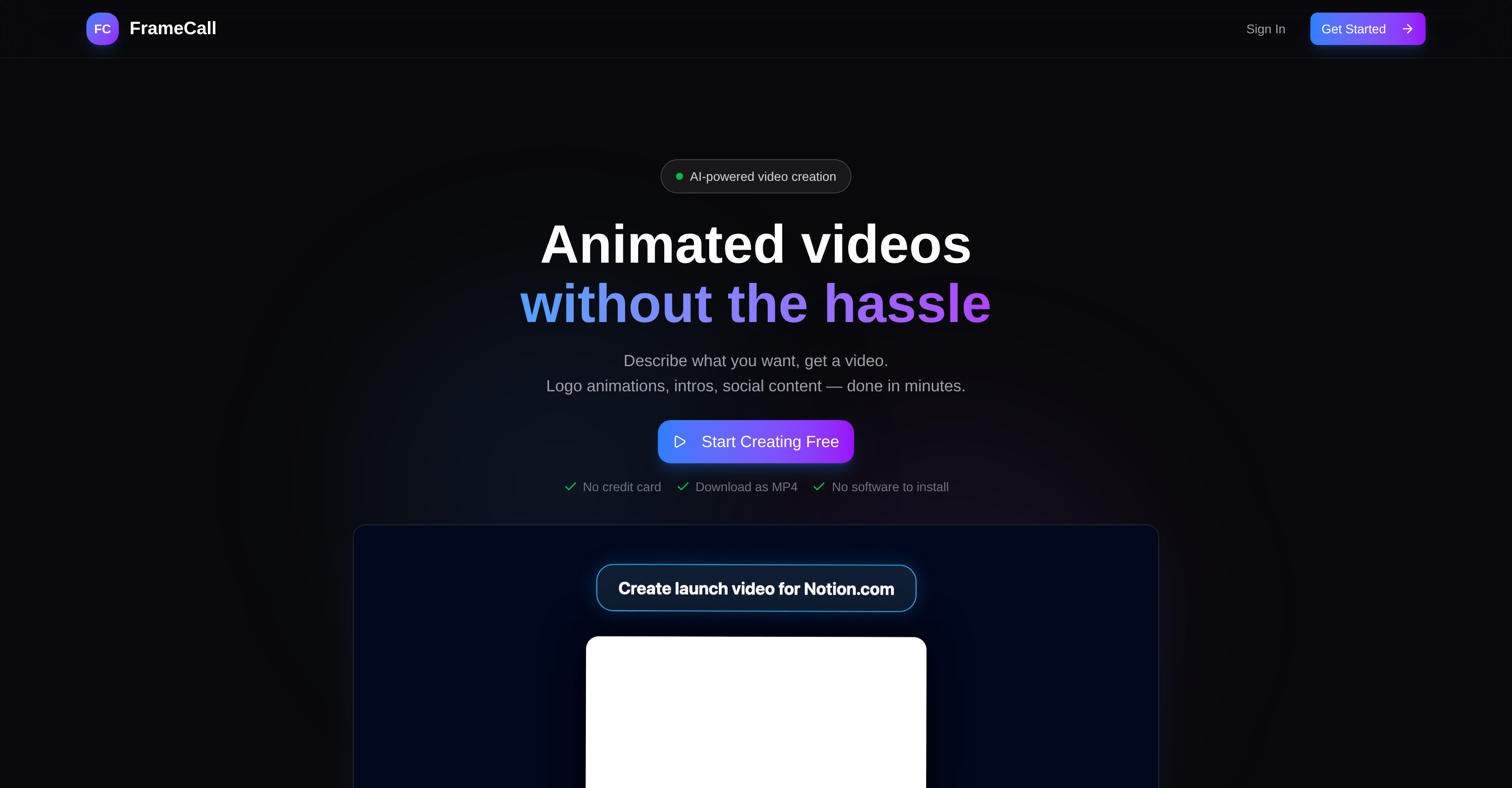
- Launch video campaigns instantly without waiting for freelancers or learning complex software, using a simple text description to generate animated videos in real-time.
- Produce professional logo animations, social ads, and product demos for any platform, with a tool designed for YouTube creators, marketers, and indie developers.
- Edit videos on the fly with simple text commands and real-time previews, then export directly as an MP4 file ready for publishing.
- Test the platform risk-free with your first animated video completely free, from logo reveals to investor pitch presentations.
Pros & Cons
Pros
- Efficient video creation
- Real-time video creation
- User description input
- Video preview feature
- Video tweak option
- MP4 export
- Supports various types of content
- Logo animation functionality
- Social content creation
- Product teaser video creation
- Instagram story ad feature
- App feature walkthrough creation
- Investor pitch presentation creation
- Event opener video creation
- Customer testimonial video creation
- YouTube creators support
- Indie developers support
- Marketing teams support
- Product designers support
- Free first animation
- No software installation required
- No design skills required
- Full YouTube intro package
- Webinar/Event opener creation
- Kinetic Typography creation
- Built-in animation viewer
- MP4 download option
- Plain English commands
- No credit card required
- Works for various professionals
- API explainers video creation
- Release videos feature
- Product demos creation
- No steep learning curve
- Instant video changes
- Free to start
- No software to learn
- Text-based video description
- Real-time preview & export
- Time-saving video creation
- After Effects not required
- Price feature for ads
- Feature callouts for teasers
- Swipe-up CTA for Instagram
- Quote inclusion for testimonials
- Podcast video intro creation
- Works for artistic projects
- Allows for easy changes
Cons
- No advanced editing options
- Limited customization capabilities
- Dependent on description accuracy
- Risk of unclear instructions
- No design skill training
- Could lack originality
- Limited to MP4 exporting
- May not support intricate animations
- No multi-language support
- Potential waiting time for numerous edits
Reviews
Rate this tool
Loading reviews...
❓ Frequently Asked Questions
FrameCall is an AI-powered tool designed to ease the process of creating animated videos. It eliminates the need for complicated software or outsourcing freelancers. Instead, users give a simple description of what they want, and FrameCall provides an animated video in response.
FrameCall works in three steps: Users describe in plain English what they want, FrameCall's AI uses this description to create the video in real-time, and then users can preview, tweak, and export the video as an MP4.
FrameCall can create a wide range of content, including logo animations, intros, social content, product launch teasers, Instagram story ads, app feature walkthroughs, investor pitch stats presentations, event openers, customer testimonials, and podcast video intros.
FrameCall can be used by a variety of professionals, including YouTube creators, indie developers, marketing teams, and product designers.
FrameCall offers the first animation for free. Beyond that, specific cost information isn't provided.
Yes, the first animation is offered free of cost with FrameCall.
No, you do not need to know any coding to use FrameCall. Users can describe in plain English what they want and the AI creates the video.
Users can tweak their videos on FrameCall with simple commands and real-time feedback. The changes can be made through text inputs.
After using FrameCall, your video will be in MP4 format.
Yes, FrameCall can be used to create logo animations.
Yes, Instagram story ads can be created using FrameCall.
Yes, FrameCall is indeed suitable for YouTube creators. It can be used to create animations, intros, outros, lower thirds and more.
FrameCall can help indie developers by providing them with an easy tool to create product launch teasers, feature demos and more in real-time.
Yes, FrameCall can be effectively used by marketing teams for creating social content, ad creatives and more.
FrameCall differs significantly from other software or hiring freelancers. Using other software often involves steep learning curves, complexities, and a need for design skills. Hiring freelancers usually involves costs and delays. In contrast, FrameCall is easy to use, requires just a simple English description, works real-time, and offers a free first animation.
While using FrameCall, users can expect real-time results, the option to edit and adjust elements with simple commands, and the final output as an MP4 video.
Yes, FrameCall's video creation process is in real-time.
Yes, it is indeed possible to create product launch teasers with FrameCall.
Yes, FrameCall can be used to create investor pitch stats presentations.
Product designers can benefit from FrameCall as it streamlines the process of creating product demo walkthroughs and similar content by simply inputting descriptions in plain English.
Pricing
Pricing model
Pricing
Paid options from
N/A