

Gendo
Deliver client-ready architectural visualizations in minutes instead of days, because AI rendering removes the long render queues of traditional CGI workflows.
Listing not yet reviewed by our editors · How we check
Overview
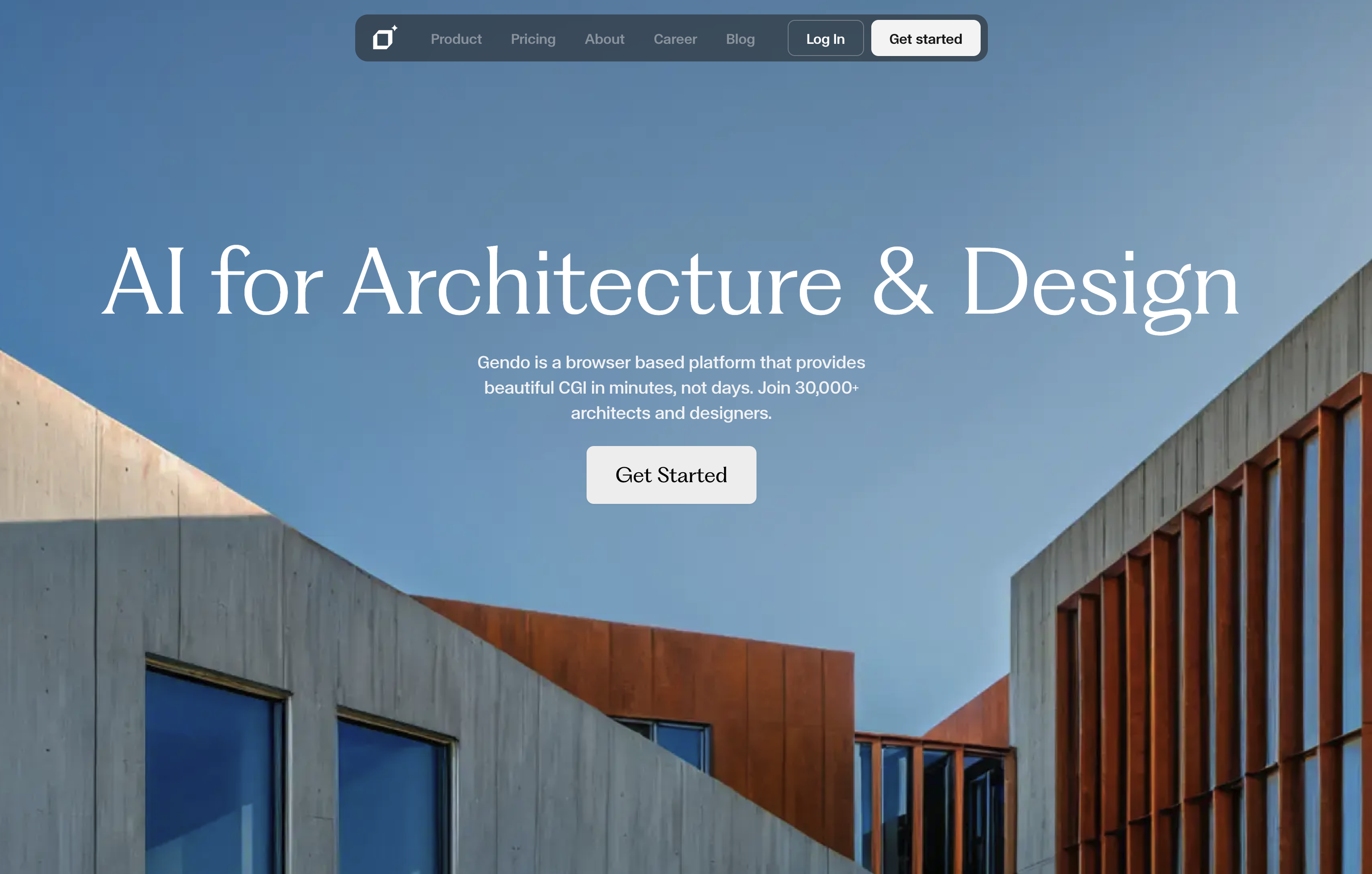
- Deliver client-ready architectural visualizations in minutes instead of days, because AI rendering removes the long render queues of traditional CGI workflows.
- Turn early massing models into finished architectural renders: upload basic forms or resolved designs and Gendo adds materiality, lighting, and detailing that follow your design intent.
- Change materials, colours, or planting without rebuilding the scene. Generative Editing regenerates any selected part of an image, from a facade finish to swapping a pine for a palm tree.
- Produce sketches, watercolour diagrams, and photographic renders from a single design for every presentation stage, with Style Transfer keeping the original architecture intact across each style.
- Set the look, feel, and composition of a concept design before a 3D model exists, using Text to Image to generate original images from written prompts for research and inspiration.
- Test more design options per project and show changes to clients almost immediately, with rapid iterations that skip extensive rendering waits.
- Create professional architecture CGI from any computer, since the browser-based platform needs no high-end hardware and no rendering expertise, just an internet connection.
- Match cost to workload as you grow, with plans that run from a free tier for trying the platform through hobbyist, professional, team, and enterprise options.
Pros & Cons
From the listing; not yet checked by our editors.
Pros
- High-quality CGI generation
- Browser-based platform
- No specialized hardware needed
- Minimal technical skills required
- Transform designs into visualizations
- Generative editing for customizations
- Enables style transfer
- Unique Text to Image feature
- Supports concept designs
- Research-based tasks assistance
- Manage and control creative assets
- Significantly reduce rendering times
- Fast iterations
- Professional grade visualization
- Ideal for architects and designers
- Structured for creative freedom
- Designed for professional/enterprise use
- Promotes quick style modifications
- Establishes project look and feel
- Aids with composition and inspiration
- Built trusted by beta partners
- Doesn't require asset libraries
- Generates design fidelity
- Prompts for concept inspiration
- No special hardware needed
- Individually tailored plans
- Offers discounted early access
- Various levels of credit pools
- Unlimited project canvases
- High-quality output
- Commercial use under professional plan
- Organization sharing capability
- Custom solution for larger teams
- Provisions for dedicated hardware
- On-demand training available
- Privacy-focused enterprise capabilities
- Ensures design consistency
- Improves details like lighting, materiality
- Eliminates render time
- Subscription includes generative editing
- Flexible settings and filters
- Particularly useful for concept designs
- Suitable for NDA projects
- Dedicated solutions for team projects
- Intuitive tool for design communication
- Detailed design to image generation
- Regenerable imagery with infinite choices
- Boosts design productivity
- Facilitates look and feel customization
Cons
- Browser-based only
- Requires internet connection
- Dependent on credit system
- No offline mode
- Limited image generation
- Rendering style reliance
- Unpredictable results with Text-to-Image
- Potential inconsistencies in style transfer
- Not fully free service
- Project canvas limitation
Alternatives to Gendo
Tools that share the most tags with Gendo.
- Redraw
Generate photorealistic renders from simple sketches in seconds using the render-from-strokes feature
Paid · from $12.50/month
$12.50/month
Not yet checked
- Rendair
Eliminate quote calls and forms by getting instant pricing automatically generated from your uploaded floor plans
Paid · from $15/month
$15/month
Not yet checked
- ARCHITEChTURES
Reduce early-stage residential design time from months to mere hours with real-time generative AI that adapts to your geometry and design criteria
Freemium · from $43/month
$43/month
Not yet checked
- Augmenta
Complete building designs in hours instead of weeks through fully automated generative AI that produces code-compliant, constructible plans
Not listed
Not listed
Not yet checked
- Eler
Get client-ready photorealistic images in seconds instead of hours, using AI to instantly process your 3D SketchUp or GLB files
Freemium · from $8/unit
$8/unit
Not yet checked
- Maquete AI
Deliver client-ready, DSLR-quality interior renders in under 30 seconds by uploading your SketchUp or ArchiCAD prints and selecting a lighting preset
Free trial · from $8/month
$8/month
Not yet checked
Reviews
Rate this tool
Loading reviews...
Frequently asked questions
What is Gendo?
Gendo is a browser-based platform that uses artificial intelligence to produce high-quality computer-generated imagery (CGI) specifically for architecture and design.
How does Gendo use artificial intelligence in architecture and design?
Gendo uses artificial intelligence to transform designs into detailed visualizations, facilitating generative editing for infinite customizations, style transfer while maintaining design consistency, and unique text to image creation from written descriptions or prompts.
What are the main features of Gendo?
Gendo's main features include the ability to transform designs into detailed visualizations, generative editing for unlimited customization, style transfer to keep designs consistent while changing styles, a unique Text to Image feature, and vastly reduced rendering times.
How does Gendo's Text to Image feature work?
Gendo's Text to Image feature harnesses written descriptions or prompts to generate an entirely unique image, which can aid in conceptual designs, determining composition, and drawing inspiration.
Does Gendo require any special hardware or technical skills?
No, Gendo does not require any special hardware or technical skills. As a browser-based platform, it only necessitates an internet connection and a web browser, making it accessible to a vast array of users.
How does Generative Editing work in Gendo?
Generative Editing allows users to select and regenerate any part of their image on Gendo. With this feature, users have infinite editing choices, such as options for materials and colours, or even landscaping adjustments like turning a pine into a palm tree.
What is the 'Style Transfer' feature in Gendo?
The 'Style Transfer' feature in Gendo enables users to switch between different styles while maintaining design integrity. With it, users can transform a basic render into a sketch or a photograph into a watercolour diagram.
How can I control my creative assets in Gendo?
In Gendo, users can manage every aspect of their creative assets using its various features such as generative editing, style transfer, and the Text to Image tool, offering complete creative control.