
Overview
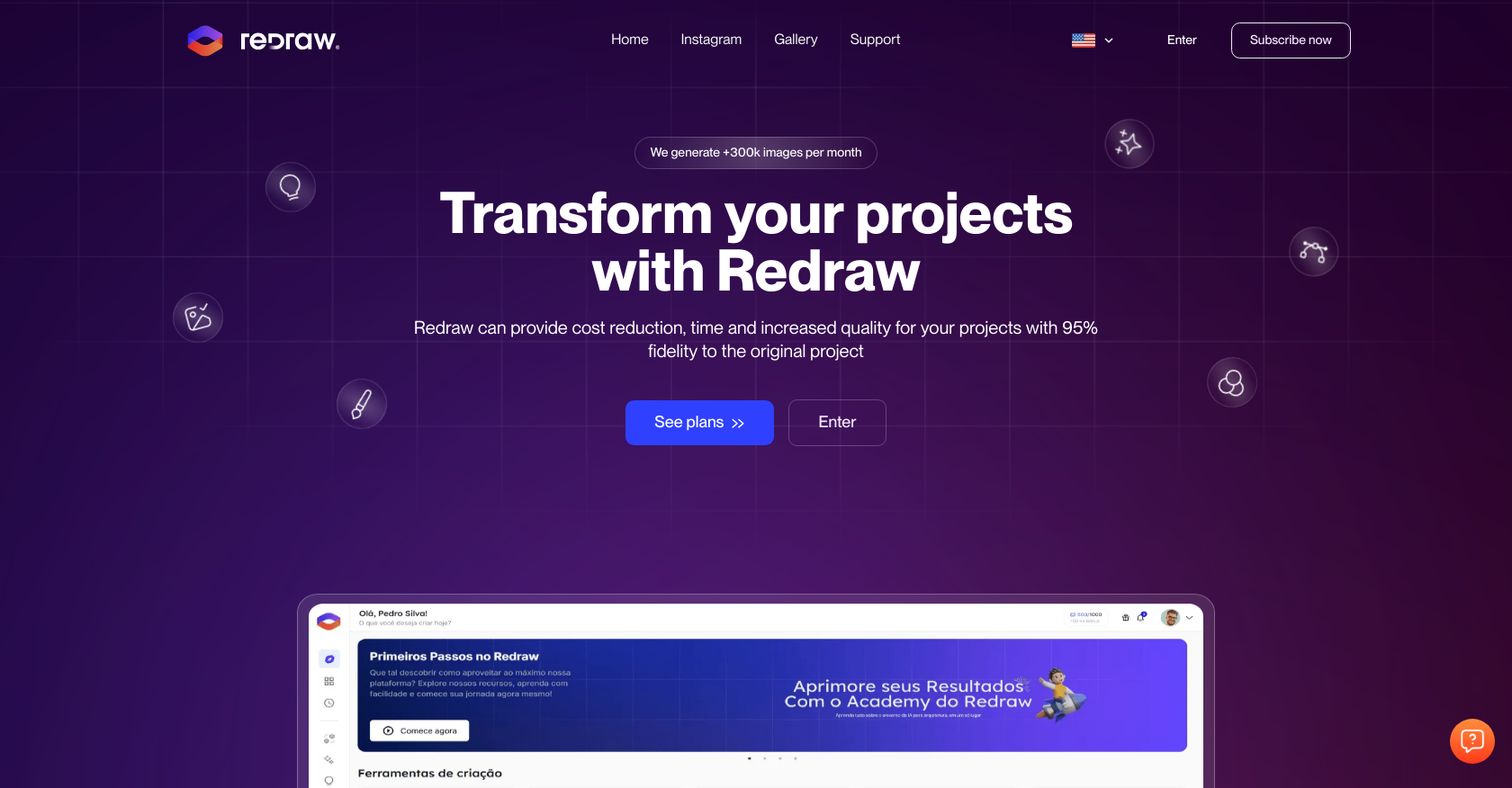
- Generate photorealistic renders from simple sketches in seconds using the render-from-strokes feature
- Transform text descriptions of architectural spaces into detailed visual concepts with text-to-image generation
- Enhance existing images by automatically improving textures, lighting, and blocks while maintaining project fidelity
- Make precise edits to specific objects and textures without starting over using the targeted brush tool
- Upscale render resolution to 4K without quality loss or re-rendering through resolution enhancement
- Convert static images into dynamic 3D animations that showcase designs with depth and movement
- Access professional rendering capabilities from any computer without expensive hardware through cloud processing
- Rapidly prototype interior and exterior concepts with complete customization freedom using the idea generator
Pros & Cons
Pros
- Ultra-fast rendering
- Indoor and outdoor renders
- High-quality image textures
- Enhanced lighting
- Preserves project fidelity
- Brush tool for changes
- Resolution enhancement without re-rendering
- Idea generator for spaces
- Customizable environment designs
- Render-from-strokes feature
- Text image generator
- 3D animation tool
- Cloud-based accessibility
- Transform projects swiftly
- Specific objects and textures alteration
- Creates images from text
- Transform images into videos
- Access anywhere without high-spec machine
- Excellent for architectural design
- Effective for engineering design
- Rapid rendering feature
- Image enhancement capabilities
- Generates realistic images
- Enhances project transformation
- Promotes creative freedom
- Ideal for interior and exterior design
- Designed for professionals
- Interpret drawings
- Add objects to the environment
- Ultra-fast realistic image generation
- Texture, lighting and block enhancements
- Supports object change in project
- Allows for specific texture changes
- 4K resolution enhancement
- Outdoor idea generator
- Turns sketches into reality
- Static image to 3D animation
- Works 100% in the cloud
- Rendering in less than 30 seconds
- Accessible via Macbook, Windows and mobile
- Provides early access to beta functions
- Different plans available for needs
- 7-day money back guarantee
- Monthly recurring payment
- Allows for simultaneous users
- Render queue of up to 15 seconds
- Access to multiple features
- Can generate new ideas
- Live customer support
Cons
- Limited simultaneous users
- Monthly rendering cap
- Render queue delays
- Resolution limited to 4K
- No offline access
- Requires knowledge of rendering
- Strict subscription cancellation rules
- No downloaded software available
- Can't use post subscription cancellation
- No free trial available
Reviews
Rate this tool
Loading reviews...
❓ Frequently Asked Questions
Redraw is a cloud-based AI tool designed to create and improve renders of architectural, design, and engineering projects. Generating realistic images with high fidelity, Redraw leverages AI to provide ultra-fast rendering, texture and lighting enhancement, idea generation, and sketch-to-image transformation among other features. Redraw is accessible from any location without necessitating a high spec machine.
Redraw's ultra-fast rendering feature utilizes AI capabilities to swiftly generate realistic images of indoor and outdoor environments. Using the tool, you can render projects ranging from small rooms to large outdoor spaces within seconds, ensuring accurate visualization of your designs.
Yes, Redraw has a feature that improves existing textures, lighting, and blocks. These enhancement adjustments are designed to ensure the image maintains its project fidelity while improving its aesthetics and accuracy.
Redraw's brush tool is intended for making specific changes to a project. It allows users to modify objects and textures according to their specific needs and preferences.
Redraw's resolution enhancement feature allows users to upscale the size of their images without having to re-render. This implies that the users can increase image resolution, for example, from 720p to 3840p (4k), without sacrificing image quality.
The idea generator of Redraw assists users in visualizing and developing ideas for both internal and external spaces. Users have complete freedom to design, customize environments, and adjust colors and furniture. The tool also facilitates the creation of realistic external environments like patios, balconies, and buildings.
Yes, Redraw can transform sketches into realistic images. With the help of AI, Redraw's 'render-from-strokes' feature can take a sketched draft and turn it into lifelike and high-quality images.
Redraw's text-to-image generation feature enables users to turn their text instructions into images. The text could describe anything from complex architectural structures to simple objects. Redraw uses this input to generate a corresponding image.
Yes, Redraw can indeed create 3D animations. Users can turn their static images into animated 3D videos using Redraw's 3D animation tool, adding depth and dynamism to their designs.
Yes, Redraw is a cloud-based tool which enables users to access their projects from any location. This aspect provides user flexibility and allows them to work on their projects irrespective of the spec of the machine they have.
Redraw provides valuable benefits to Architects, Designers, and Engineers through time and cost-effective measures. By generating realistic renders within seconds while maintaining quality, Redraw accelerates project delivery and outputs. Architects, Designers, and Engineers can rapidly visualize, adjust, and improve their project renders without investing in high-spec machinery.
The 'render-from-strokes' feature in Redraw turns sketches into realistic images. Beneficial for initial design stages, users can input draft sketches of their environment and Redraw will use the input to generate lifelike renderings.
Redraw's enhancement adjustments focus on improving the textures, lighting, and blocks of an image. Improving these parameters enhances the visual quality and realism of the image while keeping intact the original project's integrity.
Yes, being a cloud-based tool, Redraw can be accessed from any location. All that's needed is an internet connection to log into Redraw and make use of all its features.
With Redraw's resolution enhancement feature, users can scale their images up to 4K resolution without having to re-render. This means you can increase the resolution of your images considerably without sacrificing the overall quality.
Redraw's 3D animation tool transforms still images into realistic 3D animations. This transformative feature brings depth and movement to static images, making their presentation more dynamic and immersive.
No, Redraw does not require a high-spec machine to run. Since Redraw is a cloud-based tool, it operates entirely on the cloud, avoiding local processing power. This way, even less powerful machines can effectively use Redraw to generate renders.
Redraw's rendering feature is designed to work in a wide array of indoor and outdoor environments. From small intimate rooms to expansive outdoor spaces, Redraw can facilitate the creation of detailed, realistic images for them.
Yes, Redraw has a feature for creating images from text. Users can input text describing anything from complex structures to simple objects and Redraw will generate a corresponding image based on the text.
Redraw's 3D Animation feature aids in turning static images into dynamic 3D animations. This tool generates depth and movement to still images, facilitating more engaging and flow adding presentations.
Pricing
Pricing model
Paid
Paid options from
$12.50/month
Billing frequency
Monthly
Refund policy
No Refunds
Related Videos
Getting Started with Redraw
Redraw•90 views•Aug 15, 2025










