
Overview
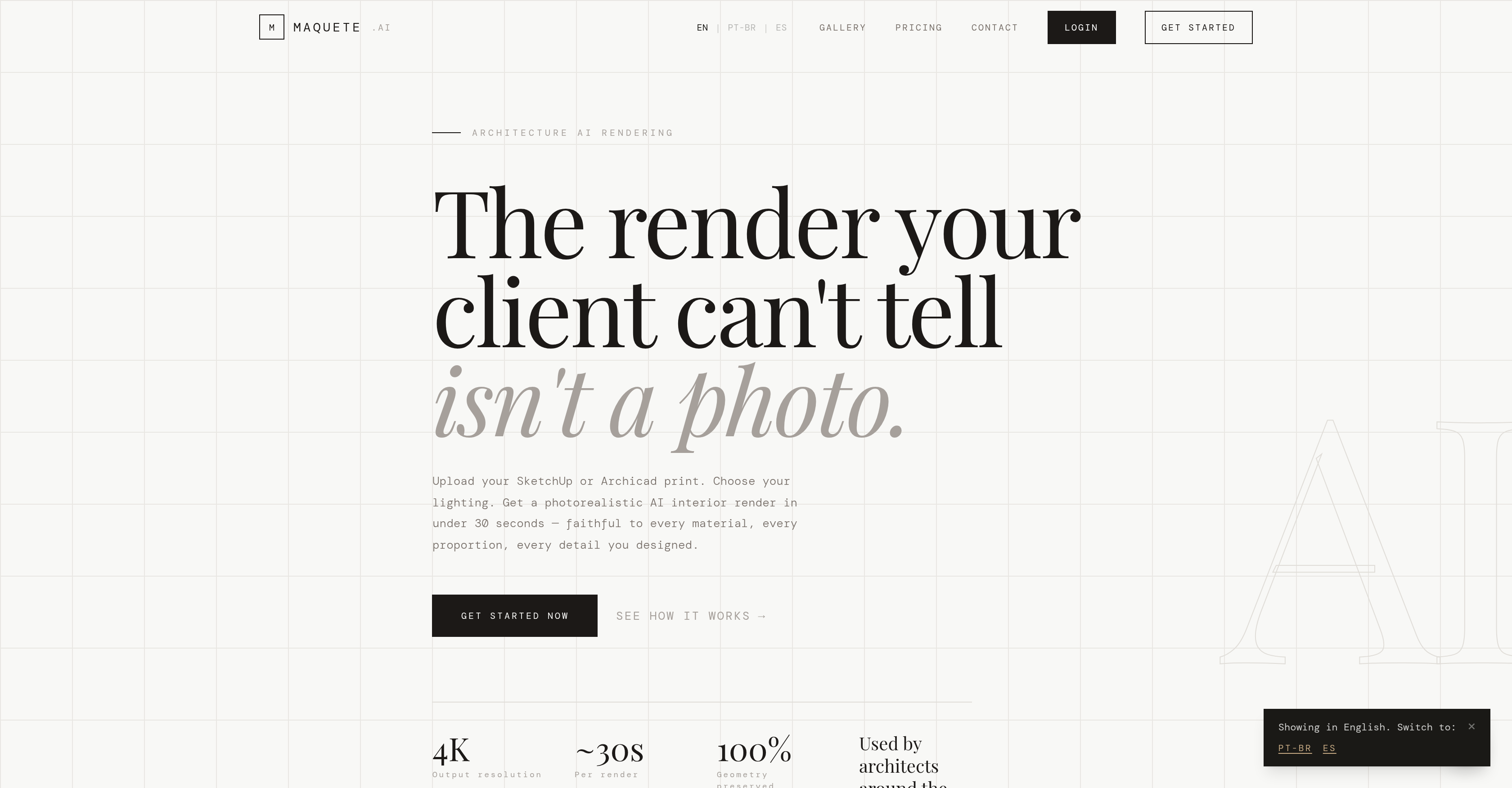
- Deliver client-ready, DSLR-quality interior renders in under 30 seconds by uploading your SketchUp or ArchiCAD prints and selecting a lighting preset
- Preserve every design detail exactly as drafted—geometry, materials, and camera angles remain unaltered—thanks to a fidelity-first AI that never reinterprets your model
- Produce ultra-high-definition 4K outputs with accurate material representation and lifelike textures, making your architectural visualization indistinguishable from a photograph
- Impress clients with cinematic video walkthroughs from static renders, adding dolly-in, diagonal tracking, and motion blur to bring designed spaces to life
- Streamline client approvals by organizing renders into shareable projects, collecting inline feedback via a public link with no account required for reviewers
- Accelerate your workflow by rendering directly from SketchUp with a one-click plugin that eliminates exports, uploads, or file conversions
- Achieve photorealistic results for both interior and exterior scenes using over 15 interior photography lighting presets like golden hour, blue hour, sheer curtain, and blinds
Pros & Cons
Pros
- Photorealistic renders
- Super quick renders
- SketchUp and ArchiCAD compatible
- Preserves original geometry
- No invented elements
- Keeps consistent materials
- Interior and exterior scenes
- Variety of lighting presets
- 4K output functionality
- Material specification option
- SketchUp plugin included
- Motion blur feature
- Video walkthrough option
- Allowance for client feedback
- Preserves original proportions
- Preserves design details
- Preserves camera angles
- Different lighting times
- Realistic illustrations
- Supports collaborative efforts
- No 3D file conversion
- Ultra-high-definition renders
- Supports material specificity
- Water running effect
- Fidelity-first approach
- Posibility to humanise space
- Prompts for animations
- SketchUp plugin
- Inline feedback collection
- Clear material consistency
- Preserves named materials
- Sheer curtain lighting
- Blinds lighting
Cons
- Limited to SketchUp, ArchiCAD
- No explicit API
- No file conversion supported
- Potentially expensive for heavy usage
- No multi-user support in low tier plans
- Limited lighting presets
- No support for exterior scenes
- No plugin support for other 3D software
- Only 4K rendering in higher tier plans
- Dependence on specific plugin for SketchUp
Reviews
Rate this tool
Loading reviews...
❓ Frequently Asked Questions
Maquete is an AI tool dedicated to rendering photorealistic architectural interiors. It provides rapid rendering capabilities for architects, allowing them to output in high resolution, preserving the detailed geometry and faithful representation of specified materials. Users can upload SketchUp or Archicad prints to the platform and receive photo-realistic AI renders within a short timeframe.
Yes, Maquete can render architectural interiors in high resolutions. It specializes in producing photorealistic architectural interiors with preserved detailed geometry resulting in high-quality imaging.
Maquete can faithfully represent any materials specified by the user. It keeps an emphasis on the fidelity of materials in the scene and does not add or modify any features.
Yes, you can upload SketchUp or Archicad prints to Maquete. It is designed to create photorealistic renders from uploads of these platforms.
Maquete can produce a render in under 30 seconds. This rapid rendering allows architects to obtain photorealistic AI renders quickly, saving valuable time in the design process.
The customization options for Maquete include lighting presets and the ability to add the specific details of materials in the scene. It offers multiple lighting presets engineered for interior photography.
Yes, Maquete preserves the fidelity of your design. It places particular emphasis on maintaining the exact details like geometry, materials, and camera angles as they are drawn. It does not reinterpret your design but preserves it exactly as you have designed.
Maquete maintains material consistency by ensuring that the materials specified by the user are faithfully represented in the final render. It does not add or modify any features, maintaining the authenticity and integrity of the user's choice of materials.
Yes, apart from producing static renderings, Maquete supports turning these renders into cinematic video walkthroughs. It allows for the creation of flowing and engaging architectural spaces that can be experienced virtually.
Yes, Maquete is perfectly suited for architectural visualization. It creates high-quality, photorealistic renders of interiors, preserving every detail of the architectural design. This makes it a powerful tool for architects for visualizing their designs.
Yes, Maquete is user-centric. It places emphasis on fidelity to the architect's design and consistency with the materials specified by the user. It allows for the upload of SketchUp or Archicad prints and provides options for customization to suit the user's needs.
Maquete interacts with textures by faithfully representing the materials specified by the user in the print uploaded. This ensures accurate representation of textures in the final photorealistic render.
Yes, Maquete maintains the camera angles from your design. It preserves the camera angles exactly as they are drawn in the print uploaded, adhering to the exact details and the authenticity of the design.
Yes, Maquete can produce 4K outputs. The tool produces high-resolution, detailed, and photorealistic renders, making it ideal for creating superior quality visualizations.
The process of using Maquete involves four steps. First, you upload your SketchUp print. Next, you choose your lighting preset. Then, you add material specifics to the scene. Finally, you get a photorealistic render that is indistinguishable from a DSLR photograph.
Yes, Maquete does provide an interactive demo. This feature allows users to compare the before and after effects of using Maquete to generate photorealistic AI renders.
Maquete ensures lighting precision through its 15+ lighting presets engineered for interior photography. These presets allow users to select a lighting condition that best suits their project, providing an extra level of detail and customization to the final render.
Yes, Maquete allows for projects and sharing. It enables users to organize their renders into projects and share with clients via a public link. Feedback can be collected inline, and no accounts are required for reviewers.
Yes, there is a native SketchUp plugin for Maquete. This allows users to render their current viewport in one click without leaving their modelling environment, and requires no exports, uploads, or file conversion.
Maquete differs from other AI render tools as it follows a principle of 'fidelity first, always'. Unlike generic AI render tools that might reinterpret your design, Maquete preserves it exactly as you designed. It also differentiates itself with its ability to offer photo-realistic renders in under 30 seconds and high-resolution output options.
Architects using Maquete can upload their SketchUp or ArchiCAD prints, choose their preferred lighting setting and specify the materials present in the scene. Maquete then generates a 4K, photorealistic render, preserving the selected materials, proportions, and design details. It also enables addition of unique details such as motion-blurred figures and running water from taps.
Maquete preserves the geometry in models by taking a fidelity-first approach, maintaining the architecture, materials, and camera angles as originally drafted by the architect. It does not hallucinate or invent any walls or furniture and offers precise geometry.
Maquete AI offers over 15 lighting presets engineered for interior photography. These include the golden hour, blue hour, sheer curtain, blinds and more to cater to different conditions and create a lifelike rendering of the scene.
Yes, you can create video walkthroughs with Maquete AI. The tool allows you to turn a static render into a cinematic video walkthrough, bringing life to your designs with effects like a dolly-in, diagonal tracking, and motion blur.
To define materials within a scene in Maquete AI, users need to specify the materials present in the scene when they are uploading their SketchUp or ArchiCAD prints. The AI tool is designed to preserve every specified material with surprising accuracy.
Yes, Maquete AI does offer a SketchUp plugin. With this plugin, users can render their current viewport in one click without leaving their modelling environment, enhancing the convenience of using the tool.
Maquete AI supports collaborative projects by allowing users to organize their renders into projects, share with clients through a public link, and collect feedback inline. This collaborative functionality makes the tool a suitable choice for team-based projects.
The output resolution of a Maquete AI render is ultra-high-definition, 4K. This high resolution contributes to the photorealistic quality of the renders.
Maquete AI is designed to generate a photorealistic render in under 30 seconds. The tool is optimized to produce lifelike illustrations quickly, without compromising on quality and detail.
Yes, Maquete AI can add unique details like motion blur. This adds to the photorealistic quality by creating illustrations of architectural designs that feel lived in.
Maquete AI has high compatibility with SketchUp and ArchiCAD. Users can directly upload their SketchUp or ArchiCAD prints for the AI-powered tool to render photorealistic images.
Yes, Maquete AI does have the ability to identify different materials present in the print. Users simply need to specify the materials when uploading their designs, and the AI tool preserves it in the scene.
Maquete AI preserves the proportions in prints by employing a fidelity-first approach. It keeps the geometry, materials, proportions, and even the camera angles as they were originally drafted by the user, ensuring authentic and accurate renderings.
Yes, Maquete AI can indeed be used to create realistic illustrations. With its ability to maintain material specifications, preserve proportions, and incorporate unique details like motion blur, it crafts lifelike renderings of architectural designs.
Maquete AI handles client feedback within the tool by allowing users to share their renders with clients via a public link. The clients can then provide their feedback inline, making the review process easy and collaborative.
Maquete AI can be used to render both interior and exterior scenes with exceptional accuracy. Its ability to preserve geometry, proportions, and design details makes it versatile for different types of architectural visualizations.
Yes, Maquete AI allows its users to get 4K output. The high-definition 4K output contributes to the lifelike quality and detail of the generated renders.
Yes, with Maquete AI, you can organize your renders into projects. This makes handling multiple rendering jobs easier and allows for easy sharing with clients for feedback and review.
Yes, you can use Maquete AI for both exterior and interior renders. The tool supports both types of scenes and delivers photorealistic outputs while preserving geometry and design details.
Maquete AI performs rendering without leaving the app through its native SketchUp plugin. Users can render their current viewport in one click inside their modelling environment, streamlining the rendering process without the need for file exports or conversions.
Pricing
Pricing model
Free Trial
Paid options from
$8/month
Billing frequency
Monthly
Refund policy
No Refunds
Related Videos
How to create an AI render from a Sketchup print with Maquete.ai
Maquete AI•107 views•Apr 10, 2026