

Overview
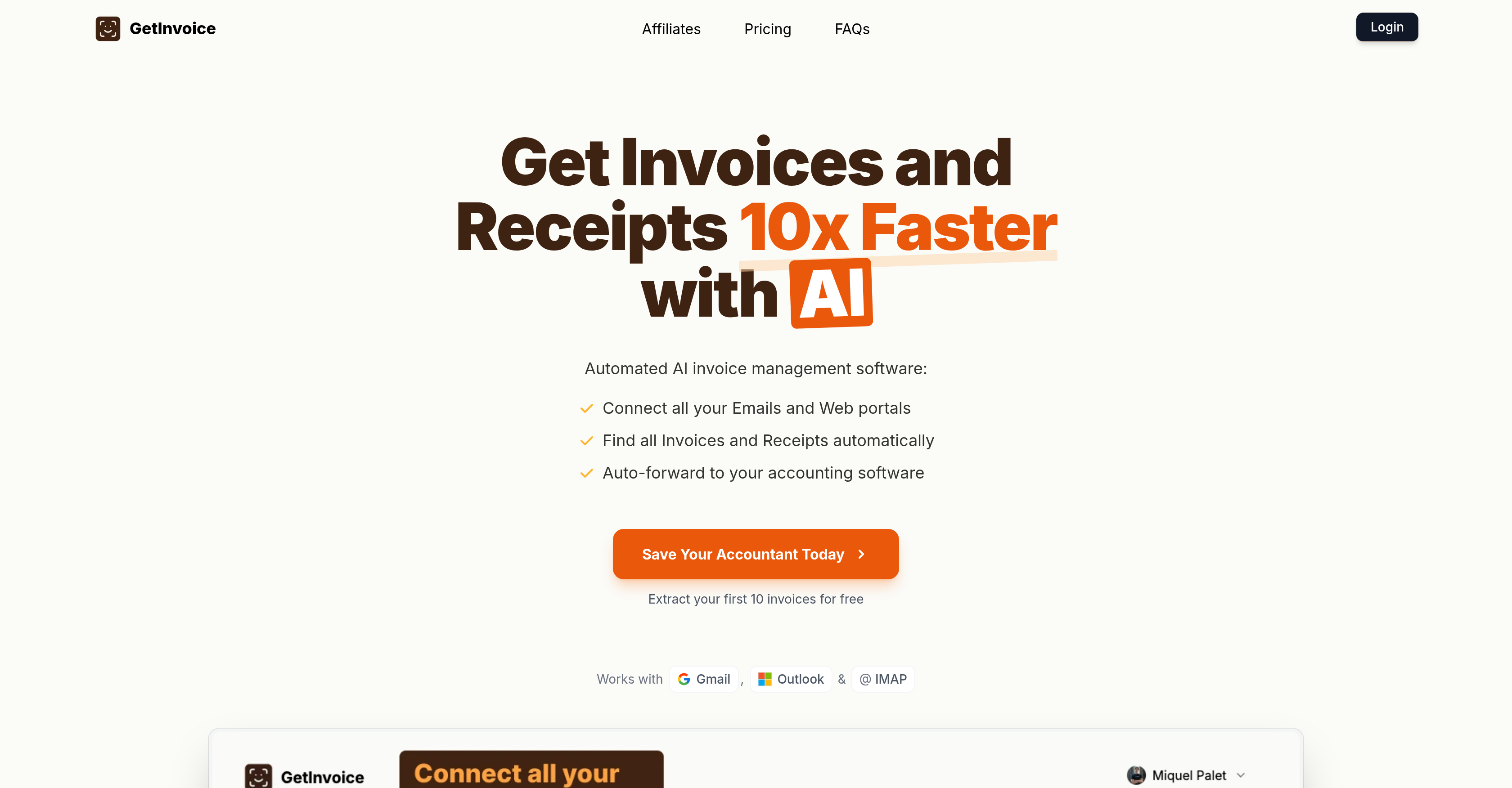
- Eliminate manual data entry completely by automatically extracting invoices from your email and web portals
- Close your books faster with automated forwarding of extracted invoice data directly to your accounting software
- Maintain perfectly accurate records with automatic duplicate detection that scans and removes repeated invoices
- Gain instant financial insights in seconds with detailed analysis of payment trends and spending patterns
- Recover your complete invoice history by retroactively fetching past invoices from all your connected accounts
- Download your entire invoice database efficiently with bulk export options for CSV and ZIP formats
- Match every transaction perfectly with automated bank reconciliation that links invoices to bank statements
- Process invoices exactly how you need with custom rules for automatic classification and forwarding
Pros & Cons
Pros
- Automated Invoice and Receipt Management
- Email and web portal integration
- Forwards documents to accounting software
- Integration with Gmail, Outlook, AliExpress
- Integration with AWS, Google Ads, Adobe
- Integration with Vercel, Meta Ads, GitHub
- Integration with Uber, Stripe, HubSpot
- Supports invoice retrieval
- Retroactive invoice retrieving
- One click invoice fetching
- Provides insights in seconds
- Custom processing rule set up
- Automated invoice management
- Decreases manual data entry
- Accelerates book closure process
- Offers usage-based plans
- Free plan availability
- 24-hour response time support
- Invoice OCR extraction
- Bank reconciliation feature
- Duplicates invoice avoidance
- Enables bulk downloads
- Supports CSV and ZIP formats
- Invoices 10x faster
- Integrates with varied web portals
- Each user gets a dedicated Google Drive folder
- Allows invite to coworkers for integration
- Daily and custom scanning options
- Chrome Extension available
- Extracts invoices from emails
- Supports unlimited email accounts
- Invoice collection feature
- Forward invoices to your ERP
- Books close 75% faster
- Safe and compliant with Google's API Services User Data Policy
- Started usage based on needs
- Connect accounts in less than 5 minutes
- Capable of fetching past invoices
- Supports unlimited bank conciliations
- Offers options to upgrade plans as needs grow
Cons
- No on-premise installation option
- Limited number of integrations
- Usage-based pricing
- Possibly lengthy setup time
- Limited to invoice processing
- No custom branding feature
- Absence of data encryption
- No shared access capabilities
- Lack of real-time collaboration
- Inability to track invoice approval
Reviews
Rate this tool
Loading reviews...
❓ Frequently Asked Questions
GetInvoice automatically manages your invoices and receipts by connecting with your email and web portals. It auto-discovers and extracts invoices and receipts and can automatically forward these documents to your accounting software. It provides an invoice OCR extraction feature that recognizes text and numbers in your invoices. GetInvoice also offers daily and custom scanning for new invoices to keep your records updated.
The benefits of using GetInvoice for invoice and receipt management include automated invoice and receipt extraction, less manual data entry, faster invoice and receipt capturing, automatic forwarding of information to your accounting software, duplicate invoice detection, bulk downloads as CSV or ZIP, bank reconciliation, and invoice OCR extraction. The software can also connect with many services to fetch invoices, provide insights quickly, set custom processing rules, and accelerate the book closure process.
GetInvoice integrates with numerous platforms and web services including Gmail, Outlook, AliExpress, Amazon, AWS, ChatGPT, Google Ads, Adobe, Vercel, Meta Ads, GitHub, Uber, Stripe, and HubSpot, among others.
To connect GetInvoice with your Gmail or Outlook account, you'll need to link your email accounts under the account settings. Once linked, GetInvoice performs automatic daily scans of your email for new invoices, fetching and extracting invoice data using OCR.
Yes, GetInvoice offers automation for data entry. It automatically extracts and forwards invoices and receipts from your email and web portals to your accounting software, significantly reducing the need for manual data entry.
GetInvoice's bank reconciliation feature helps you match your invoices with your bank statements. For duplicate invoice detection, the software performs regular scans and automatically identifies and eliminates duplicate entries, ensuring that your accounts are accurate and consistent.
Bulk downloads in GetInvoice allows you to download multiple invoices at once in CSV or ZIP formats. This feature can be accessed from the software's dashboard, saving you time from downloading invoices individually.
GetInvoice employs an OCR (Optical Character Recognition) system to handle invoice extraction. This technology scans the digital images of invoices, recognizes the text and numbers, and translates them into data that can be processed and stored.
Yes, GetInvoice is capable of retroactively retrieving past invoices from your accounts. This allows for a complete history of your invoices, which can be invaluable for bookkeeping or when you need to look up specific historical invoices.
Yes, you can use GetInvoice to extract invoices and receipts from your Amazon or AWS account. GetInvoice supports integration with these platforms to fetch your invoices in one click and process them for easier management.
GetInvoice's daily and custom scanning feature turfs through your email and linked web portals every day looking for new invoices. It then extracts the invoice data, ensuring your records are accurate and up-to-date. The custom scanning feature allows you to set your preferred frequency for these checks.
GetInvoice helps you avoid invoice duplicates by automatically scanning your invoices on a regular basis, identifying duplicate entries, and removing them, thereby ensuring the accuracy and consistency of your invoice data.
GetInvoice offers usage-based plans to cater to varying user needs. Pricing plans are designed based on the number of monthly extracted invoices. They offer a range from a free plan (for up to 10 monthly extracted invoices) to larger plans for businesses with more significant invoice numbers.
GetInvoice provides a 24-hour response time support to ensure that users get timely assistance and their queries are answered promptly.
The automated forwarding of invoices in GetInvoice works by transferring the extracted invoice and receipt data directly from your email and web portals to your accounting software. This streamlines the process and facilitates faster, more accurate bookkeeping.
GetInvoice can provide insights quickly, in just a matter of seconds. These insights include information about your invoice history, payment trends, vendor information, spending patterns, and much more that aids in sound financial management.
Yes, you can set up custom processing rules in GetInvoice. These rules allow you to automate certain actions like forwarding invoices to your accounting software or auto-classifying them according to customizable criteria.
The invoice collection feature of GetInvoice helps to gather all your invoices by integrating with your email and multiple web portals. It enables a secure collection of invoices, ensuring zero loss of these vital documents.
Yes, GetInvoice does offer a free plan. The free plan includes up to 10 monthly extracted invoices and comes with unlimited email accounts, web portal integration, bank reconciliations, and 24-hour response time support.
GetInvoice accelerates the book closure process by automating manual data entry, practicing effective bank reconciliation, detecting duplicate invoices, and enabling efficient invoice management. By integrating with your accounting software, it ensures that all relevant invoice and receipt data are readily available for finalizing your books.
Pricing
Pricing model
Freemium
Paid options from
$19/month
Billing frequency
Monthly
Refund policy
Users can request a full refund within 3 days of payment.
Related Videos
Cómo usar Get-Invoice.com para sacar tus facturas del correo en un click | TUTORIAL
GetInvoice en Español•33 views•Apr 3, 2025


