Overview
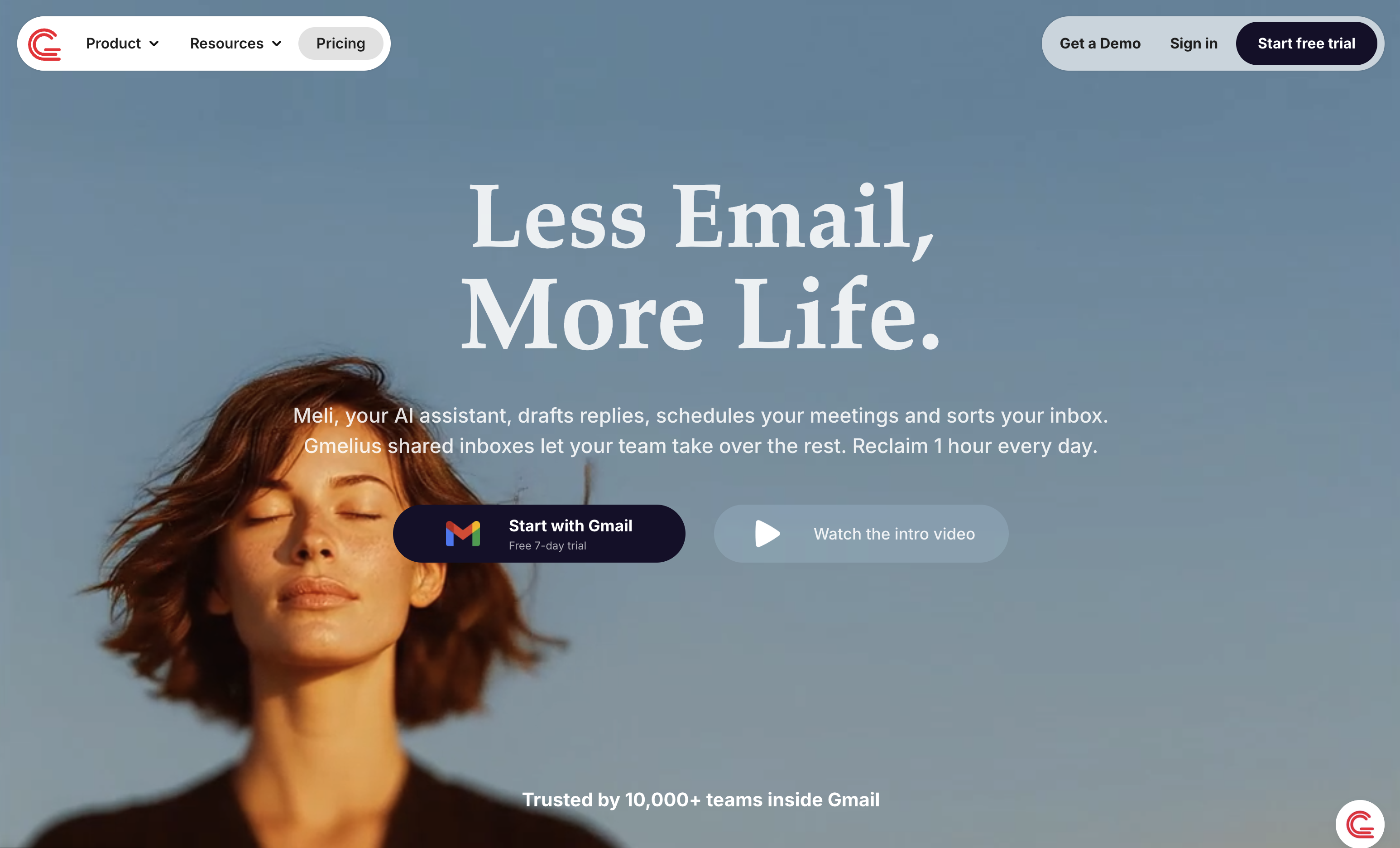
- Get AI-drafted email replies in your personal tone by analyzing thousands of past emails, saving hours on manual writing.
- Eliminate inbox chaos with AI that automatically sorts emails into actionable labels and filters out irrelevant content.
- Manage group emails without forwarding chains using shared inboxes that work directly inside your team's Gmail.
- Assign emails and track follow-ups with built-in delegation features, ensuring no customer request slips through the cracks.
- Maintain brand consistency and speed up responses with customizable email templates for common inquiries.
- Connect your email workflow to other tools through automated integrations, streamlining tasks across applications.
- Protect sensitive data with a privacy commitment that keeps your information confidential and never uses it to train AI models.
- Gain visibility into team performance with email analytics on response times, volume, and workload to optimize processes.
Pros & Cons
Pros
- Optimized email operations
- Enhances team productivity
- Streamlines email organization
- Classifies and sorts emails
- Auto-dispatches emails to teammates
- Emulates user's tone
- Makes use of past emails
- Turns emails into actionable labels
- Filters out irrelevant content
- Supports shared inboxes for Gmail
- Helps manage group emails
- Enables review and collaboration on drafts
- Offers real-time Gmail label sharing
- Supports email delegation
- Provides email templates
- Allows private links to conversations
- Ability to automate operations with integrations
- Ensures secure data processing
- Maintains user data confidentiality
- Enhances workflow efficiency
- Supports team communication
- Improves inbox optimization
- Filters emails for relevancy
- Identifies relevant email content
- Provides task delegation
- Allows for template creation
- Offers Intelligent Natural Language Processing
- Allows for real-time email collaboration
- Automate operations with third-party integrations
Cons
- Only works with Gmail
- Depends on Gmail's interface
- Limited to email management
- No Outlook compatibility
- May not fully capture user's tone
- Third-party integration may be limited
- No option to use other mail servers
- Possible inaccuracy in automatic email sorting
Reviews
Rate this tool
Loading reviews...
❓ Frequently Asked Questions
Gmelius is an artificial intelligence-enabled tool designed to optimize and streamline email operations for teams using Gmail. It has AI Assistants that help with drafting replies, sorting and classifying incoming emails, and routing emails to the appropriate teammates. Gmelius also provides shared inboxes, email delegation, email templates, and private links to enhance email management. It also offers integration capabilities with other applications, agents, and channels.
Meli, the AI Assistant in Gmelius, is responsible for drafting email replies, sorting and classifying incoming mails, and dispatching emails to appropriate teammates. Meli works 24/7 to organize emails into actionable labels, filter out irrelevant content, and ensure users focus on what matters. Moreover, Meli uses historical email data for creating responses in the user's tone and context. It also assists in scheduling meetings, planning tasks for the day, and tracking and setting follow-ups for email threads.
Gmelius optimizes email operations through intelligent automation and organization. Its AI assistants sort and classify emails, draft replies, and dispatch them to the proper teammates. It filters irrelevant content and labels actionable emails, helping users focus on important tasks. Additionally, its shared inboxes feature allows for real-time sharing of Gmail labels to ensure consistent visibility across teams. It also offers email delegation and templates, and allows real-time collaboration on draft emails.
Gmelius' AI algorithms are designed to emulate the user's tone and harness the information gleaned from thousands of past emails to draft replies. They sort emails into actionable labels, filter out irrelevant content, and dispatch emails to the appropriate teammates. The AI also aids in scheduling meetings, planning tasks for the day, and tracking and setting follow-ups for email threads.
In Gmelius, shared inboxes enable teams to manage group emails directly from Gmail. These shared inboxes make it possible for teams to review and collaborate on draft emails in real time, ensuring seamless communication within teams. It eliminates the need for forwarding or BCC chains, creating a more efficient and streamlined workflow.
Aside from its AI features, Gmelius offers a range of additional features such as shared inboxes, email delegation, email templates, and private links to email conversations to enhance email management. These features assist in real-time label sharing, collaborative drafting of emails, and keep everyone up-to-date. Gmelius also provides integration capabilities for automating operations with other applications, agents, and channels.
Gmelius integrates with other applications, agents, and channels allowing for automation of tasks and more efficient workflows. While specific integration partners are not listed explicitly, the intent is to make the email management process as streamlined and automated as possible, fitting into the existing suite of tools a team or business might already be using.
Gmelius assures secure data processing and emphasizes that user's data is confidential and not used to train AI models. This is part of Gmelius' commitment to uphold data privacy and security. Gmelius is also considered an official Google partner, leveraging Google's Gemini latest models to power AI-driven email features while keeping user data confidential and secure.
Gmelius ensures content relevance in emails by deploying its AI assistants to sort emails into actionable labels and filter out irrelevant content. It enables users to focus on what truly matters. The AI also drafts email replies based on insights gathered from thousands of past emails, further ensuring relevance and context in communication.
Yes, Gmelius does have Gmail-specific features. It is designed to work with Gmail, providing shared inboxes that allow for the management of group emails directly from Gmail. It allows for real-time sharing of Gmail labels, offering consistent visibility to the whole team. Moreover, in Gmail, Gmelius offers features such as collaborative drafting of emails and email delegation.
In Gmelius, AI assistants play a crucial role in email drafting. They are designed to draft email replies based on the user's tone and the context of previous emails. They harness information gleaned from thousands of past emails to draft relevant and effective replies.
Gmelius enhances team collaboration through shared inboxes, real-time sharing of Gmail labels, and collaborative drafting of emails. Shared inboxes allow direct management of group emails from Gmail, while shared labels provide consistent visibility across the team. Gmelius also offers email delegation and templates to enhance the process of managing emails within teams.
Gmelius categorizes emails by deploying its AI assistants to sort incoming emails into actionable labels. It automates the classification process based on insights from past emails to ensure that the organization and categorization of mails are tailored to the user's specific needs and preferences.
Yes, Gmelius can schedule meetings and plan your day. Its AI assistant, Meli, is capable of scheduling meetings by finding the right time, sending invites, and booking the meeting. Meli can also plan your day by summarizing client conversations and mapping out your tasks, ensuring you start every day with clarity.
In Gmelius, tasks can be delegated using the email delegation feature. This allows users to assign conversations or tasks to the right stakeholders, making it easier to manage workloads and ensure appropriate follow-ups. Further streamlining operations can be achieved by rolling out the AI assistant, Meli, across your team.
Yes, Gmelius offers a feature for creating email templates. These templates can help save hours wasted on copy-pasting common responses or information, making email drafting process more efficient. The email templates can be customized according to the user's contextual requirements.
Gmelius drafts intelligent replies with the help of its AI assistants. These systems harness the information gleaned from thousands of past emails and replicate the user's tone to draft replies. This ensures that the responses are contextually accurate as well as personalized.
Gmelius improves workflow efficiency by leveraging AI assistants to automate email operations including sorting, classifying, and dispatching emails. Also, through shared inboxes for Gmail, it promotes seamless team communication and collaboration in real-time. Additionally, Gmelius also allows for automation of tasks through its integration with other applications, agents, and channels.
Yes, with Gmelius, users can track their emails. Gmelius offers email analytics to make data-driven decisions. The platform gives in-depth insights into email trends, response times, email volume, and team workload, allowing users to identify bottlenecks and optimize their email management process.
Gmelius can automate integration with a ever-expanding list of applications, agents and channels. While specific integration partners aren't mentioned explicitly, the platform is designed to fit into the existing suite of tools a team or business might already be using, further enhancing workflow efficiency and automation.
Pricing
Pricing model
Free Trial
Paid options from
$21/month
Billing frequency
Monthly